Spawner Pickup Addon
- 3-02-2026, 09:00
- 443
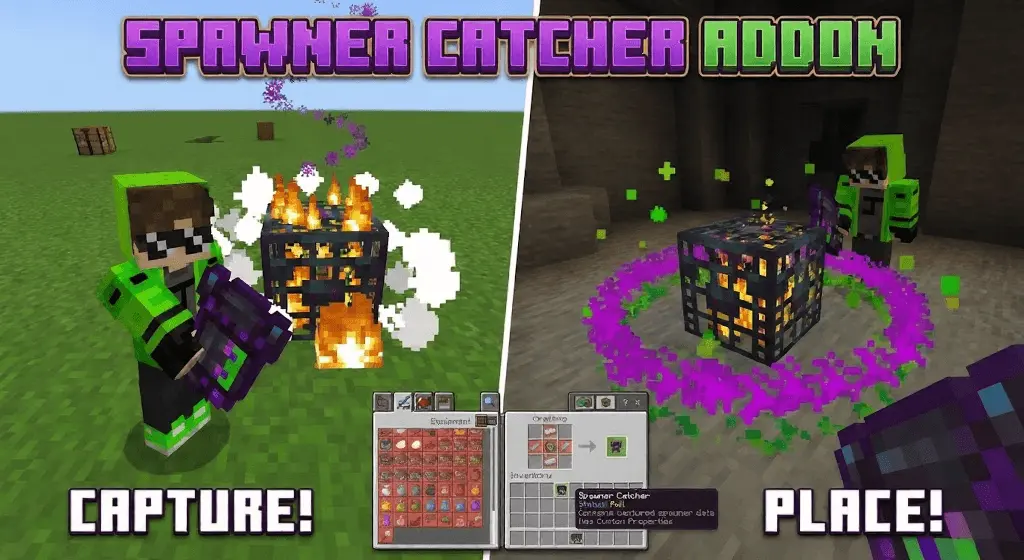
Spawner Pickup Mod — grab a mob spawner, store it safely, and drop it back down wherever you want without commands.
Spawner Pickup Mod is built for that one survival moment every player hits: you finally find a spawner, and you instantly start doing the math in your head about how annoying it’ll be to build around it, light everything up, and then live with the farm being stuck in the middle of nowhere. This addon flips that whole problem by giving you a dedicated Spawner Catcher tool that can capture a spawner without destroying it, keep the spawner’s data inside the item, and let you relocate it like it’s a real piece of loot you earned. No admin help, no sketchy workarounds, no “just switch to creative for a second” temptation — it’s meant to feel natural in survival and still make sense on SMP worlds.
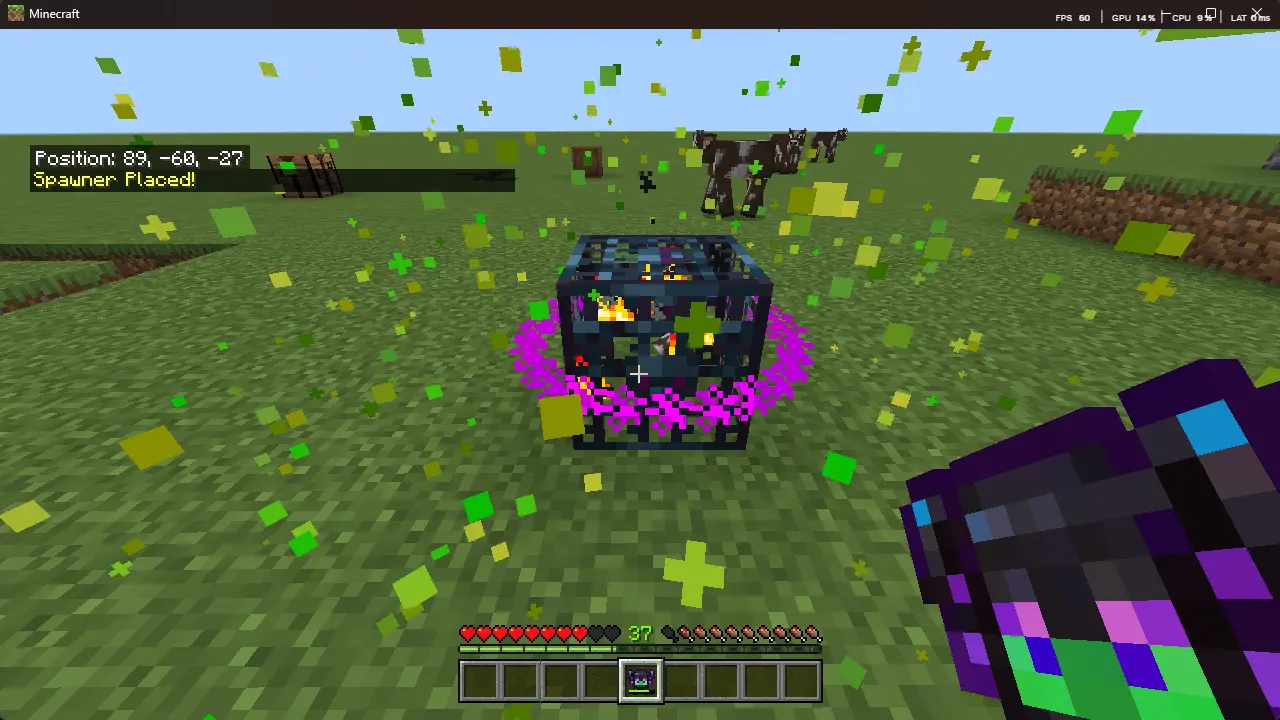
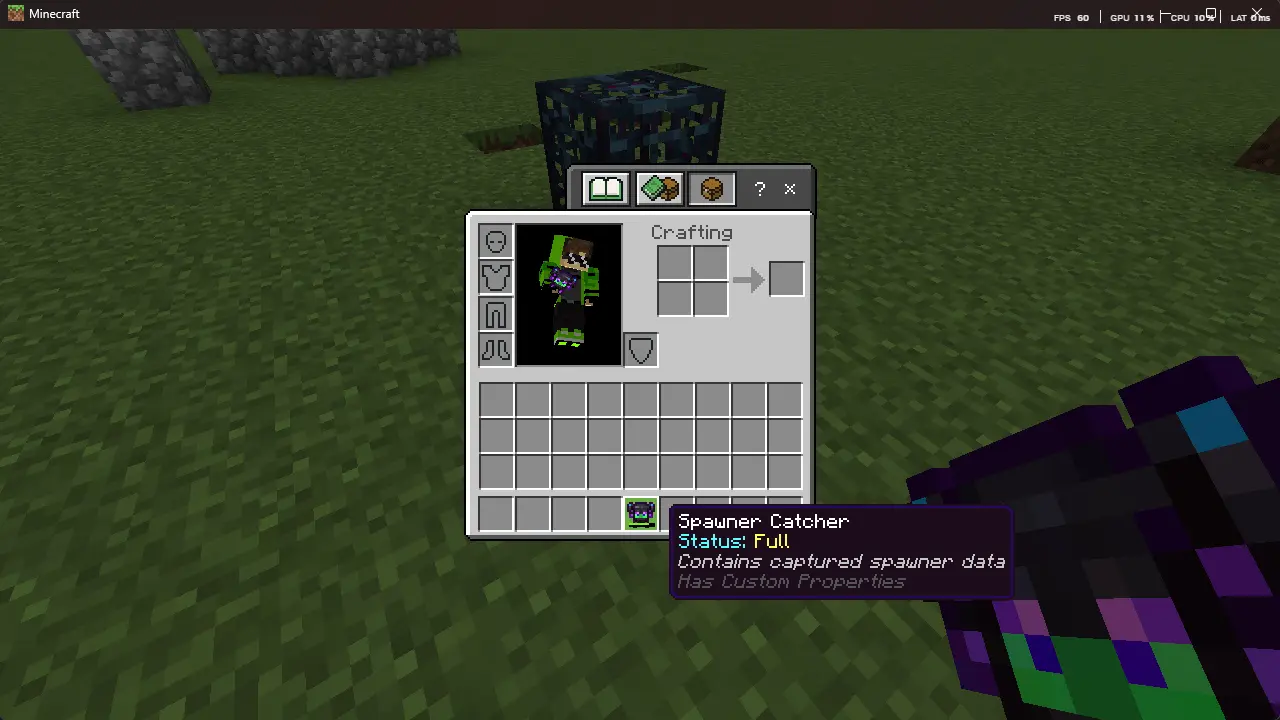
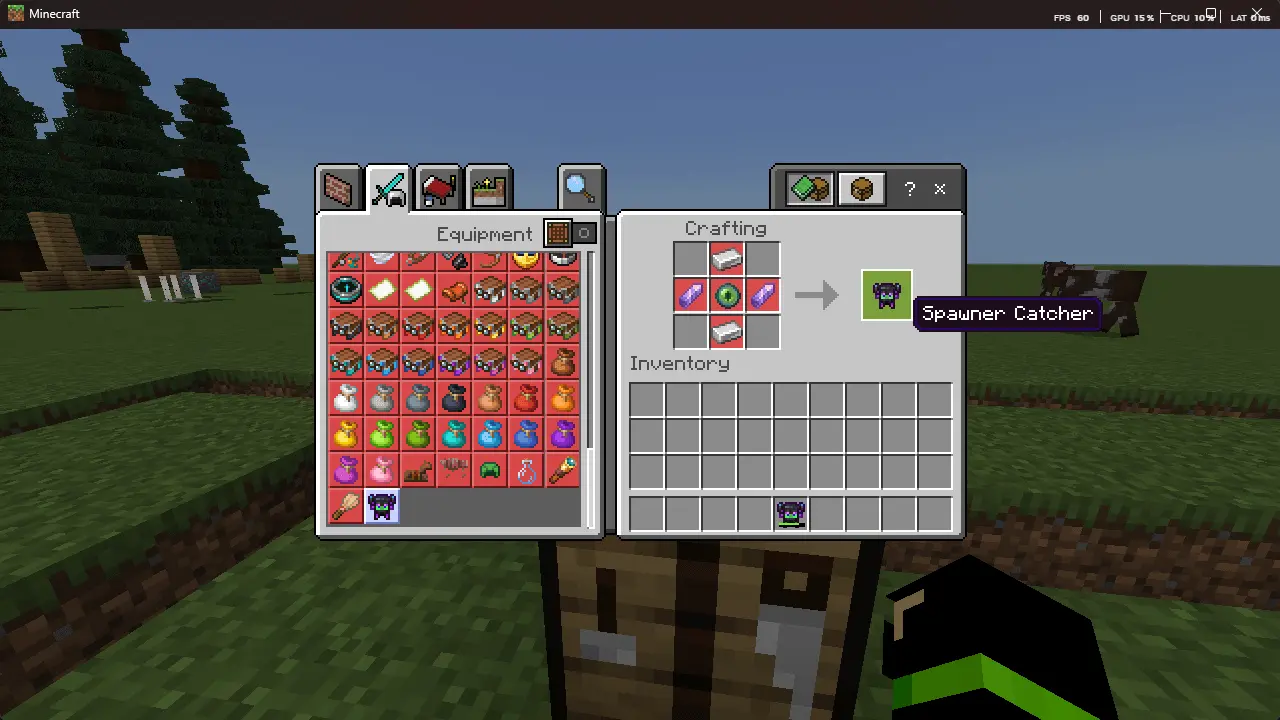
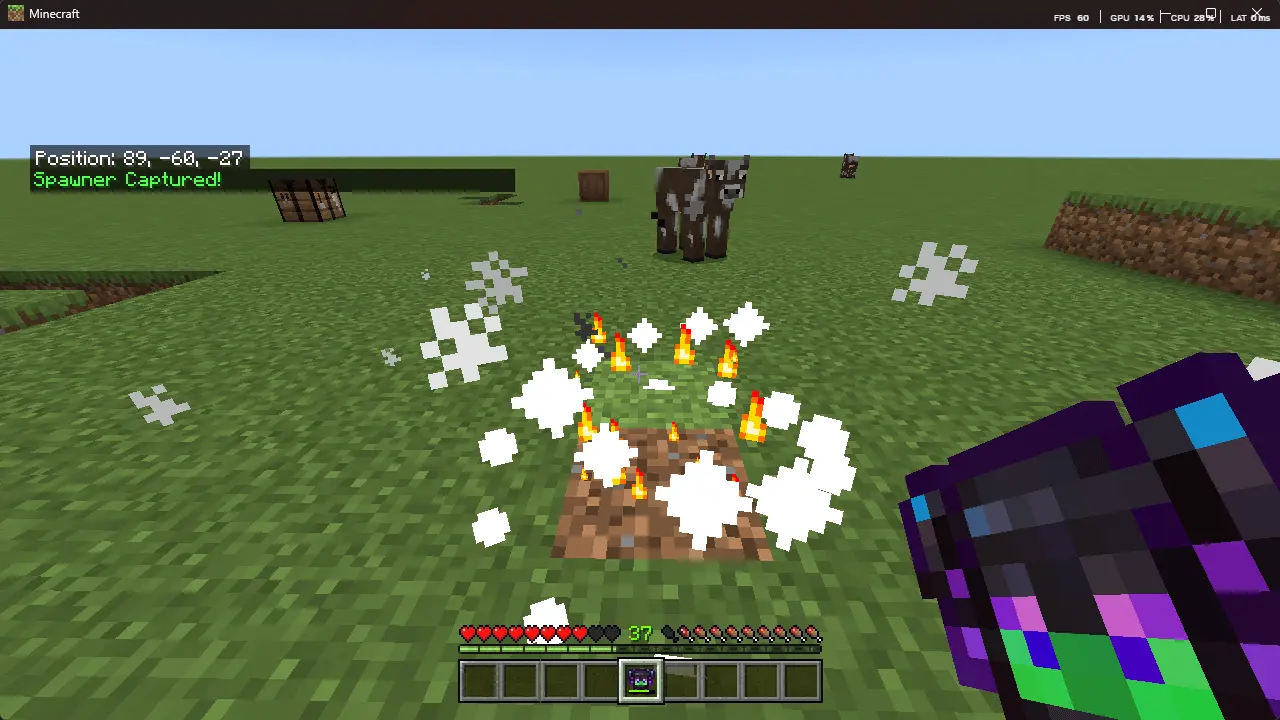
The best part is how clean it is for actual base planning. Instead of building a half-broken hallway base around some random cave room, you can move the spawner to a spot that fits your build: under your storage, beside your enchanting corner, or inside a grinder room you actually designed on purpose. Since the catcher stores the spawner data, you’re not just picking up a generic block — you’re relocating the exact spawner you found, which makes exploration feel more rewarding. It’s also perfect for map makers or server owners who want farms and progression to be about smart decisions, not about who has the most patience for walking back and forth to a distant chunk.
And it doesn’t try to turn your world into a free XP vending machine either. Spawner Pickup Mod stays balanced with durability and cooldown mechanics, so you can’t just spam moves nonstop and delete the whole survival grind. You still have to choose when a relocation is worth it, and that’s what keeps it feeling fair in multiplayer. If you’re the type who loves grinders, efficient farms, and clean base layouts, this one basically turns spawners into a real survival resource you can build around on your terms — while still keeping the “you earned this” vibe intact.
Installation:
— Download McPack
— Install McAddon or McPack files, just open it for this;
— Select new textures in the settings;
— Done.
Comments (0)