simple health bar Addon
- 7-02-2026, 18:40
- 794
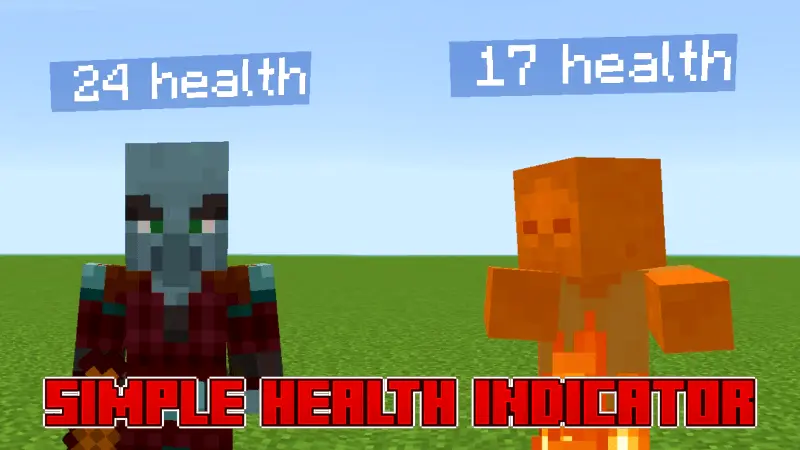
Simple Health Bar Mod — a lightweight way to see mob HP in Minecraft Bedrock without turning your world into a lag fest.
Simple Health Bar Mod does one thing, but it’s the kind of thing you’ll miss the second you take it out: it lets you see mob health. If you’ve ever been in a messy cave fight and couldn’t tell if that skeleton is one hit away from dropping or if you’re about to waste another swing, this fixes that instantly. Same deal with tougher mobs where fights drag on—seeing the health makes combat feel way more readable, so you stop guessing and start making better decisions, like when to push, when to back up, or when to swap targets.
The best part is the whole “without lag” promise. A lot of health display add-ons can get heavy when there are multiple mobs around, especially if you’re farming, raiding, or just running through a packed area at night. Simple Health Bar Mod is meant to keep it clean and fast, so you can have health visible without your frames dying the moment a group spawns. That’s huge for survival worlds where you’re constantly around mobs, and it’s also nice for PvE training setups where you’re testing weapons, fighting waves, or just trying to improve your timing.
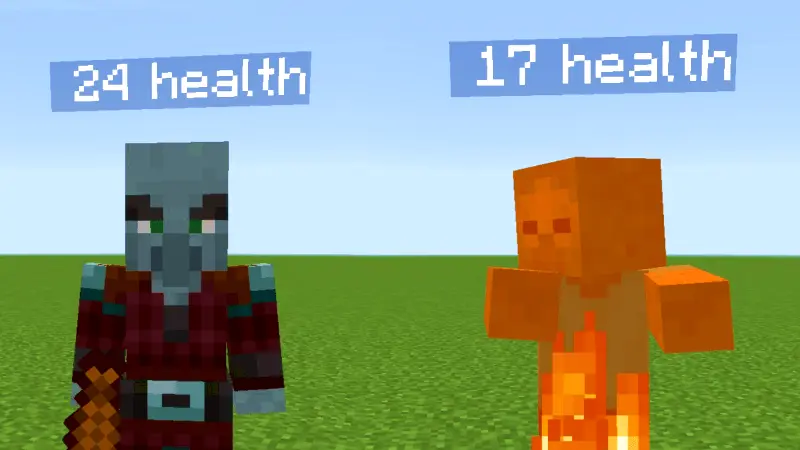
In normal gameplay, it changes how you approach fights in small but super practical ways. You can focus-fire smarter, you can stop over-hitting targets that are basically dead, and you can instantly tell when something tanky is actually tanky versus just feeling annoying. It also helps with ranged combat because you can watch health drop as you land shots, which makes bow fights feel less random. And if you’re playing with friends, it makes calling targets easier—everyone can see what’s low and what needs attention instead of screaming “he’s one shot!” when he definitely is not one shot.
Simple Health Bar Mod is basically a quality-of-life upgrade that makes combat clearer without trying to reinvent anything. If you want mob HP visibility in Minecraft Bedrock and you don’t want extra lag or complicated systems, this is the clean, simple fix.
Installation:
— Download McPack
— Install McAddon or McPack files, just open it for this;
— Select new textures in the settings;
— Done.
Comments (0)