TunerCars Fairblock Z Addon
- 17-02-2026, 09:02
- 585
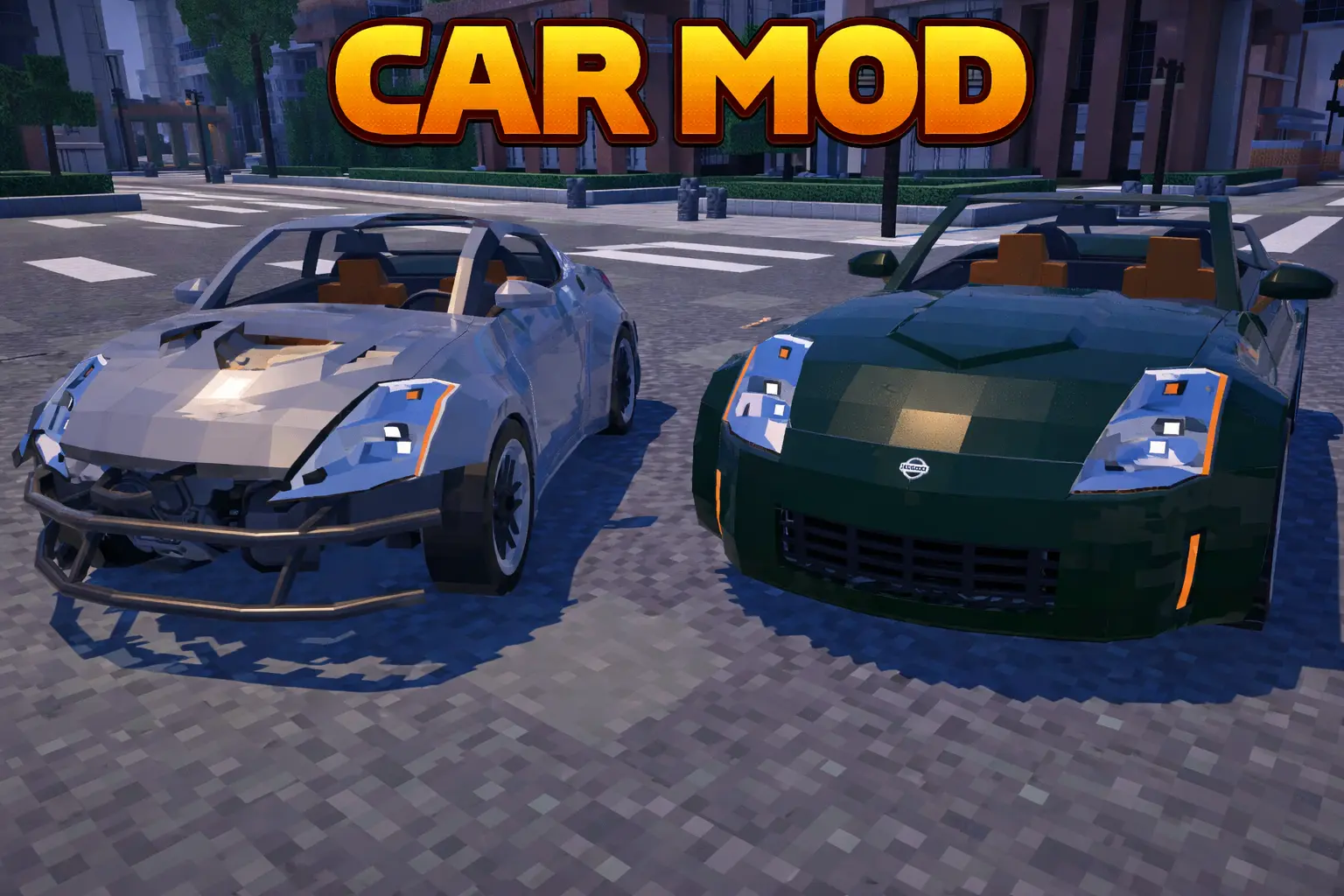
TunerCars Fairblock Z Mod — a realistically scaled sporty coupe with working lights and windows, plus deep customization that looks clean without wrecking your performance.
TunerCars Fairblock Z Mod drops a detailed Z-style coupe into your world with two main flavors: the LHD Z35 and the RHD Fairblock Z. The cool part is how “complete� the car feels the moment you spawn it in—interior lights work, exterior lights work, windows work, and the whole thing is built to look properly sized and detailed without turning your game into a slideshow. If you’re running Vibrant Visuals, this is where the car really starts to shine, because the lighting features are made to play nice with that look.
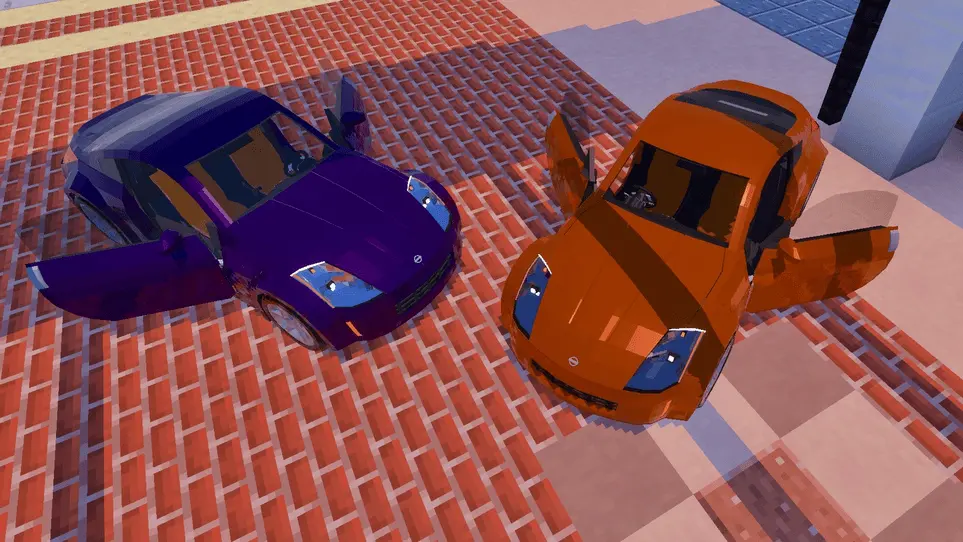
Customization is the whole point here, and TunerCars Fairblock Z Mod lets you dial the car into the exact style you want instead of locking you into one preset. You can cycle body styles between coupe, convertible, and a Pandem/RB widebody setup, so you can keep it clean, go open-top, or push the stance harder with the wider kit. The convertible top opens and closes, and there’s even a way to roll down the windows and open the convertible cover so it doesn’t feel like a fake “convertible skin.� Doors open too with a shift click, which sounds small, but it’s the kind of detail that makes the car feel like an actual vehicle instead of a prop you sit on.
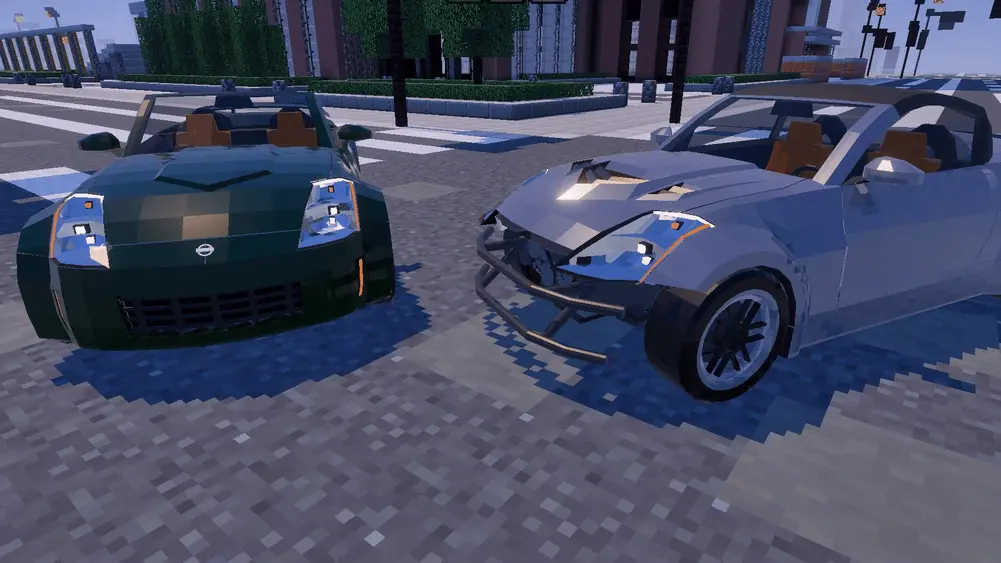
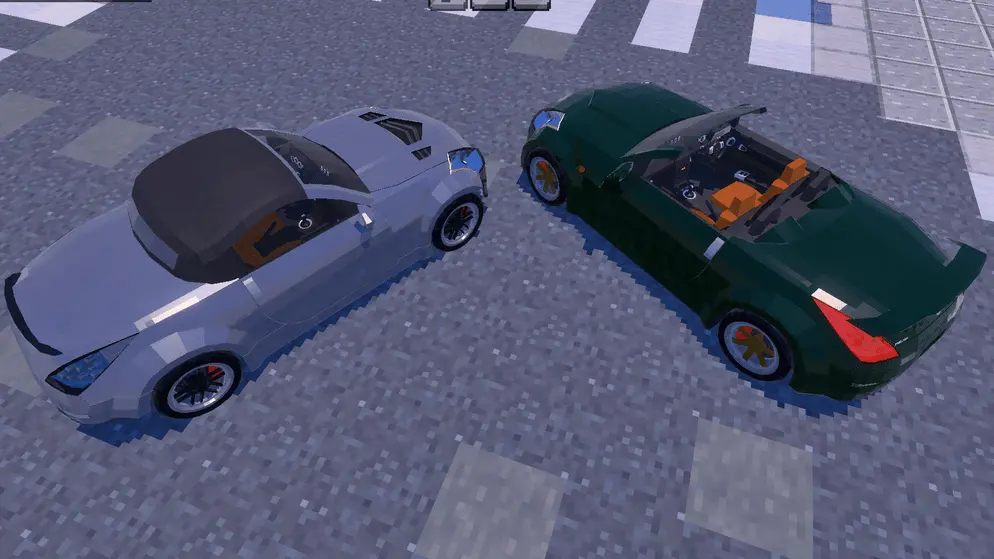
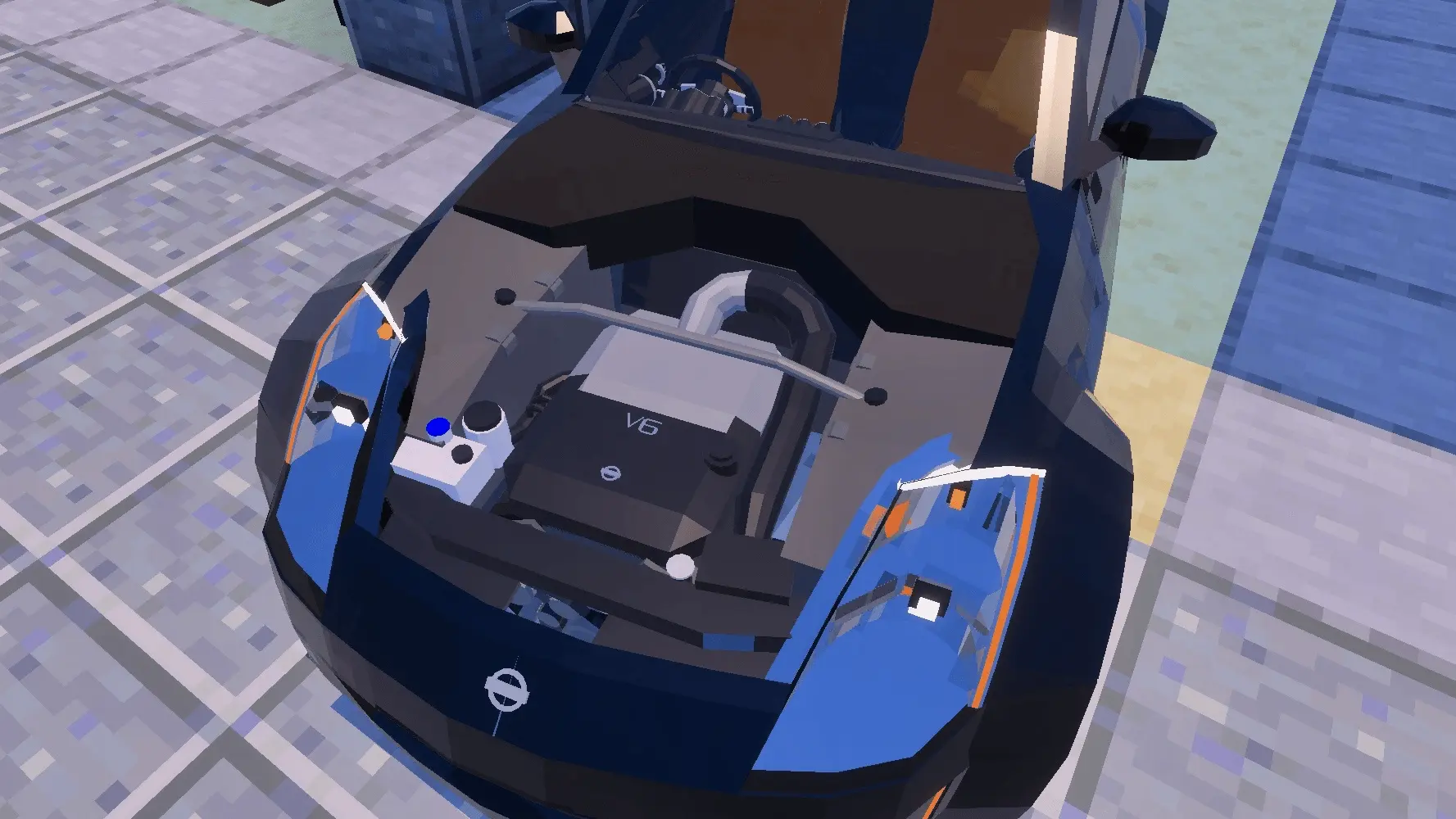
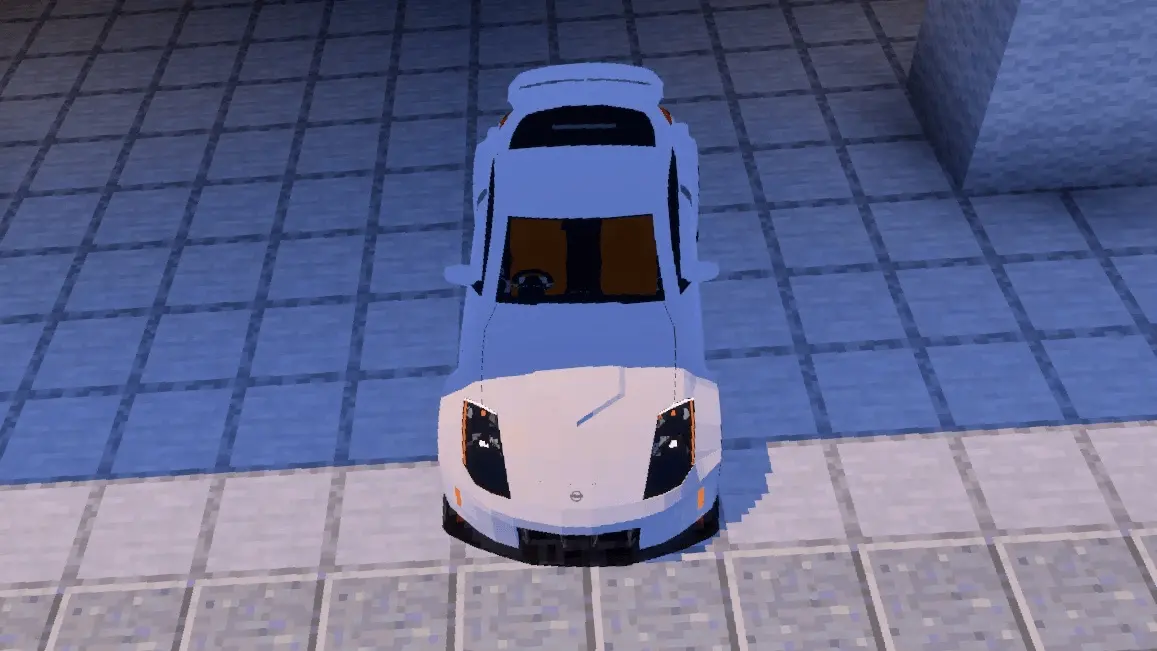
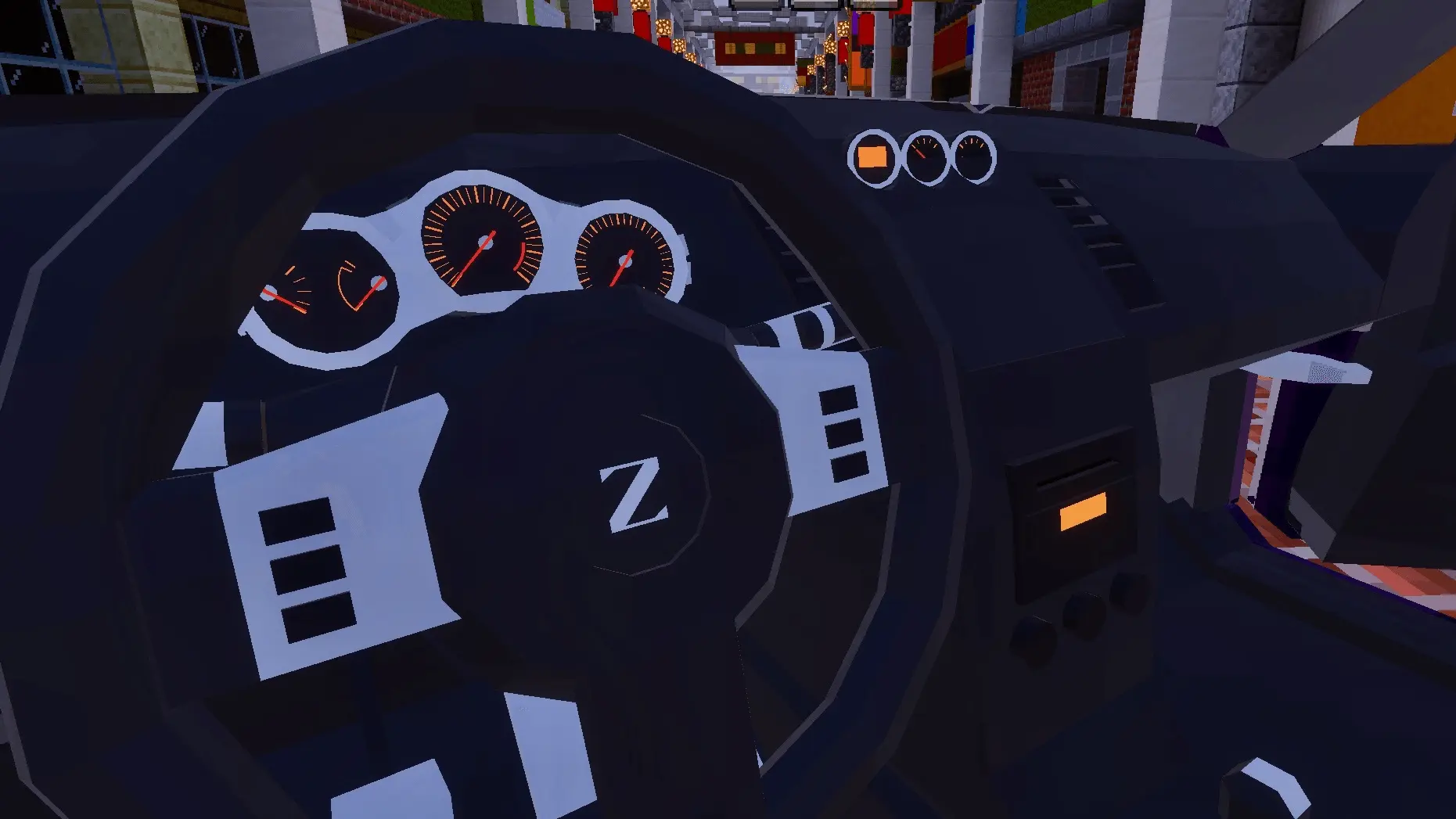
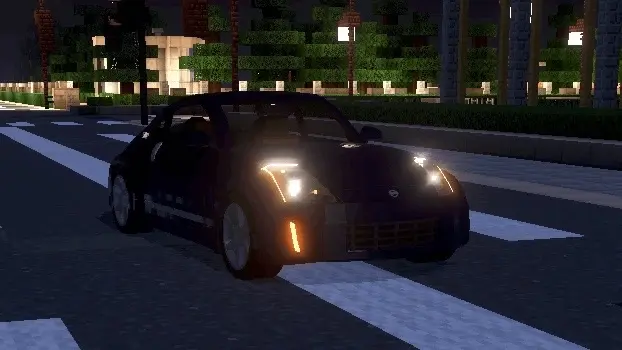
Lighting gets extra love in this mod. Hazard lights can kick on in the rain, and the lights are designed to work with Vibrant Visuals turned on. You’ve got multiple headlight and taillight styles to swap between, plus different light covers so you can run a more OEM vibe or go smoked. On top of that, you can tweak the look with choices like hood styles, bumper styles, spoiler styles, rim styles, and even fitment and camber. Suspension tuning is part of the package too, with adjustable suspension options that let you lower ride height and push the stance. The Angle Kit gives you camber settings at -0, -2.5, and -5 degrees, so you can keep it normal or go full tilted show-car mode depending on the build you’re parking it next to.
TunerCars Fairblock Z Mod makes the whole customization loop feel hands-on with dedicated items that do specific swaps. A screwdriver handles bumpers, with shift click swapping the rear bumper, and it’s also clear that it won’t work on the widebody setup. A ratchet swaps wheels, and a wrench swaps the hood while shift click swaps the spoiler. A wiring kit changes headlight and taillight styles, pliers handle the light covers (front normally, taillights with shift click), and the blueprint cycles between coupe, convertible, and widebody. The converter is your go-to for rolling windows down and opening the convertible cover, coilovers lower the suspension ride height, and wheel spacers widen the track for the widebody look. Add in the 13 OEM-inspired body colors, the full suspension/engine/drivetrain detail, and both RHD and LHD variants, and TunerCars Fairblock Z Mod ends up feeling like a full-on tuner garage toy you can keep tweaking every time your style changes.
Installation:
— Download McPack
— Install McAddon or McPack files, just open it for this;
— Select new textures in the settings;
— Done.
Comments (0)