Dynamic Light 38 Addon
- 7-03-2026, 07:51
- 282
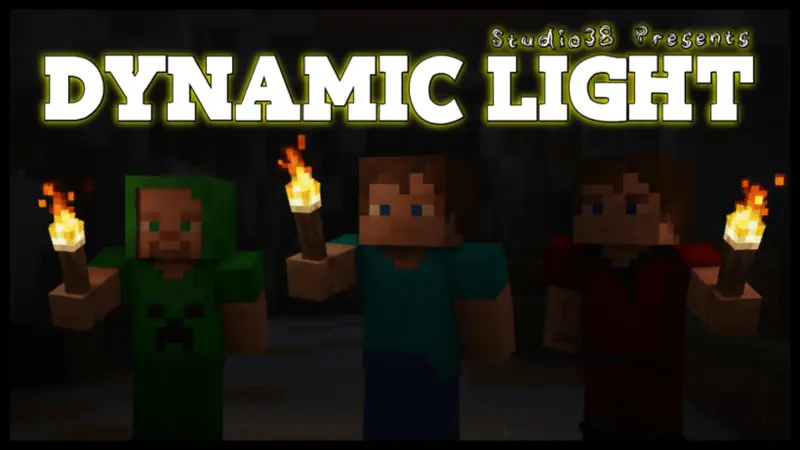
Dynamic Light 38 Mod — turn a simple torch into a moving spotlight so you can actually see while fighting, mining, and exploring without juggling your hotbar every few seconds.
With Dynamic Light 38 Mod installed, you stop spam-placing torches just to figure out what’s in front of you. You grab a torch, stick it in your offhand, and that’s it—every step you take throws light around you as if you were carrying a portable lantern. Your main hand stays free for the important stuff, like a sword, pickaxe, or shield, while the torch quietly does its job just by being held. Walking into a cave, digging down, or sprinting through the night suddenly feels way smoother because you’re not constantly stopping to place and break torches just to move a couple of blocks forward.
In survival runs, Dynamic Light 38 Mod completely changes the rhythm of early game caving. You can drop into a fresh mine with a sword in your main hand, torch in offhand, and just flow through tunnels, lighting everything up as you go. You spot ores faster, you see mobs before they’re in your face, and when you’re low on health you can retreat without having to stop and throw down more light. If you’re exploring the surface at night, the glow moving with you helps you avoid holes, water, and surprise creepers, instead of running blind across dark fields. It doesn’t mess with your blocks or progression; it just makes basic exploring feel a lot less clunky.
For builders and Redstone players, this addon is a quiet lifesaver. When you’re working on big interiors, redstone lines, or base tunnels, you can keep your tools in your main hand and still see exactly what you’re doing, even if you haven’t finished the permanent lighting yet. It’s especially nice when you’re making huge projects on servers or Realms and don’t want to spam temporary torches everywhere. Since Dynamic Light 38 Mod is designed to play nicely with other packs, you can stack it with performance tweaks, texture packs, or behavior addons without worrying about it breaking your setup. You just grab a torch in either hand, walk out into the dark, and your world follows you with light instead of leaving you guessing what’s hiding one block ahead.
Installation:
— Download McPack
— Install McAddon or McPack files, just open it for this;
— Select new textures in the settings;
— Done.
Comments (0)