View FPS Addon
- 10-12-2025, 21:11
- 1 458
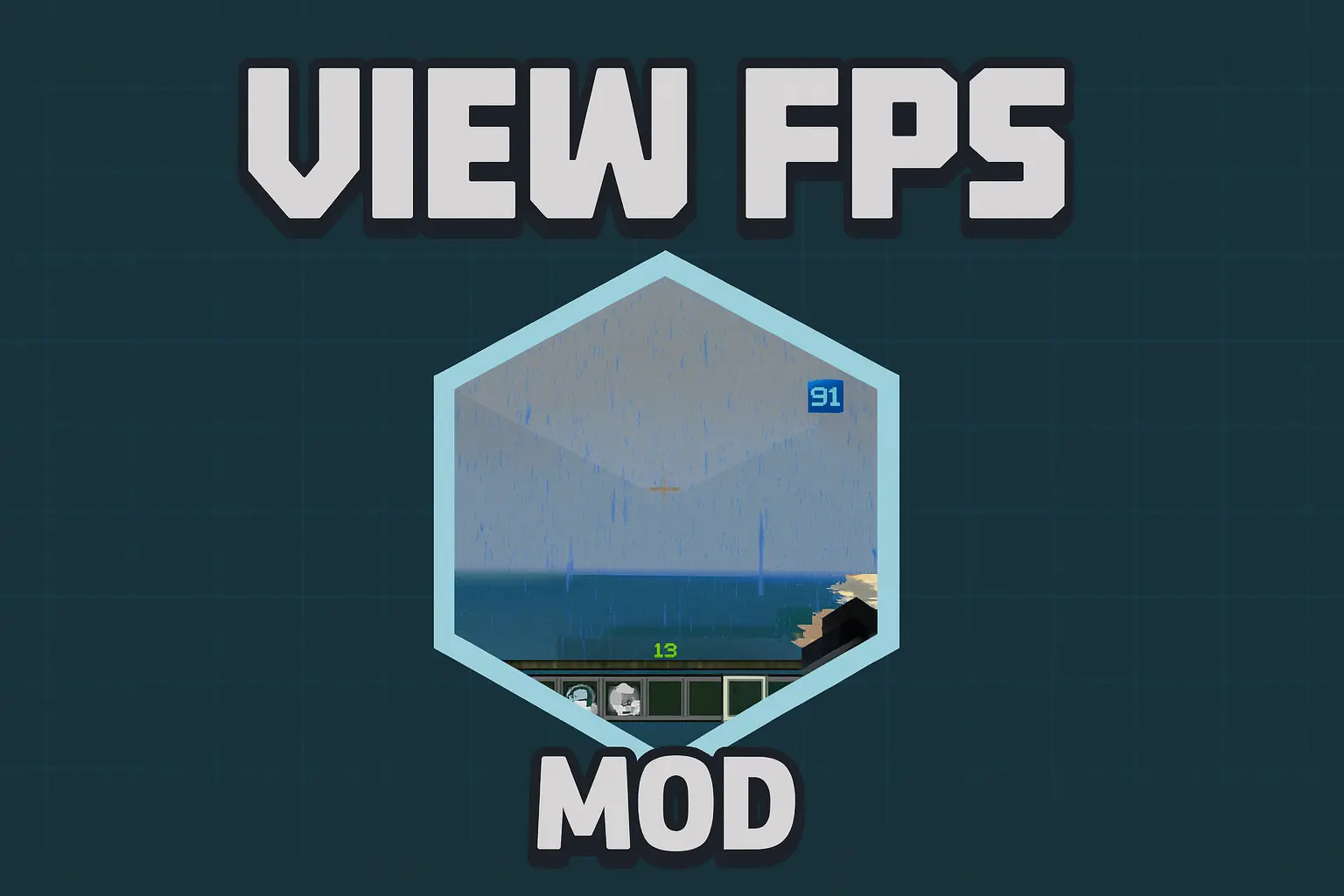
View FPS Mod — a clean little performance HUD that shows your real FPS everywhere you play without nuking your capes or messing up your look.
With View FPS Mod installed, you finally get a proper, live FPS counter in Minecraft Bedrock instead of guessing whether things are running smoothly or just “feeling weird.� As soon as you load into a world, local or online, the counter quietly updates in real time so you can see exactly how your framerate reacts when you change settings, walk into busy areas, or pile up mobs and particles. It works on Realms, regular servers, and singleplayer worlds, and you can even load it as a simple local texture pack, so you don’t have to nag the owner of a Realm or community server to install anything on their end. You just enable it on your side and instantly get performance info everywhere you play.
For survival and long-term worlds, this is perfect if you’re trying to balance visuals and smooth gameplay. You can stand in your base, tweak render distance, shadows, or shaders, and watch your FPS number jump up or down in real time. Big farms, mob grinders, or redstone-heavy areas stop being mystery lag zones; you see exactly when your framerate tanks and can redesign or trim things before they become a problem for you or your friends. On lower-end devices, that live number is also great for testing which areas of the map are safe to build big and which ones you should keep simpler so you don’t turn your game into a slideshow.
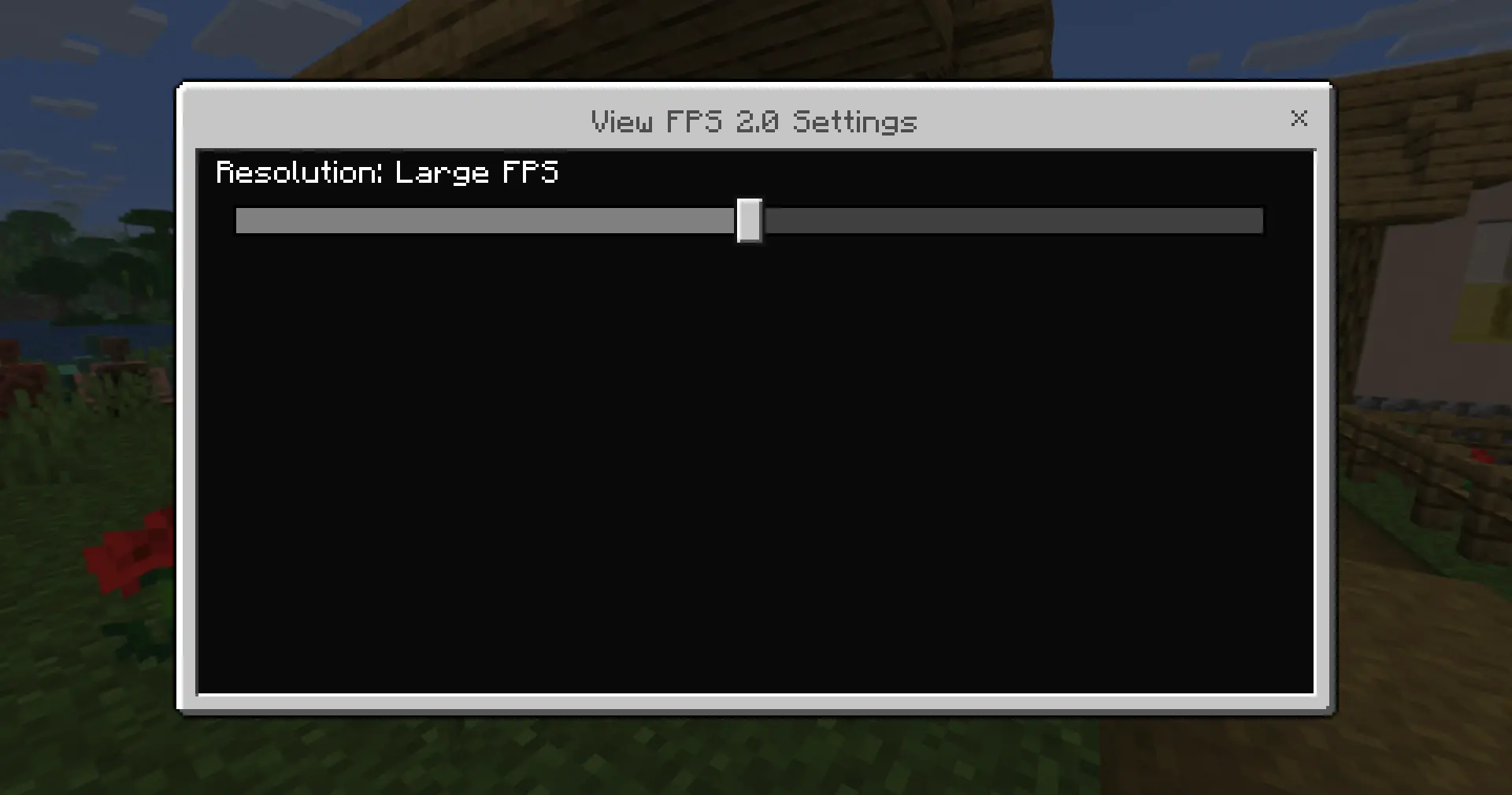
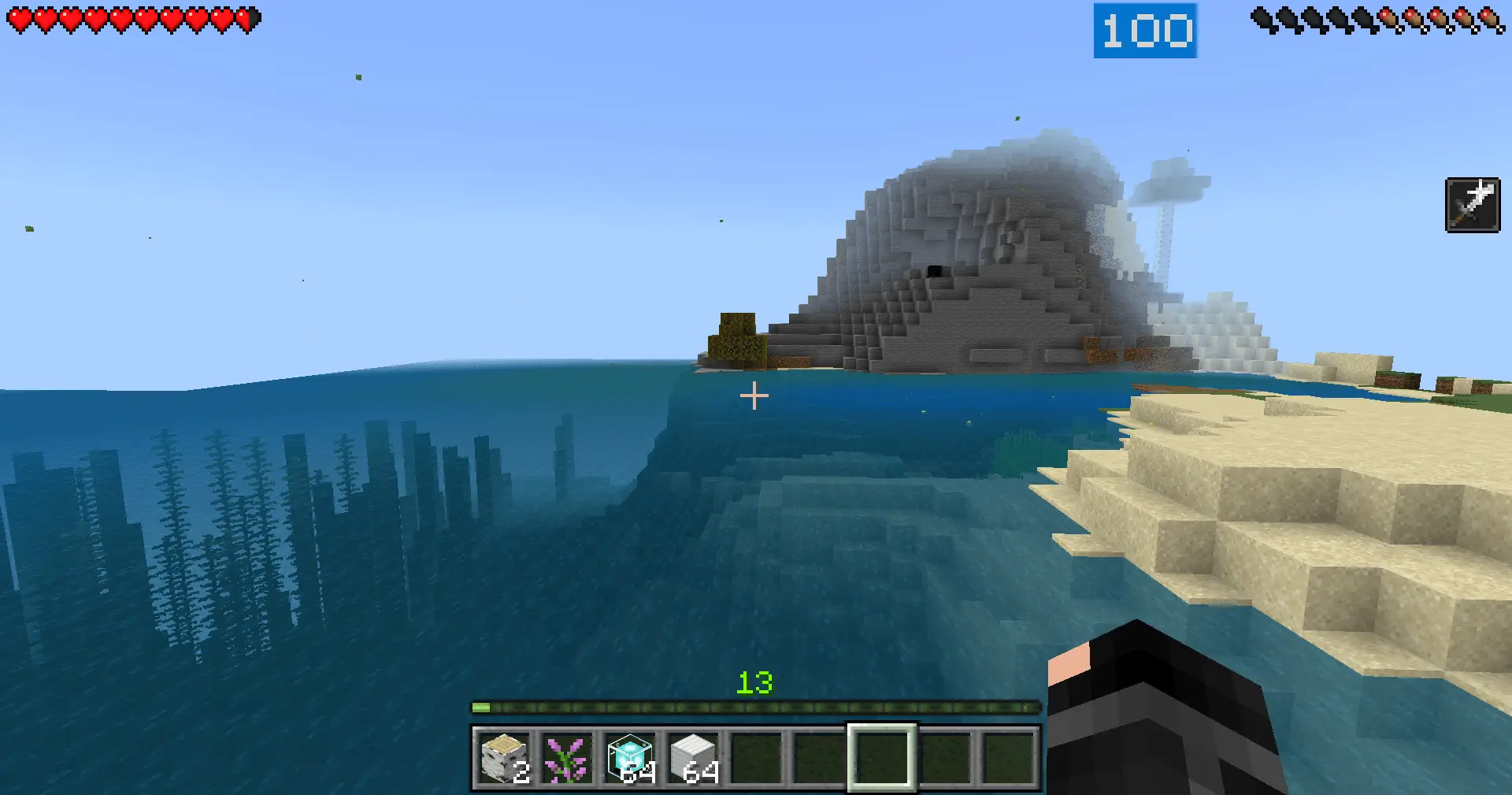
The best part is that View FPS Mod doesn’t demand any weird tradeoffs. A lot of FPS-oriented packs kill off cosmetic stuff like capes just to grab a few extra frames or simplify rendering. This addon lets you keep wearing capes normally while still showing your FPS, so you don’t have to choose between looking cool and monitoring performance. It’s lightweight, unobtrusive, and does one job well: tell you how smoothly your game is actually running. Whether you’re tuning a massive base, diagnosing lag on a Realm, or just curious how stable your device is under load, View FPS Mod gives you that info at a glance without changing how you play or how your character looks.
Installation:
— Download McPack
— Install McAddon or McPack files, just open it for this;
— Select new textures in the settings;
— Done.
Comments (0)