DEMON SLAYER (ANIMA) Addon
- 4-06-2026, 12:21
- 799
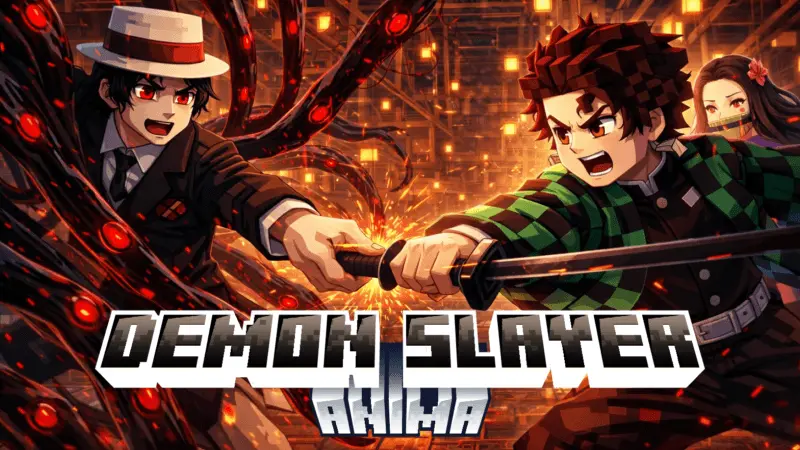
DEMON SLAYER (ANIMA) Mod — a simple character addon that brings Tanjiro and other Demon Slayer characters into your Minecraft world.
DEMON SLAYER (ANIMA) Mod is for fans who just want Demon Slayer characters walking around in their world without needing a complicated system attached to it. The idea is straightforward: you add Tanjiro and others into Minecraft, so your world instantly gets that anime crossover flavor. If you’re the type who builds themed areas, roleplay worlds, or just likes seeing familiar characters in your screenshots, this addon is basically a quick way to make your save feel different without changing how you normally play.
The best way to use DEMON SLAYER (ANIMA) Mod is to treat it like a vibe and story tool. Drop the characters into a village and suddenly it feels like a little anime meetup spot. Put them around your base like guards or visitors and it turns your home area into a mini scene. If you’re building a Japanese-style town, a mountain shrine path, or a “demon hunting” route through forests and caves, having Tanjiro and the other characters present makes the whole build feel more on-theme even if you’re still doing regular survival chores in the background. It’s also perfect for casual multiplayer because everyone recognizes the characters and immediately starts setting up their own little headcanon, which makes the world feel more alive.
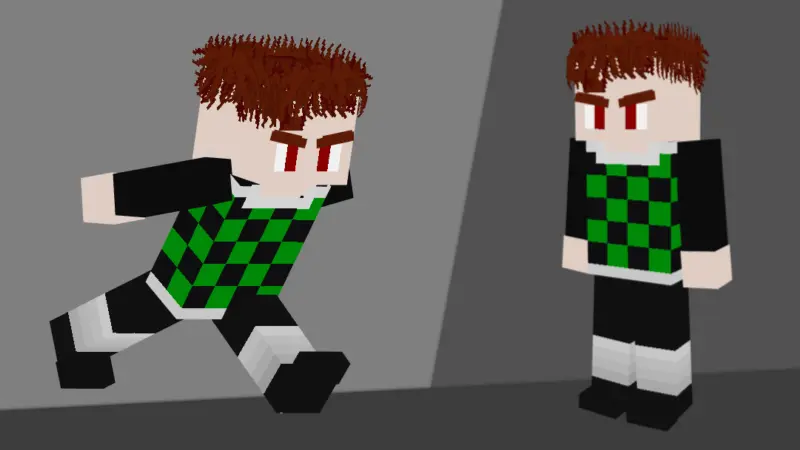
Since the description only promises that it adds Demon Slayer characters to your Minecraft world, the real fun comes from what you do with them. Use them as landmarks, use them as roleplay anchors, or just keep them around for the aesthetic. DEMON SLAYER (ANIMA) Mod is the kind of addon that works best when you already have a theme in mind and you want the world to look like it has a cast—Tanjiro included—so your builds and adventures feel like they’re happening inside an anime crossover instead of a totally empty sandbox.
Installation:
— Download McPack
— Install McAddon or McPack files, just open it for this;
— Select new textures in the settings;
— Done.
Comments (0)