Crafty-The Companion Addon
- 19-07-2026, 15:31
- 361
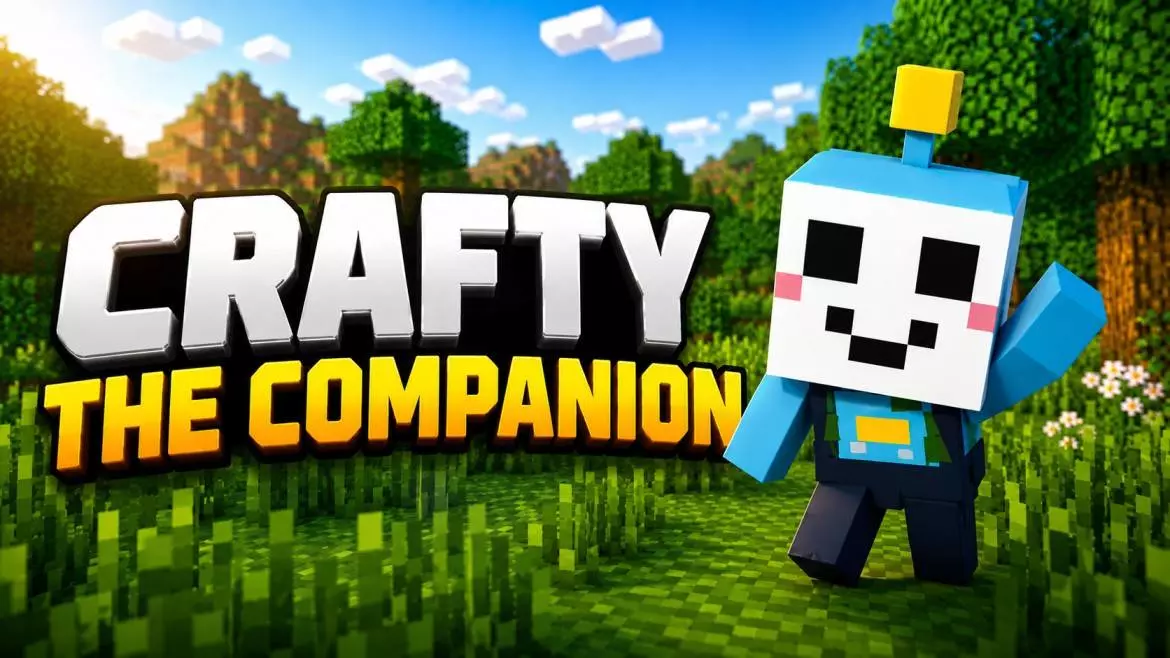
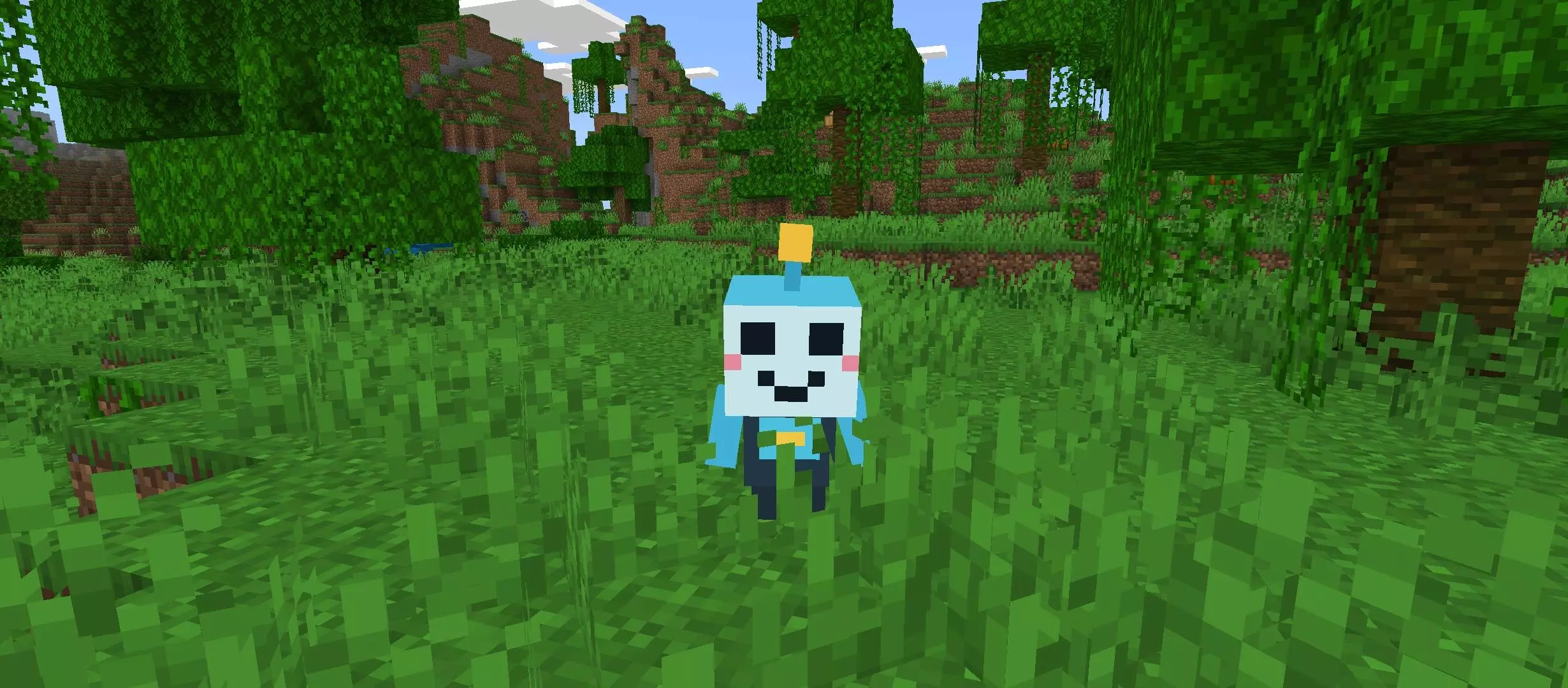
Playing singleplayer survival can get incredibly lonely after a while, and standard in-game pets usually just end up getting stuck in caves or falling into lava. The Crafty The Companion add-on completely changes that dynamic by dropping a highly intelligent, interactive AI partner right into your world. Instead of just being a mindless follower, Crafty actually acts like a real co-op partner that reacts to your environment and actively communicates with you while you play.
A Built-in Survival Wiki
One of the most annoying parts of a deep survival run is having to constantly tab out of the game to look up a potion recipe or check how to spawn a boss. Crafty basically acts as a walking encyclopedia. You can chat with it directly in either English or Hindi, and it will pull from a massive database of Minecraft knowledge to give you crafting recipes, Nether guides, or building tips on the fly.


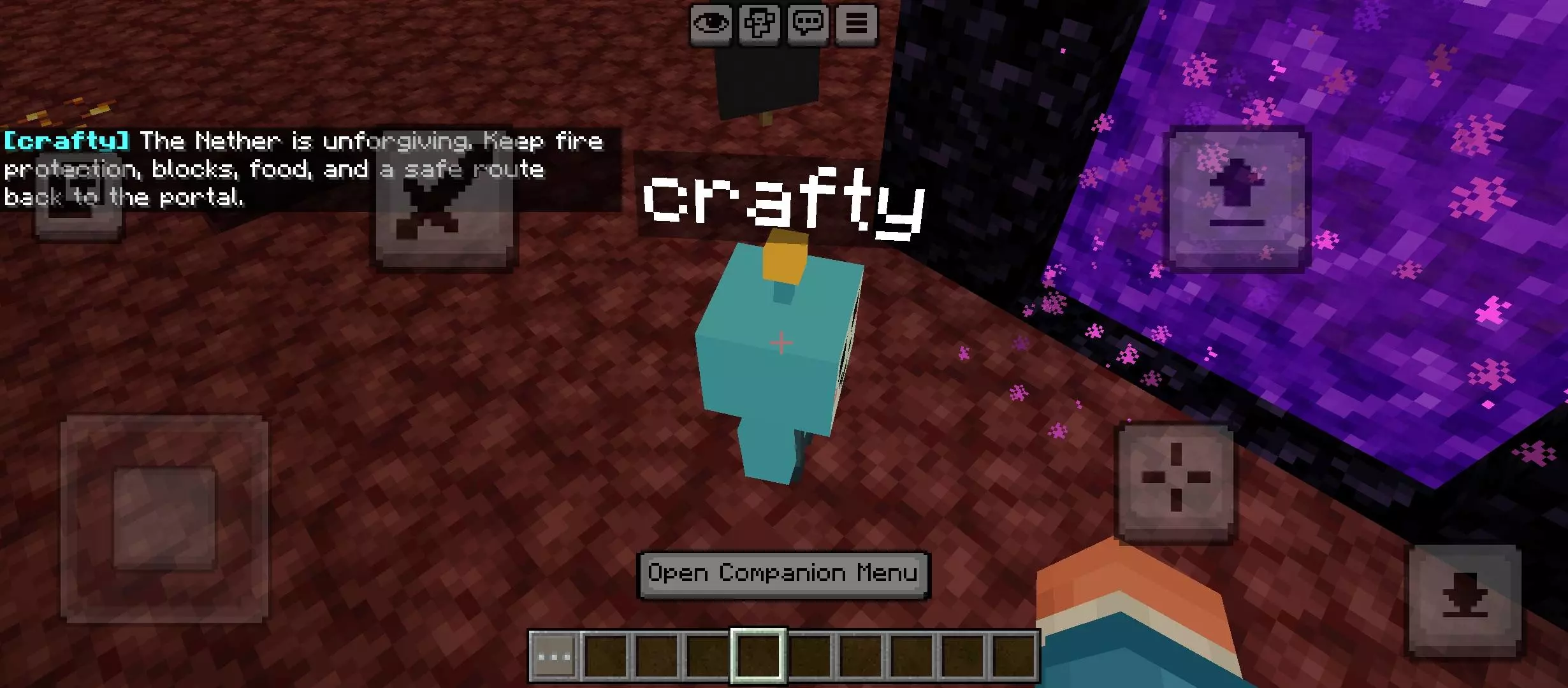
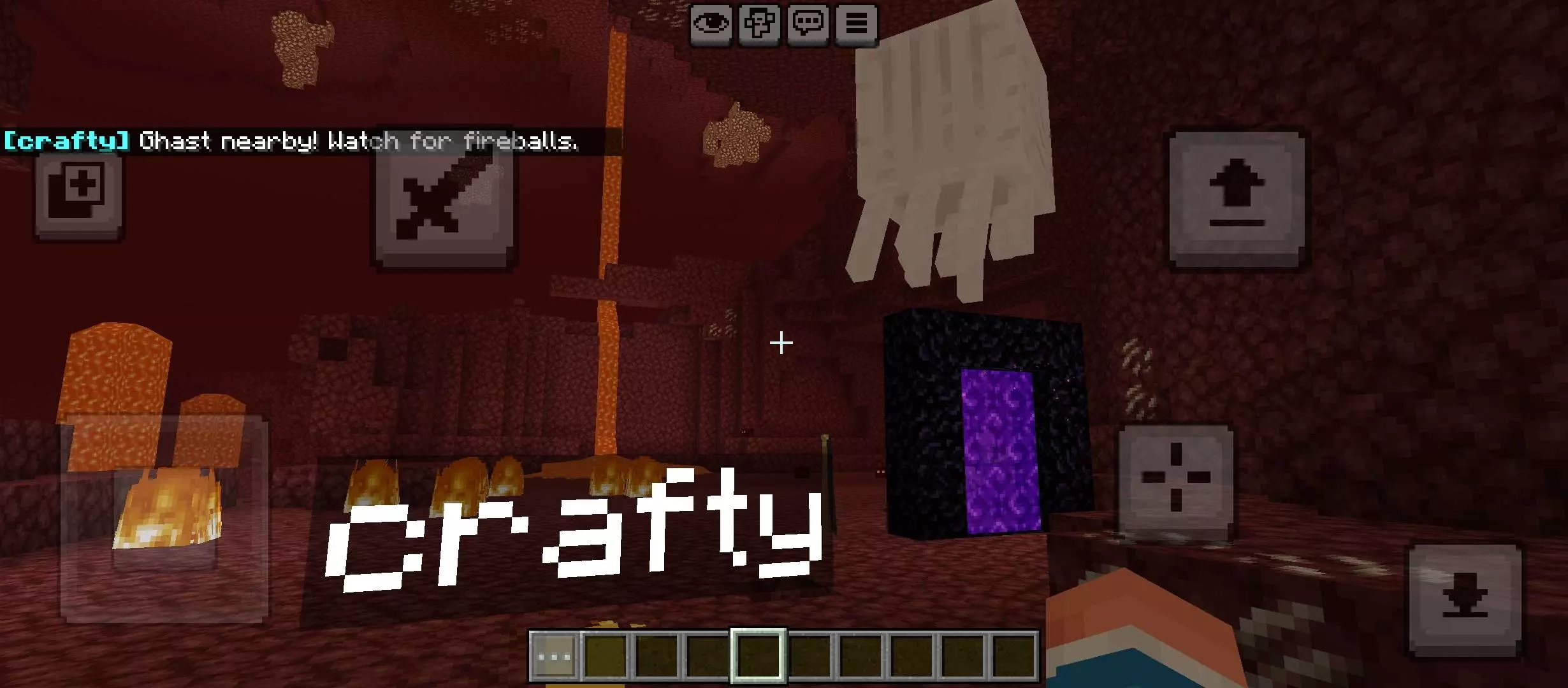

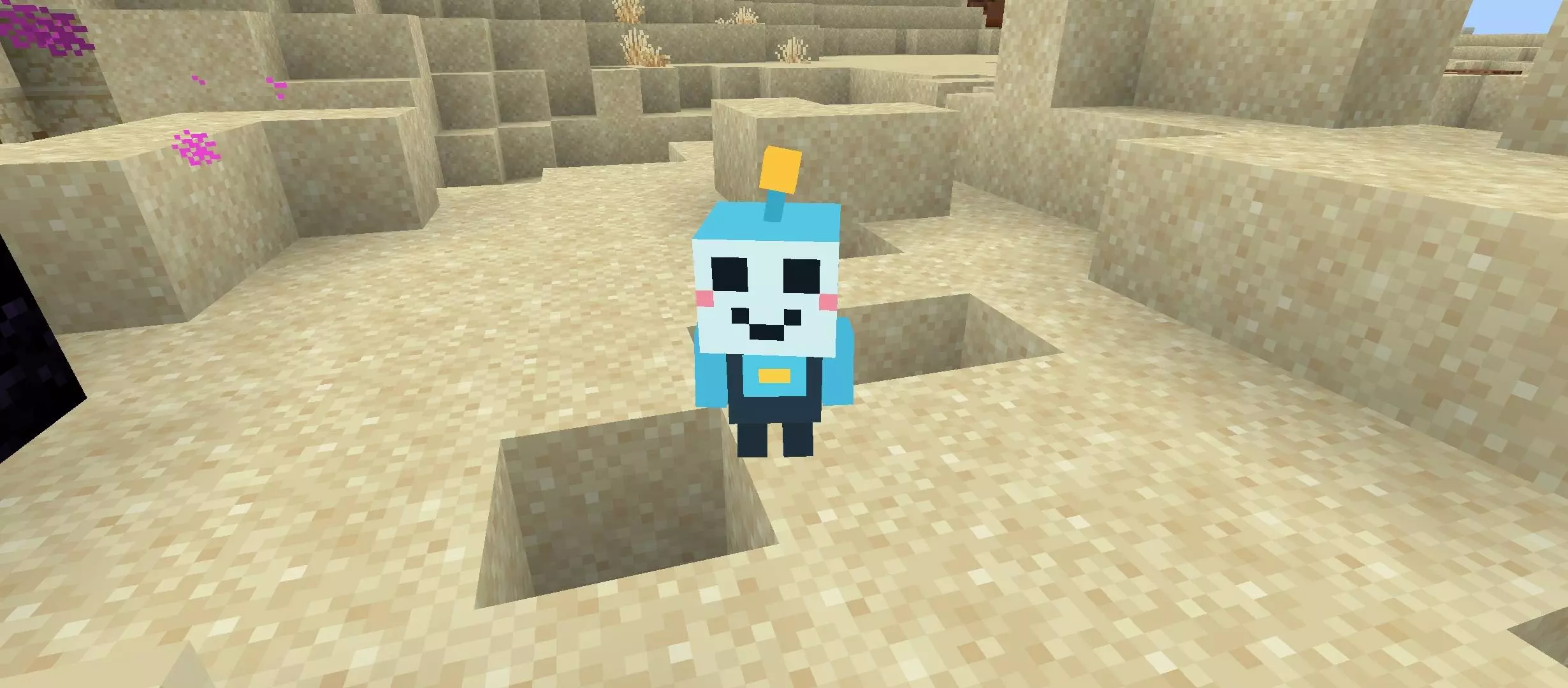
The coolest mechanic is its custom learning system. If you ask a question it does not know, it will actually ask you for the answer. Once you teach it, it remembers that information and uses it in the future, meaning your specific companion literally adapts and gets smarter the longer you keep it around.
Pathfinding and Personality
A companion is totally useless if it cannot keep up, but the movement mechanics here are incredibly polished. Crafty doesn't just teleport behind you; it actively climbs blocks, navigates around obstacles, and will instantly start sprinting if it detects nearby danger. If you use an Elytra or travel too far, it has a built-in failsafe to automatically reunite with you so you never permanently lose your partner.
The creator also put a massive amount of work into giving Crafty an actual personality. It has a full suite of smooth animations and dynamic emotions, meaning it doesn't just stare at you blankly. It gets scared, acts embarrassed, and reacts to whatever is happening in your world, making it feel way more like a personalized adventure buddy than just a standard modded mob.
Installation:
— Download McPack
— Install McAddon or McPack files, just open it for this;
— Select new textures in the settings;
— Done.
Comments (0)