Armor+ (Weapons & Armors) Addon
- Yesterday, 13:03
- 36
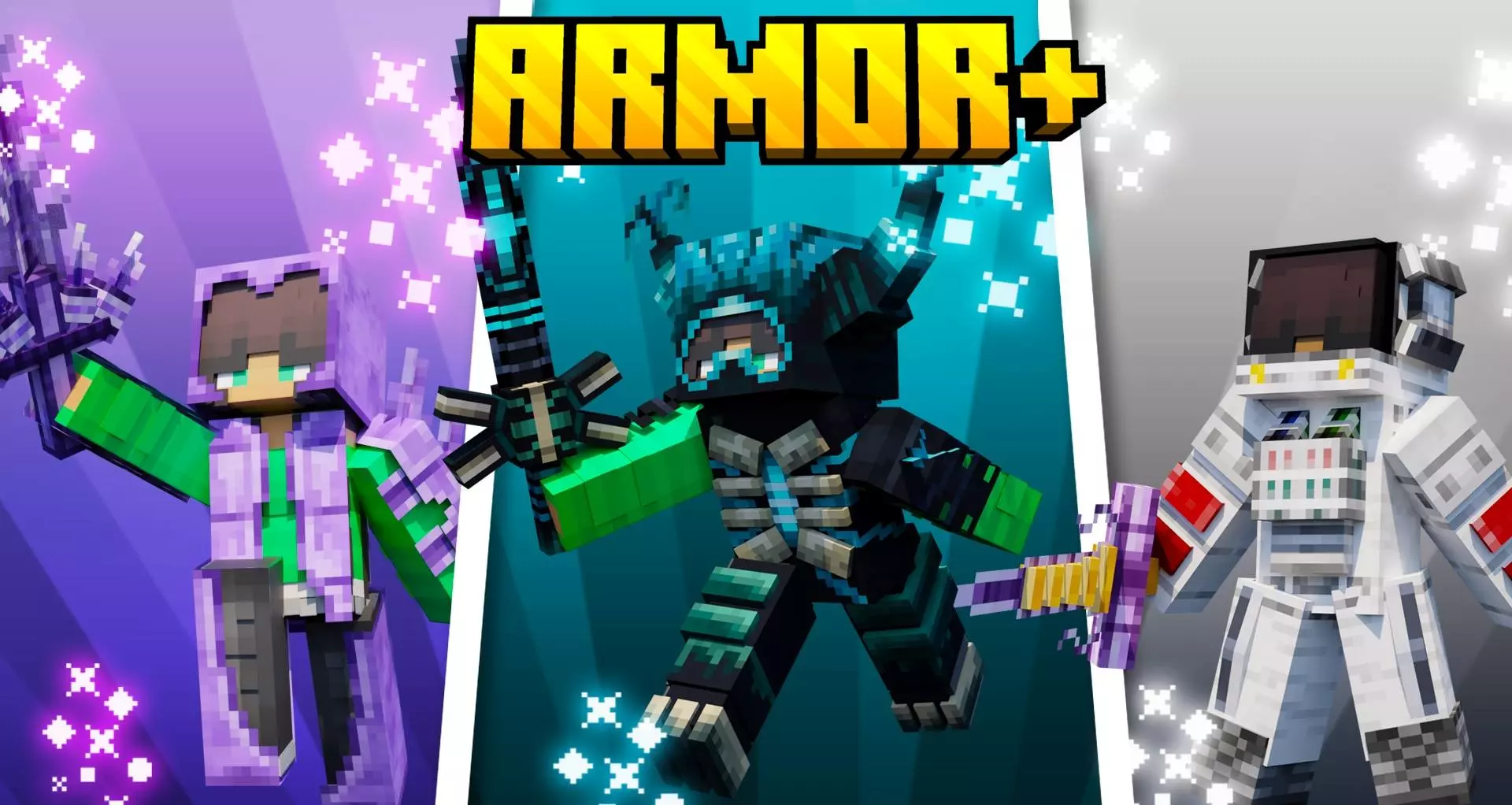
Grinding for Netherite is a great milestone, but once you have a full set, the vanilla combat progression basically hits a dead end. The Armor+ (Weapons & Armors) Addon totally shatters that ceiling by dumping twenty brand-new armor sets and twenty unique swords right into your lap. We are not just talking about lazy cosmetic recolors here—these items come packed with crazy destructive abilities that make you feel like an unstoppable tank. If you are setting up a custom RPG realm or simply want to absolutely melt the Wither in seconds, having this massive arsenal at your disposal completely redefines how you approach hostile mobs.
To get all these fresh crafting recipes and magical weapon abilities working smoothly, you are going to have to tweak a few world settings. Since the pack heavily expands the item registry and rewrites how player damage calculates in the background, you must remember to flip on the experimental gameplay toggles before loading in. Modifying the core combat loop naturally means the system will disable your official Xbox Live achievements for that specific save. Still, giving up a few standard trophies so you can run around swinging wildly overpowered swords is a pretty easy compromise for a fun, chaotic sandbox session.
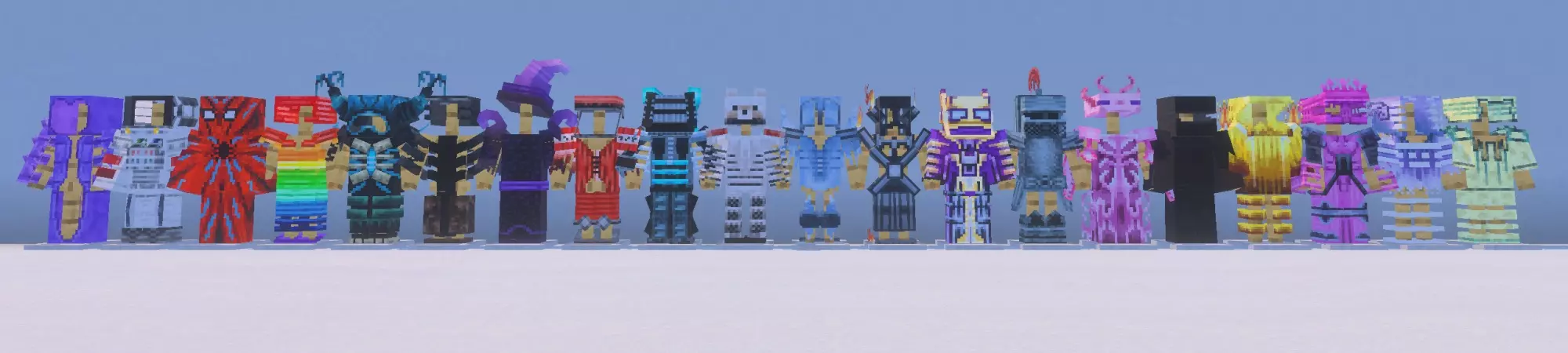
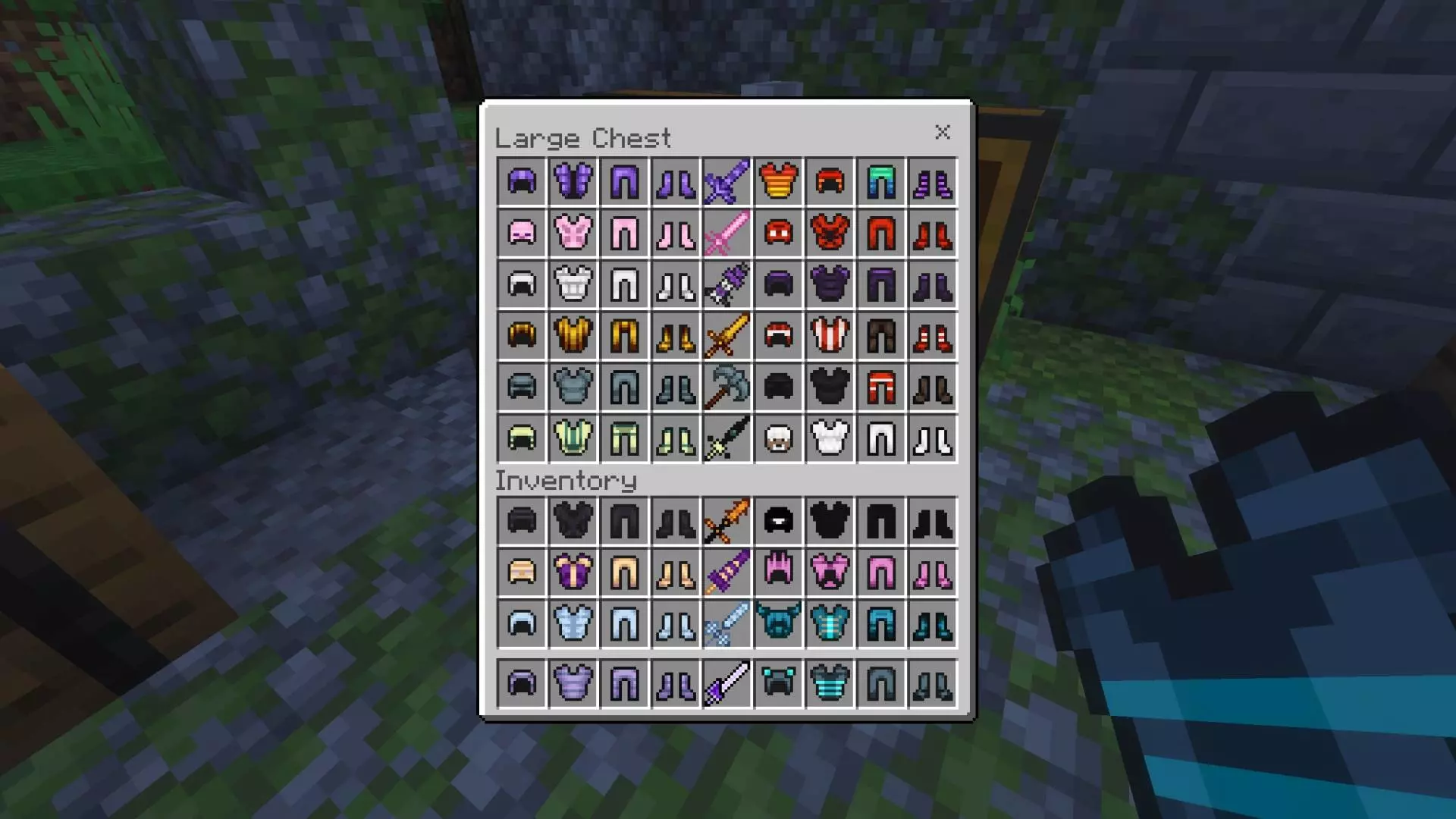
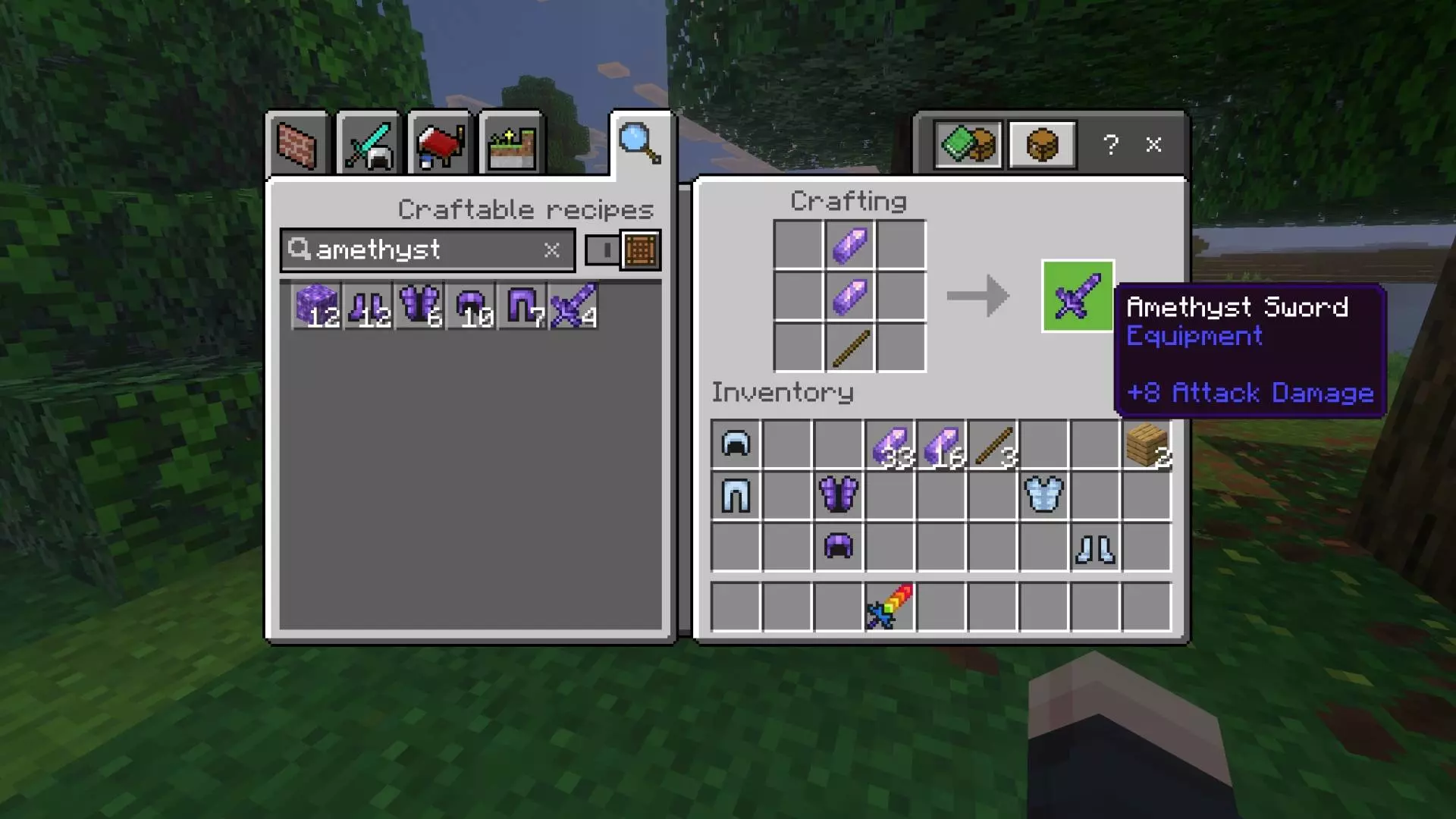
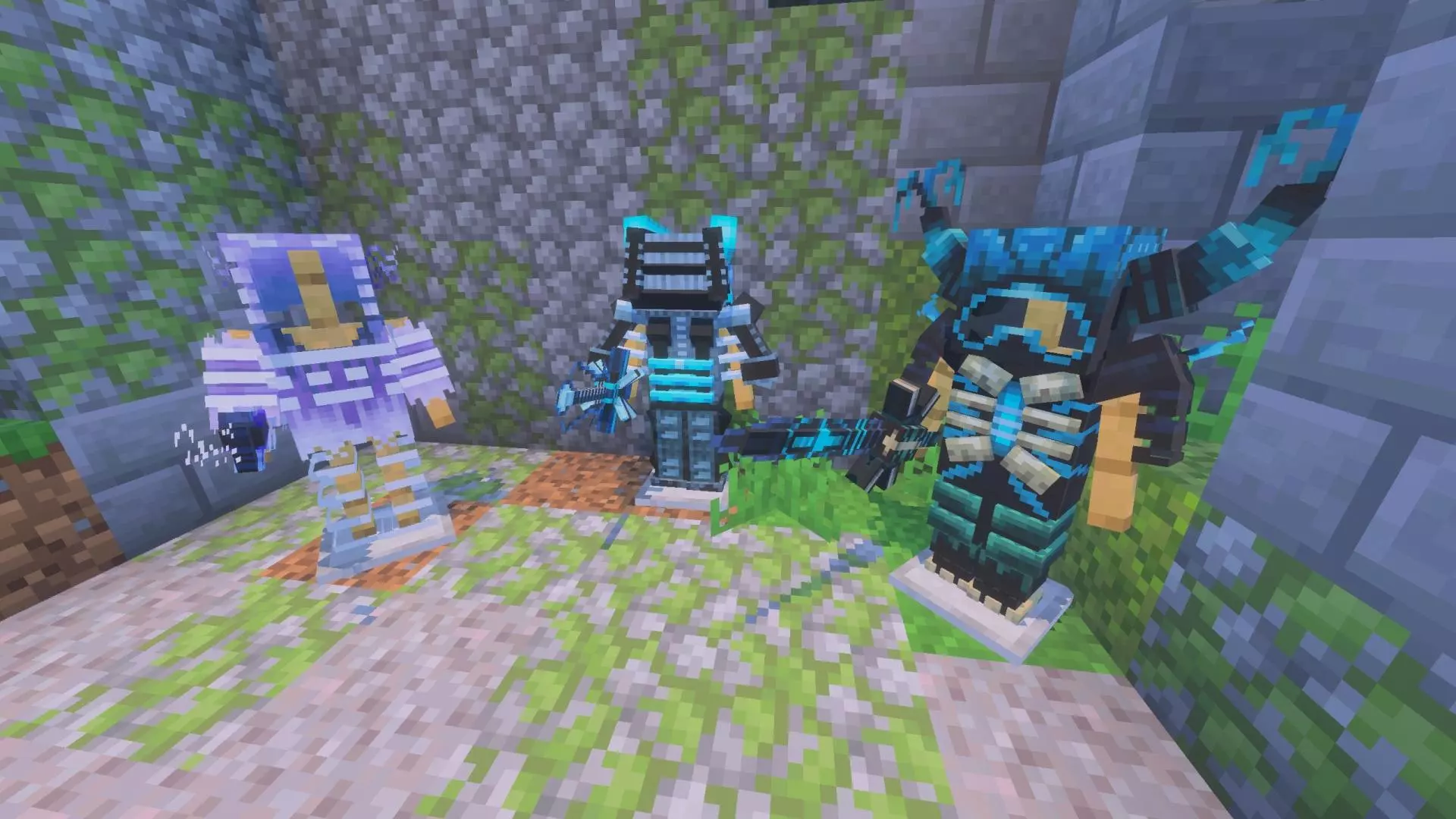
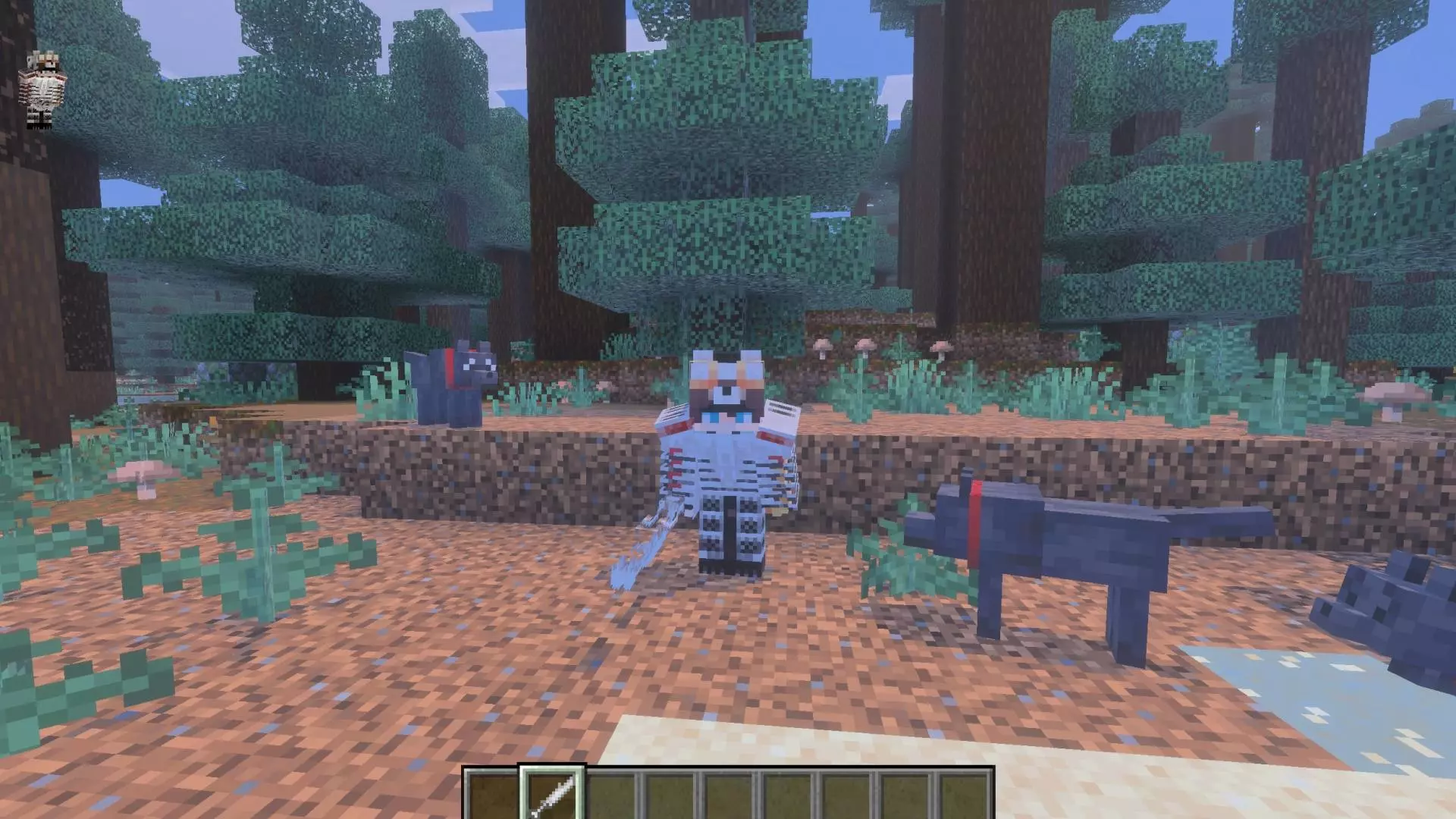
Injecting forty new pieces of fully functional, custom-statted gear into the game sounds like a recipe for inventory lag, but the backend optimization is surprisingly tight. The creator kept the textures closely aligned with the classic blocky aesthetic, avoiding the bloated, ultra-HD rendering that normally fries mobile devices. You can easily equip an entire faction of players in completely different magical tiers for a massive PvP war, and the Bedrock engine will handle the visual load beautifully. It keeps the action completely fluid, ensuring everyone in your lobby can enjoy the heavy-hitting fantasy combat without constantly fighting through lag spikes.
Installation:
— Download McPack
— Install McAddon or McPack files, just open it for this;
— Select new textures in the settings;
— Done.
Comments (0)