Cure For Zombies Addon
- 8-09-2026, 10:22
- 157
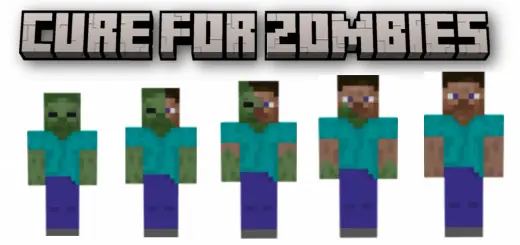
Finding a zombie wandering near your base usually just means an easy piece of rotten flesh, but the Cure For Zombies Addon actually gives you a reason to keep them alive. It takes the familiar vanilla mechanic of hitting them with a splash potion of weakness and a golden apple, but instead of getting a boring pacifist trader in return, you unlock a fully functional, intelligent human companion. These guys are brilliant because they can actually equip any armor or weapon you hand them and will actively hunt down hostile monsters to defend your territory. They even head to bed at night like regular players. Just keep an eye on the baby variants—they completely refuse to fight and will just frantically sprint away from danger, which is honestly a hilarious and realistic little detail.
Turning brain-dead mobs into a functional, weapon-wielding militia requires some deep behavioral changes to the game's underlying code. You will absolutely need to dive into your world creation menu and check the experimental gameplay boxes so the custom AI pathfinding and equipping logic actually load in correctly. Naturally, since you are essentially building a private army out of standard hostile spawns, your official Xbox Live achievements are going to be locked for this specific save file. It is the absolute perfect addition for an apocalyptic survival map or a hardcore roleplay server where you want to physically rebuild society from scratch.
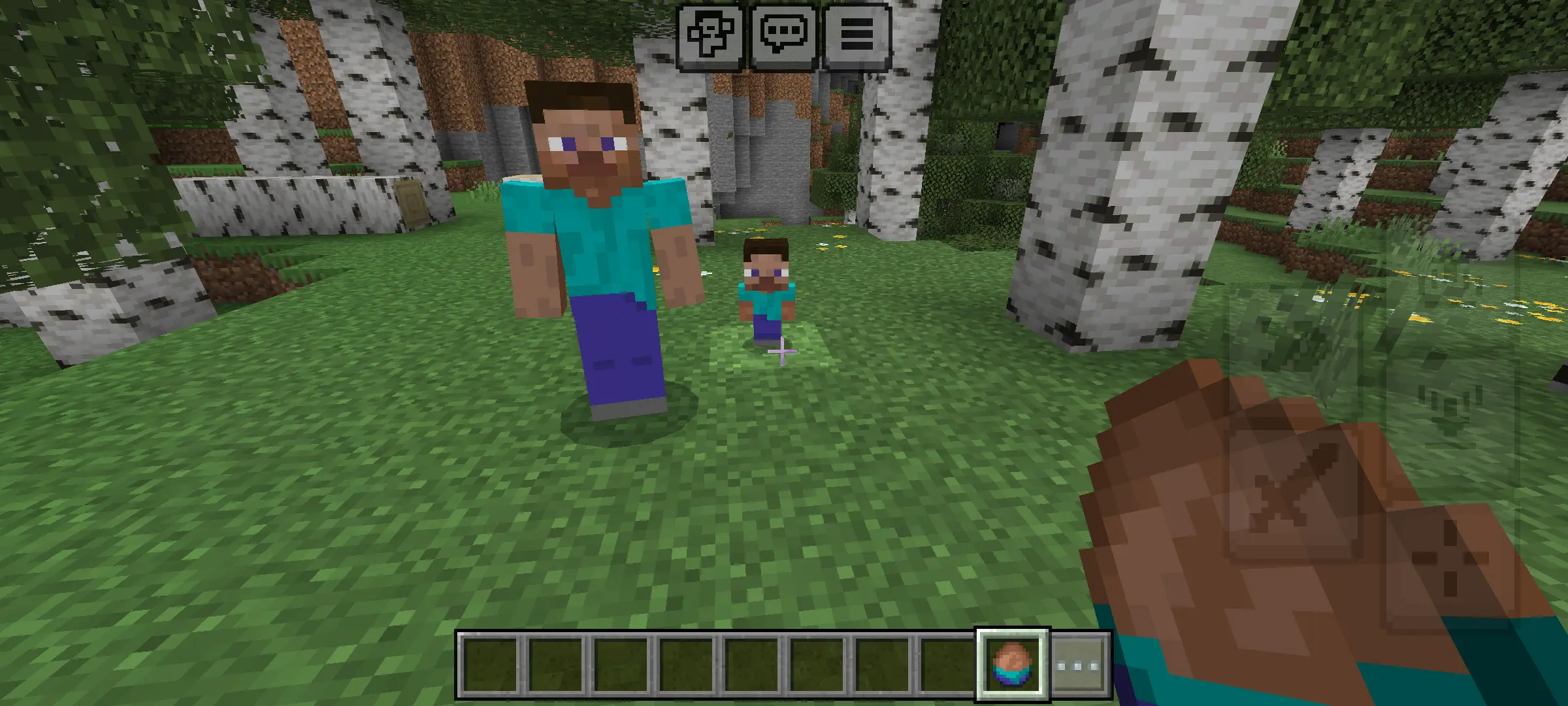
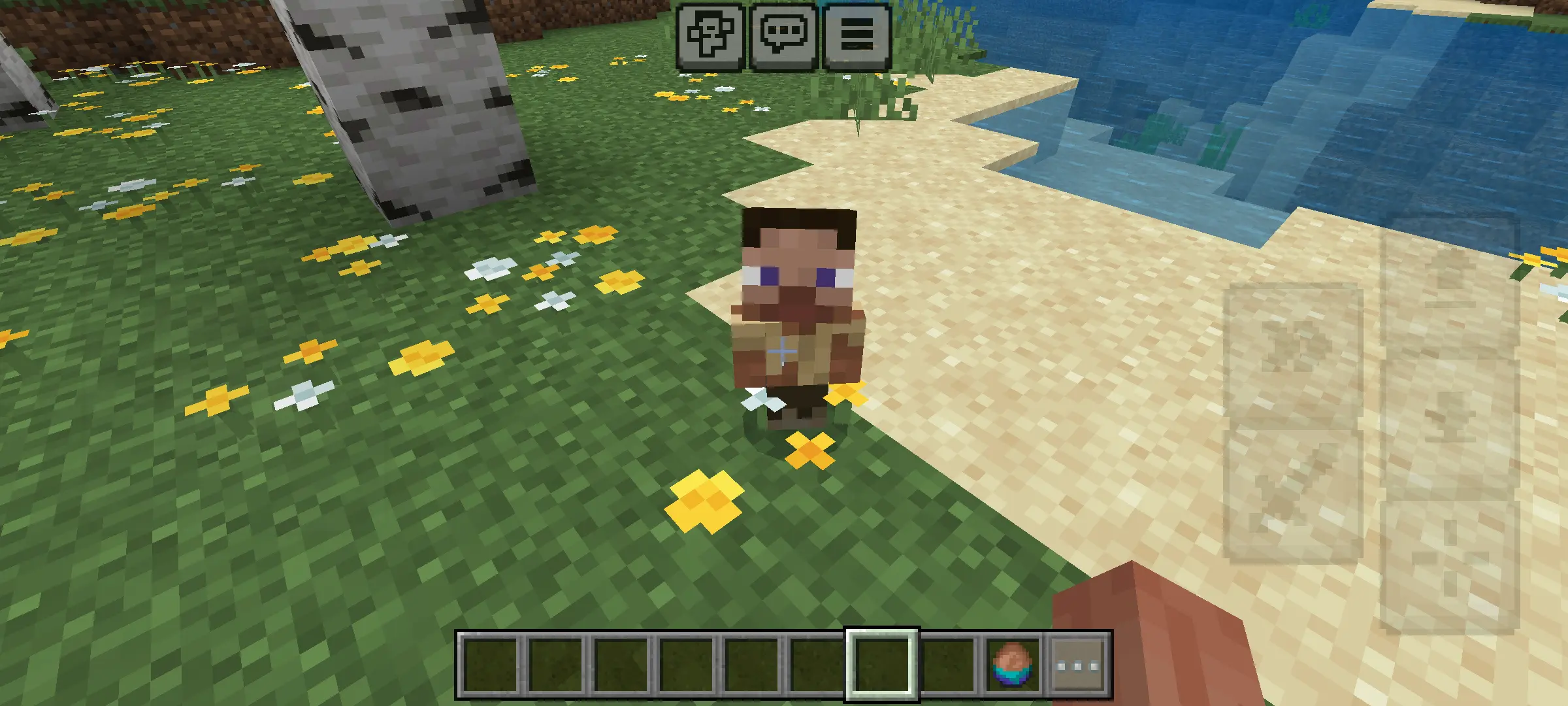
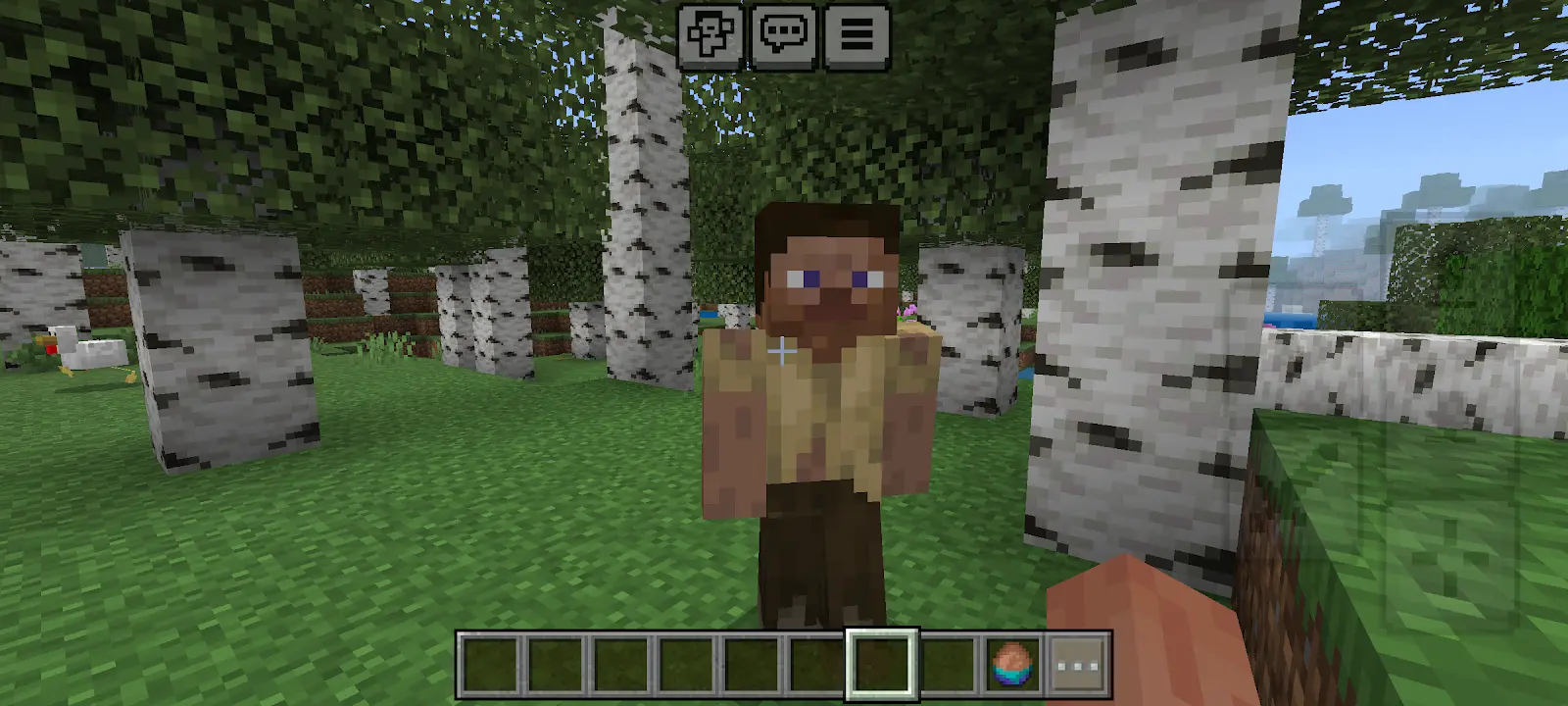
A big concern with adding custom, intelligent NPCs to a map is how hard their pathfinding hits the server's tick rate. Amazingly, the developer optimized these human entities so they do not absolutely crush your device's memory. Even if you have a massive fortified compound filled with dozens of cured survivors patrolling the walls and getting into chaotic brawls with nighttime hordes, the game handles the action beautifully. Whether you are leading a squad on a heavy gaming PC or just defending a small village on a mobile phone, the combat interactions stay totally fluid without turning your screen into a freezing slideshow.
Installation:
— Download McPack
— Install McAddon or McPack files, just open it for this;
— Select new textures in the settings;
— Done.
Comments (0)