Chest Сarrier Addon
- 10-09-2026, 09:00
- 184
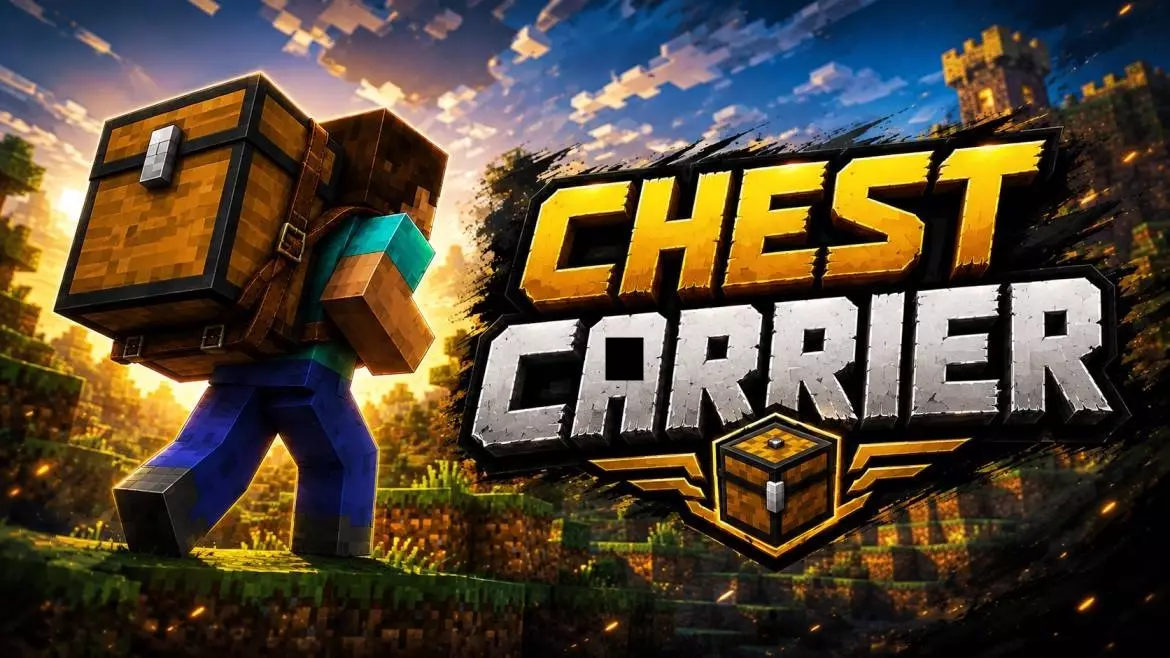
Relocating your starter base is universally recognized as one of the most tedious chores in vanilla survival. You realize your house is in a terrible spot, but moving means breaking twenty wooden chests, flooding your inventory, and making a dozen miserable round trips. The CHEST CARRIER Addon completely eliminates that headache by letting you physically hoist a fully loaded chest and just walk away with it. All your hard-earned diamonds, scattered building blocks, and random mob drops stay perfectly locked inside during the transport. It is an absolute game-changer for anyone who wants to quickly reorganize a messy storage room or keep their essential supplies close while deep-mining.
The actual process is incredibly smooth: you simply interact with the storage block to pick it up, carry it to your new location, and drop it back down with everything exactly how you left it. To get this custom mechanic functioning, you do need to jump into your world generation settings and switch on the experimental toggles so the game can properly freeze the items inside the container during transit. Tinkering with core storage behavior like this does mean your official Xbox Live achievements will get locked for that specific save. Keep in mind that the addon only works with single chests, so you will need to manually break down any double chests before moving them, but it is still infinitely better than manually hauling stacks of cobblestone.
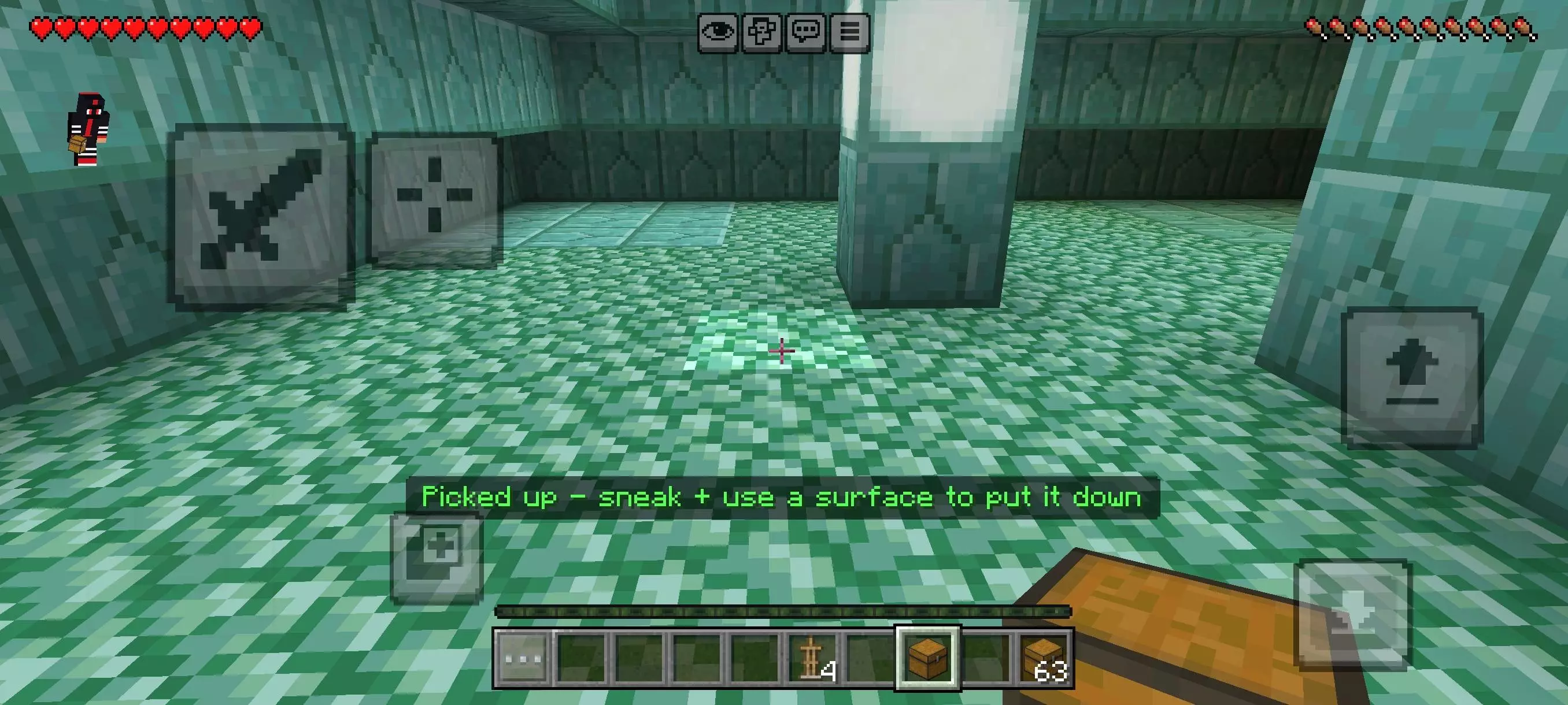
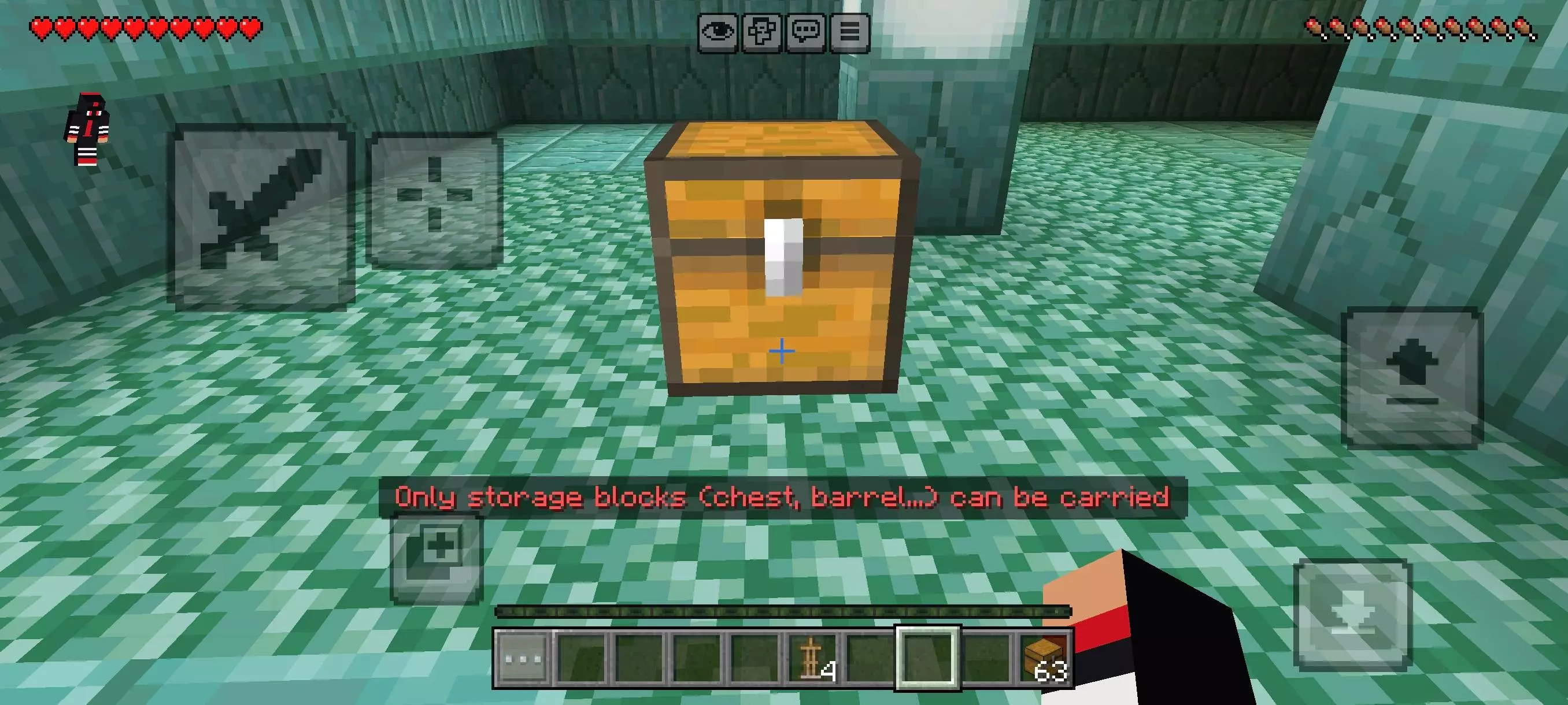
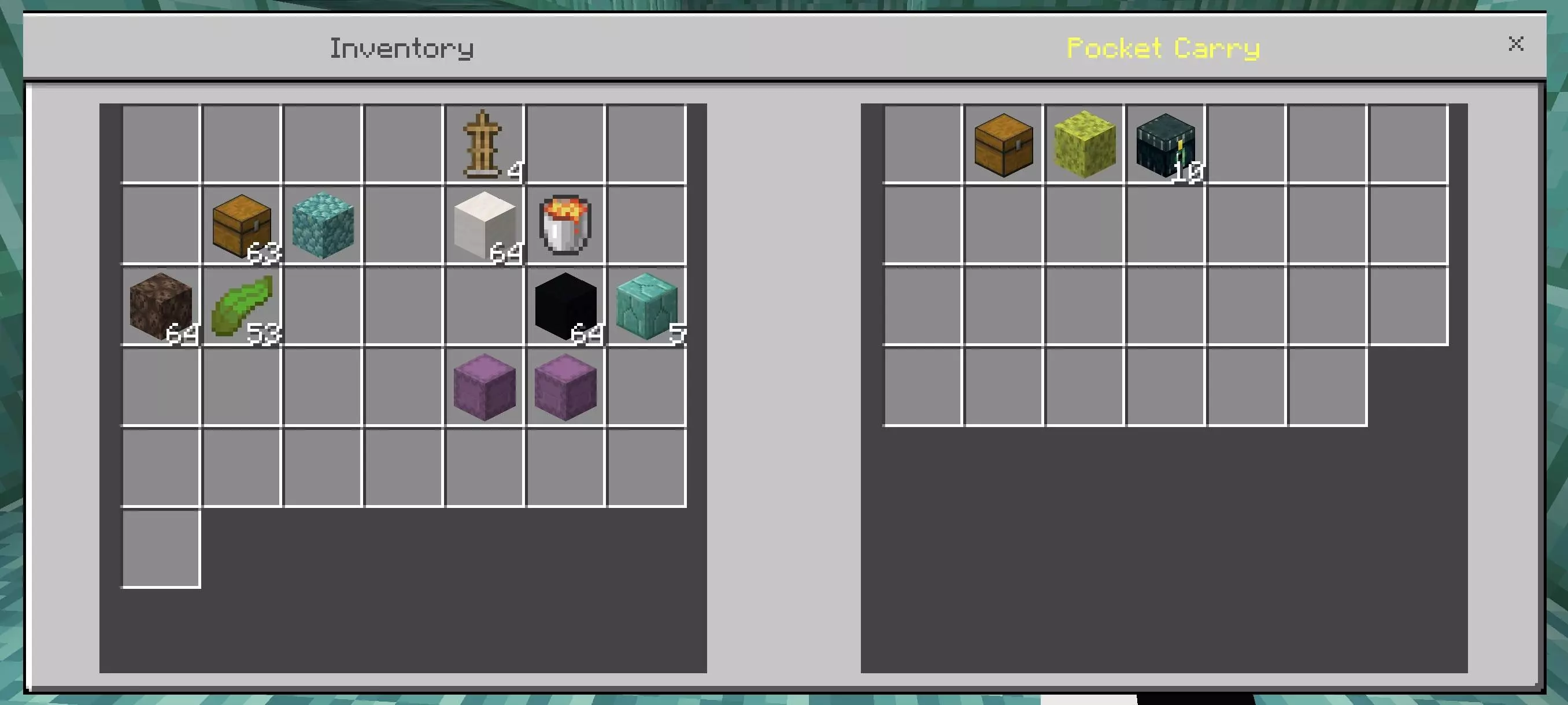
Whenever a mod attempts to store and move large amounts of item data simultaneously, server lag is usually a major concern. Fortunately, this pack was explicitly designed to be extremely lightweight, avoiding the nasty block-update stuttering that usually plagues storage mods. You even get a clean visual showing your character actively carrying the loot. You can easily have a whole faction of players completely restructuring their base without causing any memory lag or freezing on the server. Just be sure to run a compatible Bedrock version and make a quick world backup before loading it in, and you will be completely set.
Installation:
— Download McPack
— Install McAddon or McPack files, just open it for this;
— Select new textures in the settings;
— Done.
Comments (0)