Better Biome Villages Addon
- Yesterday, 11:02
- 24
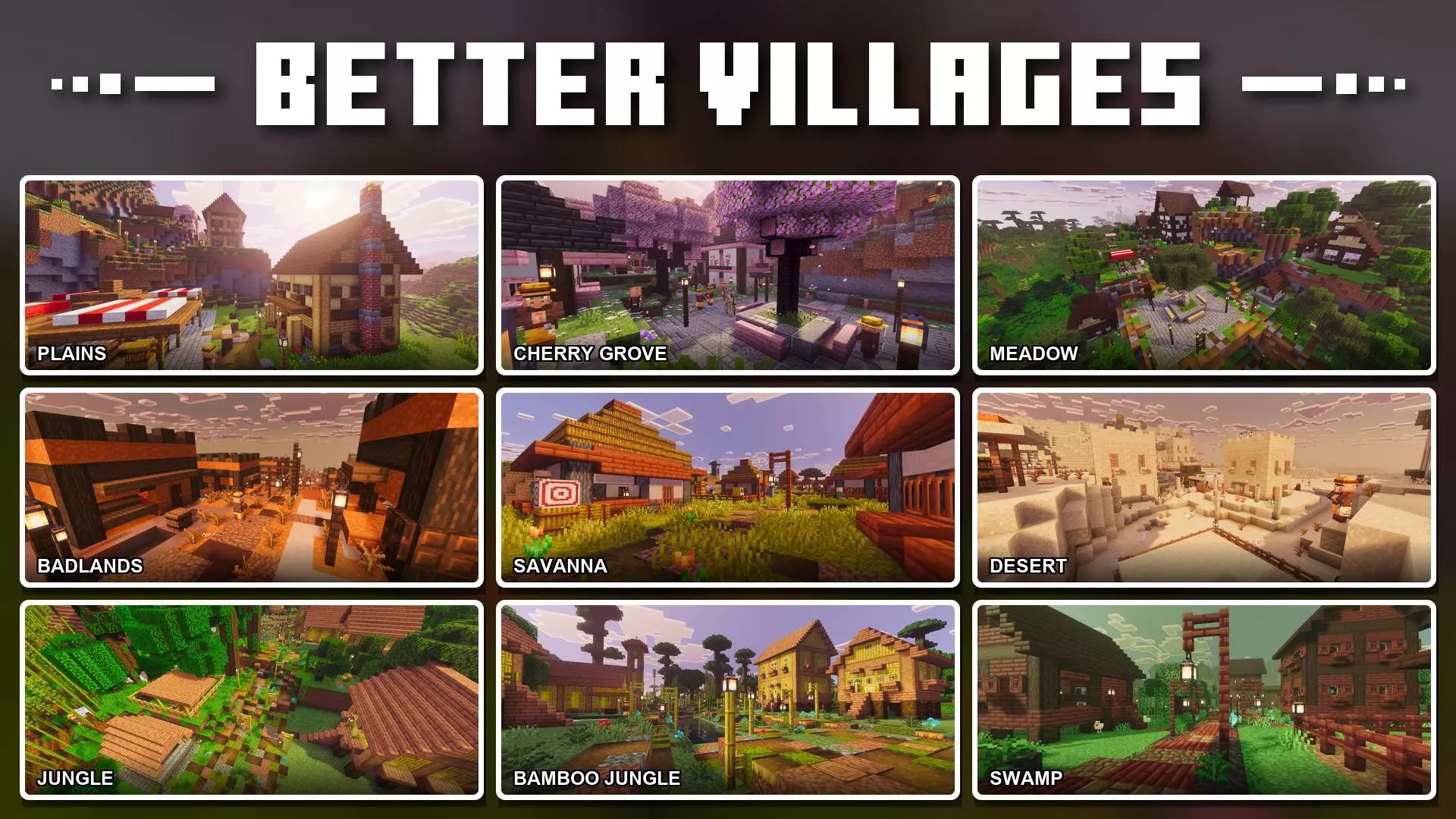
Stumbling across a village is always a great start to a survival world, but seeing the exact same wooden huts over and over gets old fast. The Better Biome Villages Addon fixes that by introducing uniquely styled settlements for ten different biomes. Instead of just updating the usual plains and deserts, this pack actually builds dedicated towns for environments that vanilla generation completely ignores, like Jungles, Swamps, Badlands, and the newer Cherry Groves. It adds a huge layer of immersion to exploration, giving you a real reason to actually travel across the map and see how the architecture changes from region to region.
Messing with core terrain generation to inject custom structures means you have to prep your world settings first. You will need to check the experimental gameplay toggles in the creation menu so the game knows how to spawn these new towns properly. Since this pack relies heavily on custom generation logic and even includes specific /locate and /function commands to instantly find or build these settlements on demand, your Xbox Live achievements will be permanently locked for the save. That said, trading standard trophies for a map filled with diverse, biome-accurate civilizations is definitely worth it if you love world-building.
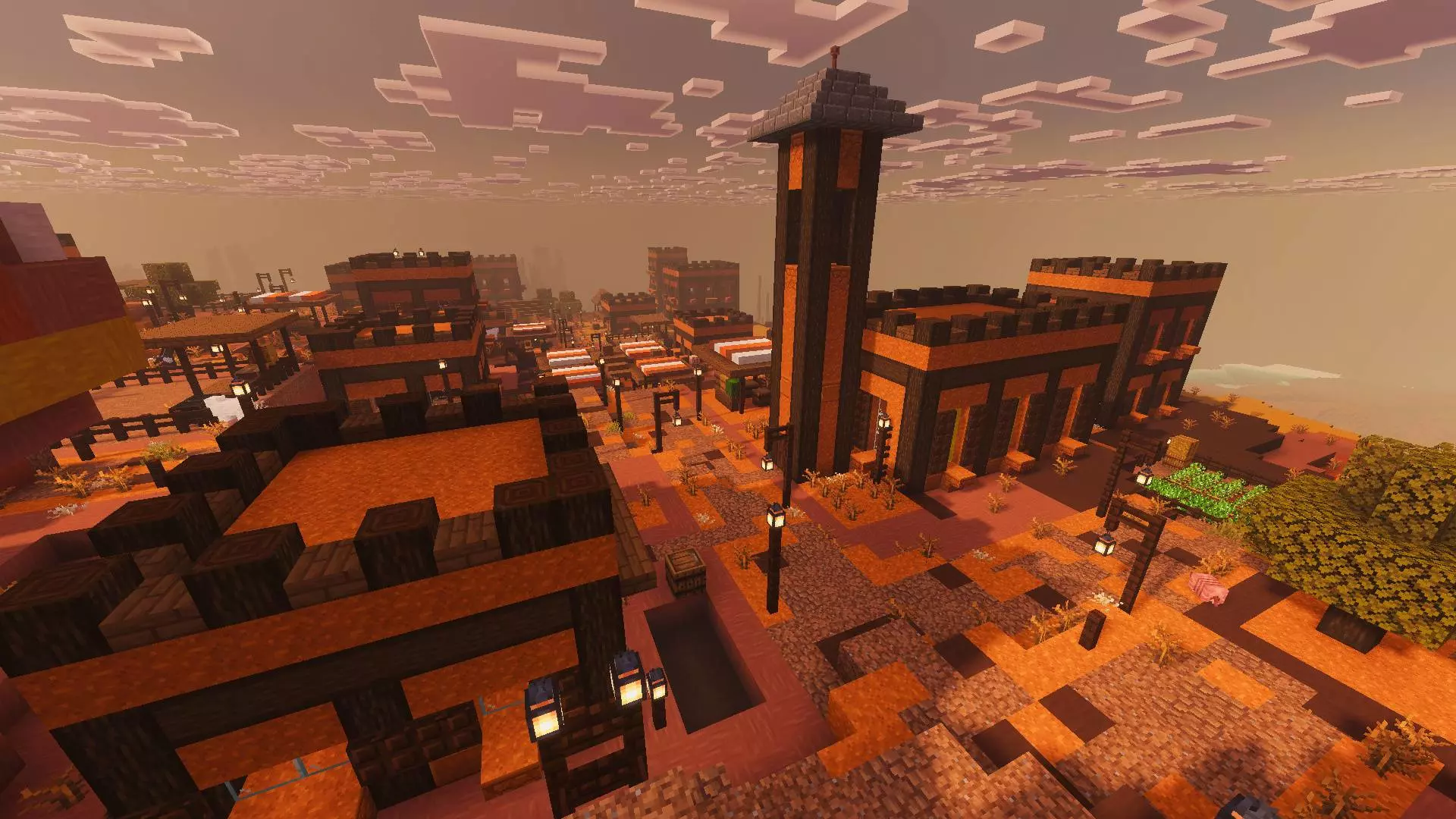
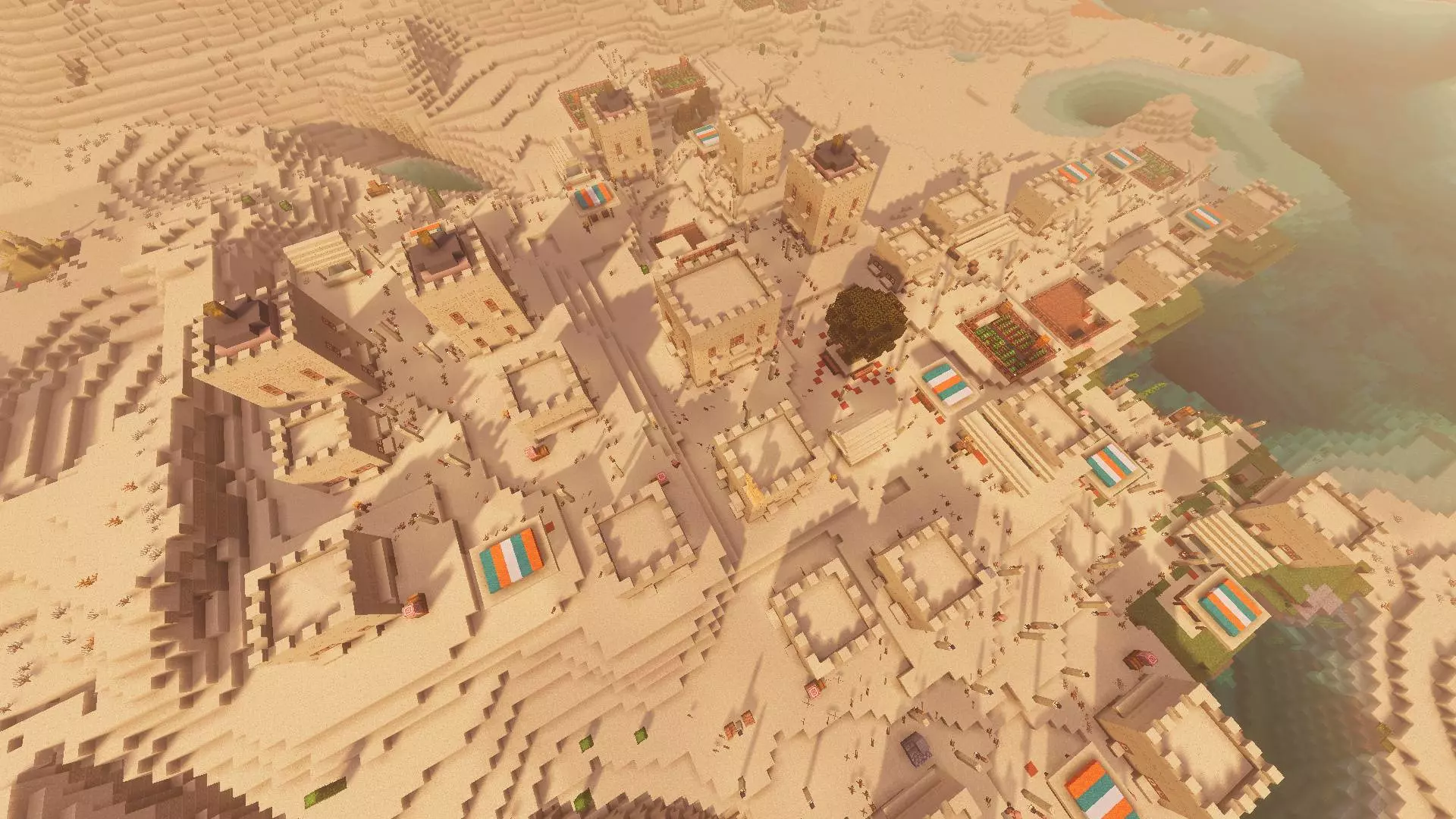

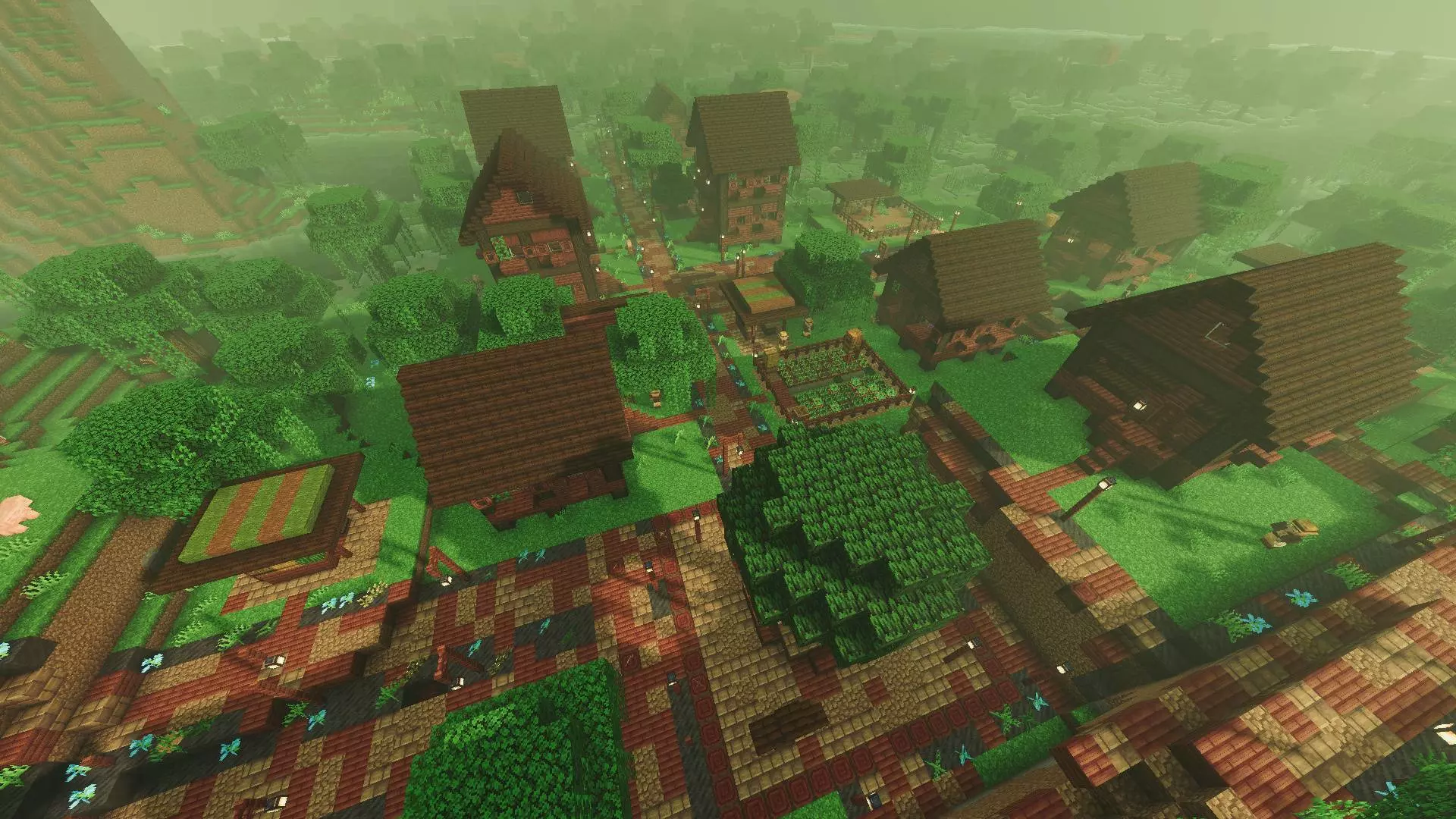
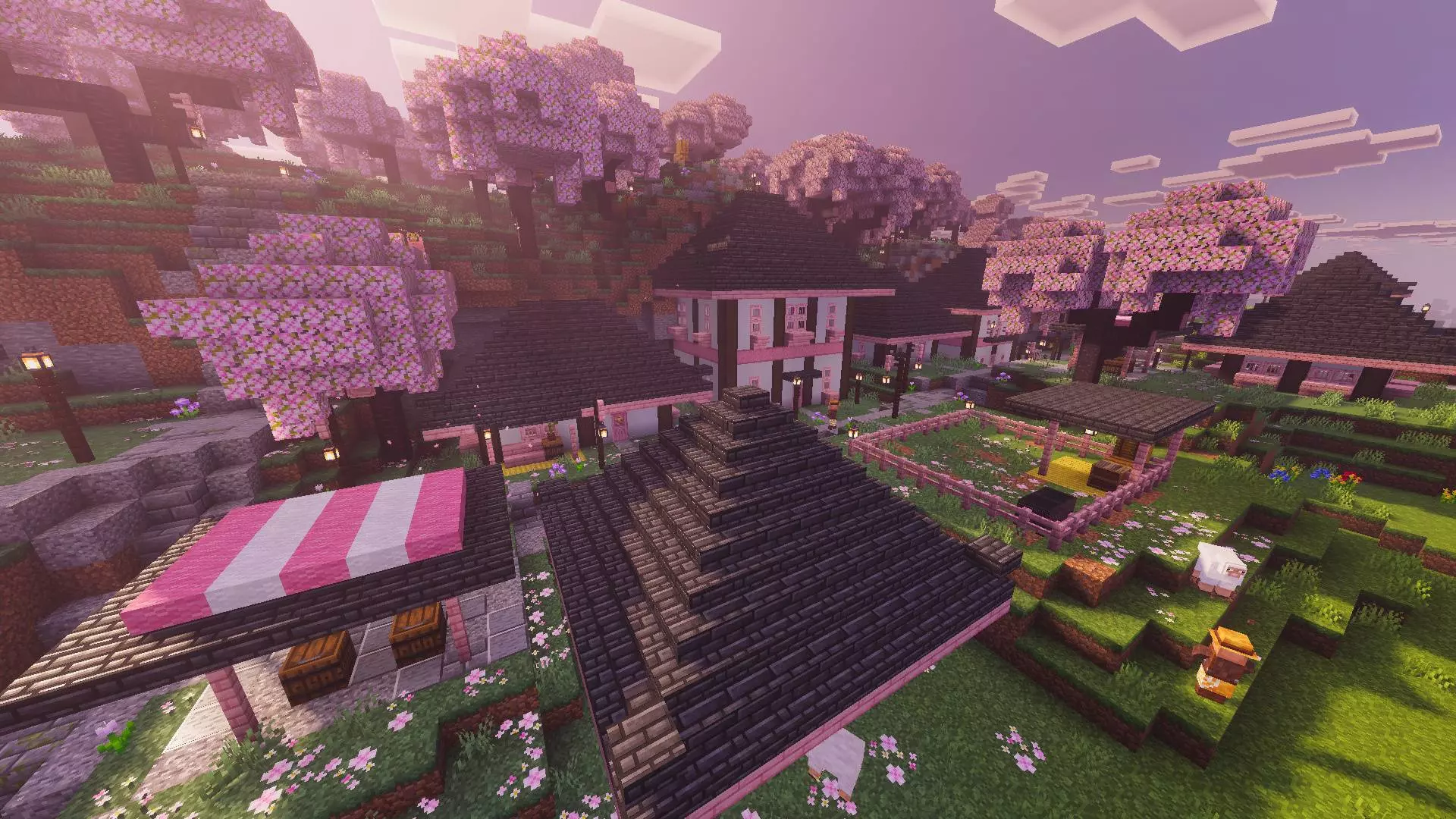
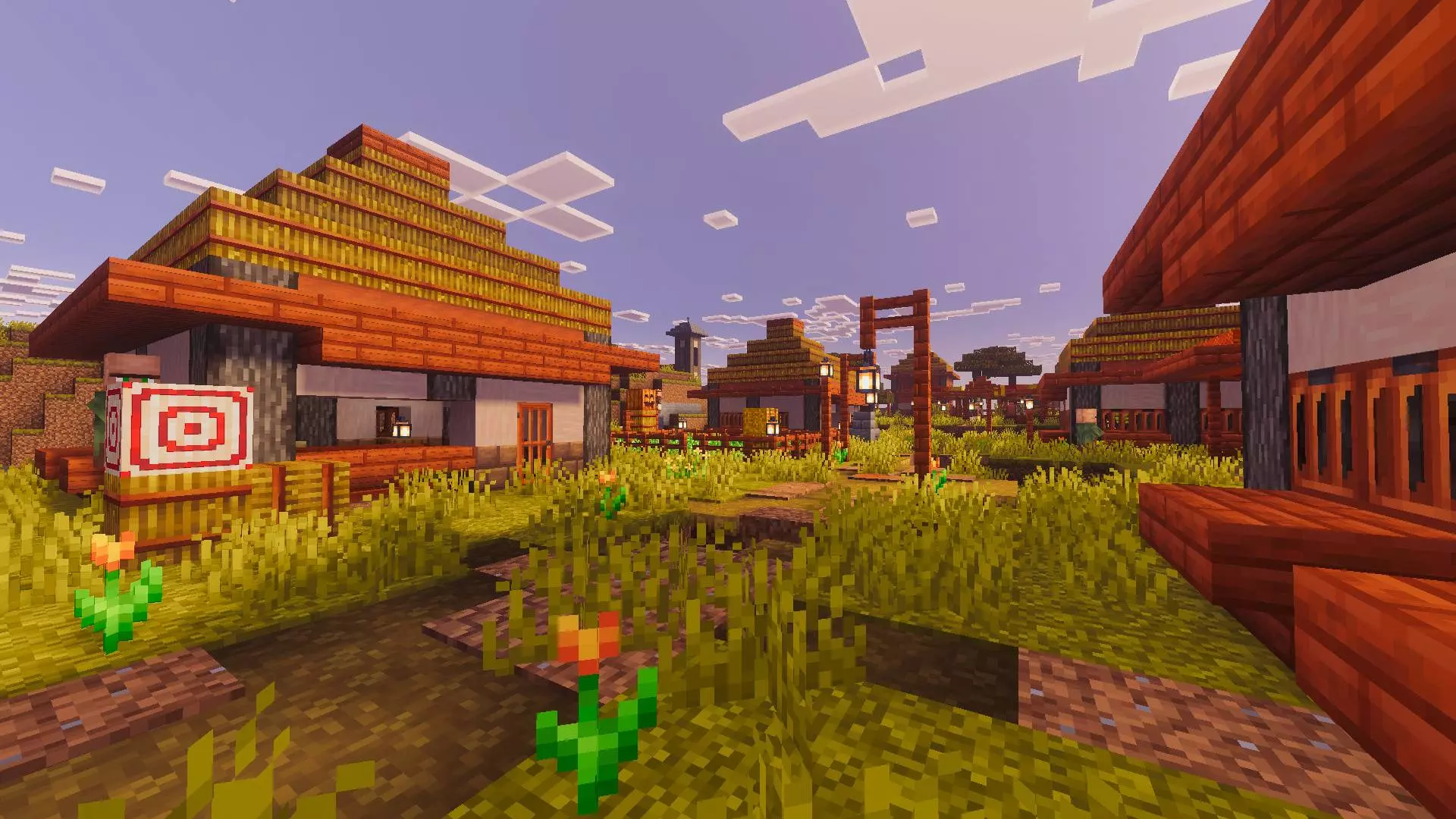
Generating large-scale custom structures while players are sprinting into unloaded chunks is usually a quick way to crash a Bedrock server. Luckily, the developers optimized the structural generation rules to load smoothly right alongside standard terrain rendering. The new villages blend into the landscape naturally without causing those massive, world-freezing lag spikes that normally happen when heavy custom schematics are pasted into the game. Multiple people can fly off in different directions to hunt down Swamp or Cherry Grove villages at the same time, and the server will handle the chunk loading without breaking a sweat.
Installation:
— Download McPack
— Install McAddon or McPack files, just open it for this;
— Select new textures in the settings;
— Done.
Comments (0)