DoubleHands - Functional Offhand like Java edition Addon
- 23-09-2026, 09:13
- 286
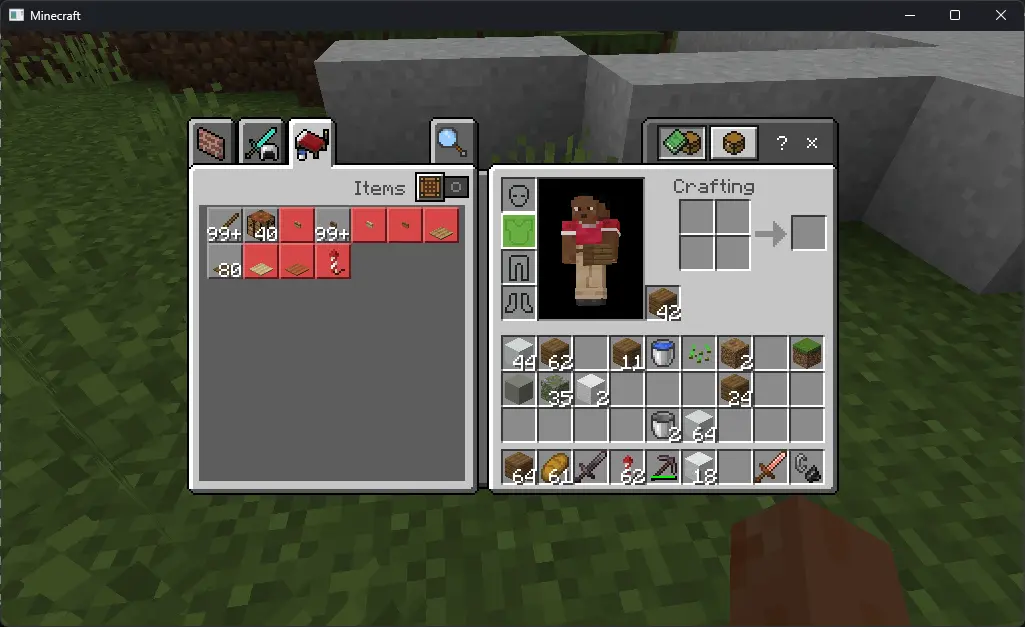
One of the most infuriating things about switching between Java and Bedrock has always been Bedrock's completely crippled offhand slot. In vanilla Bedrock, you are pretty much restricted to holding a shield, a totem of undying, maps, arrows, or fireworks—and that is it. The DoubleHands addon finally fixes that long-standing parity headache by making your offhand actually functional. You can finally hold a stack of torches or blocks in your left hand while strip mining with a pickaxe in your main hand, plant seeds while holding a hoe, dump water buckets, strike flint and steel, or throw wind charges and splash potions without having to constantly stop and shuffle your hotbar. It even copies Java's main-hand priority logic, meaning if you right-click a log with an axe, the game strips the bark instead of accidentally slapping down whatever block is sitting in your offhand.
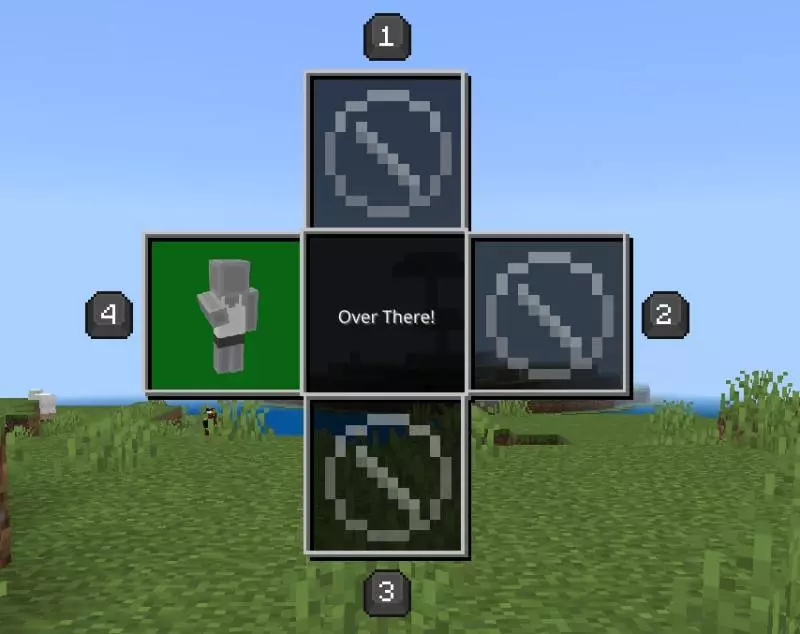
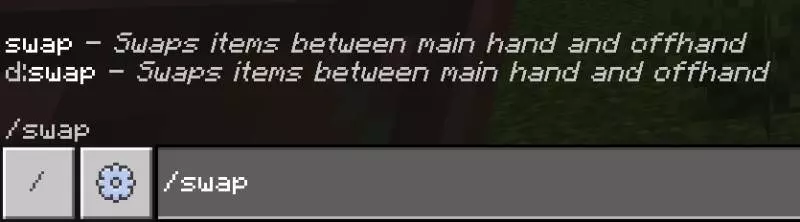
Swapping items back and forth is surprisingly clever to work around Bedrock's controller and touch limitations. You aren't stuck with just one clunky method; you can quickly double-tap sneak, pop the built-in "over there" emote, run the /swap command, or just map it to a dedicated keyboard key if you are on PC.
Because this addon has to rewrite how the Bedrock engine handles player inventories, right-click interactions, and animation states, it relies heavily on custom behavior scripting. As a direct result, Xbox Live achievements are permanently disabled on any world with this pack enabled. Setting it up is simple since it comes as a standard .mcaddon file that imports with a single click, but you cannot skip the setup steps in your world options. You absolutely must toggle on Experimental Gameplay features—specifically the Beta APIs—before loading up your world. If you forget to enable those developer flags, the custom scripts won't initialize, and the game will revert right back to Bedrock's useless vanilla offhand restrictions.
On the performance side, this is much easier on your hardware than heavy monster packs or complex structure mods. It doesn't load giant high-res textures, render volumetric fog, or spawn dozens of ticking entities into your chunks. The engine is simply running background script checks to monitor what is in your hands and listen for swap inputs like double-sneaking. On a PC or modern console, the responsiveness is instantaneous and feels as native as official Java mechanics. If you are playing on an older, budget mobile phone, you might notice a tiny fraction-of-a-second delay when rapidly swapping items in the middle of a chaotic fight, but it won't tank your framerate or turn your phone into a heater. It is easily one of the most practical quality-of-life additions you can put on a Bedrock world.
Installation:
— Download McPack
— Install McAddon or McPack files, just open it for this;
— Select new textures in the settings;
— Done.
Comments (0)