ToonCraft BE [Vibrant Visuals] Texture Pack
- 18-01-2026, 04:37
- 739
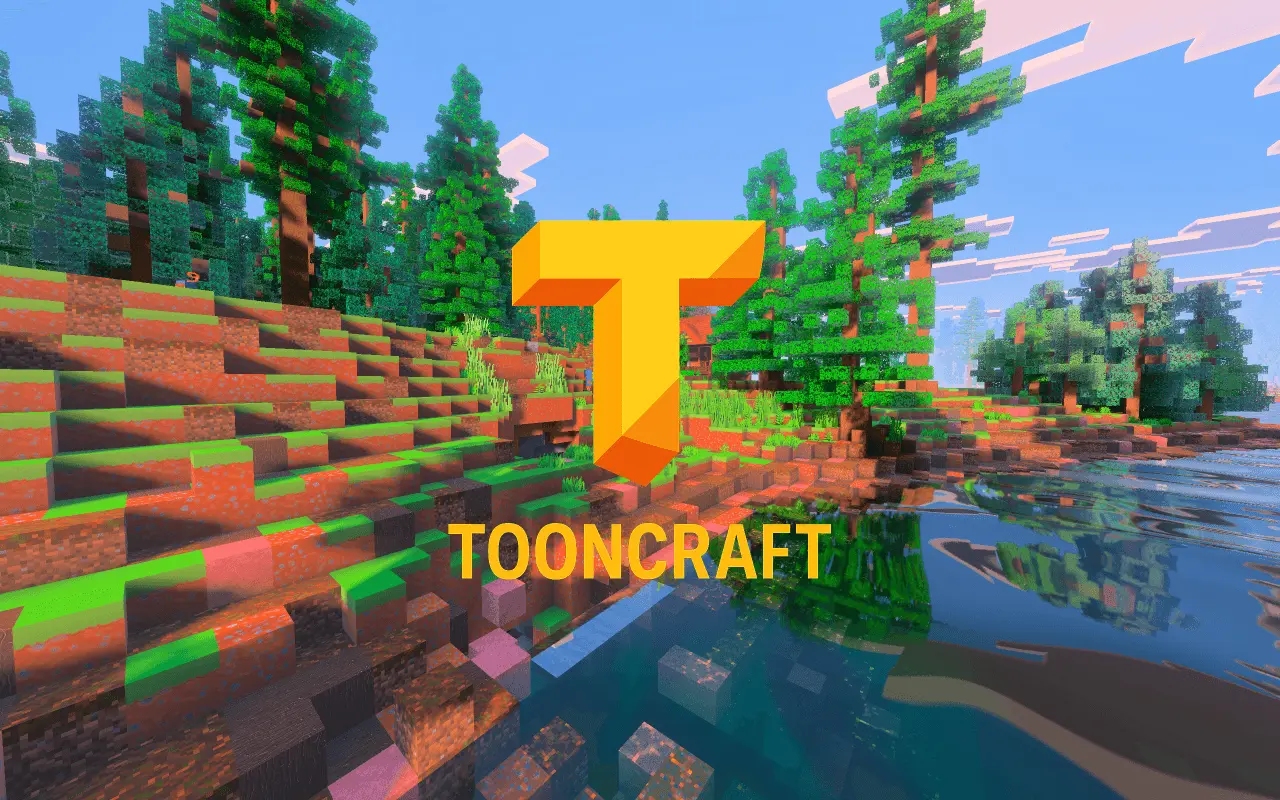
ToonCraft BE is presented as a free demo texture pack for Minecraft Bedrock, built to give you a quick “test drive� of the realism and detail that the creator connects to RealisCraft. The message is basically: download the demo, see how it feels in-game, and decide if you want to go deeper. It’s framed as a welcoming, try-before-you-buy style release, which is nice because you can actually see whether the look fits your worlds before committing to anything.
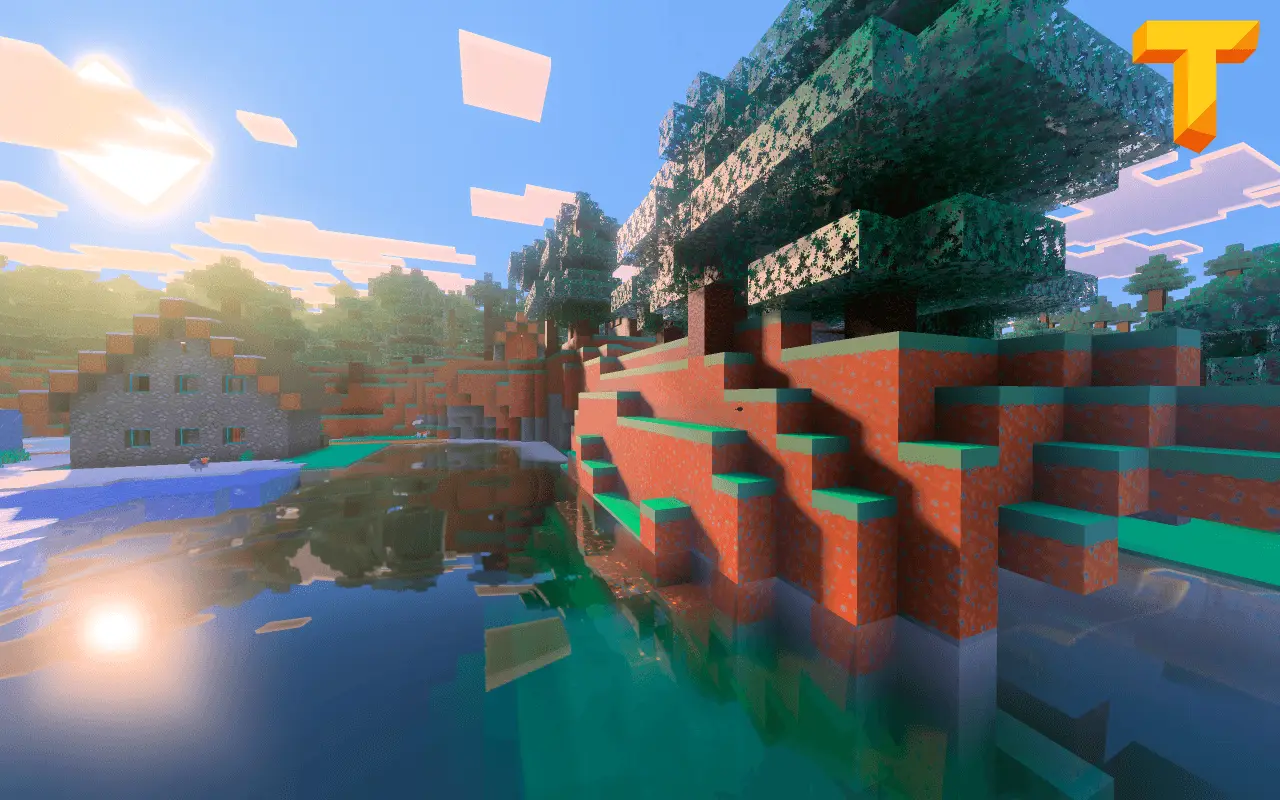
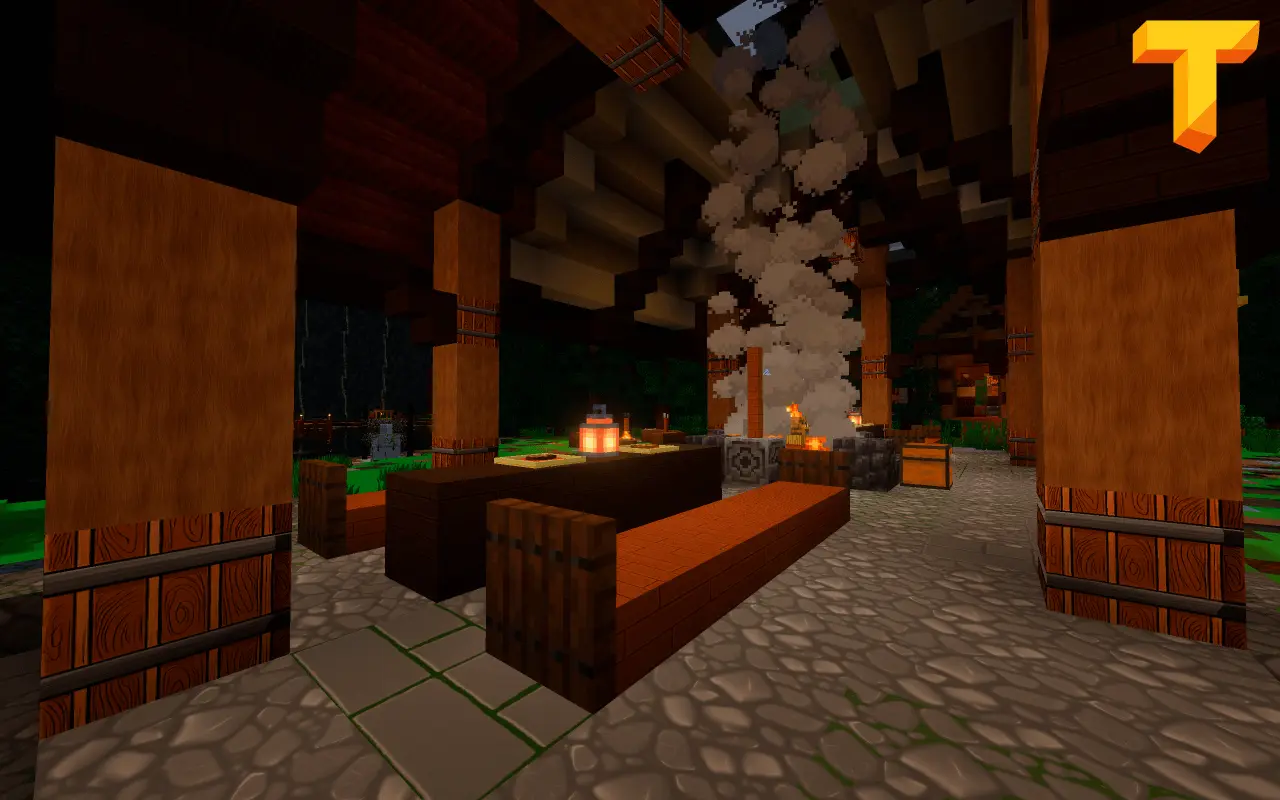
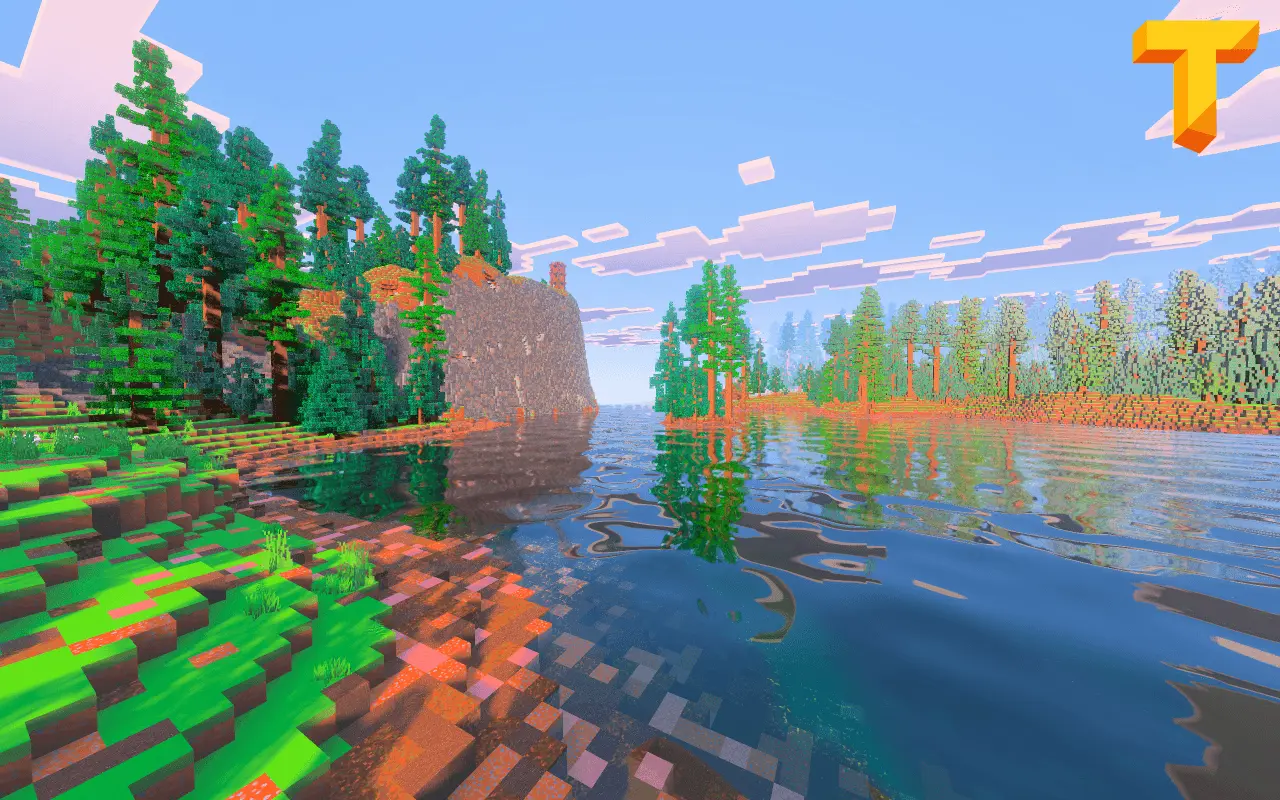
The big thing the creator highlights is the upgrade path. The demo is meant to be a taste, while the full version is where you unlock higher resolutions and a stack of advanced features—POM, PBR, SSS, Emission, and more. In practice, that means the project is aiming for a “high detail� visual vibe rather than keeping things purely simple or vanilla. If you’re the type who likes walking through your base and noticing extra texture depth and lighting-style detail, this is the kind of pack family that’s trying to deliver that.
A good way to judge the demo is to load into a world you already know well and check a few different situations: a cozy interior space, an outdoor area with lots of blocks in view, and a spot where you spend a lot of time doing normal gameplay. That’s where you’ll feel whether the pack’s realism/detail direction is something you can play with long-term or if it’s more of a “looks cool for a minute� style for you. If you’re into showcasing builds or recording clips, testing in a familiar location also makes it easier to notice what changed visually.
The creator also frames the full version as a way to support continued development and expansion of RealisCraft. So the pitch isn’t only “get more features,� it’s also “help the project keep growing.� If you like the demo’s direction and want higher-res visuals plus those advanced material-style features, ToonCraft BE is positioned as the entry point that lets you decide without guessing.
How to install?
- Download resource pack;
- Run and open the .mcpack file in the game;
- Select a texture in the menu;
- Enjoy!
Comments (0)