NeBux UI+ Texture Pack
- 27-02-2026, 09:30
- 1 306
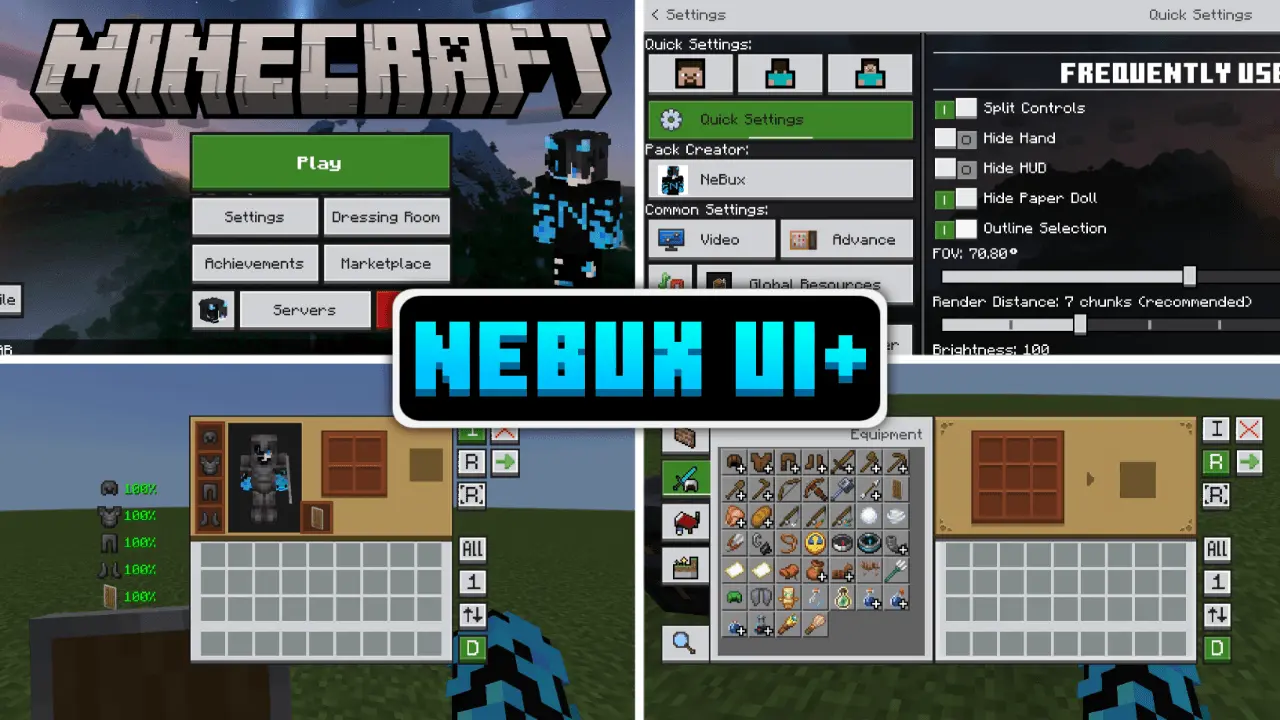
NeBux UI+ Texture Pack — a clean Bedrock UI overhaul that adds quick-access buttons, faster crafting/looting, and a bunch of quality-of-life readouts so you spend less time clicking menus.
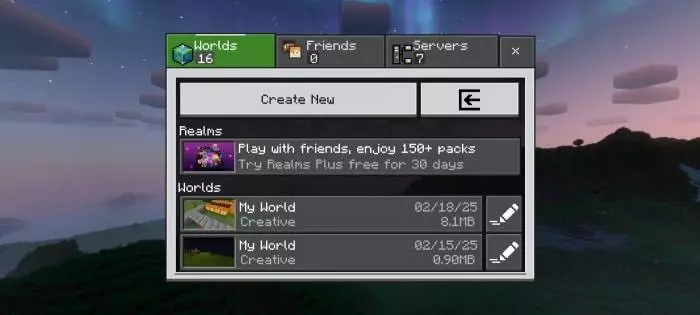
NeBux UI+ Texture Pack is the kind of pack you install when you’re tired of fighting the interface instead of the game. It keeps things simple visually, but it tweaks the UI in ways that make everyday play smoother and more accessible in Minecraft Bedrock Edition. The big theme is speed: it adds a Quick Settings menu with common toggles like FOV and Camera View so you’re not digging through settings every time, and it sprinkles in Quick Buttons that cut out extra steps, like jumping straight to Servers or using quick craft, quick drop, drop all, and quick move actions when you’re managing items. NeBux UI+ Texture Pack also pushes the “don’t slow me down� vibe with Quick Craft and Quick Loot changes that make crafting and looting feel snappier, especially when you’re bouncing between chests, furnaces, and your inventory a lot.
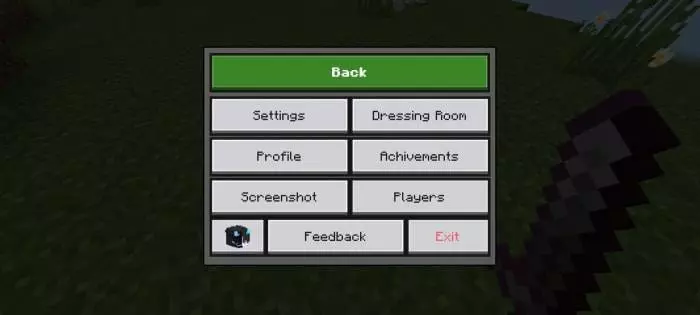
A bunch of the improvements are about staying in control mid-action. With NeBux UI+ Texture Pack, inventory and other screens won’t close just because you take damage, which is huge when you’re trying to swap gear or grab food while something is hitting you. It also adds an exit warning so you don’t accidentally quit the game, and it removes the default chat input character limit so you can type longer messages. Chat gets extra polish too, with quick buttons like Undo and Next, plus a chat select button that lets you choose command or chat by clicking a line instead of retyping. On top of that, there are UI animations and tooltip animations that make the interface feel smoother without turning it into a flashy mess, and there are F1 and F8 buttons like Java players are used to, where F1 hides the HUD and F8 toggles the paper doll.
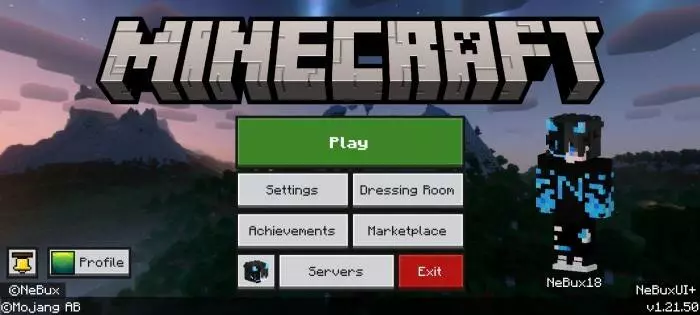
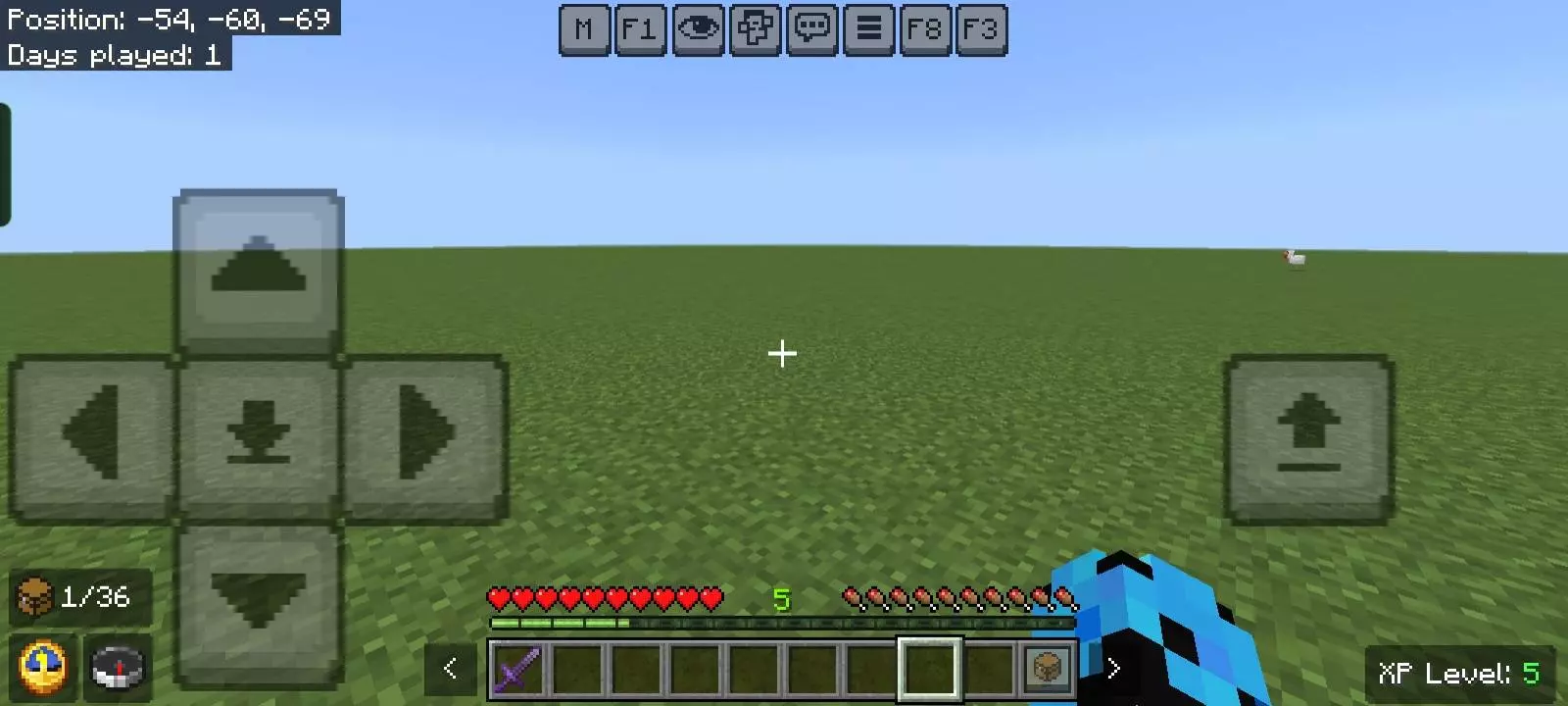
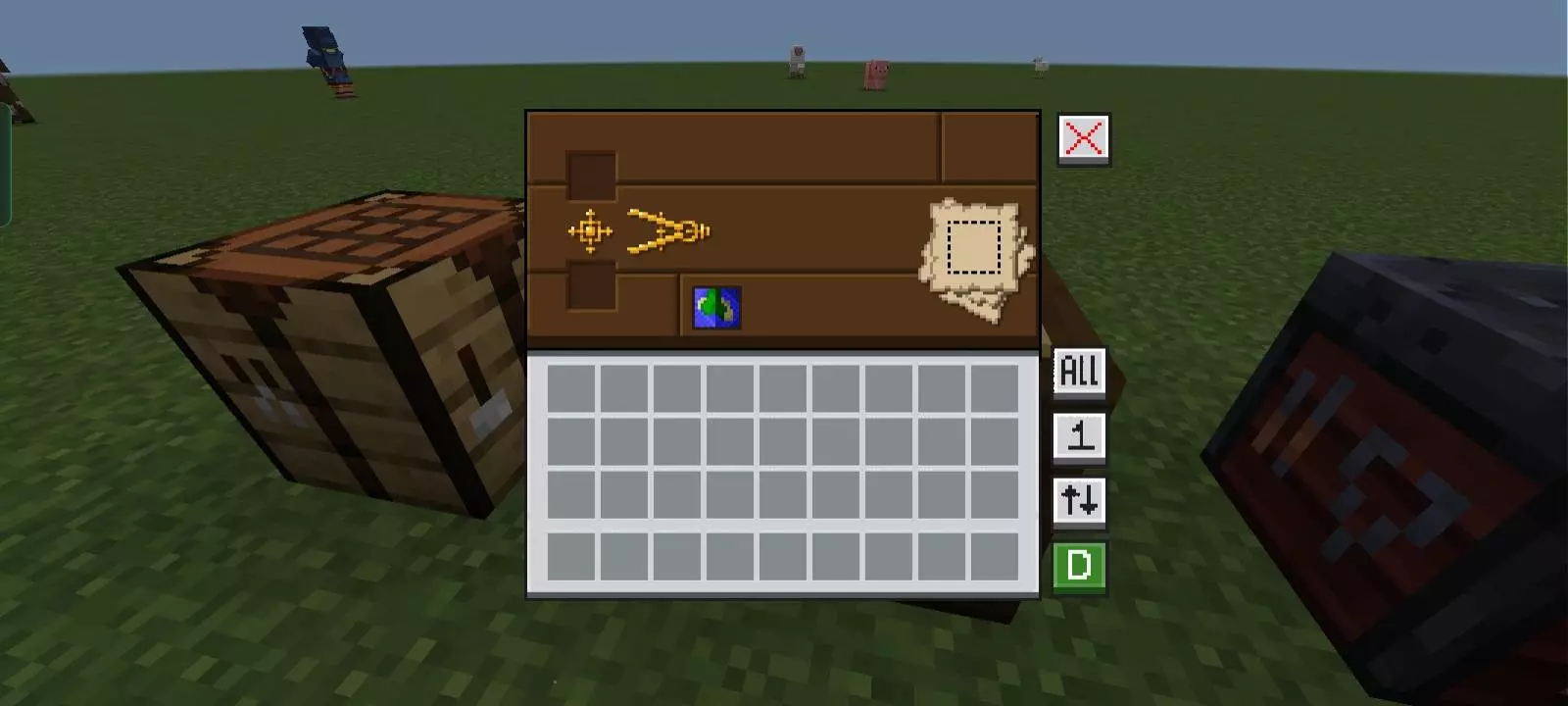
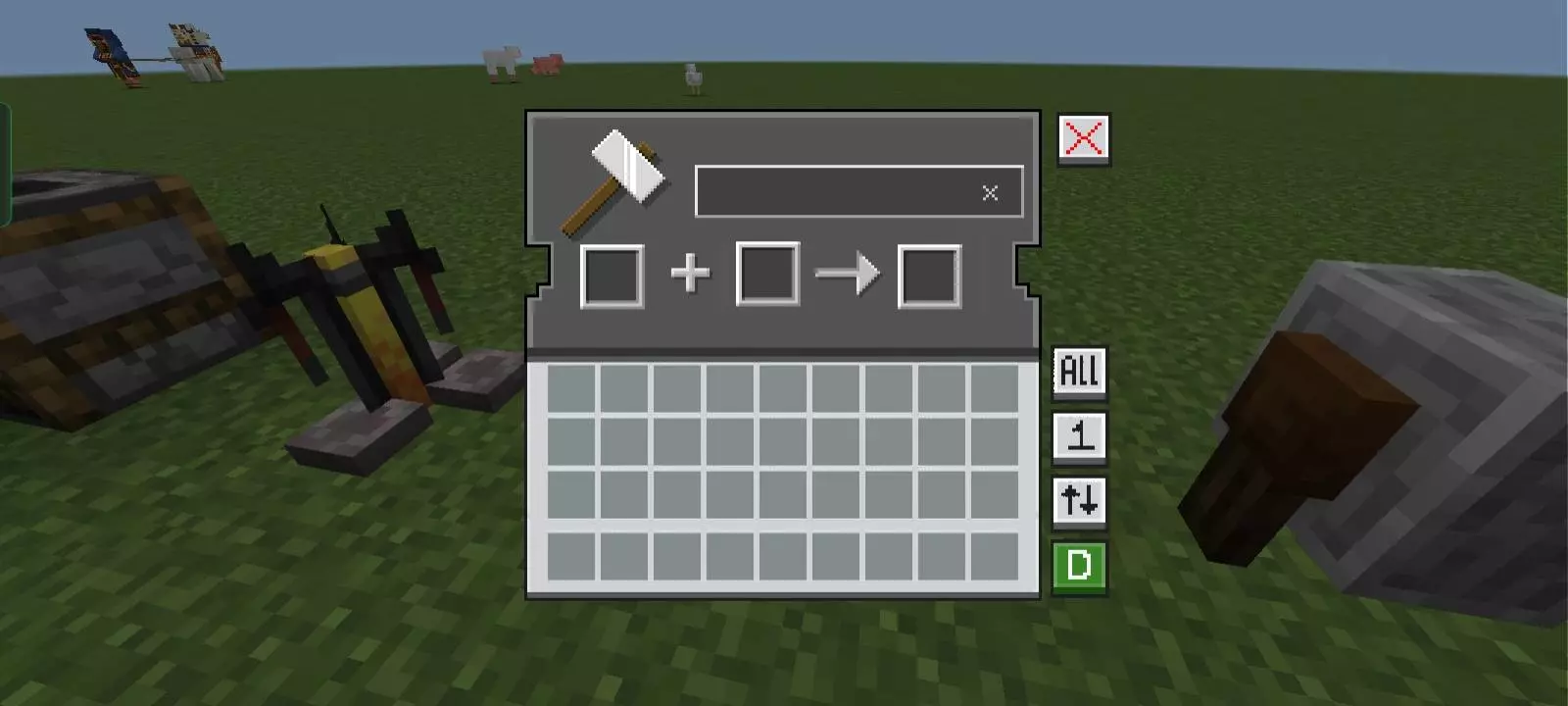
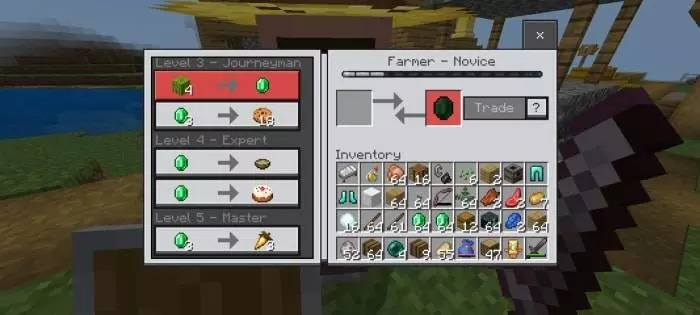
NeBux UI+ Texture Pack also adds a lot of “info you wish was always there.� It shows armor and tool durability on the inventory screen, gives you an inventory counter for how many slots you have left, and throws a warning at the top right of the HUD when your inventory is full. It also puts a working clock and compass right on the HUD so you don’t need to craft those items just to see time and direction, and it includes an XP counter that’s visible even in creative mode. If you’re the type who likes knowing exactly what’s going on, there’s also an F3 debug screen option in the pack. The inventory itself gets upgraded with better buttons, and containers get a makeover too, since usable blocks like crafting tables and furnaces can have custom GUIs. There are even separate guides built in for things like enchantments and furnace variants, plus dimension-themed loading screens so the transition screens match where you’re going.
For customization, NeBux UI+ Texture Pack includes a mod menu and adjustable custom crosshairs through that menu, which is great if you like dialing in your aim feel or just want a cleaner look. It’s built around en_US, and it also notes fixes like the storage section in the settings screen and improvements to the top middle buttons using subpack placement based on your camera perspective button setting. If you want a darker UI style, there’s a separate NeBux UI Dark Mode Extension pack that needs to be placed above NeBux UI. NeBux UI+ Texture Pack is basically a “make Bedrock menus faster and less annoying� upgrade, with enough extra counters and shortcuts that you notice it constantly once you start playing with it.
How to install?
- Download resource pack;
- Run and open the .mcpack file in the game;
- Select a texture in the menu;
- Enjoy!
Comments (0)