GURJAR X Cartoon Shader
- 22-09-2026, 05:29
- 204
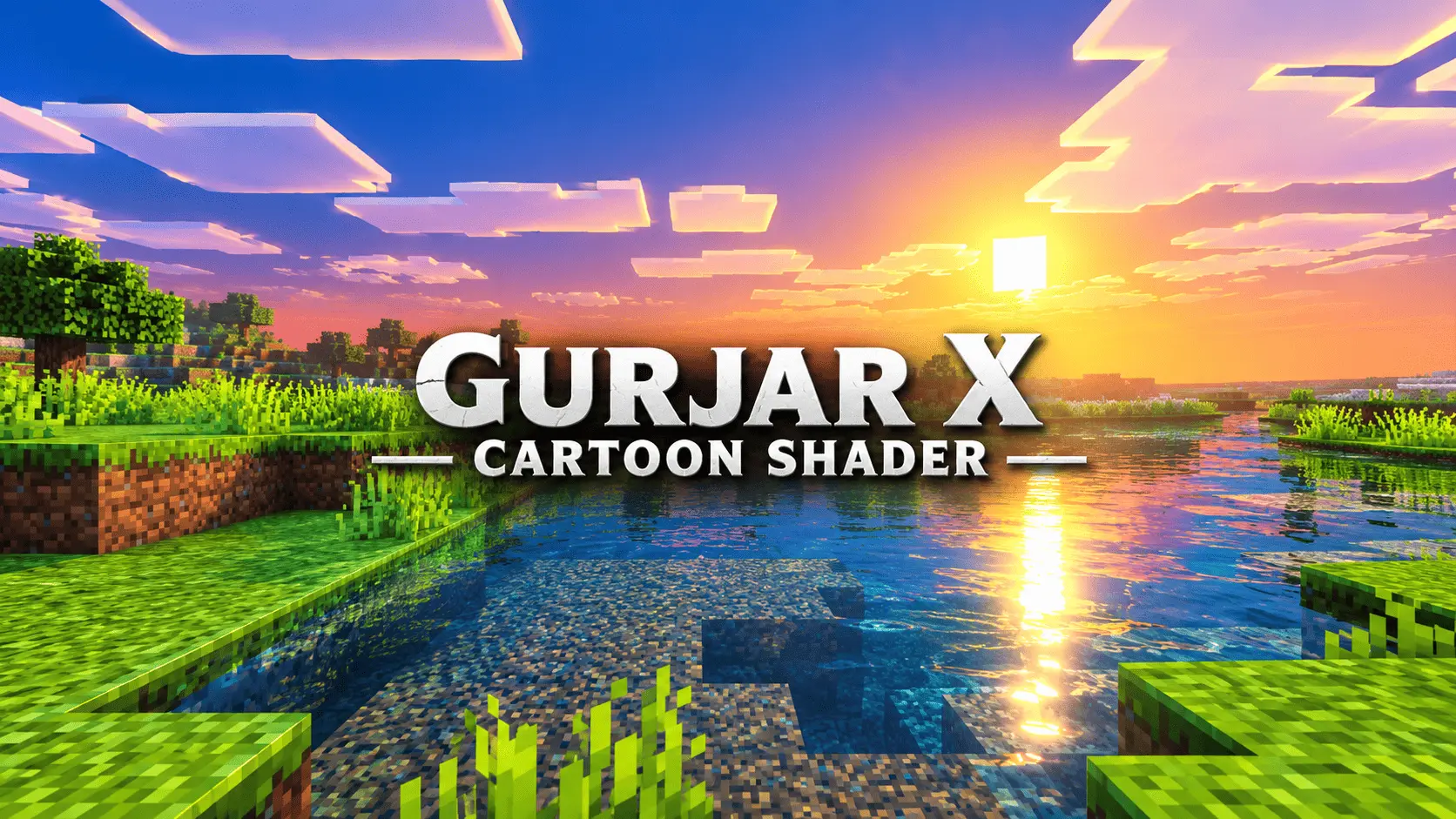
If you are completely over the trend of shaders trying to make Minecraft look like a hyper-realistic photograph, this pack goes in the exact opposite direction. The GURJAR X Cartoon Shader strips away the moody, muted realism and replaces it with a bold, incredibly punchy comic-book aesthetic. It leans hard into high saturation and intense color grading, making the grass, water, and sky look almost hand-painted. The lighting is overhauled to feel constantly bright and lively, featuring a massively boosted sun intensity that creates a dramatic glowing bloom on the horizon during sunrises and sunsets. Instead of burying your world in a thick, gloomy haze, the atmospheric fog stays light and colorful, ensuring that your distant builds and terrain remain crisp. It basically turns your standard blocky survival world into a bright, stylized animated game.
The absolute best part about using a dedicated visual pack like this is that it doesn't interfere with any of your actual world mechanics. Because it only changes the client-side graphics and avoids injecting any custom behavior scripts or cheat commands, your Xbox Live achievements remain 100% active. You can throw this super saturated look onto your longest-running vanilla realm and keep unlocking your official Gamerscore without a single worry. Getting the shader set up is also completely brainless. It comes packaged as a simple .mcpack file, meaning you just click it once and it imports directly into your game's resource settings. There are no confusing sub-menus to dig through, no custom sliders to adjust, and absolutely no need to mess around with unstable experimental developer toggles. You just enable the pack, and the cartoon vibe applies instantly.
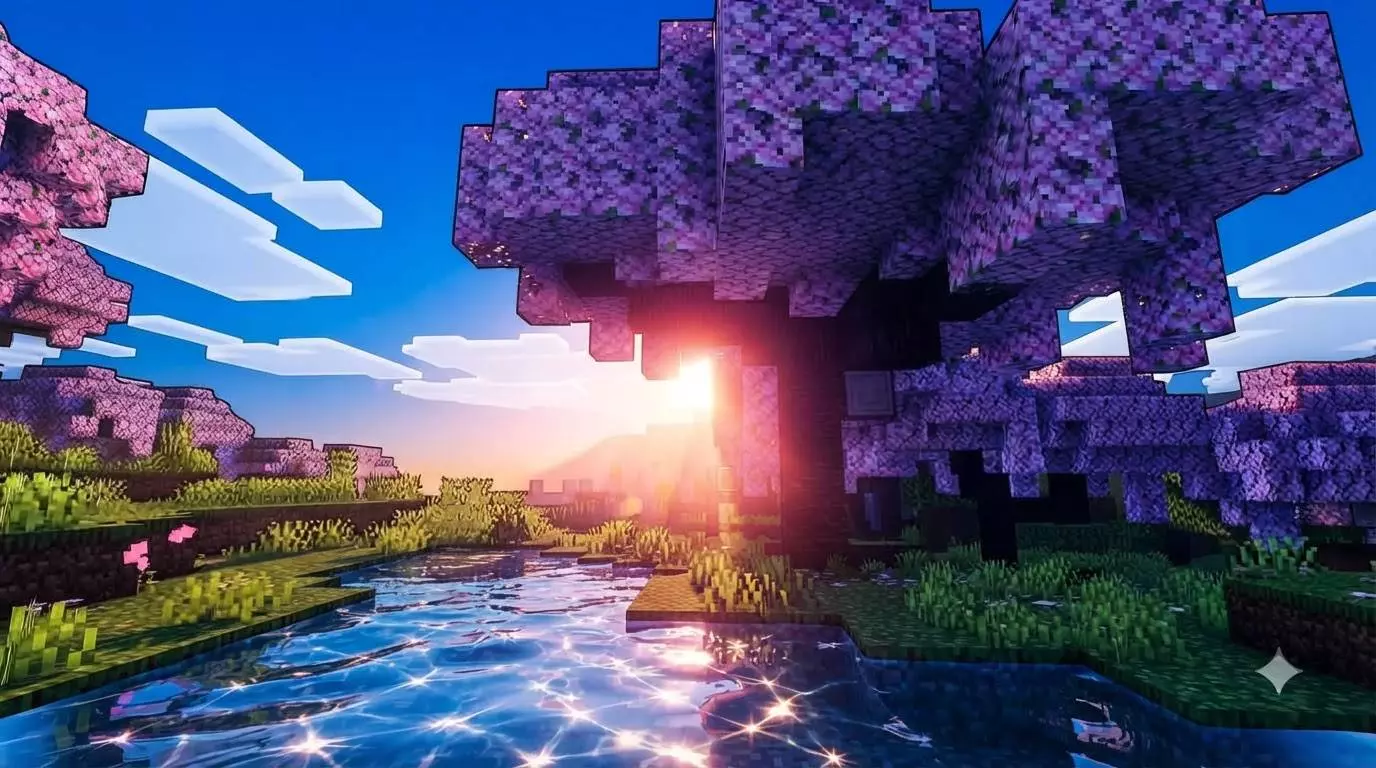

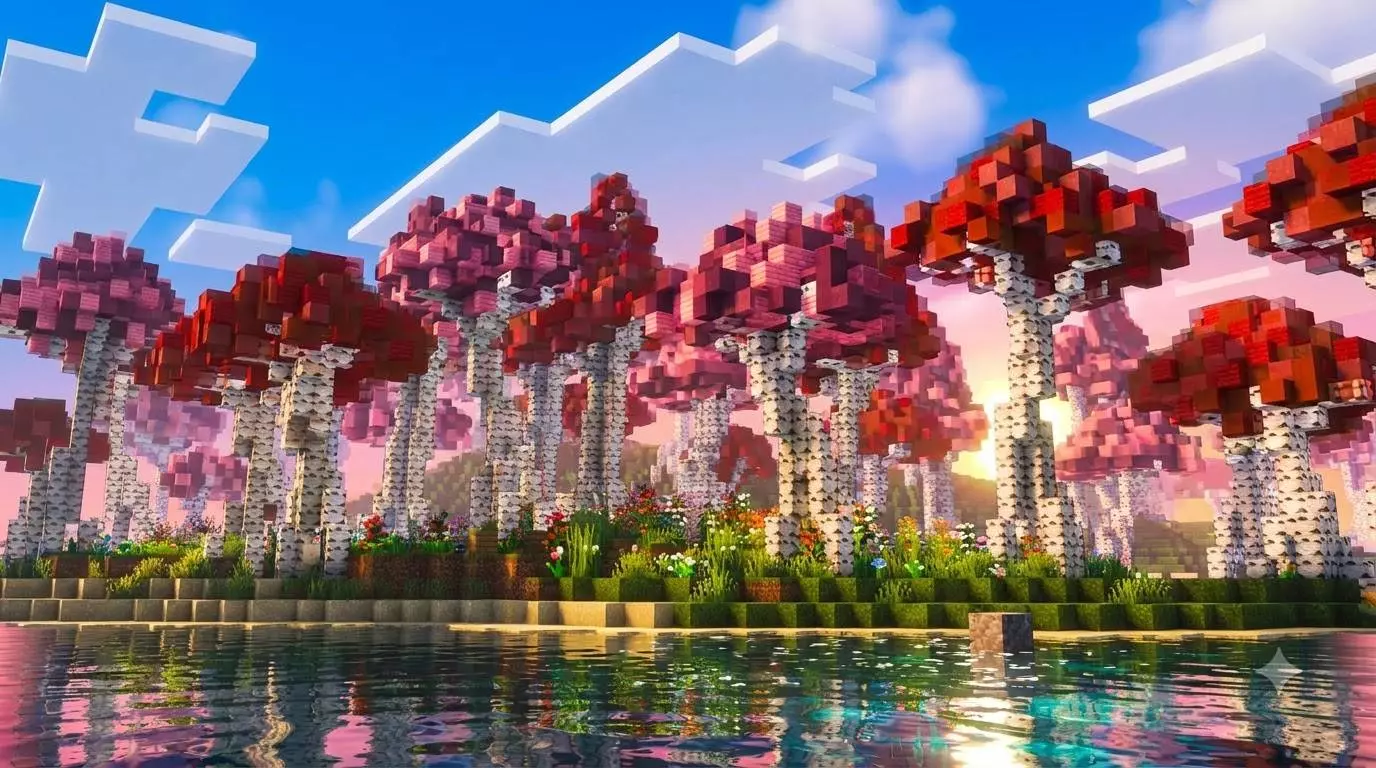
Shaders that push intense lighting effects and heavy color saturation usually have a nasty habit of tanking your device's performance, but this one is surprisingly well-optimized. The secret is that it is built directly on Mojang's native Vibrant Visuals render pipeline, which keeps the backend processing incredibly lightweight. Instead of forcing your hardware to calculate brutal, razor-sharp ray-traced shadows or heavy volumetric clouds, it uses soft-filtered shadows and clean, animated water caustics that look great without eating up your available memory. The result is a vibrant, heavily stylized world that actually runs smoothly. Whether you are trying to survive on a budget smartphone, playing split-screen on a standard home console, or running a high-end PC, your framerate is going to stay buttery smooth even when the brightly colored gameplay gets chaotic.
How to install?
- Download resource pack;
- Run and open the .mcpack file in the game;
- Select a texture in the menu;
- Enjoy!
Comments (0)