Golden Horizon Visuals Shader
- 22-09-2026, 18:35
- 323
If you are obsessed with taking screenshots of your massive survival builds or just want your world to look like it belongs in a movie, this pack completely nails that vibe. Golden Horizon Visuals is built entirely around capturing that perfect cinematic golden-hour lighting. Instead of washing the sky out with blinding white glare or making everything look like a plastic toy, it bathes your environment in rich, warm tones, especially during sunrise and sunset. It adds a ton of atmospheric depth to the horizon, meaning distant mountains and forests actually fade into a soft, realistic haze instead of just abruptly cutting off at the edge of your render distance. Down on the ground, the foliage keeps its natural vanilla identity, but the water gets a massive upgrade. Rivers and oceans look significantly clearer, featuring actual surface movement, dynamic reflections, and lighting that actually interacts with the environment. It basically gives the entire game a heavy cinematic contrast without making the colors look obnoxiously saturated.
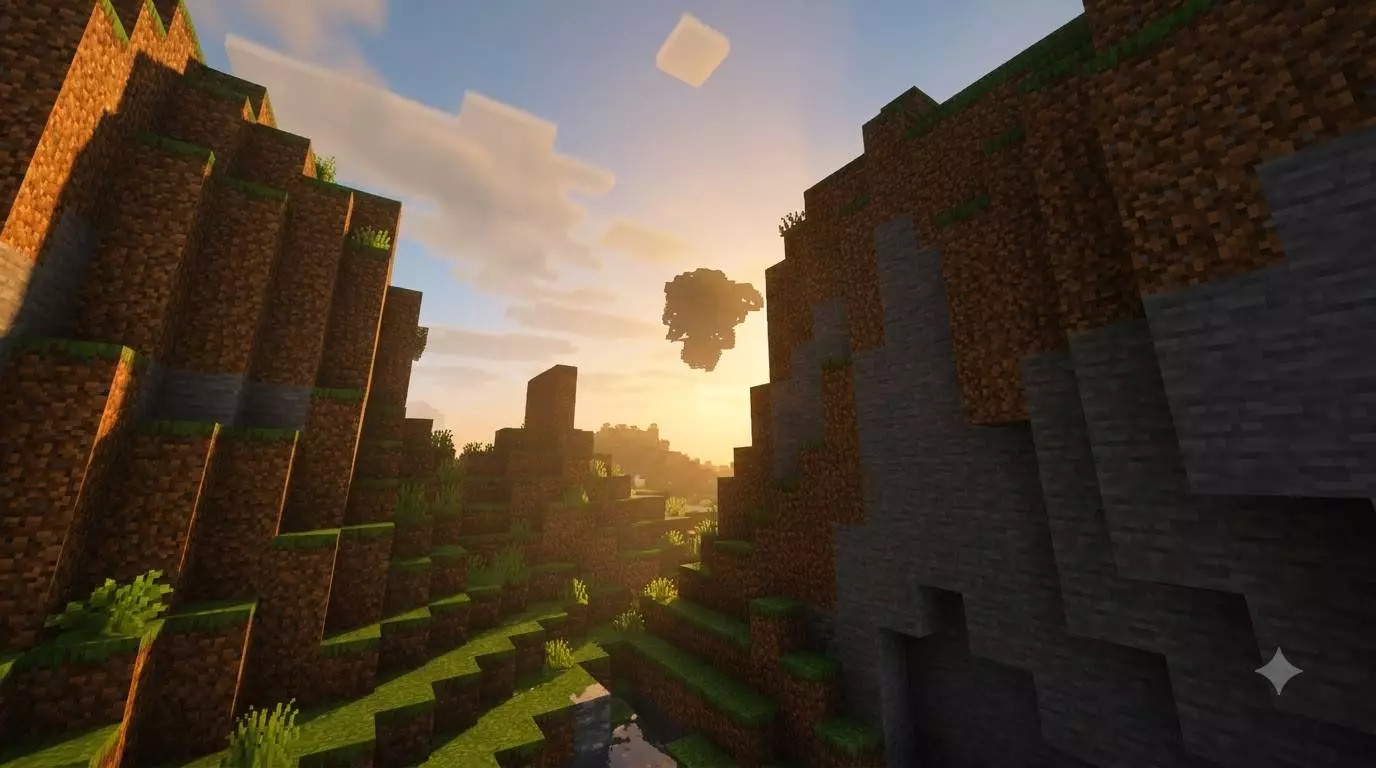
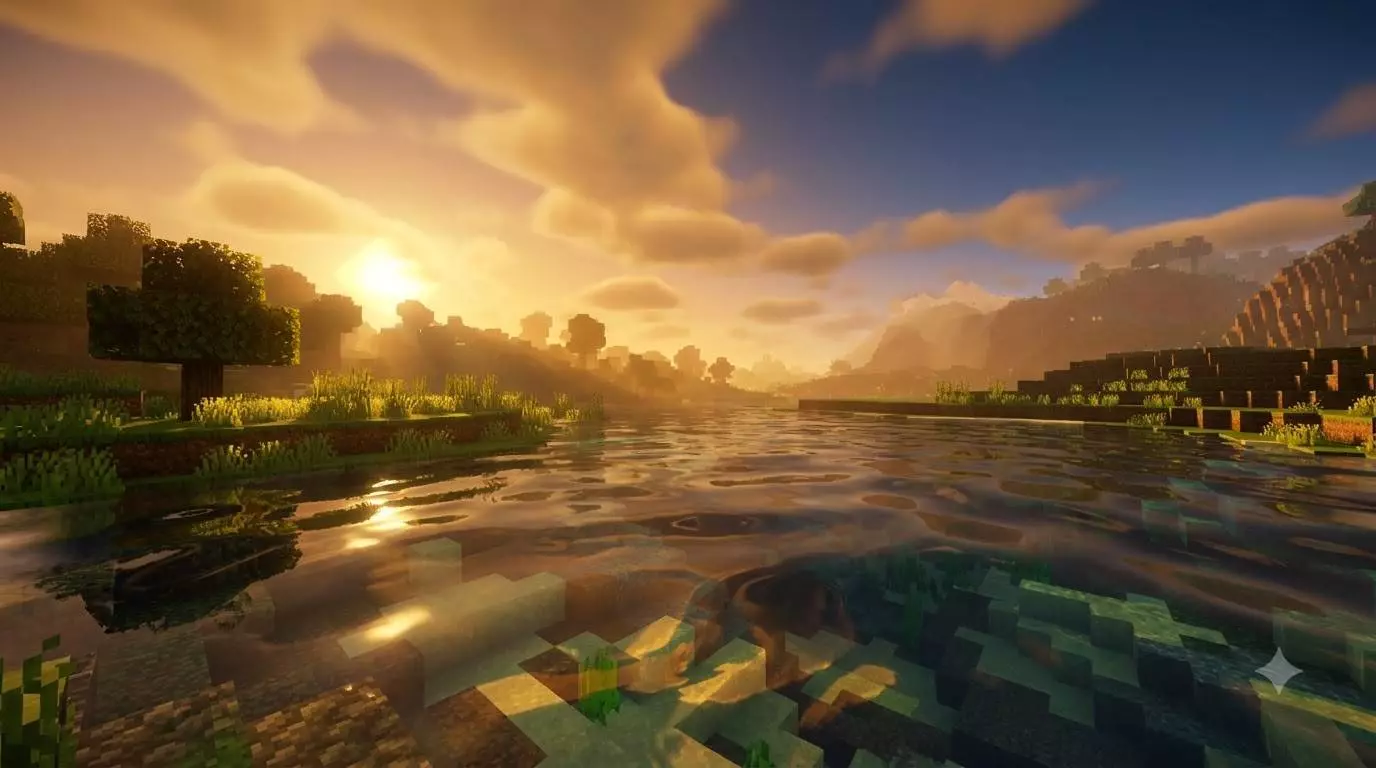
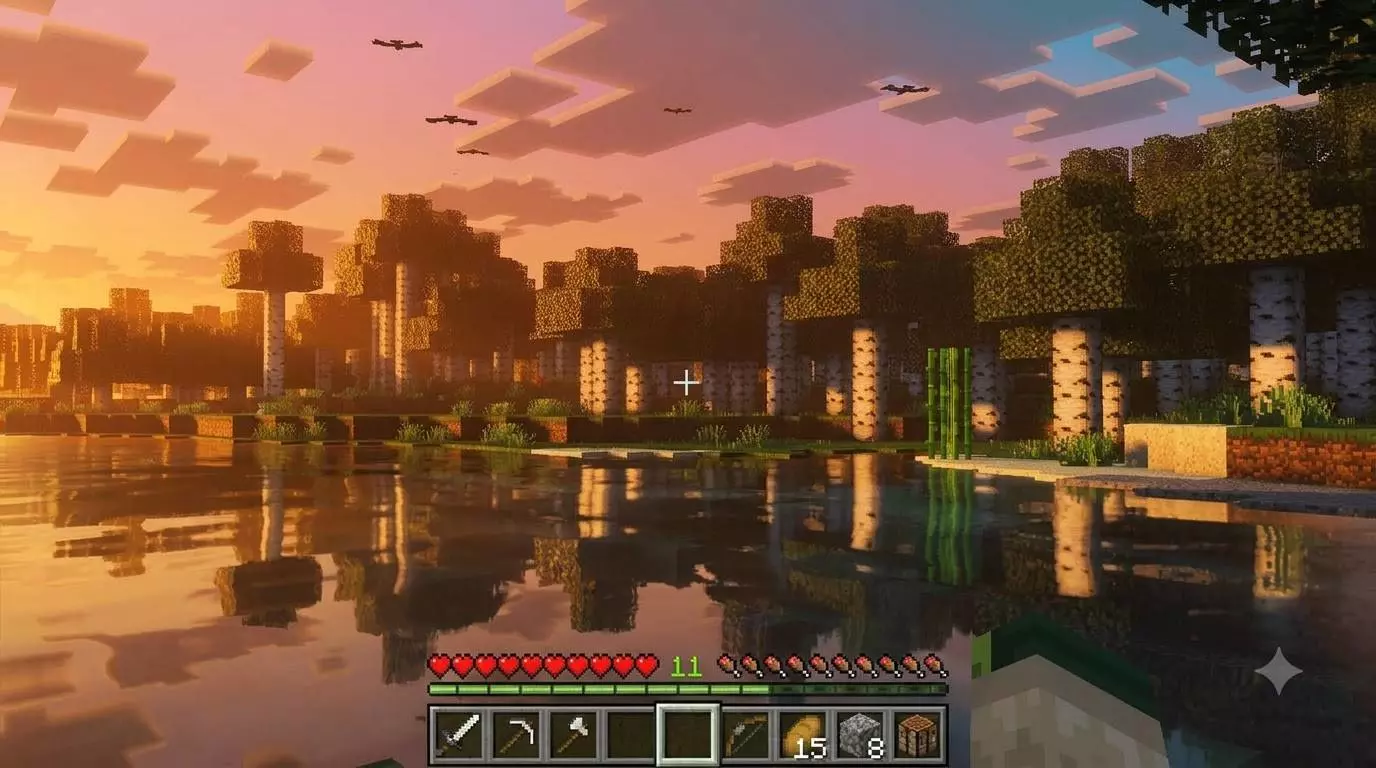
The absolute best part about using a dedicated graphics pack like this is that you do not have to sacrifice your official survival progress to make the game look good. Because it is strictly a client-side resource pack and doesn't mess around with custom behavior scripts, hidden entities, or cheat commands, your Xbox Live achievements stay 100% active. You can throw this cinematic filter over your longest-running vanilla realm and keep unlocking your Gamerscore without any issues. Getting it installed is completely painless, too. It downloads as a standard .mcpack file, which means you just click it once to import it directly into your global resources. You don't have to navigate weird third-party file managers or risk corrupting your save file by turning on unstable experimental developer features.
A lot of community-made shaders that push heavy cinematic lighting and dynamic water end up completely destroying your device's framerate. This pack actually avoids that trap because it is built natively on Bedrock’s official Vibrant Visuals rendering system. Instead of forcing your hardware to calculate brutal third-party ray tracing or incredibly heavy volumetric shadows, it uses optimized lighting curves and smart color grading to achieve that dramatic movie look. Because it taps directly into the game's native engine, the performance footprint is surprisingly light. Whether you are exploring massive landscapes on a budget smartphone, playing split-screen on a home console, or building on a high-end PC, your gameplay will stay buttery smooth while your world looks better than it ever has.
How to install?
- Download resource pack;
- Run and open the .mcpack file in the game;
- Select a texture in the menu;
- Enjoy!
Comments (0)