AM ONE CHUNK RANDOMIZED Map
- 30-09-2026, 11:20
- 202
Adventure Maps / Minigame Maps / Survival Maps

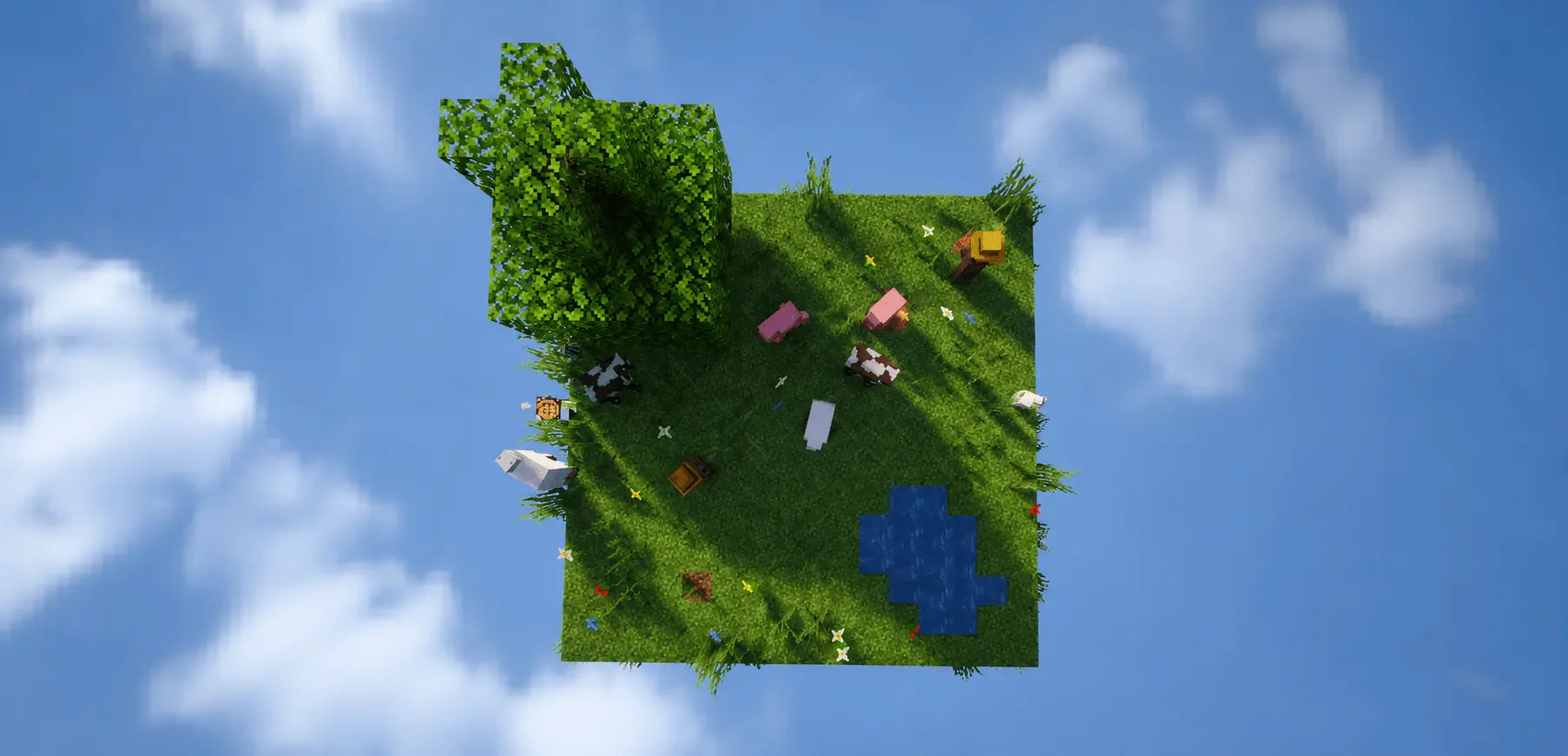
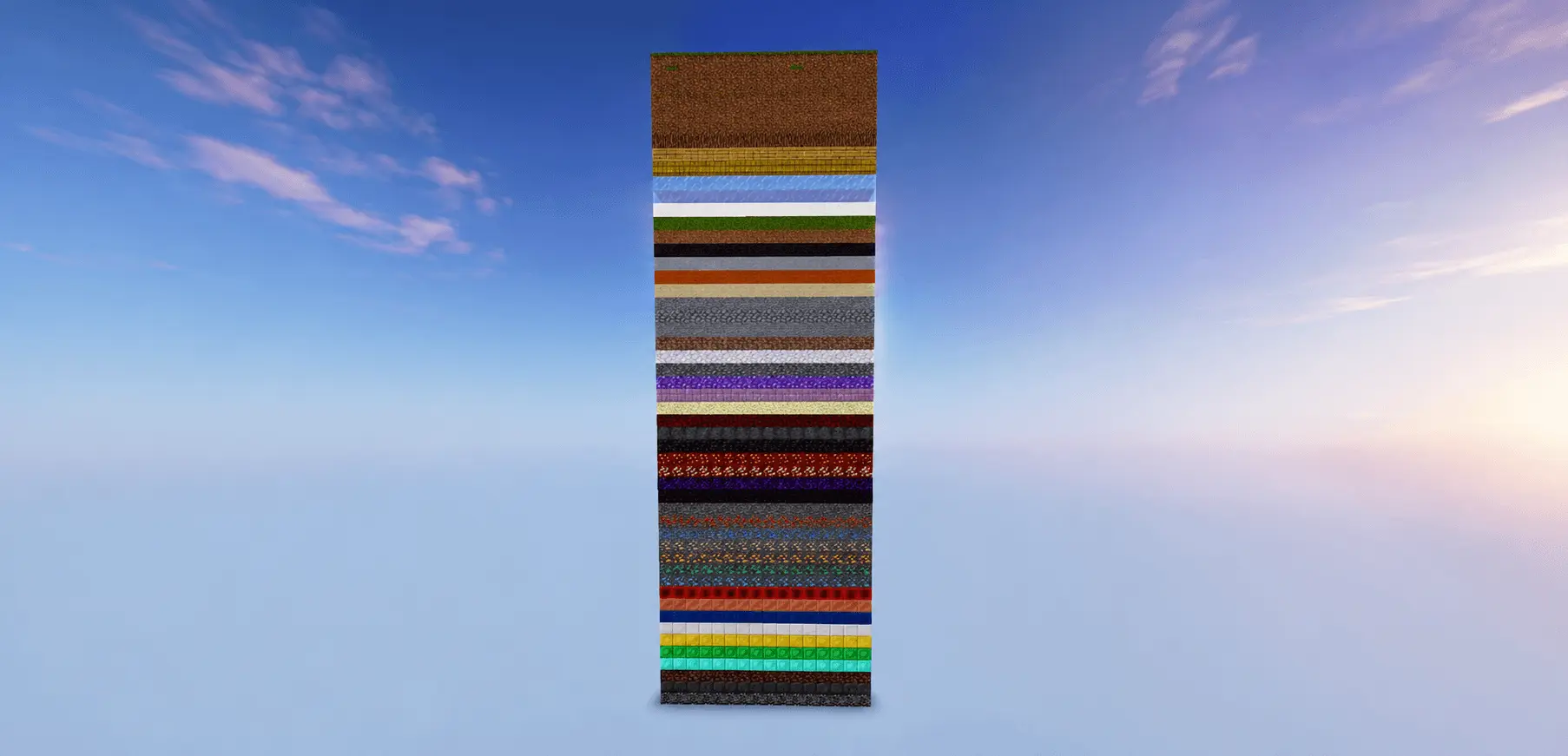
Confining your entire survival world to an exact sixteen-by-sixteen perimeter sounds claustrophobic, but AM ONE CHUNK RANDOMIZED turns that tight boundary into a strangely satisfying vertical dungeon crawl. Instead of wandering across thousands of endless Overworld blocks, you are trapped on a lone monolithic column suspended over an empty void. What makes this setup way more interesting than standard Skyblock is the layered design beneath the grass. The map stacks fifty distinct block layers straight down to bedrock, deliberately scaling the value of what you find the deeper you dig. The early game feels familiar as you carefully gather surface dirt and whatever basic saplings you can salvage without dropping them into the abyss, but once you start tunneling down, every single layer changes the rules. You might chisel through a layer of packed mud or basalt only to stumble right into precious ores, ancient materials, or tricky hazards that make digging straight down a genuine death sentence.
Setting this map up is thankfully a breeze compared to scripted One Block alternatives. Because the fifty tiers are physically built directly into the chunk layout rather than rolled in real time by background code, you do not have to mess around with enabling Beta APIs or turning on risky Experimental Gameplay toggles just to make the blocks work. You simply load in the world template and start mining immediately. The obvious downside to playing on any custom imported template like this is that your Xbox Live achievements get wiped out from the start. The game flags the modified world instantly, so anyone looking to boost their Gamerscore will have to stick to an unmodded survival seed instead.

When it comes to frame rates and system strain, a solitary chunk sitting in an empty void is about the easiest thing the Bedrock engine can possibly render. Whether you are playing on a top-tier PC or a beaten-up smartphone, you will get clean, high-refresh gameplay right out of the gate. The only time your frames will actually take a beating is when you get careless with fluid mechanics or item drops. If you crack open a water or lava source near the edge and let it pour down all fifty blocks into the open void, the constant light calculations and fluid tick updates will make older mobile chips stutter hard. The same thing happens if you blast through a layer with an enchanted pickaxe and leave hundreds of loose blocks floating on the floor instead of bagging them in chests. Keep your drops collected and contain your liquids, and it will run silky smooth on literally any device.
How to install?
Android: use ES Explorer to find mcworld in the download folder. Click on a file to import it inside.
Versions of Windows 10: Go to your downloads folder and find mcworld. Click on the document to add it to the client.
IOS: as soon as they clicked on the Download button below, the device will offer to open it.
Comments (0)