Zombiepolis Pocket Relaunch Map
- 2-10-2026, 12:25
- 238
Adventure Maps / Creation Maps / PvP Maps / Survival Maps

Most post-apocalyptic builds in Bedrock fall flat because they just scatter some cobwebs around an empty concrete grid and call it a day. Zombiepolis actually nails the environmental storytelling. The map dumps you onto a massive, custom-sculpted coastal island where nature has completely overtaken the urban sprawl. Instead of boring branch mining down at bedrock level, the survival loop forces you to scavenge through multi-story apartment complexes, search abandoned hospital wings, and scale broadcast towers for vantage points. Iconic set-pieces—like a full-sized commercial airliner lodged inside a high-rise building and a derelict container ship rusted onto the waterfront—give the city immediate character. It feels built from the ground up as a ready-to-run sandbox, whether you want to set up an extraction shooter server, run a multiplayer roleplay campaign, or just see how long you can survive off looted canned goods and rooftop gardens.
On the technical side, the base world is surprisingly clean to set up. Because the structures, wreckage, and overgrown highways are constructed using standard vanilla blocks without mandatory proprietary scripts baked into the world folder, you can boot up the base map without having to touch Experimental Gameplay toggles or Beta APIs. Everything loads natively right out of the gate. However, because this is an imported world template with customized map bounds and preset spawn data, your Xbox Live achievements are dead on arrival. Gamerscore cannot be earned on this save. It’s also worth noting that while the base map runs vanilla, it practically begs to be paired with third-party weapon packs and custom zombie behavior add-ons. The moment you decide to introduce firearm packs or mutant mob scripts to fulfill the map's apocalyptic potential, you will need to head into the world options and toggle on those Experimental switches to prevent custom animations and entity behaviors from breaking.
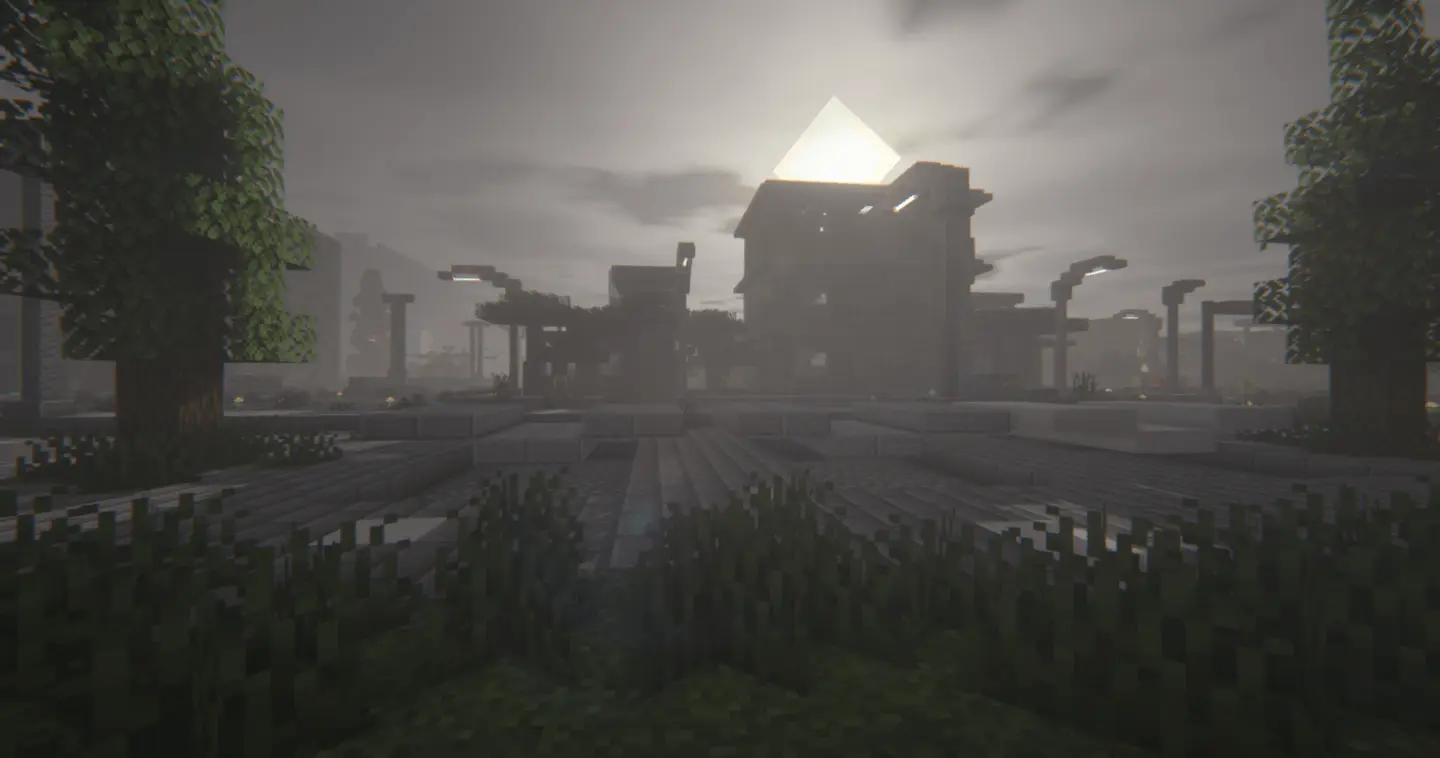

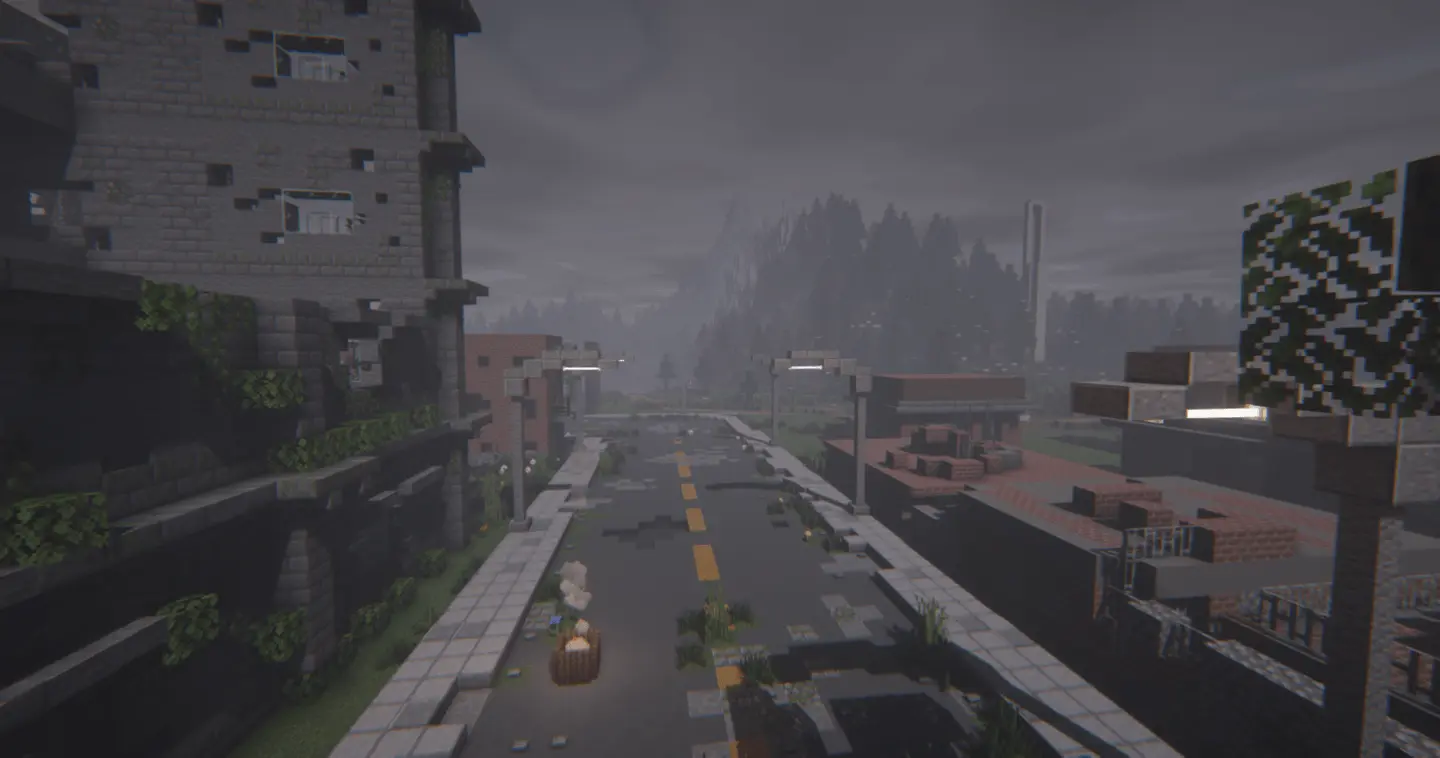

Performance is where an overgrown urban island will push mobile hardware to its limits. Modern PCs and current-gen consoles will glide through the avenues and skyline bridges at triple-digit framerates without breaking a sweat. For players on older smartphones and low-spec tablets, though, the dense downtown core is a known hazard. Layering hundreds of transparent glass panes, hanging vine entities, detailed interior props, and stacked leaf blocks into tightly packed chunks creates a heavy rendering bottleneck for mobile GPUs. Sprinting down the overgrown avenues or flying an elytra through the skyscrapers can quickly outrun chunk generation on portable chips, leading to sudden stuttering and thermal buildup. If you’re playing on a handheld device, dropping your render distance down to 8 or 10 chunks and toggling off "Fancy Leaves" will keep your frame pacing solid while you clear out infected hallways.
How to install?
Android: use ES Explorer to find mcworld in the download folder. Click on a file to import it inside.
Versions of Windows 10: Go to your downloads folder and find mcworld. Click on the document to add it to the client.
IOS: as soon as they clicked on the Download button below, the device will offer to open it.
Comments (0)