Mining Sim Map
- 13-12-2025, 07:31
- 675
Adventure Maps / Minigame Maps
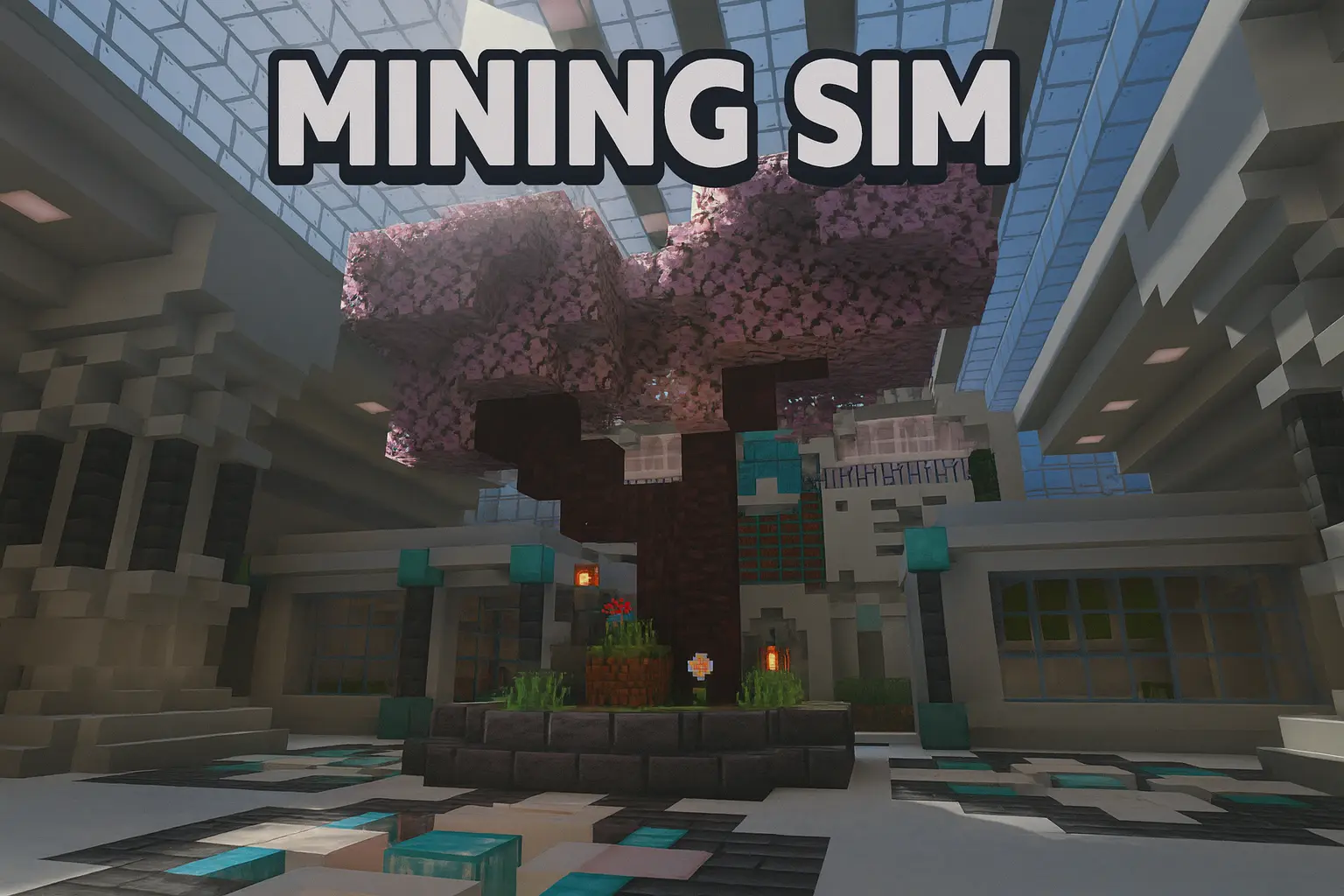
Mining Sim³ — an upgrade-heavy mining grind map where every swing is money, every level unlocks new power, and prestige turns resets into the whole point.
Mining Sim³ - An Advanced Mining Simulator plays like someone took the most satisfying part of Minecraft Bedrock—mining—and turned it into a full progression game. You start in an actual Mining Area, break ores with your pickaxe, then sell what you mined for cash. It sounds simple, but the loop gets addictive fast because the map constantly gives you reasons to keep pushing: you earn Talent Points to buy Talents that boost how you mine, how you profit, and how quickly you progress, and your Mining Level keeps climbing as you work. That Mining Level isn’t just a number either—it's your key to better pickaxes and the gate to Prestige, so you’re always watching it like it’s your real XP bar.
The pickaxe system is built for adventure mode, which makes the whole thing feel clean and controlled instead of messy survival chaos. Modified vanilla pickaxes use a “can_break” setup, so you’re not accidentally griefing the map or breaking stuff you shouldn’t. You mine what the map wants you to mine, and it keeps the experience focused on speed, efficiency, and upgrades. Once you start leveling, you’ll notice how the map encourages that “optimize your route” mindset: you’re not just mining randomly, you’re thinking about what sells best, what talents you should buy next, and when it’s worth saving for a stronger pickaxe versus buying smaller upgrades.
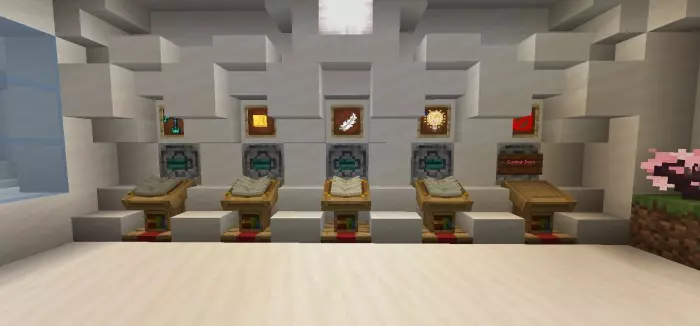
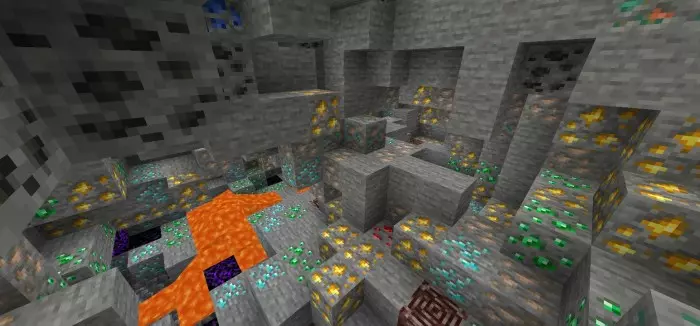
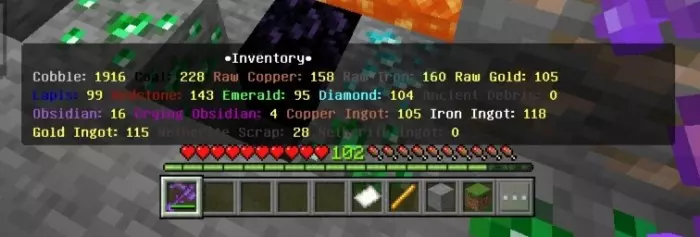
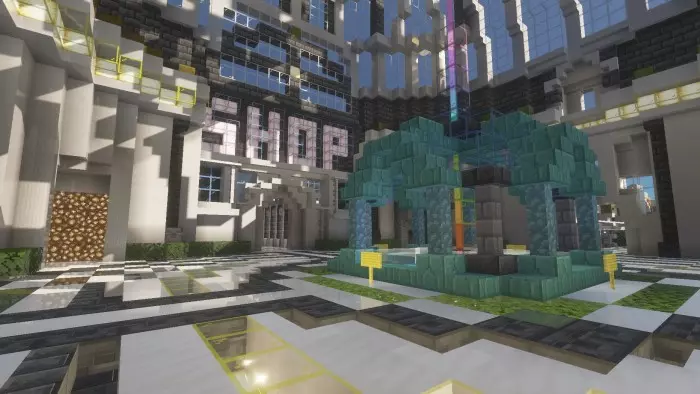
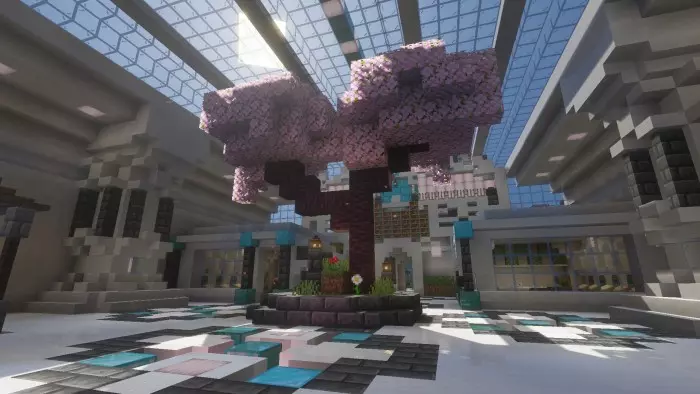
The Ore Factory is where Mining Sim³ really feels different from a basic simulator. It’s not just “mine then sell”—you can smelt, craft, and sell through the factory in its own unique loop, which makes your progress feel like you’re building an actual operation. On top of that, the mine generation is fully randomized every reset, so you don’t end up memorizing the same ore placements and turning it into a brain-dead routine. Each reset forces you to adapt a little, change lanes, and stay alert. The custom ore inventory is also huge, because it means you’re not constantly stopping to dump stacks into chests or clean your player inventory. You can keep mining nonstop like you’re in a real simulator session, then cash out when you decide it’s time.
Prestige is the long-term hook. When you prestige, you reset progress, but you come back with boosts and access to new areas, so the reset feels like a power move instead of losing everything. It turns the whole map into a “how fast can I rebuild stronger” challenge, especially if you’re playing with friends and racing each other. And if you like a little chaos, the Gacha Box adds that gamble moment where you can roll for cool items that might speed you up or give you an advantage. Mining Sim³ is basically made for players who love progression, upgrading, and that clean grind where you can feel yourself getting stronger every time you sell a haul.
How to install?
Android: use ES Explorer to find mcworld in the download folder. Click on a file to import it inside.
Versions of Windows 10: Go to your downloads folder and find mcworld. Click on the document to add it to the client.
IOS: as soon as they clicked on the Download button below, the device will offer to open it.
Comments (0)