Wemmbu vs FlameFrags unstable smp simulator Map
- 2-10-2026, 02:18
- 234
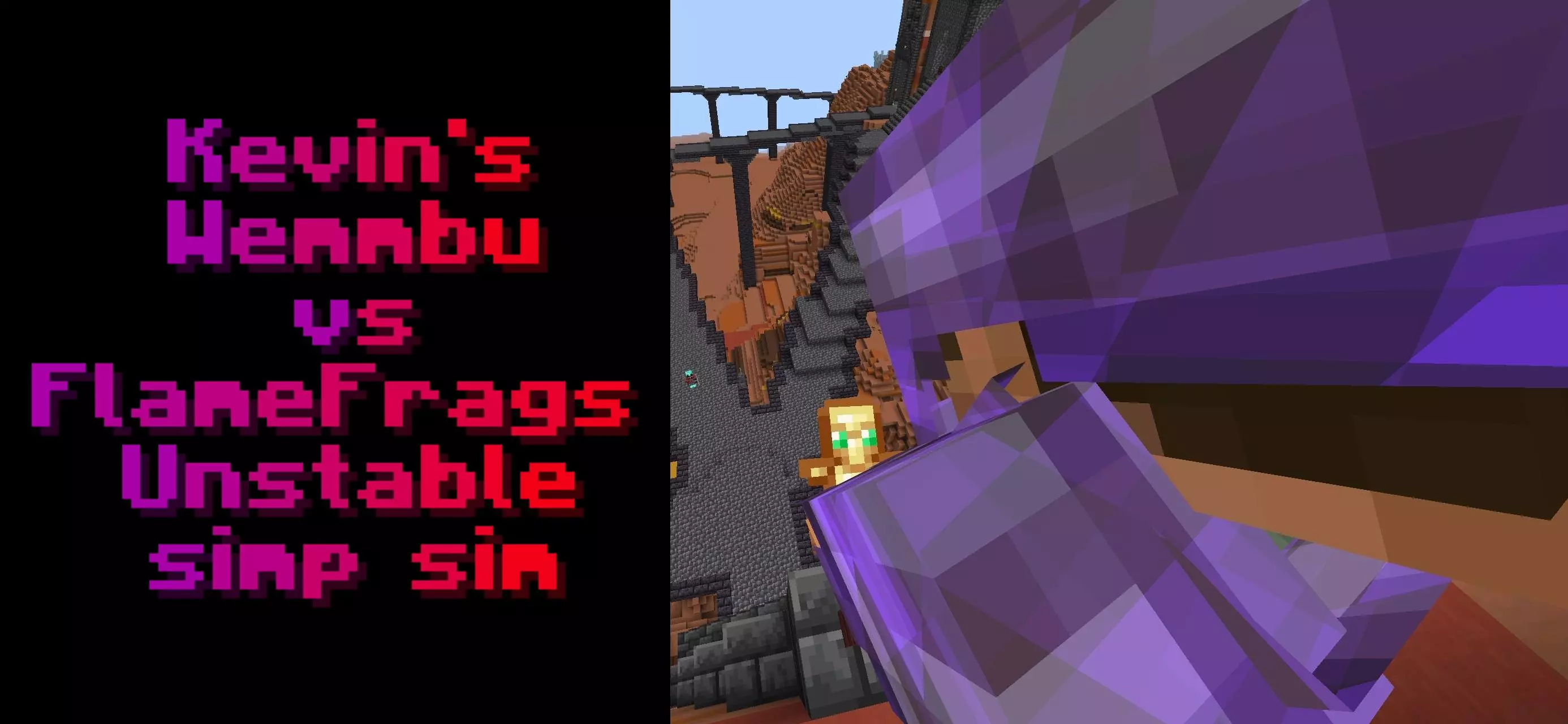
Recreating the chaotic, high-level combat seen in creator-led survival series like the Unstable SMP is difficult to pull off against AI, but this dedicated simulator goes surprisingly far in mimicking those exact playstyles. Instead of locking you into a static sparring dummy, the world pits you directly against custom bots modeled after Wemmbu and FlameFrags, letting you take either side of the matchup. What sets these bots apart is their mechanical aggression. Depending on your configuration, the AI actively chains firework rockets while gliding with elytras to set up devastating mace smashes, swaps to spears for reach advantage, or shifts into a full UHC ruleset featuring lava placement, web traps, and tactical pearl clutches. The lobby gives you extensive control over the fight parameters: you can tweak totem counts, limit golden apples, distribute strength and speed buffs, or toggle high-stakes modifiers like double health pools, custom voice lines, and orbital strikes. It bridges the gap between scripted YouTube spectacles and an actual, punishing offline combat trial.
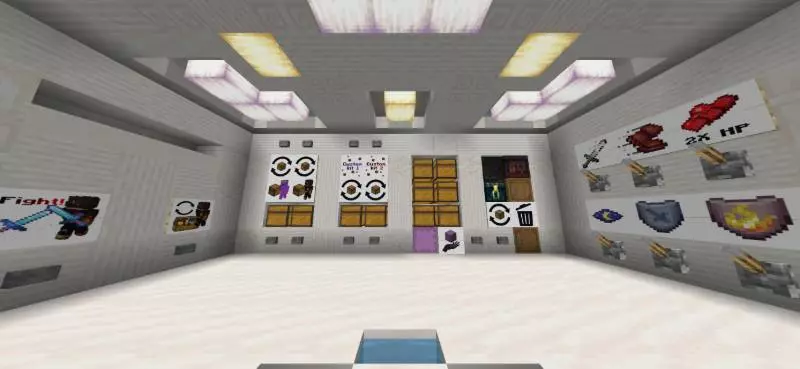
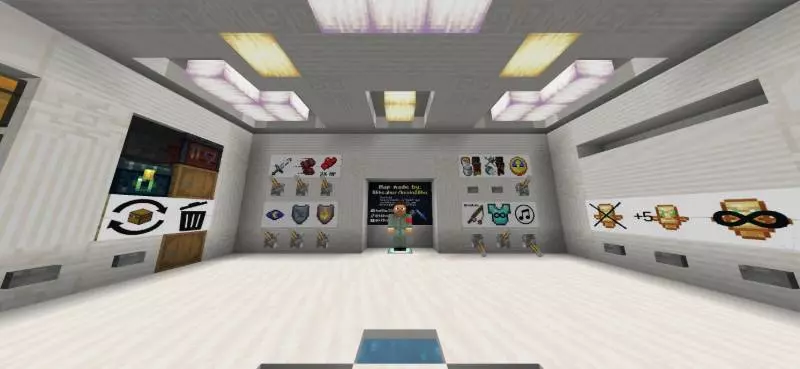
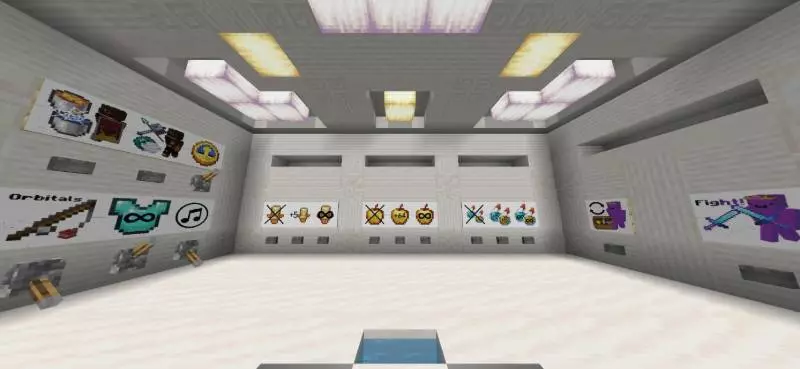
Under the hood, driving bots that can pilot elytras, manage multi-item hotbars, and react to player positioning requires an intricate framework of behavior packs and underlying scripts. Because of this, loading the world template will permanently lock out Xbox Live achievements. Anyone trying to protect their Gamerscore on their main profile should leave this map alone. Getting the simulation running without game-breaking errors also requires manual preparation before hitting play. You must head into the world settings and toggle on Experimental Gameplay options, with specific emphasis on activating Beta APIs. Leaving those developer toggles off breaks the AI initialization immediately—the bots will spawn frozen in place, kit buttons will stop dispensing gear, and the modifier levers in the control room will fail to apply effects.
Hardware demands swing wildly based on which settings you flip on in the lobby. Modern PCs and current-gen consoles will handle the rapid bot pathfinding, firework particles, and mace slam calculations without breaking rhythm, providing the zero-latency input required for split-second shield blocks and pearl throws. On older smartphones or lower-end tablets, however, the map can quickly become a bottleneck nightmare. The author includes an "Orbitals" lever that introduces heavy particle overhead and entity calculations; running that alongside rapid elytra flight and an aggressive bot will push weaker mobile chipsets straight into thermal throttling. To keep the framerate playable on mobile, leave the Orbitals toggle disabled, stick to clean render distances, and reset dropped items between rounds so loose junk doesn't drag down the simulation tick rate.
How to install?
Android: use ES Explorer to find mcworld in the download folder. Click on a file to import it inside.
Versions of Windows 10: Go to your downloads folder and find mcworld. Click on the document to add it to the client.
IOS: as soon as they clicked on the Download button below, the device will offer to open it.
Comments (0)