Ultimate Menu Builder Addon
- 16-01-2026, 13:33
- 722
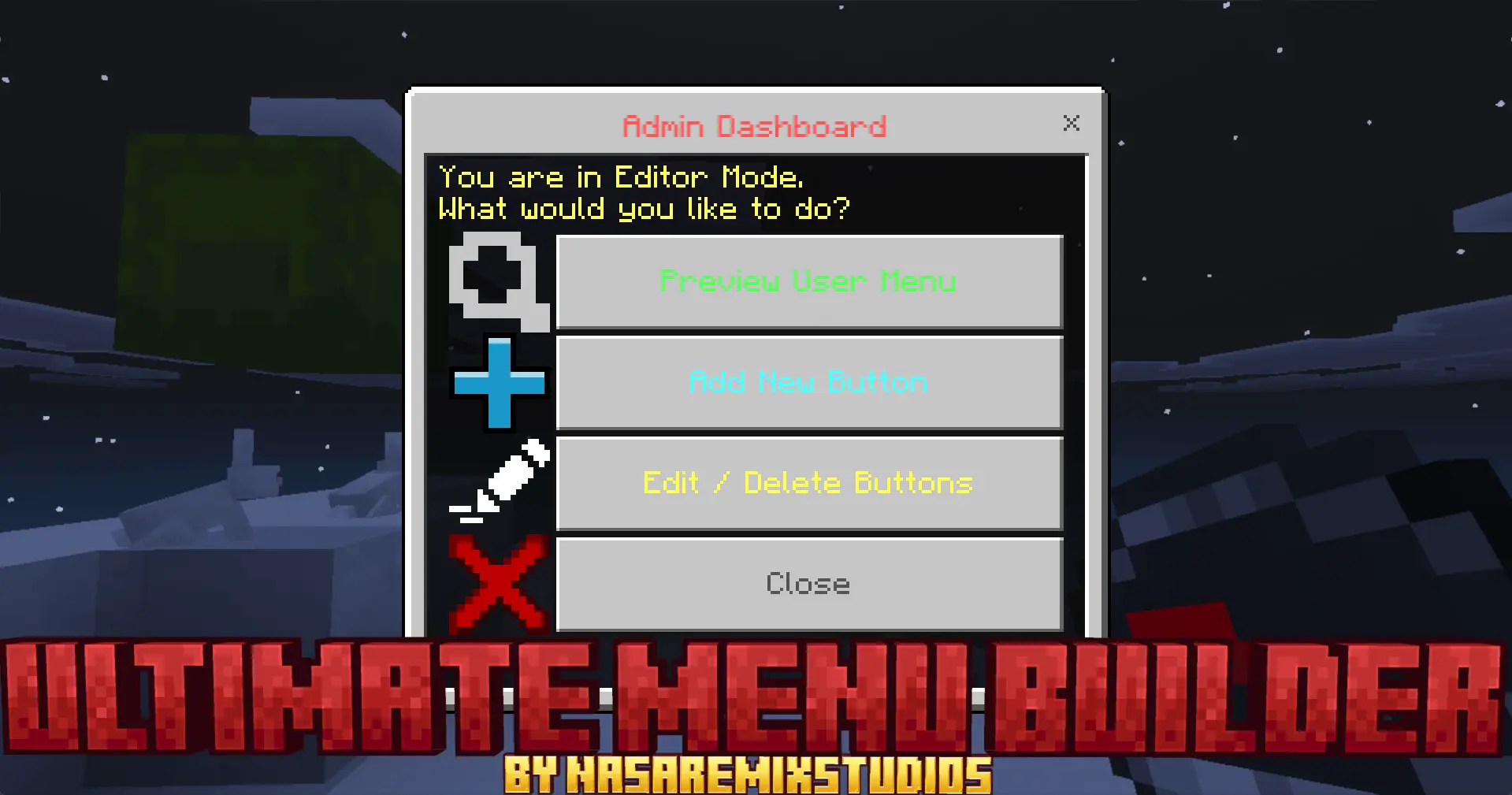
Ultimate Menu Builder Mod — an in-world UI builder that lets you make clean Menu Selectors, Warp Menus, and Kit screens with a visual editor, so your Realm feels organized without touching code or external files.
Ultimate Menu Builder Mod is basically the “stop typing commands and start clicking” addon for Minecraft Bedrock worlds and Realms. Instead of forcing you to juggle complicated files or learn scripting just to make a simple server menu, it gives you an in-game tool that lets you design, edit, and manage custom interfaces directly inside your world. The whole promise is no coding, no external tools, no annoying setup headaches—just a visual workflow that feels like you’re building something the way you build everything else in Minecraft: inside the game, in real time. If you’ve ever tried to run a community world and realized half the chaos comes from players not knowing where to go, what to do, or how to grab their kit, this is the kind of addon that turns your world from “messy” into “clean.”
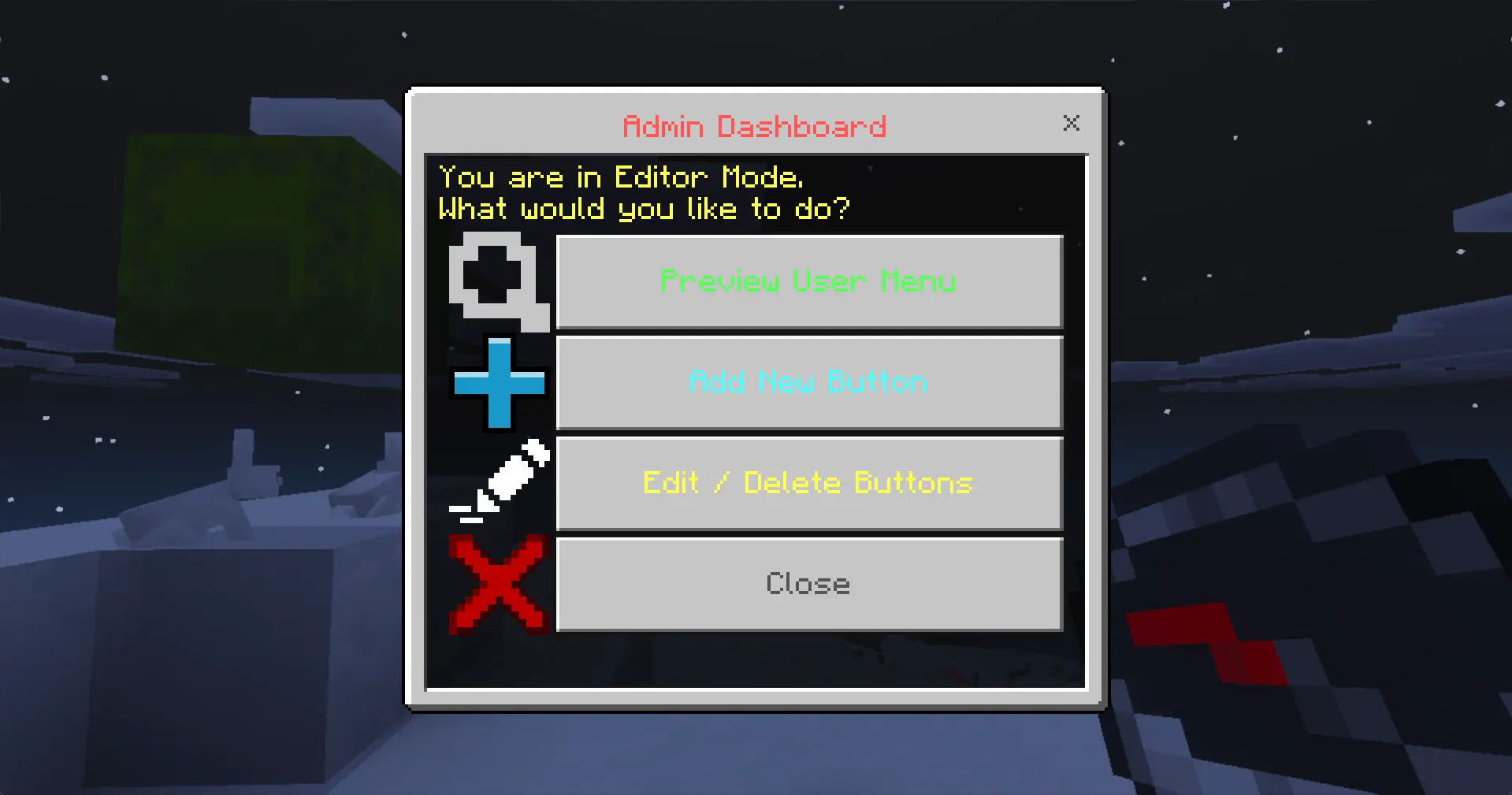
The way it works is simple. Admins use an Editor Dashboard to build the menu by creating buttons and assigning actions. There’s an access gate too: you need the tag admin to see and use the editor, so regular players aren’t messing with your setup. Once you’ve built it, players just open the menu and use whatever features you created, which is perfect for things like warp menus, kit pickers, or a main “hub” menu that keeps your world feeling professional. The addon even mentions a new Help / Guide button being added, which is honestly one of the most important menu types—because a good guide button stops new players from instantly getting lost and asking the same questions in chat.
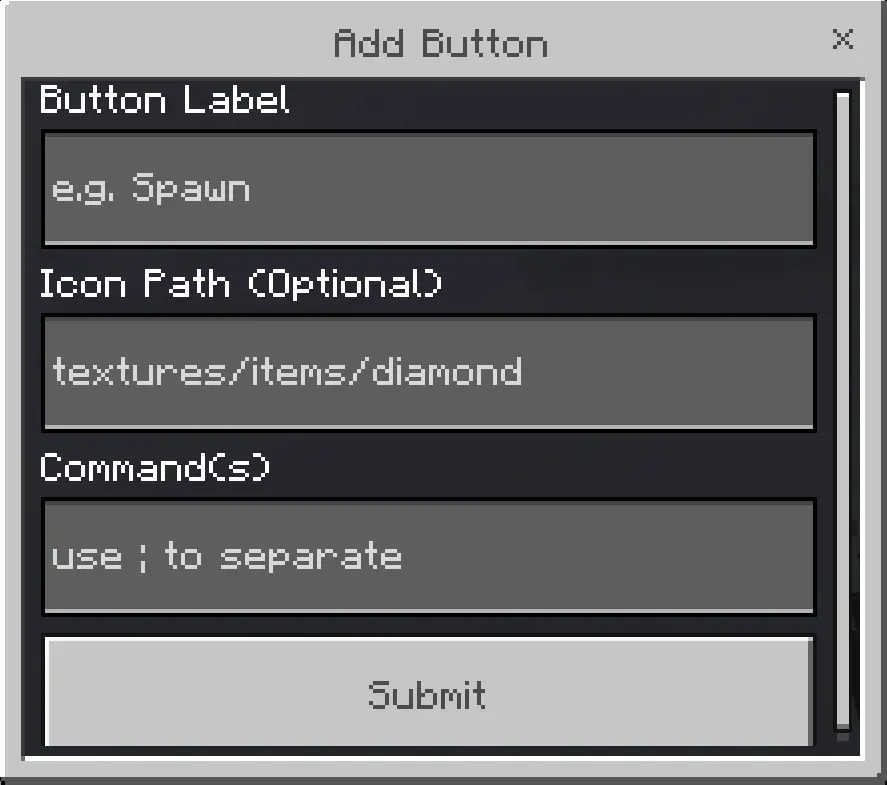
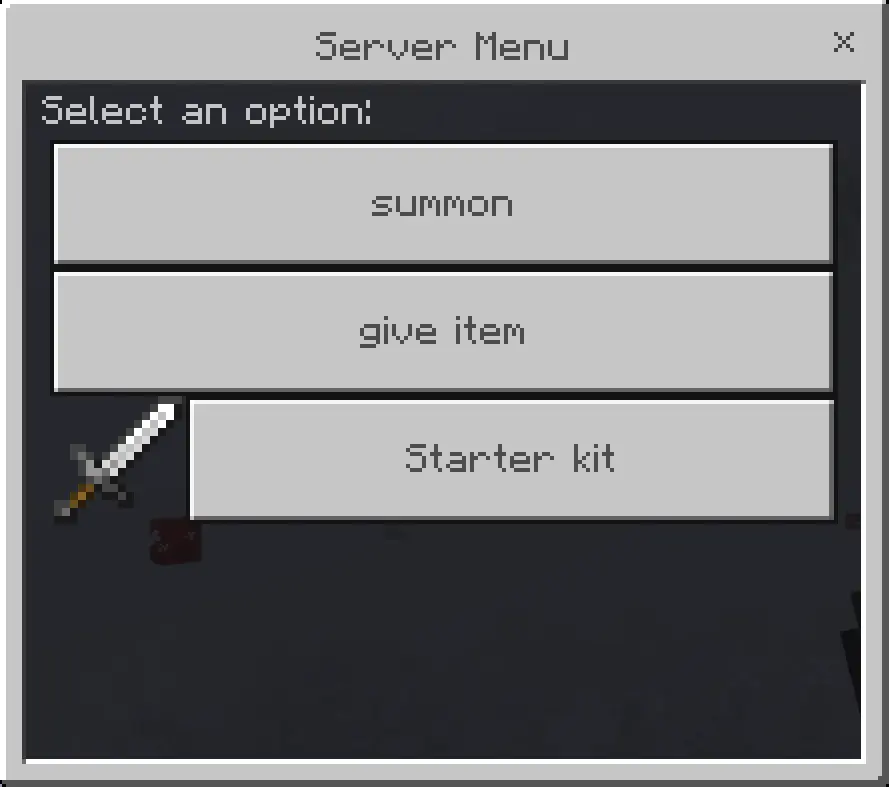
Button creation is where the mod gets practical. You can set a custom name, pick an icon, and decide what happens when the button is clicked. If you mess something up, it’s not a “redo everything” disaster—you can quickly edit existing buttons or remove them with a few clicks, which matters a ton when you’re tweaking a Realm over time. There’s also live preview, so you can test the menu instantly and see exactly what players will see, instead of guessing and hoping it works. That makes building menus feel like a quick creative session, not a stressful admin chore.
The “actions” side is where you can make the UI actually do real work. Ultimate Menu Builder Mod supports multi-command buttons, meaning one button can trigger multiple things at once—like teleporting a player, playing a sound, and sending a welcome message in one click. That’s huge for hubs and mini-games, because you can make transitions feel smooth instead of clunky. And the addon is specifically described as being designed to work on Worlds and Realms, with an intelligent system that prevents UI errors so menus open correctly for every player. That reliability is the difference between a menu that feels like a real feature and a menu that becomes a constant “why is it broken?” headache.
Ultimate Menu Builder Mod is perfect if you’re building a Realm or world that needs structure—warps, kits, role selection, mini-game entrances, or just a clean main menu that makes players feel like they joined something polished. It keeps everything in-game, keeps admin control locked behind a tag, and gives you visual tools to build menus fast, test them immediately, and keep your player experience smooth.
Installation:
— Download McPack
— Install McAddon or McPack files, just open it for this;
— Select new textures in the settings;
— Done.
Comments (0)