Player Report Menu Addon
- 28-01-2026, 10:09
- 128
Player Report Menu Mod — a clean in-game report button that actually makes servers feel manageable again.
Player Report Menu Mod is built for the exact moment every Bedrock server owner hits: someone starts being weird, griefing, spamming, scamming, or just ruining the vibe, and your players have no easy way to tell staff without blowing up chat. This addon fixes that by giving the world a simple, interactive reporting menu using in-game UI forms, so reporting feels like clicking through a quick menu instead of typing a novel. The whole point is speed and clarity — players can report in seconds, staff gets a cleaner signal, and the server doesn’t turn into “who can argue the loudest.”
What makes it feel good is the “no external tools” angle. You’re not telling your community to join Discord, fill out a Google form, or learn command syntax. The addon leans on UI forms and basic tag commands, so even casual players can use it without feeling lost. That’s huge for Realms and public SMPs where half the playerbase is on mobile or controller and typing is basically pain. Instead of “type /whatever and hope you spelled it right,” it’s more like “open menu → pick player → pick reason → send.” Clean, fast, no drama.
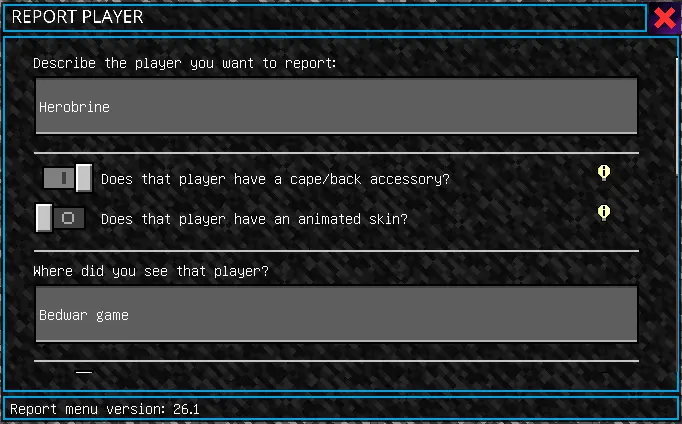
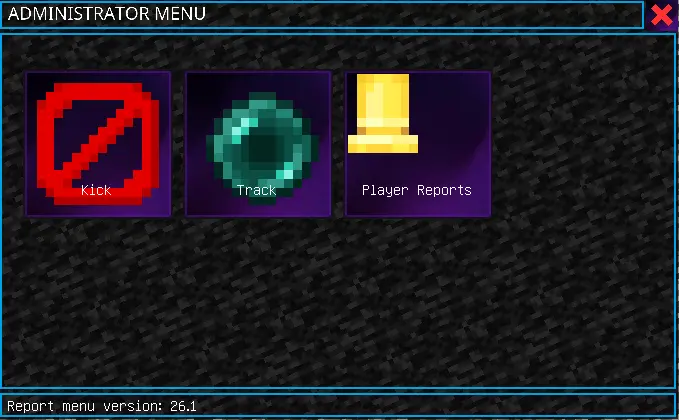
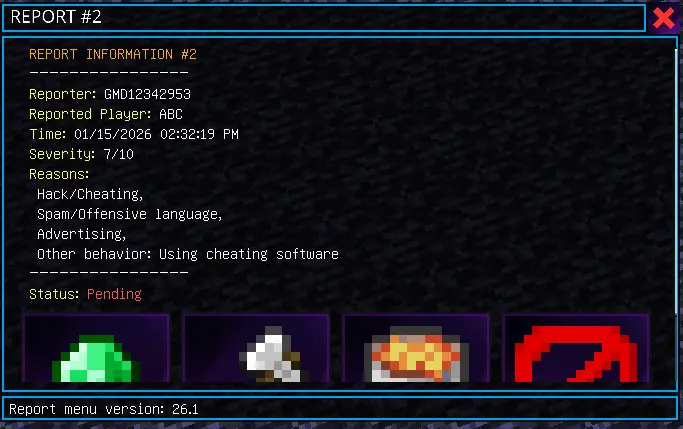
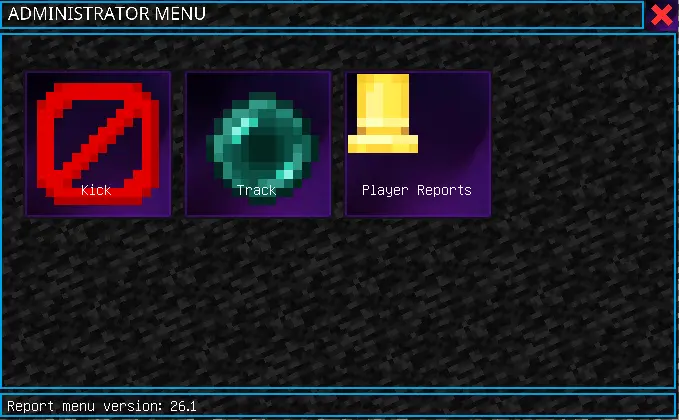
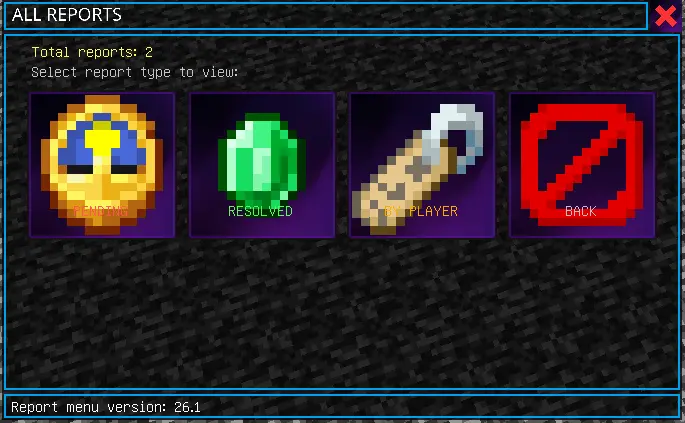
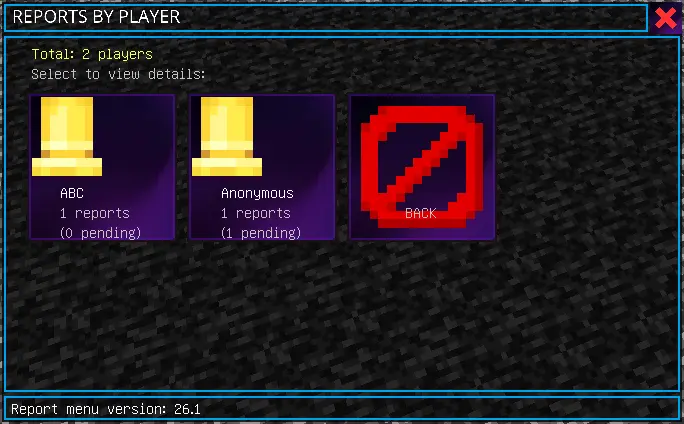
In real gameplay terms, this helps you keep the server culture tight. Players are way more likely to report problems early when it’s easy, which means you can stop nonsense before it snowballs into the whole world getting trashed. It also makes rule enforcement feel less personal — the report goes through a system, not through a public callout in chat. That alone cuts down on arguments and “he said / she said” chaos, because the report is logged through the menu flow instead of being a messy chat war.
If you’re running survival multiplayer, a factions-ish world, or any community map where people come and go, Player Report Menu Mod is one of those “quality-of-life but for moderation” addons. It keeps things simple for players, keeps things organized for staff, and keeps the server feeling safer and less toxic without turning your world into a command-line simulator.
Installation:
— Download McPack
— Install McAddon or McPack files, just open it for this;
— Select new textures in the settings;
— Done.
Comments (0)