System Dynamic Light Addon
- 24-09-2026, 08:04
- 427
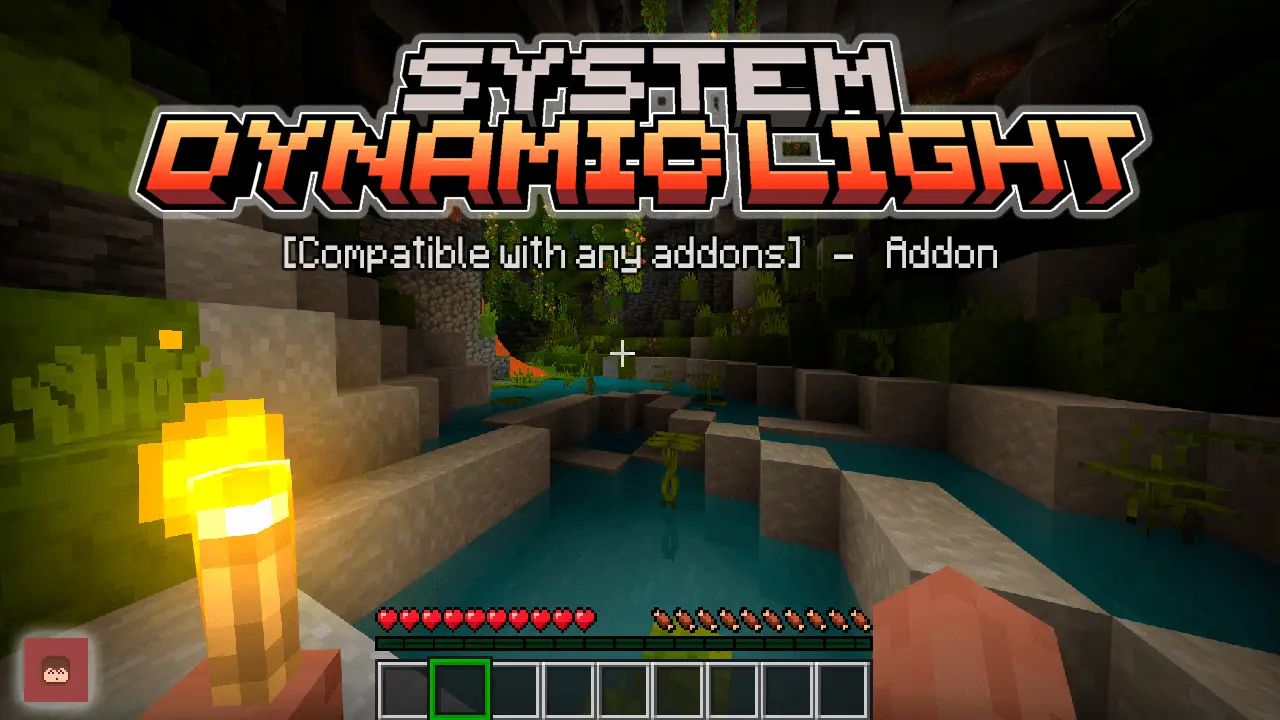
System Dynamic Light - Download a very popular mod among others for dynamic lighting in Minecraft Bedrock.
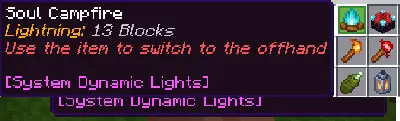
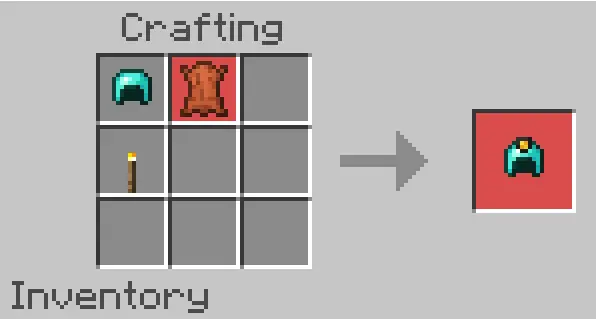
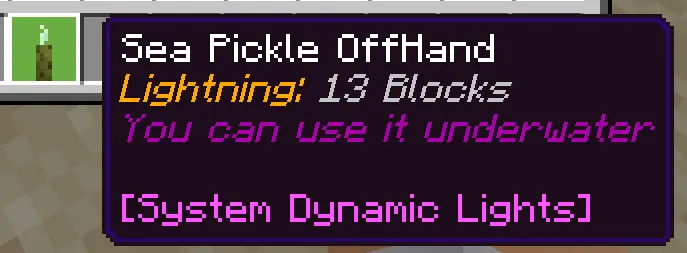
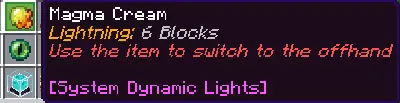
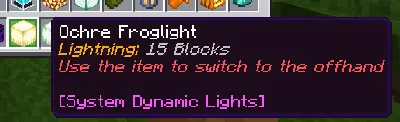
Caving in vanilla Bedrock always turns into an irritating chore of placing hundreds of torches every few seconds just to see where you are going. System Dynamic Lights completely overhauls the exploration loop by bringing true portable lighting to Bedrock without forcing you to clutter your caves with torch spam. Simply holding a torch, lantern, campfire, or glowstone in your main hand or offhand instantly casts a smooth radius of light around you as you walk. It goes well beyond basic handheld torches by extending that dynamic glow to wearable lantern helmets, burning mobs, naturally luminous sea creatures, and even loose items tossed onto the ground, which completely transforms the atmosphere when diving into deep ravines or navigating flooded caverns.
Instead of locking you into rigid default settings, the add-on gives you a comprehensive in-game configuration book that lets individual players and server operators fine-tune the system. You can tweak the dynamic light radius, toggle whether dropped items or burning entities emit glow, and even register custom light-emitting items from other add-ons directly from your inventory. Because the creator avoided touching the fragile player files, it slots seamlessly into your world without creating frustrating compatibility conflicts with other mods.


The absolute best part of this pack is that it does not disable your Xbox Live achievements. Unlike the vast majority of Bedrock utility mods that permanently lock your Gamerscore behind cheat flags, this add-on was engineered to keep your world fully vanilla-certified. Even better, it requires zero Experimental Gameplay toggles to function. You do not need to enable Beta APIs or gamble on unstable preview settings; you just import the pack, activate it on your world or long-running survival Realm, and start playing with your achievements completely safe.
Dynamic lighting calculations can notoriously chew through system resources, but this pack handles the hardware strain remarkably well thanks to dedicated performance presets. If you are playing on a modern console or a high-end PC, you can keep the lighting range wide and all entity effects enabled for maximum immersion without dropping a single frame. If you are running the game on a budget smartphone or hosting a crowded multiplayer world, you can quickly open the config book, drop the lighting range down a notch, and turn off dropped-item glow to completely eliminate any stuttering. It is easily one of the most polished and essential survival upgrades you can install.
Installation:
— Download McPack
— Install McAddon or McPack files, just open it for this;
— Select new textures in the settings;
— Done.
Comments (0)