Slenderman: He is always watching you Addon
- 31-07-2026, 15:19
- 421
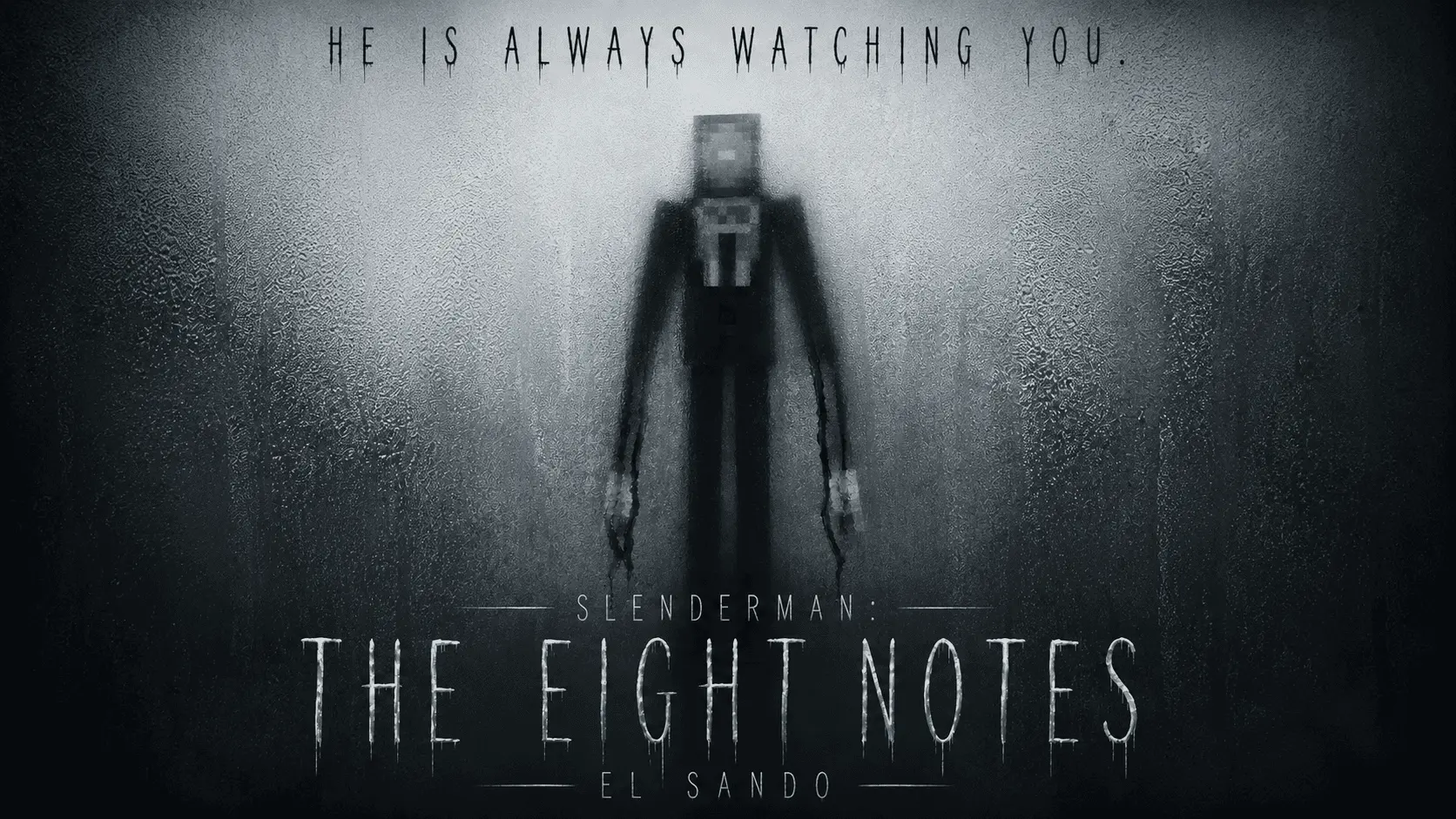
The "Slenderman: He is always watching you" .mcaddon completely transforms standard vanilla Bedrock survival into a psychological horror experience by injecting an advanced stalker AI directly into your world. Instead of dealing with standard hostiles that just sprint at you on sight, this behavior pack introduces a three-phase progression system tied directly to your exploration.
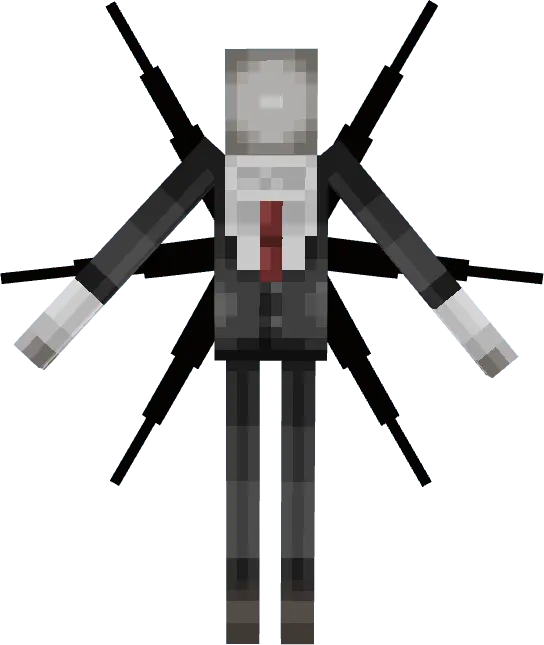
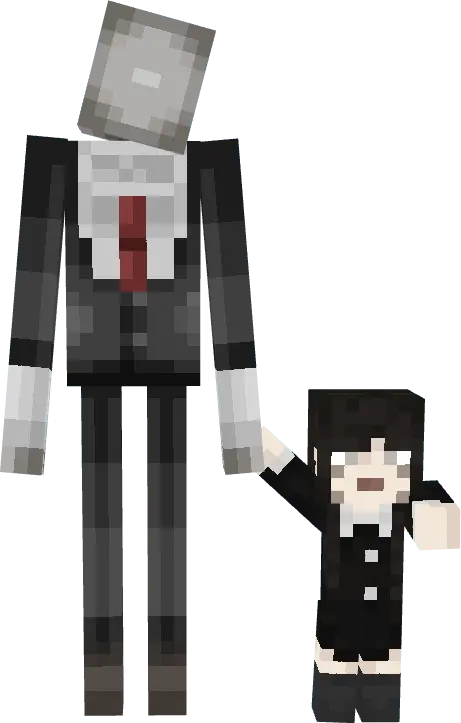
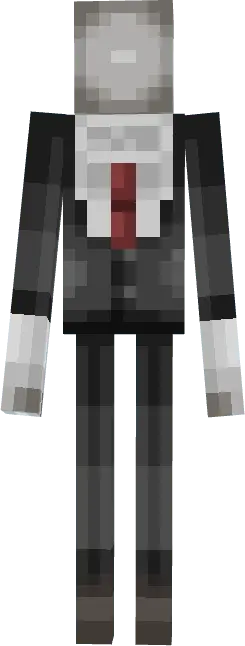
However, as you begin collecting the eight custom notes scattered across the map, the background scripts actively update the entity's aggression state. The AI shifts into the classic, towering Slenderman model that relentlessly tracks your coordinates, eventually forcing a final evolution into a hyper-aggressive tentacled variant. The more notes you pick up, the faster and more lethal the tracking algorithm becomes, meaning you can't just bunker down behind vanilla blocks to survive.
Dynamic Lighting and World Setup
To help you actually navigate the darkness, the pack introduces a fully functional, rechargeable flashlight item that utilizes dynamic lighting scripts to illuminate your path without forcing you to constantly spam torches. The horror atmosphere is heavily reinforced by custom ambient audio loops and a dynamic heartbeat effect that triggers the second the entity's hitbox gets too close to your character. Because this pack relies on complex AI state changes, custom UI battery meters for the flashlight, and heavily modified entity spawning rules, you absolutely must toggle on the required Experimental Gameplay features in your world settings before creating the save file. Despite the constant background coordinate tracking and dynamic lighting updates, the resource and behavior packs are highly optimized for cross-platform play. You can run this stalker AI on a mobile device, console, or a high-end Windows PC without the scripts tanking your server TPS or causing massive client-side frame drops every time the entity teleports into your active chunks.
Installation:
— Download McPack
— Install McAddon or McPack files, just open it for this;
— Select new textures in the settings;
— Done.
Comments (0)