MobileSuit Gundam Addon
- 6-08-2026, 13:19
- 450
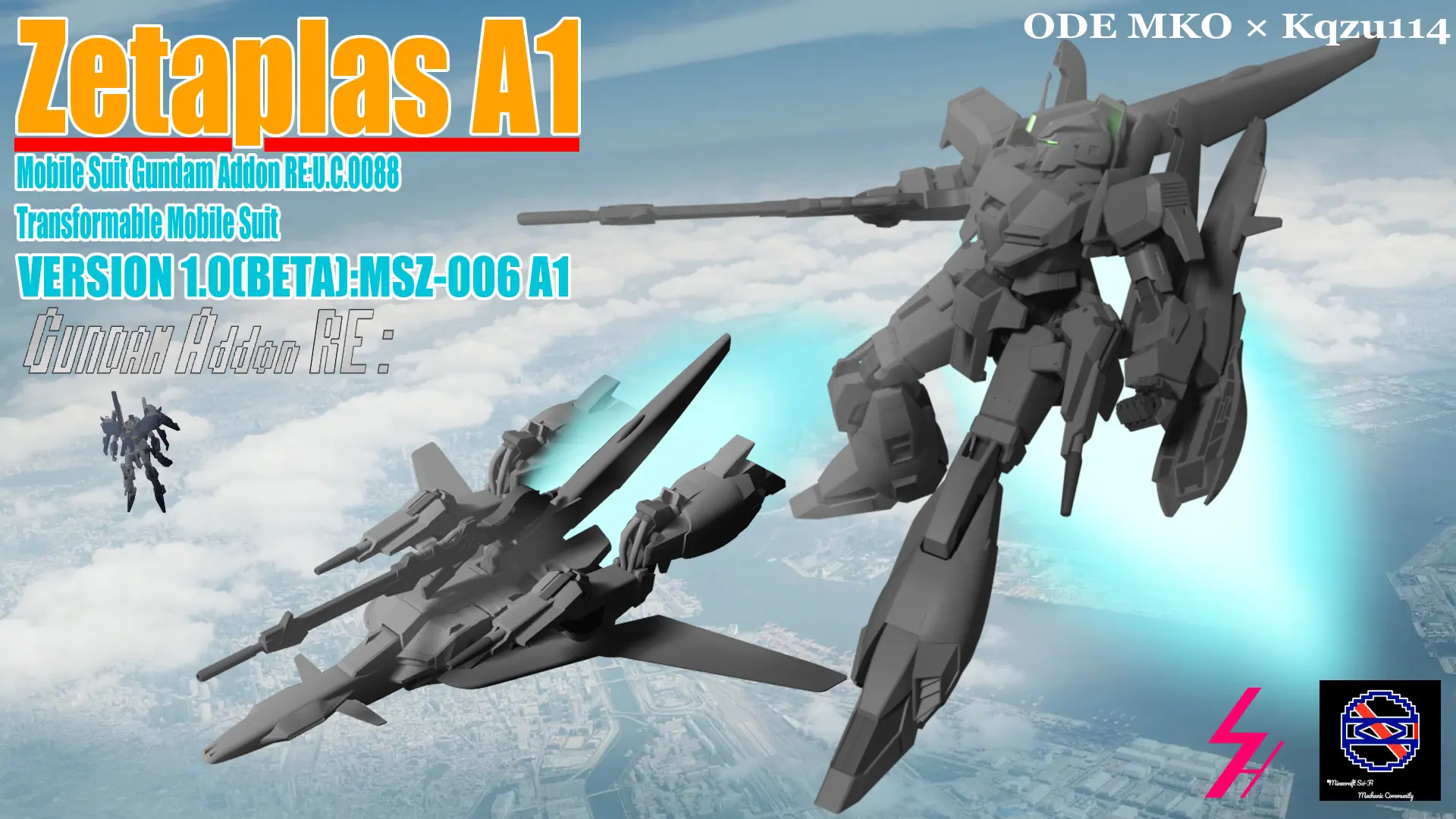
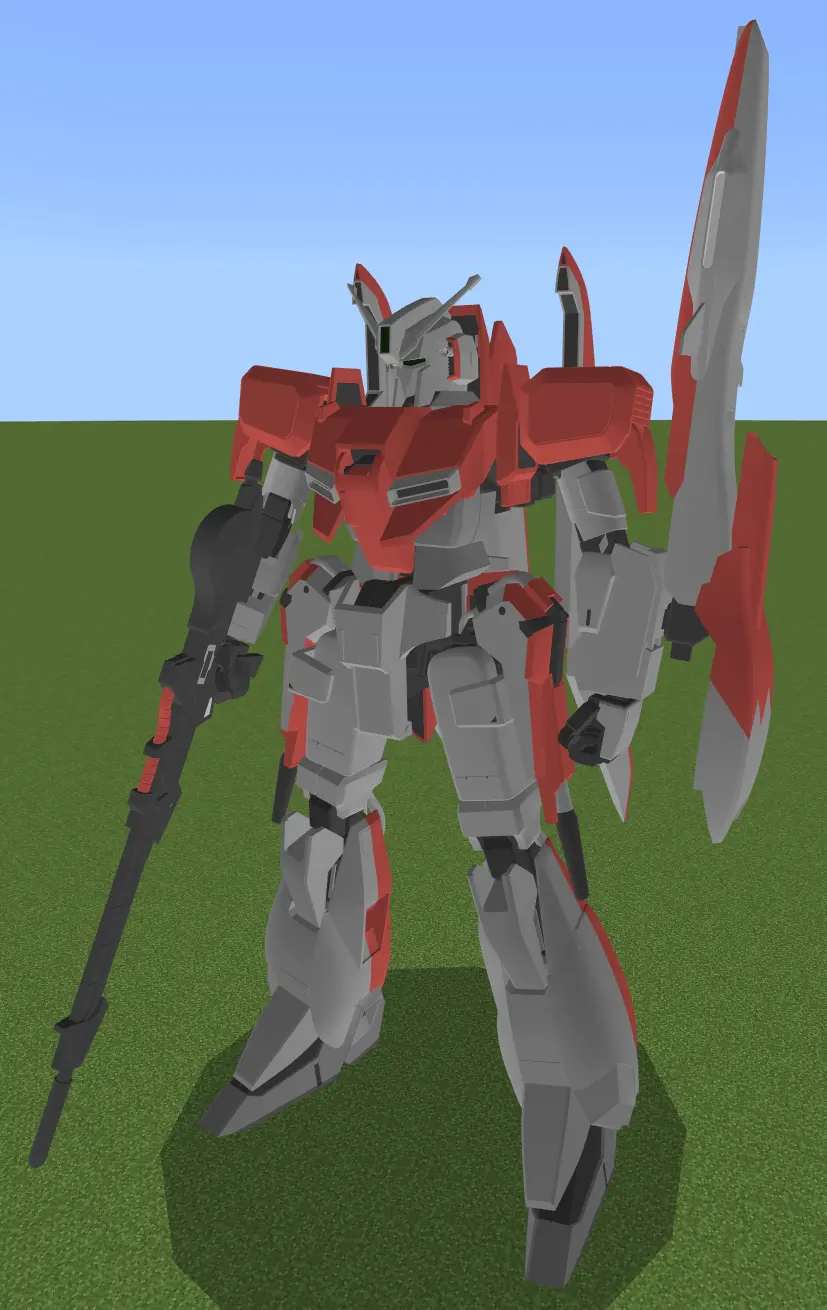
The MobileSuit Gundam Addon RE: U.C.0088 Z-PLUS behavior pack completely rewrites how heavy mech entities deploy on Bedrock servers. Instead of dealing with broken load orders and conflicting UUIDs that crash realms, this update isolates the MSZ-006A1 Z-PLUS into a clean registry. Admins can spawn massive amounts of these transforming mechs without cross-pack compatibility errors. The core mechanic relies on a heavily scripted transformation system between a standard Mobile Suit configuration and an atmospheric Wave Rider flight mode. Both modes are driven entirely by custom hotbar items intercepting player inputs to calculate flight vectors and weapon swaps.
Custom Hitboxes and Permission Overrides
Mounting these mechs relies on specific entity geometry and proximity tags rather than standard vanilla interactions. The behavior pack runs a background script forcing a physical cockpit hatch sequence when a player approaches the chassis. Because this custom interaction event registers as a standalone rideable component independent of standard mounting rules, players flagged strictly as Visitors can bypass world restrictions and pilot the mechs. Server admins hosting public hubs must lock down spawn access, as this script override entirely ignores basic Bedrock security permissions and allows unauthorized movement if left unchecked.

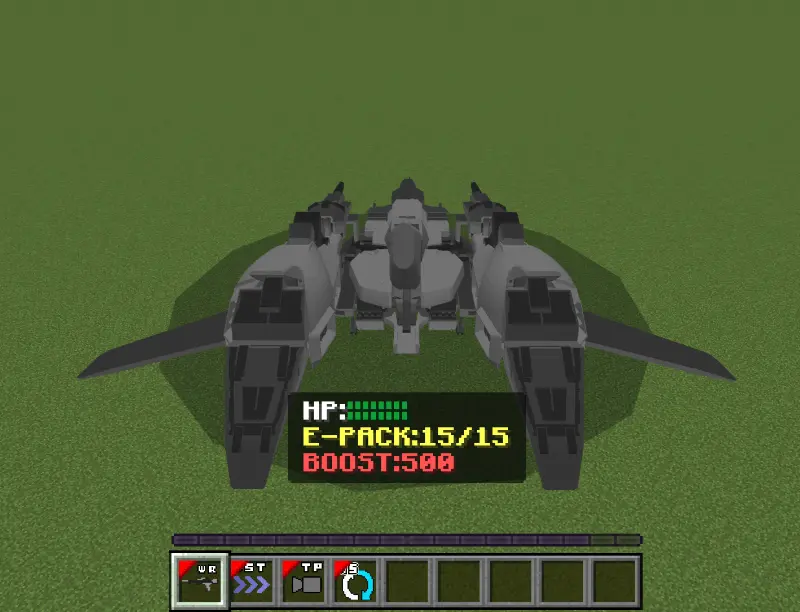
Hotbar Event Scripts and Engine Load
Weapon cycling and flight toggles function strictly through inventory event listeners. While flying, players trigger hotbar items to push momentum updates to the server. However, the Wave Rider script suffers from a known desync issue. Re-mounting the entity while transformed forces the engine to accidentally load the standard bipedal hotbar layout. You must manually trigger the transformation event again to fix the UI. Pushing multiple transforming entities across active chunks causes heavy server-side TPS drops. Custom UI scripts chew through memory, meaning base-model consoles will experience massive tick lag.
Installation:
— Download McPack
— Install McAddon or McPack files, just open it for this;
— Select new textures in the settings;
— Done.
Comments (0)