Item Physics PLUS Addon
- 1-09-2026, 18:30
- 271
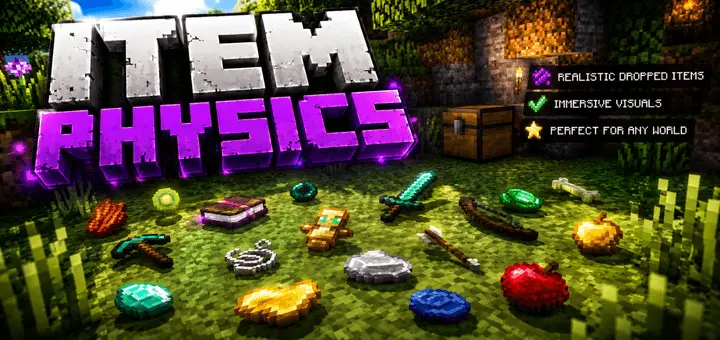
There is something incredibly satisfying about dropping your gear and seeing it actually scatter across the floor instead of hovering in that classic, spinning magical loop. Item Physics PLUS takes the vanilla rendering and gives everything a grounded, realistic weight. Whether you are tossing junk blocks out of a full inventory or admiring a freshly forged sword, watching the 3D models physically rest flat against the terrain adds a massive layer of polish to the environment. It is one of those subtle tweaks that instantly makes long-term survival maps and detailed roleplay builds feel way more immersive.
Because this fundamentally changes how item entities interact with the environment, you are stepping into actual behavior pack territory rather than a simple cosmetic swap. You will need to open your world options and activate the required experimental toggles so the custom gravity and collision scripts can do their job properly. As with any mod that alters core game logic, bringing this into your save will automatically disable standard Xbox Live achievements, so it is definitely best suited for custom servers where you prioritize atmosphere and aesthetics over grinding for trophies.
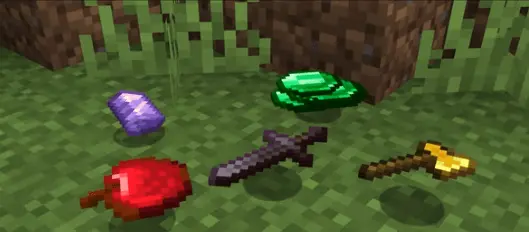
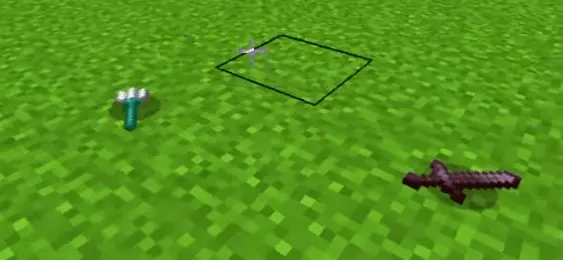
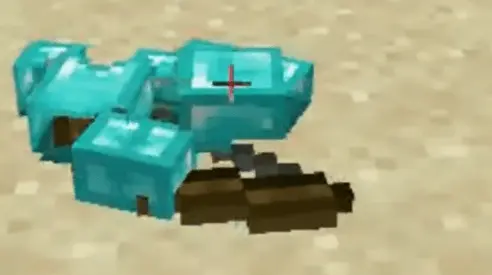
A lot of players assume that adding advanced collision physics to dropped loot will absolutely fry their hardware, especially if you accidentally leave a bunch of items lying around a busy mob farm, but the coding here is surprisingly lightweight. The realistic resting animations calculate instantly without constantly draining your server's memory in the background. Even if a massive creeper explosion sends dozens of blocks flying in every direction, the Bedrock engine handles the visual chaos beautifully. You get a significantly better-looking world without sacrificing performance, ensuring everyone in your lobby stays completely lag-free regardless of what device they are using.
Installation:
— Download McPack
— Install McAddon or McPack files, just open it for this;
— Select new textures in the settings;
— Done.
Comments (0)