More Torches Addon
- 11-09-2026, 10:33
- 118
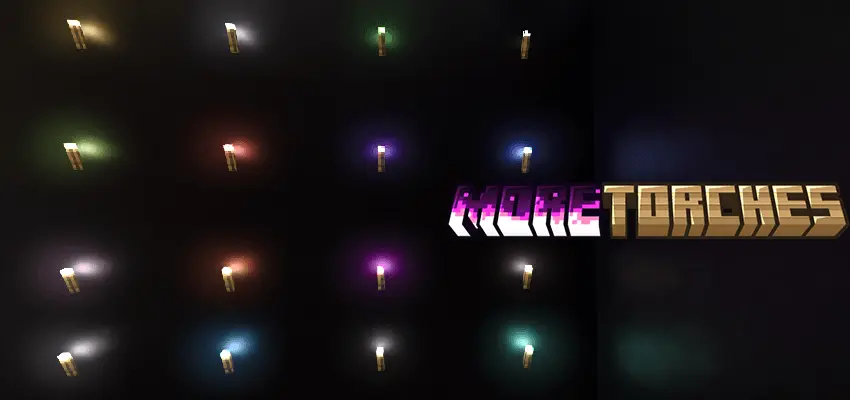
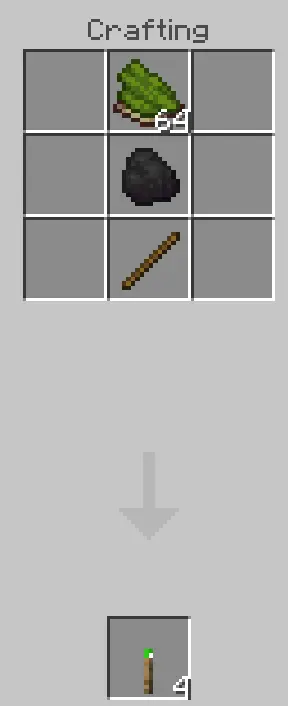
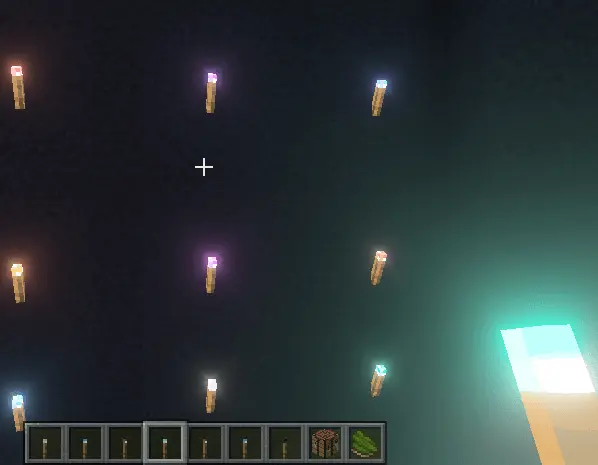
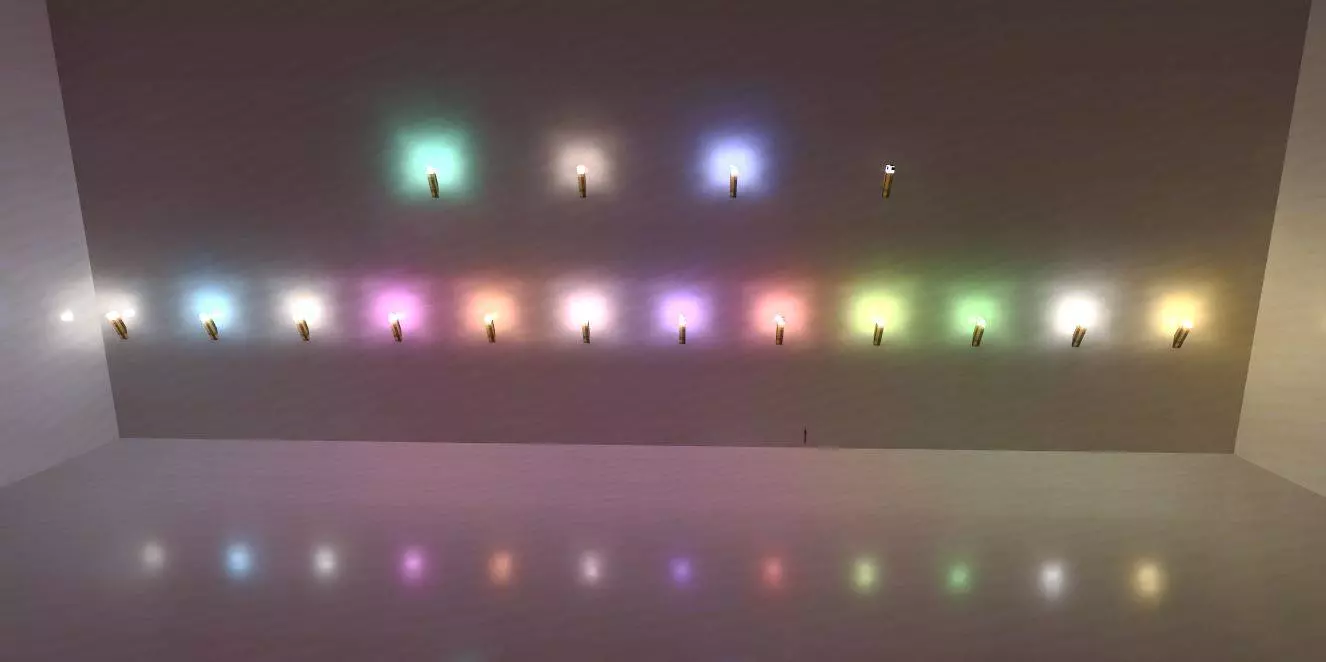
Lighting a massive base with standard, boring orange torches can completely ruin the vibe of a specialized build, but the More Torches Addon hands you a massive palette of glowing options. Instead of relying on the same old yellow flicker, you can line your sci-fi corridors with neon blue flames or set up a creepy haunted castle using eerie green lighting. The crafting system is incredibly straightforward and vanilla-friendly—you just drop your preferred dye directly above a piece of coal in the crafting grid. It is a super simple addition, but having the ability to color-code your mining paths or completely change the mood of an interior room is an absolute game-changer for dedicated builders.
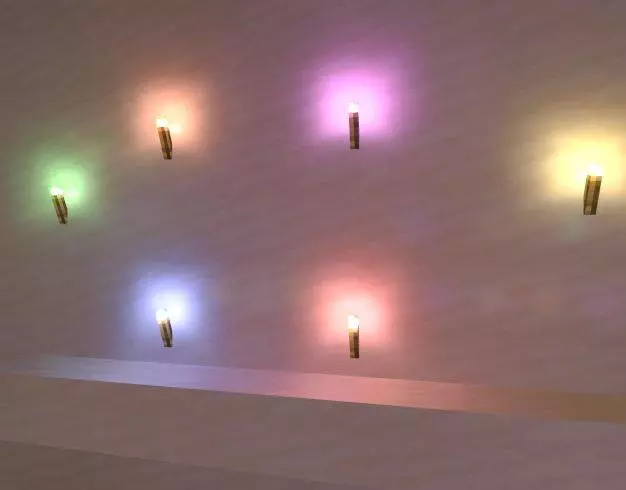
The real magic of this pack, however, is hidden in its graphical capabilities. To actually get these torches to cast their distinct colored glow across your floors and walls, you will need to utilize Bedrock's advanced rendering features. The addon fully supports RTX and the newer Vibrant Visuals settings, meaning if you pair it with a compatible resource pack like Vanilla RTX, the colored light emission looks absolutely stunning. Walking through a neon-lit cave system where the different torch colors actually bounce off the surrounding stone is easily one of the most immersive graphical upgrades you can bring to your survival world.
Because you are adding entirely new block IDs and custom crafting recipes to the registry, you will need to dive into your world generation menu and switch on the necessary experimental gameplay toggles before loading in. Introducing new functional blocks into the sandbox naturally means the system will disable your official Xbox Live achievements for that specific save file. The good news is that since this mod primarily relies on the game's built-in advanced lighting engine rather than heavy, looping behavioral scripts, it performs exceptionally well. You can absolutely plaster your base in custom-colored torches without secretly suffocating your server's memory or tanking the game's tick rate.
Installation:
— Download McPack
— Install McAddon or McPack files, just open it for this;
— Select new textures in the settings;
— Done.
Comments (0)