Trash Slot Addon
- 15-09-2026, 02:24
- 161
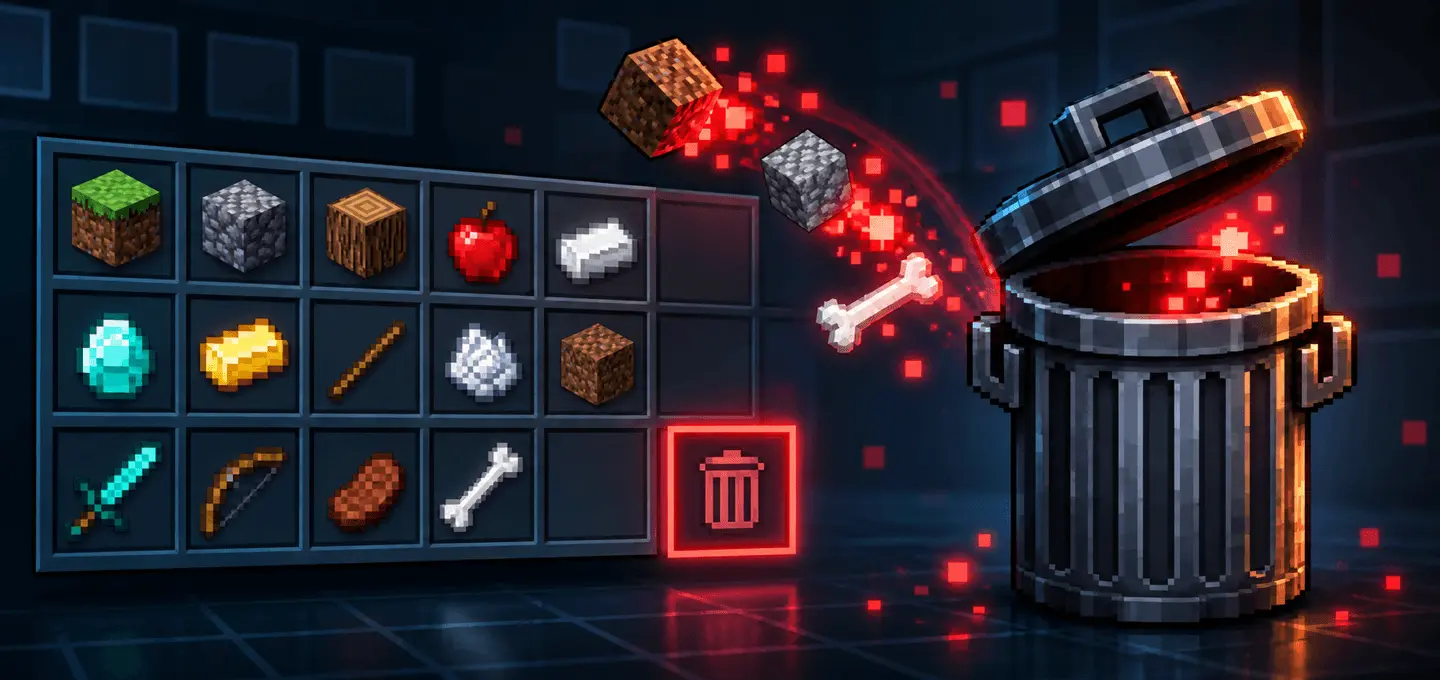
Every long mining trip or massive terraforming project eventually turns into a frustrating battle against inventory clutter. Your hotbar gets completely choked with useless stacks of diorite, gravel, and seeds, forcing you to constantly pause and toss trash onto the ground—where it sits around as floating entity clutter until it despawns. The Trash Slot | Permanent Inventory Deletion Addon solves that annoyance once and for all by adding a sleek, native-feeling void directly into your Bedrock container screens. You simply pick up an unwanted stack with your cursor, drop it straight into the compact new trash slot, and it vanishes instantly. If you are terrified of accidentally tossing a god-tier enchanted tool into the abyss, the pack also includes a craftable trash item that opens a dedicated inventory menu with a clear confirmation step, ensuring you only destroy exactly what you intend to.
Because this mod directly alters standard inventory UI screens and hooks into player container data, it functions as a proper behavior and resource pack. You will need to dive into your world generation settings and flip on the experimental gameplay toggles so the custom interface scripts can interact with your inventory properly. Naturally, modifying core item data and container menus means the system will disable your official Xbox Live achievements for that specific world. Still, trading away a few vanilla trophies for a clean, hassle-free inventory experience is an absolute no-brainer for heavy survival builds, technical worlds, or custom modpack setups.
From a performance standpoint, this addon is actually a massive win for server health. Instead of spewing hundreds of dropped item entities across cave floors or base corridors—which forces the game engine to calculate physics, collisions, and despawn timers—items are completely purged from the world's memory the second you hit delete. The deletion logic runs smoothly and independently for each player in multiplayer, so your friends can clean out their gear simultaneously without interfering with your screen. Complete with a subtle, satisfying audio cue, crisp visual feedback, and full compatibility with Vibrant Visuals, it is one of the cleanest quality-of-life upgrades you can bring to a Bedrock world.
Installation:
— Download McPack
— Install McAddon or McPack files, just open it for this;
— Select new textures in the settings;
— Done.
Comments (0)