Advance Tactical Gear Addon
- 16-09-2026, 15:43
- 299
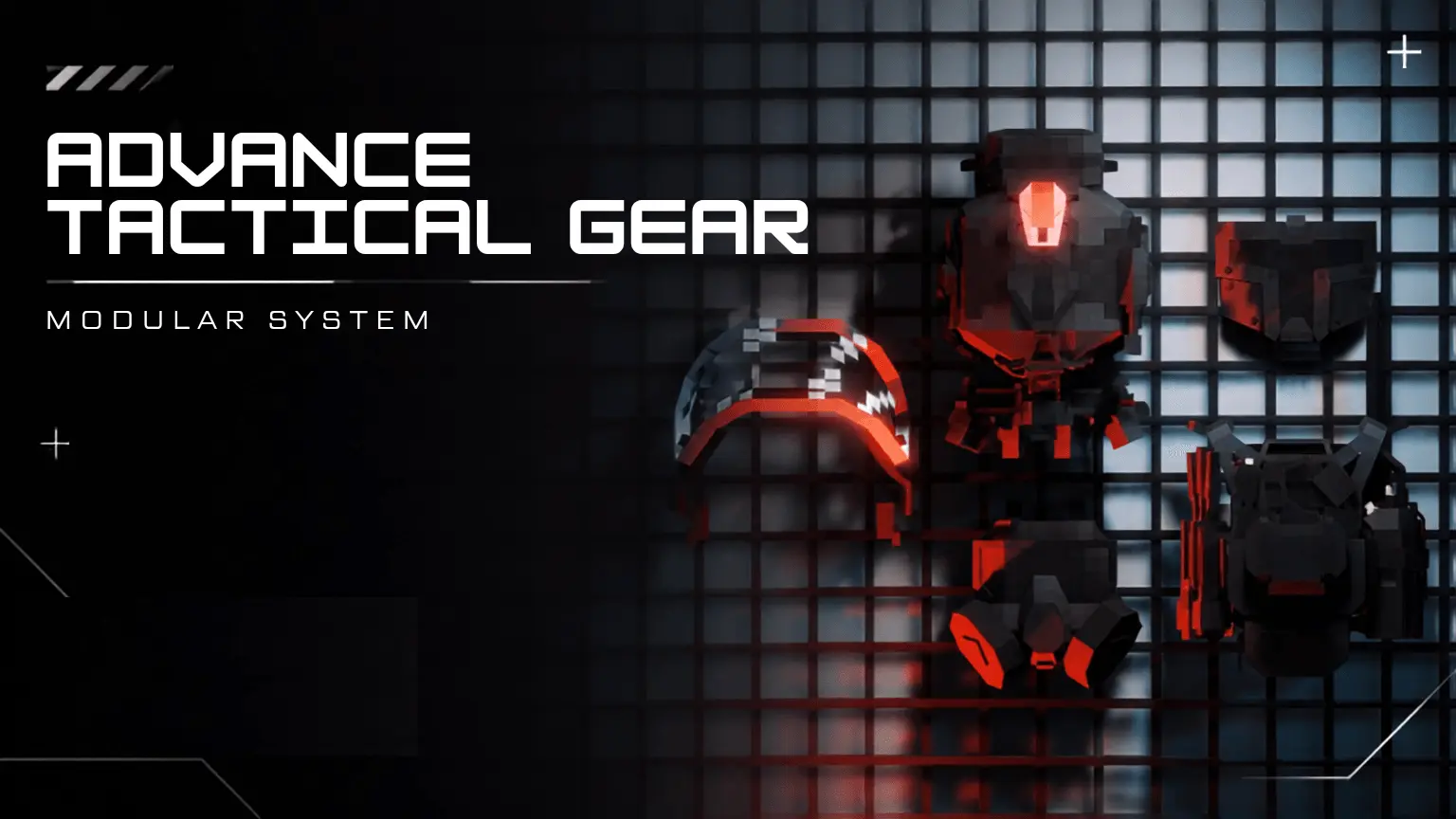
If you are tired of standard vanilla armor feeling like generic stat boosts, the Advance Tactical Gear Addon completely transforms how you suit up for battle. This isn't just a basic visual re-skin; it is a fully modular military loadout system that lets you customize your helmet and plate carrier piece by piece. Through an intuitive in-game menu accessed straight from your inventory, you can snap on functional attachments like gas masks, face shields, radio pouches, and medkits. The standout feature, however, is the night vision system. Far from a cosmetic gimmick, the NVGs (featuring realistic models like the GPNVG-18 and PVS-31) run on a strict 60-minute battery life cycle, requiring you to monitor power levels and swap batteries in the field. Combined with flip-up visor controls triggered by a simple sneak-jump and genuine damage absorption that actually protects against bullets, explosions, and melee attacks without making you invincible, it turns combat into a deeply tactical experience.
Because this addon hooks into custom inventory interfaces, complex script-driven battery timers, and real-time visual overlays in first-person, it operates as a heavy behavior and resource modification. Before dropping into your world, you will need to open your map settings and turn on all required experimental gameplay toggles to ensure the attachment menus and NVG controls load properly. The pack features a "Full Features" mode that modifies standard player behaviors to project a real-time glow overlay, meaning the system will automatically lock your official Xbox Live achievements for that specific save file. Still, sacrificing standard vanilla trophies is a very small price to pay if you are building a modern warfare roleplay realm, a tactical extraction shooter map, or a hardcore zombie survival server where gear management actually matters.

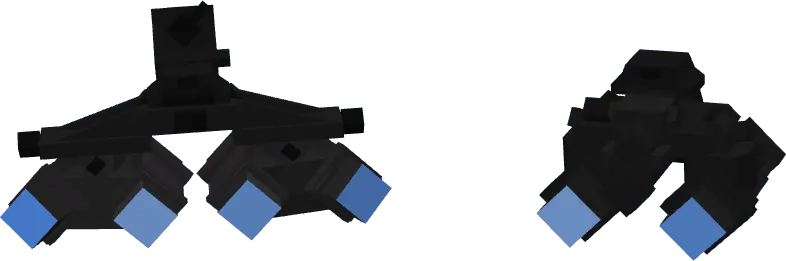
Rendering detailed 3D tactical attachments alongside real-time lighting overlays and active battery scripts sounds like a quick recipe for server lag, but the developer optimized the backend to run surprisingly light. The custom HUD elements and battery readouts update cleanly without spamming the tick rate or causing inventory desync during intense firefights. Even if an entire squad is running around at night with their night vision activated, custom armor equipped, and attachments visible, the Bedrock engine handles the visual load smoothly.
Installation:
— Download McPack
— Install McAddon or McPack files, just open it for this;
— Select new textures in the settings;
— Done.
Comments (0)