Item Finder Addon
- 16-09-2026, 15:50
- 143
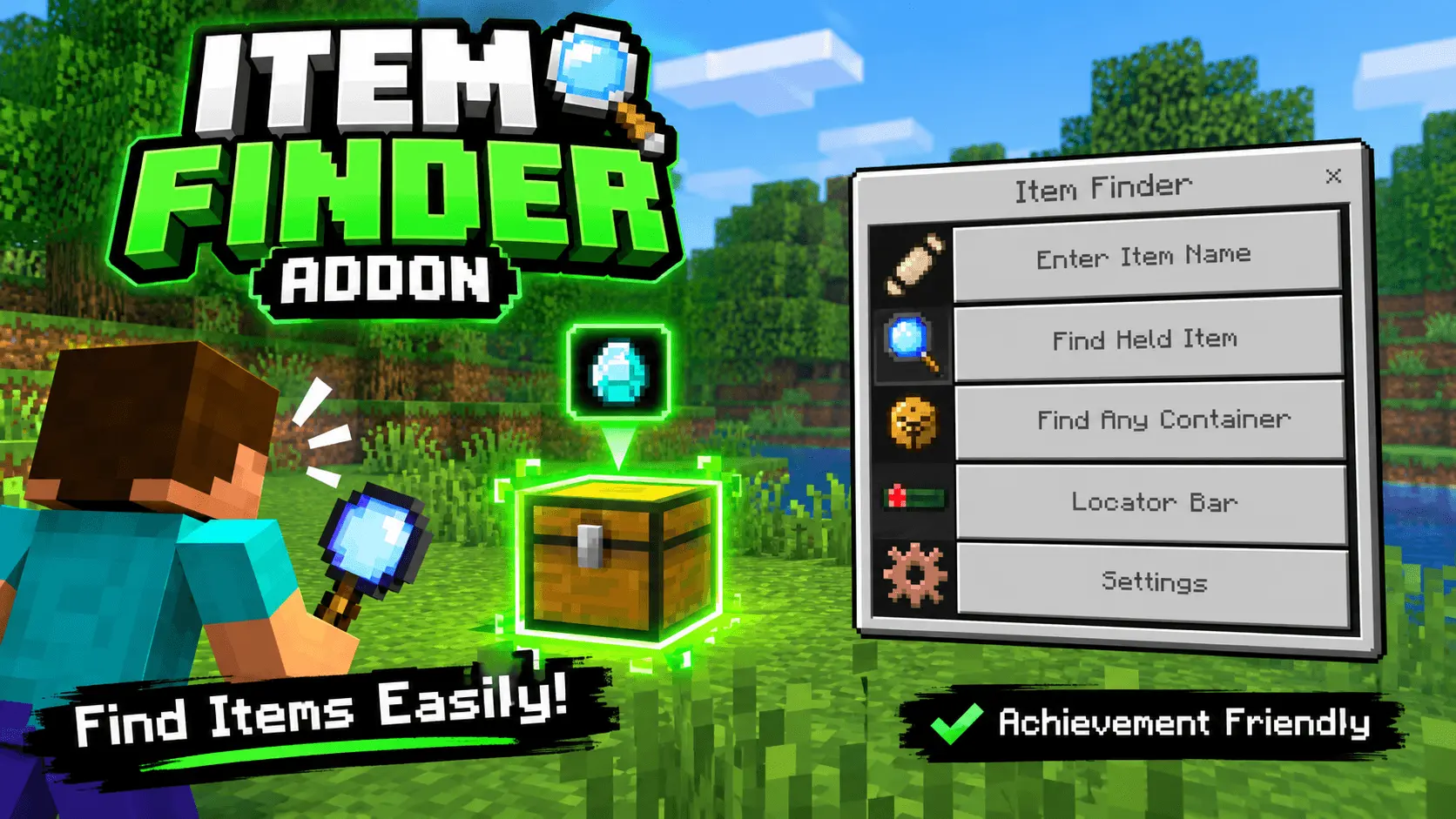
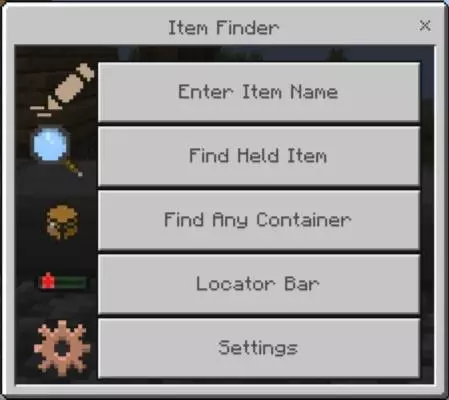
We have all been there—staring blankly at a wall of fifty disorganized chests, desperately opening every single one just to find that one stack of slime balls you hid away weeks ago. The Item Finder Addon completely eradicates that headache by giving you a built-in, highly intuitive search engine for your world. By simply double-sneaking to open a sleek custom UI, you can type in an item name or just hold the block you are looking for, and any nearby container holding that item will instantly glow straight through the walls. Beyond just finding lost gear, it lets you scan for specific container types to immediately see which ones are empty and even features a live XYZ locator bar for tracking custom waypoints. It is the ultimate organizational tool for survival hoarders who refuse to sort their chests manually.
Normally, injecting custom menus, block-scanning mechanics, and x-ray style highlights into the game requires you to flip on experimental toggles and completely forfeit your vanilla progression. Amazingly, this specific pack breaks that rule—it is 100% achievement friendly. Because the developer utilized clever, native behavior and resource scripting rather than relying on cheats, command blocks, or heavy world edits, you can drop this straight into your long-term survival realm without locking your Xbox Live gamerscore. Being able to heavily upgrade your quality of life and instantly locate your gear while still grinding out official trophies is an incredibly rare luxury in the Bedrock modding community.
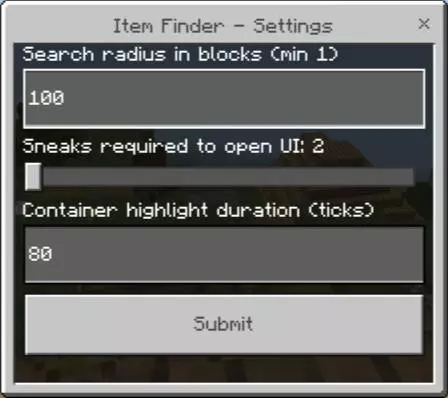
You might reasonably assume that forcing the game to constantly scan hundreds of chests, barrels, and hoppers in a massive storage room would instantly tank your server's tick rate. Fortunately, the backend logic here is exceptionally well-optimized. The smart detection script smoothly reads complex inventories—including merged double chests and even un-rolled loot inside naturally generated dungeon chests—without causing brutal block-update lag. Plus, you have full control over the search radius and how long the highlights stay active via the settings menu, allowing you to tailor the performance impact to your specific hardware. Whether you are running a massive multiplayer server on a heavy gaming rig or just trying to organize a messy base on a mobile phone, the search mechanic stays perfectly snappy and reliable.
Installation:
— Download McPack
— Install McAddon or McPack files, just open it for this;
— Select new textures in the settings;
— Done.
Comments (0)