Pixel Edge Visuals Texture Pack
- 4-05-2026, 15:31
- 651
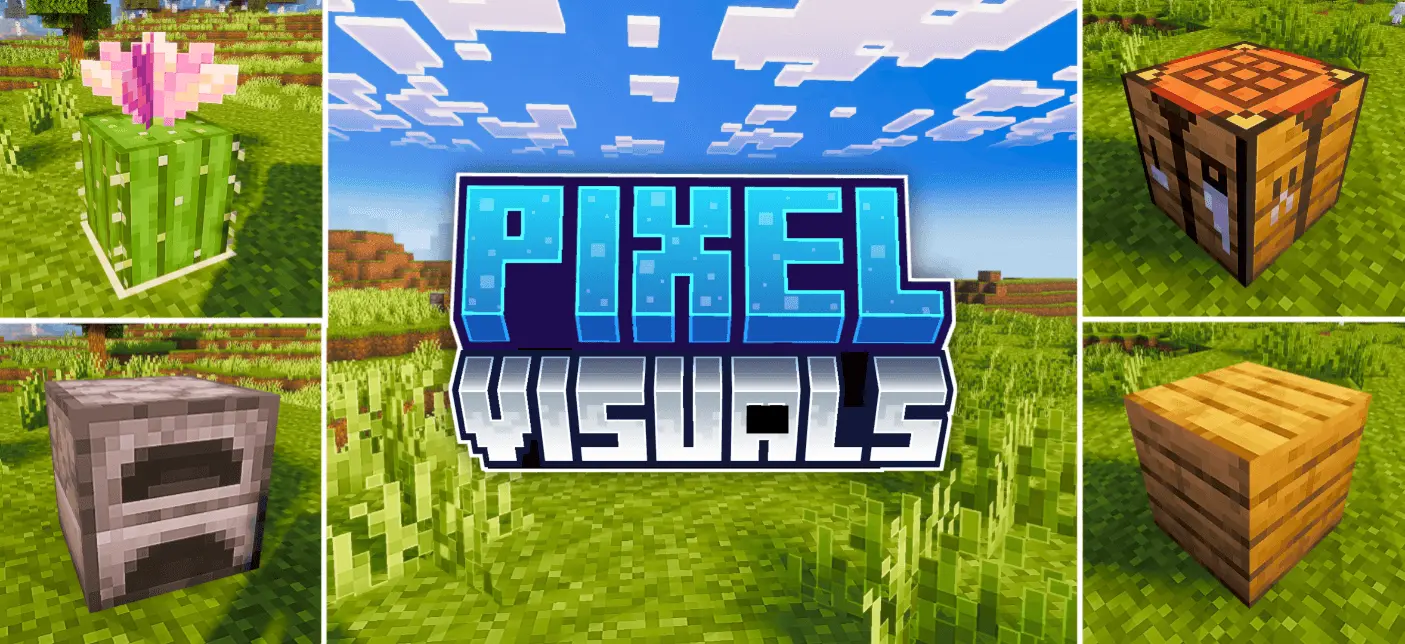
Pixel Edge Visuals Texture Pack — a subtle visual upgrade that tweaks atmosphere, lighting, water, fog, and color balance, plus adds soft outlines that make blocks look cleaner without turning everything into a thick cartoon border.
Pixel Edge Visuals Texture Pack is for players who want their Minecraft Bedrock world to feel more polished the second they load in, without making it look like a totally different game. The pack focuses on the stuff you notice constantly while you play: the overall atmosphere, how lighting feels across terrain, how water reads at a glance, the way fog shapes distance, and how the game’s colors blend together. Instead of pushing wild filters or heavy effects, it goes for a cleaner balance—more refined, easier on the eyes, and still natural enough that it doesn’t scream “overedited.�
The signature detail is the smooth, subtle outlining added to blocks and other textures. The key word is subtle. These outlines aren’t meant to be harsh black borders that overpower the world. They’re described as soft edges that make shapes easier to read, which is exactly what helps in real gameplay. In vanilla, some blocks can blur together in certain lighting or when you’re moving fast, especially in builds that use similar colors. With Pixel Edge Visuals Texture Pack, those gentle outlines help separate surfaces so your builds look sharper and your environment feels more defined. It’s the kind of change you start appreciating most when you’re sprinting through forests, scanning caves, or looking across a big build and everything feels just a bit clearer.
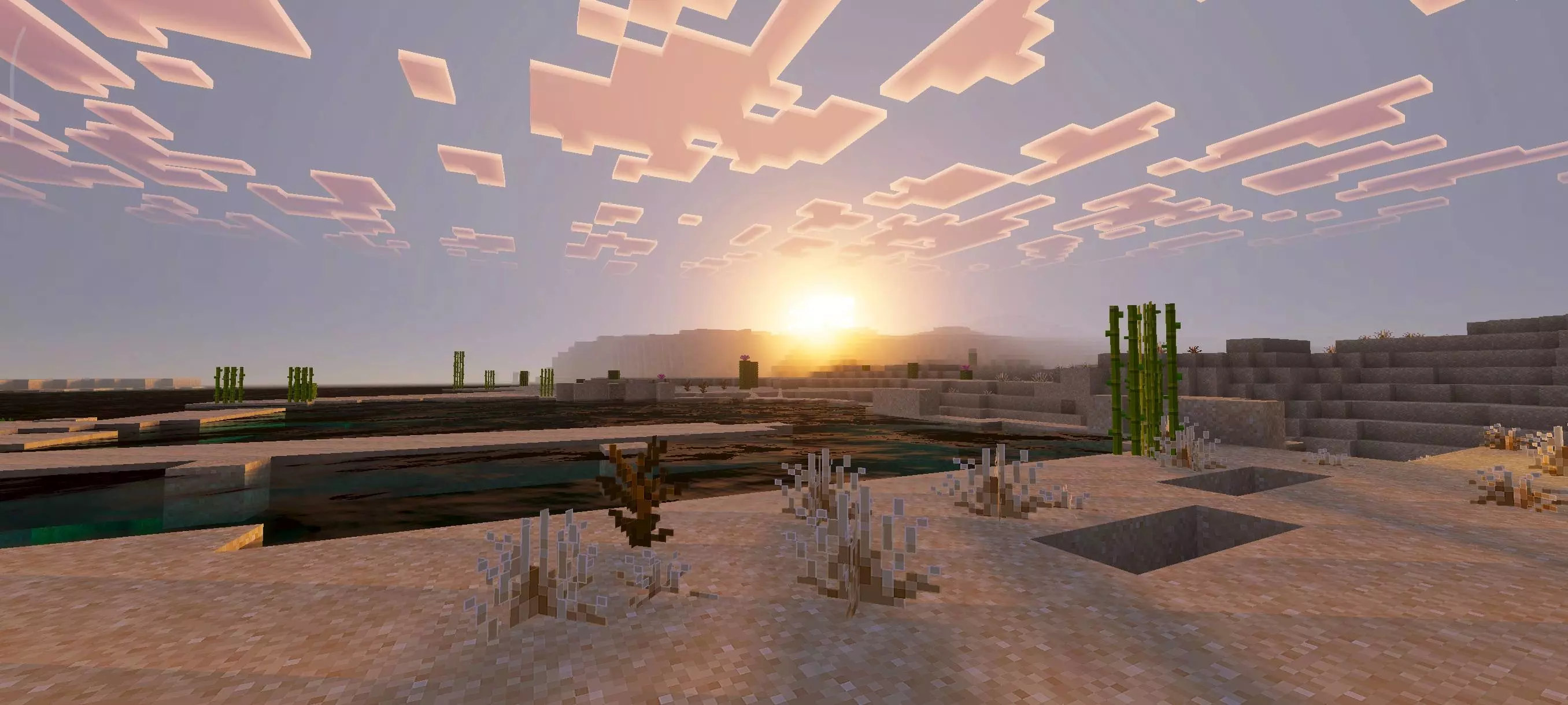
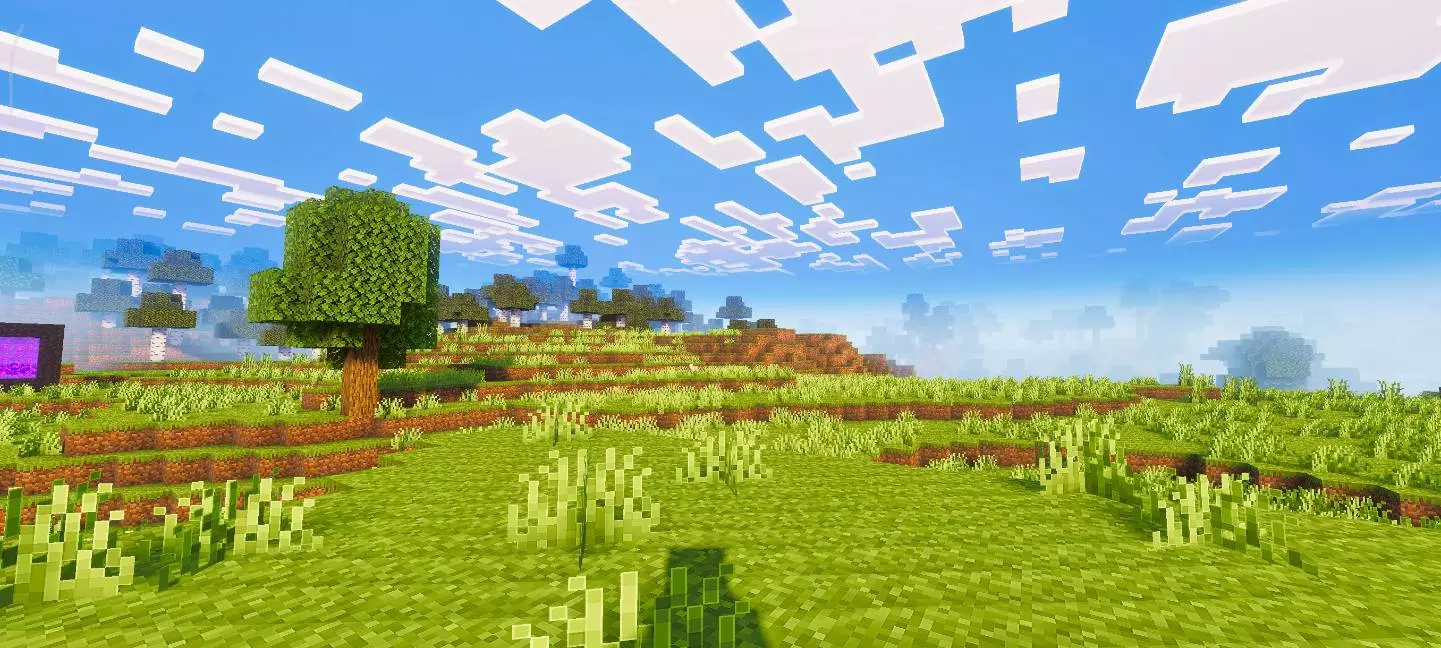
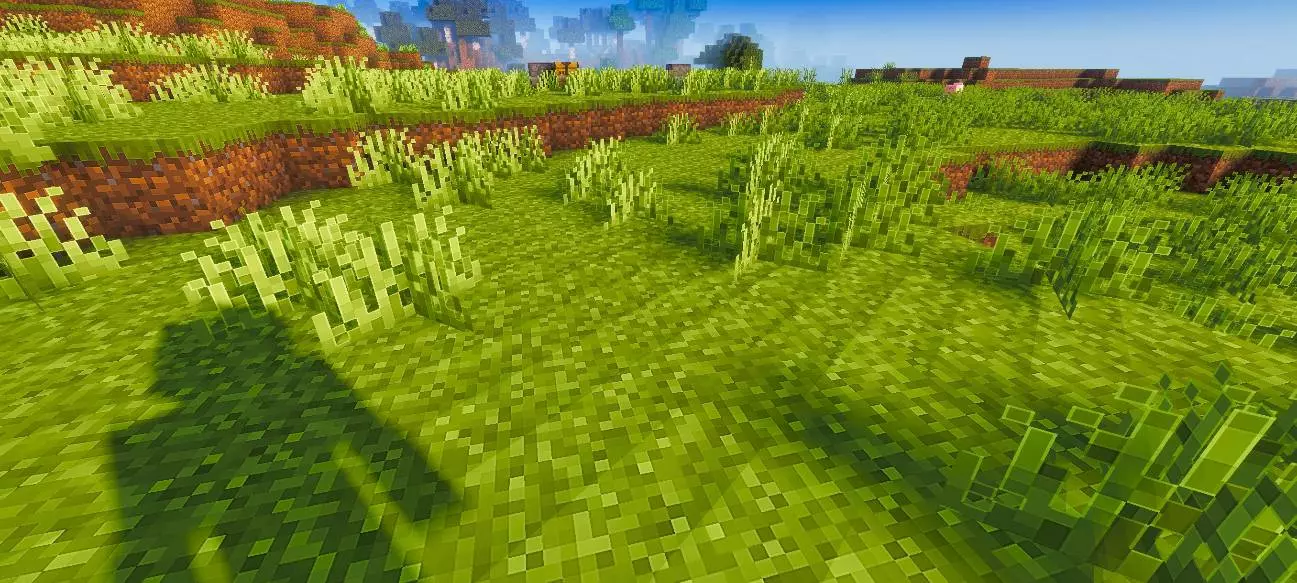
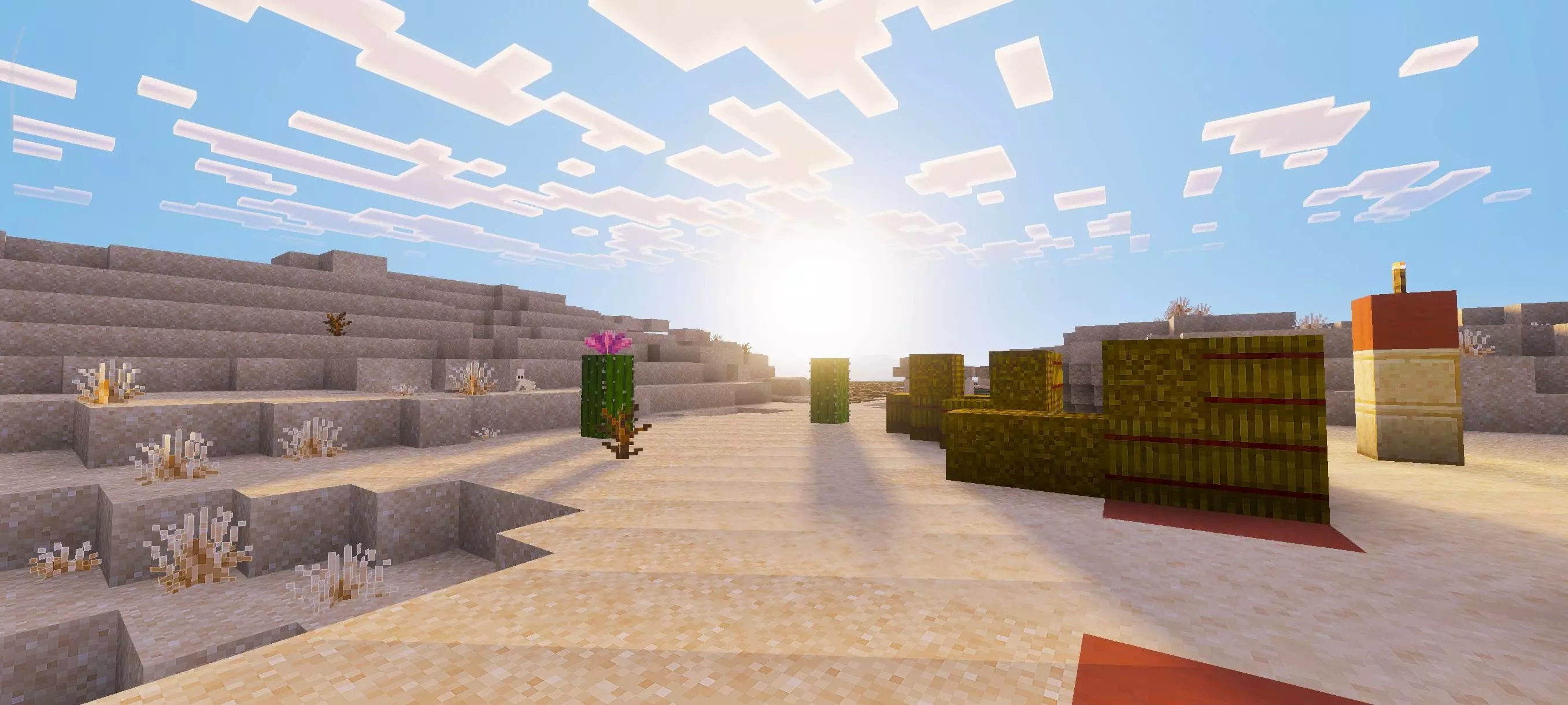
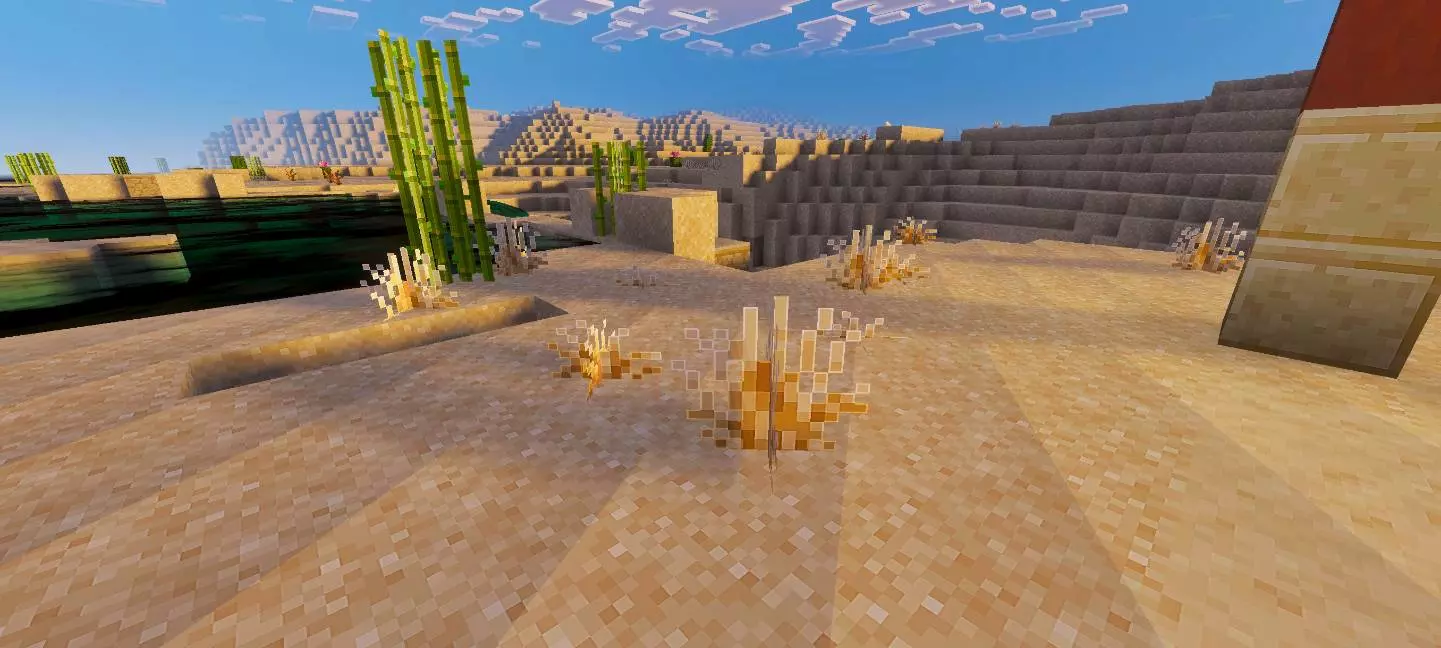
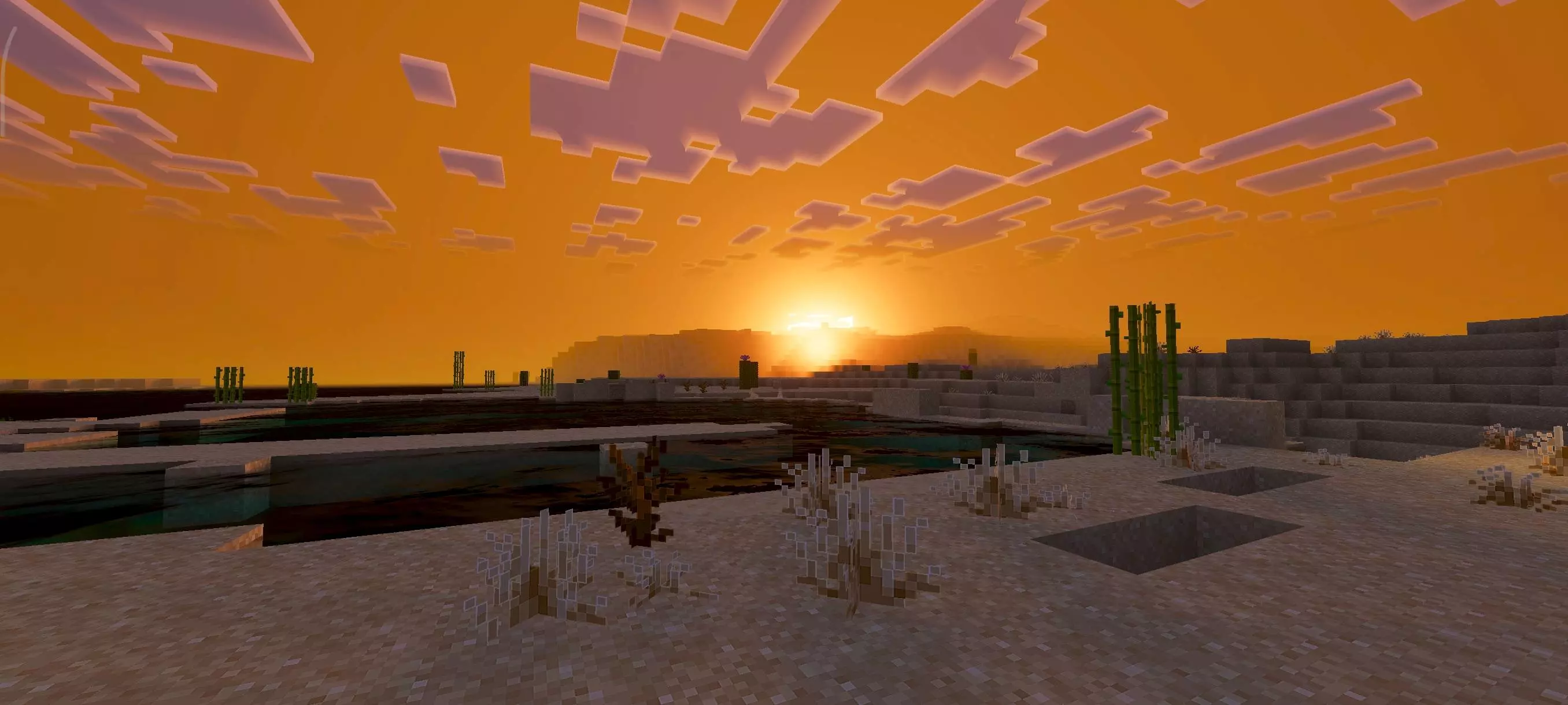
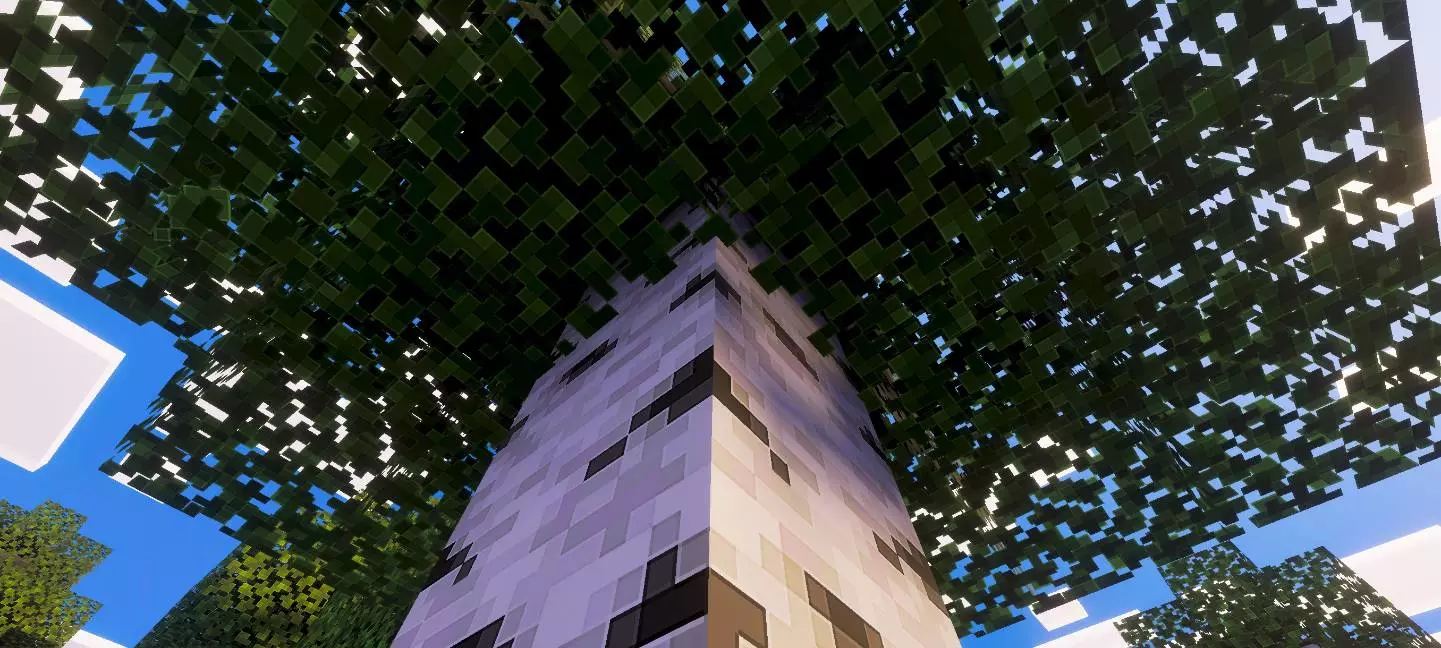
Because the pack also improves fog and atmosphere, exploration can feel smoother. Fog shaping is one of those small things that changes how far-away terrain feels—whether it looks flat and cut-off, or whether it blends naturally into the distance. Pair that with improved lighting and color balance, and the world can feel more consistent from biome to biome. Water upgrades also matter a lot because water is everywhere. Whether you’re boating, building a dock, or just passing rivers during survival travel, water that looks cleaner and more readable makes the whole world feel higher quality without you needing to adjust your playstyle.
Pixel Edge Visuals Texture Pack is especially nice for builders and long-session survival players. Builders get a more refined look where edges and shapes pop just enough to make details stand out. Survival players get a world that’s easier to look at for hours, with softer edges and calmer visual balance that keeps the vibe natural. If you want a clean visual glow-up—better atmosphere, lighting, fog, water, and a subtle outline style that keeps everything readable—Pixel Edge Visuals Texture Pack is exactly that kind of low-drama, high-impact upgrade.
How to install?
- Download resource pack;
- Run and open the .mcpack file in the game;
- Select a texture in the menu;
- Enjoy!
Comments (0)