Dynamic Visual Texture Pack
- 18-01-2026, 07:38
- 475
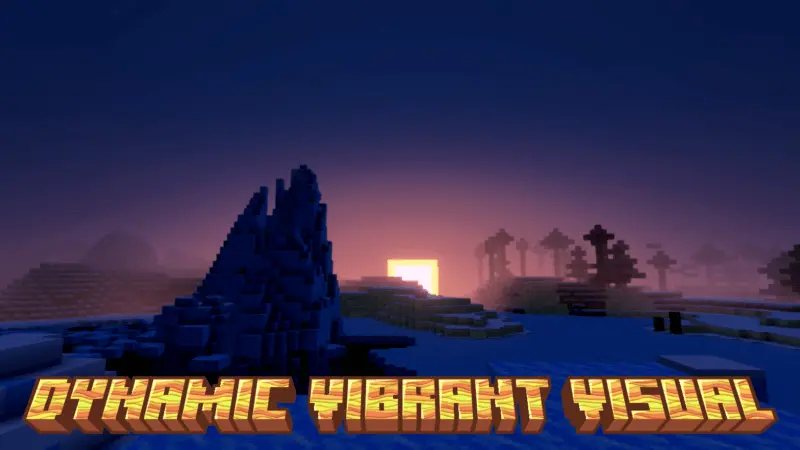
Dynamic Visual Texture Pack — a warm, saturated visual boost pack where you can pick your intensity level in the resource pack settings, from subtle to full “100% pop.�
Dynamic Visual Texture Pack is made for players who want their Minecraft Bedrock world to feel more alive just from the color and lighting vibe, without turning it into a totally different art style. The main promise is straightforward: it makes your world warmer, more saturated, and more dynamic. That “warm + saturated� combo is the classic way to make scenes feel less flat, especially if your default look feels a bit cold or washed out on your screen. Grass reads greener, sunsets feel richer, and builds with wood, terracotta, and warm blocks tend to look extra cozy. The “dynamic� part is the overall punch—colors and the general look feel more energetic instead of neutral.
The best feature here is that you can set the power level you want directly in the resource pack settings. That means you’re not locked into one aggressive look. If you only want a slight warmth to make survival easier on the eyes during long sessions, you can keep the power low. If you want your screenshots and base tours to look loud and vibrant, you can crank it up to the higher levels. The description specifically mentions a 100% version shown in a picture, which implies the pack can go full intensity when you want maximum color pop. That makes it flexible for different worlds too—maybe you keep it lower on a serious survival run and push it higher on a creative build world where visuals are the whole point.
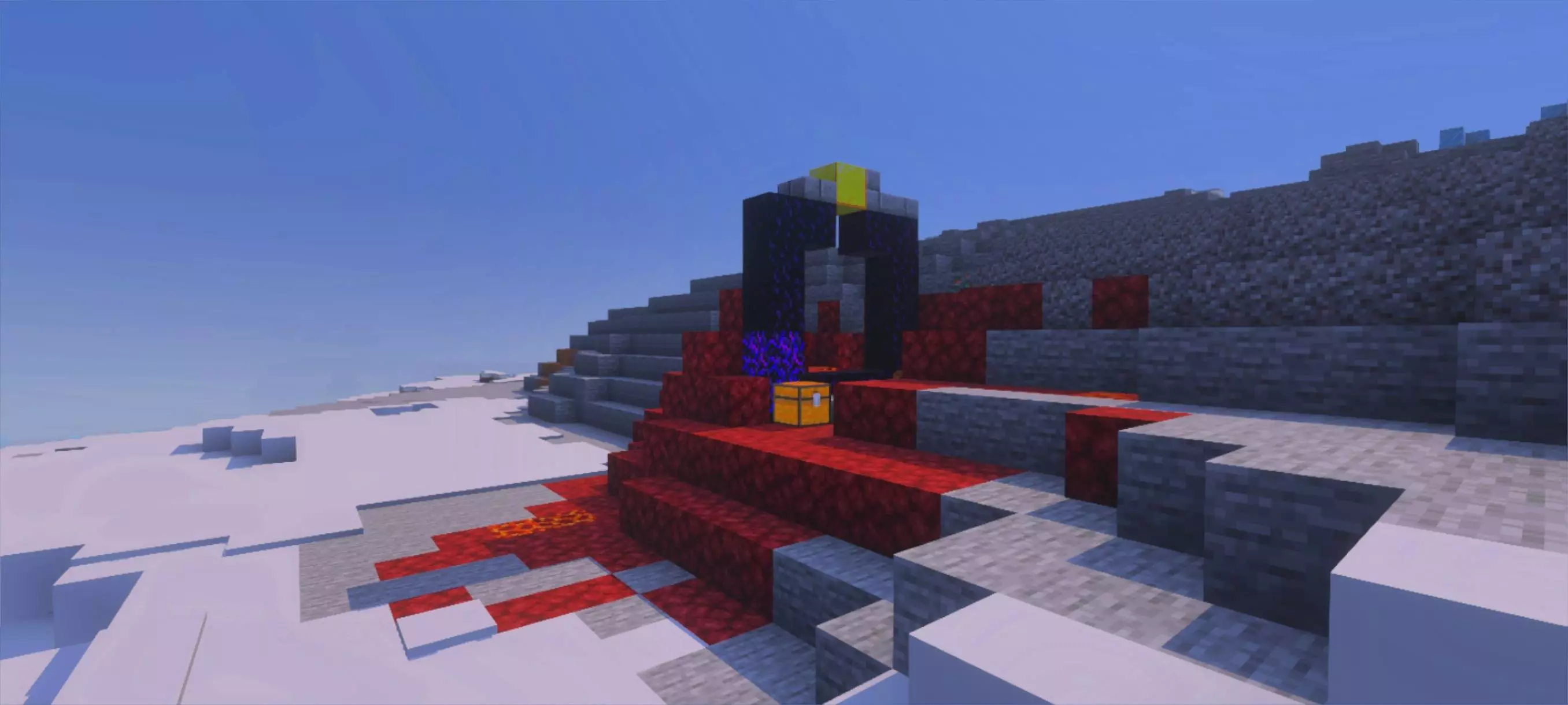
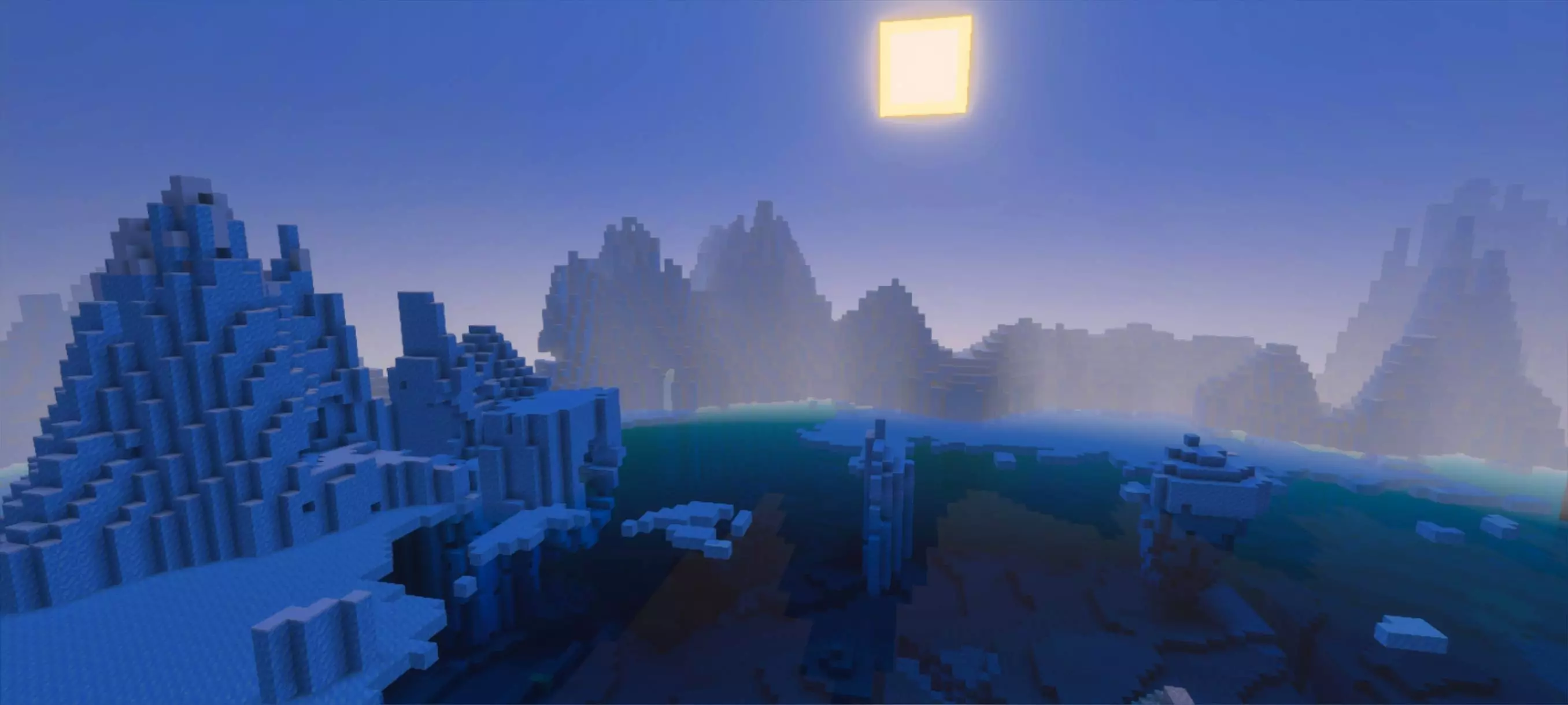
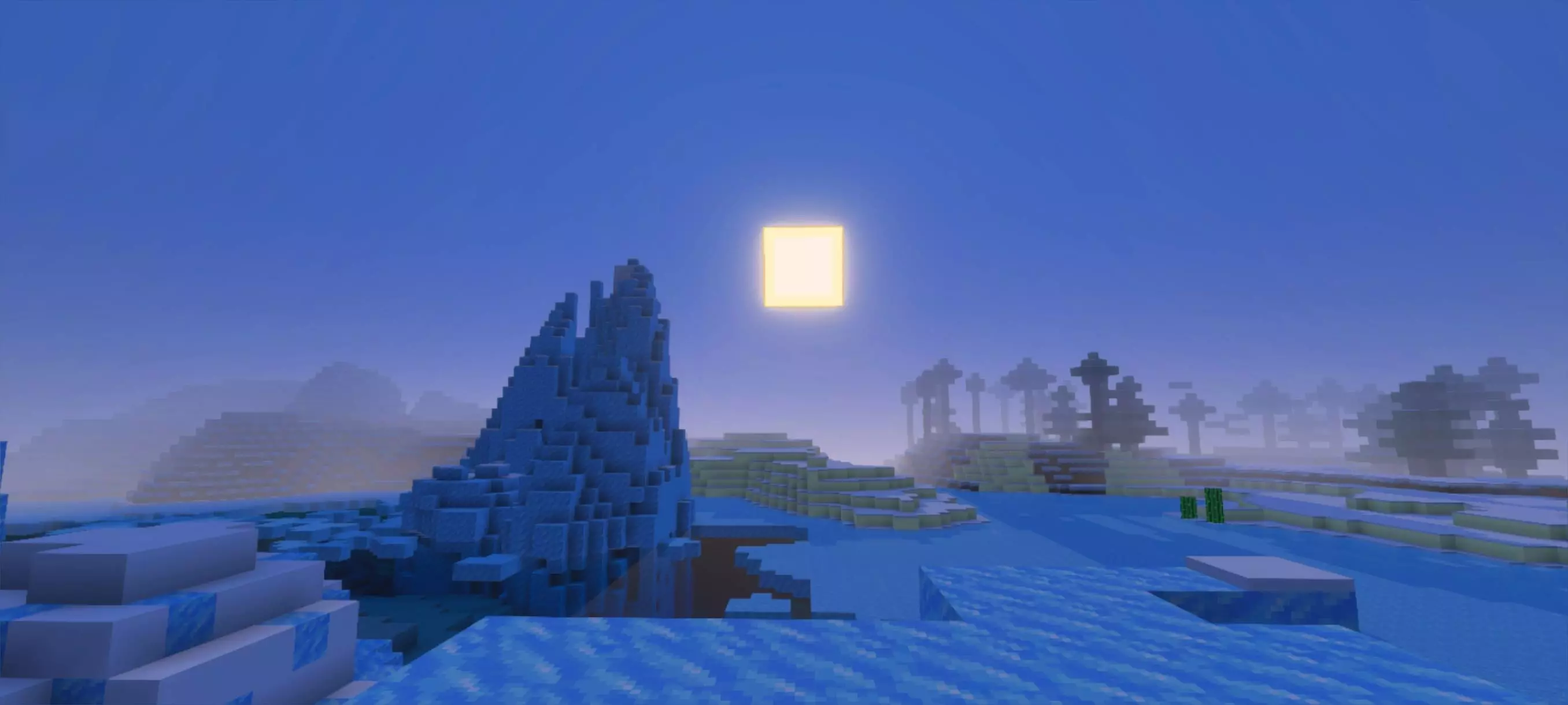
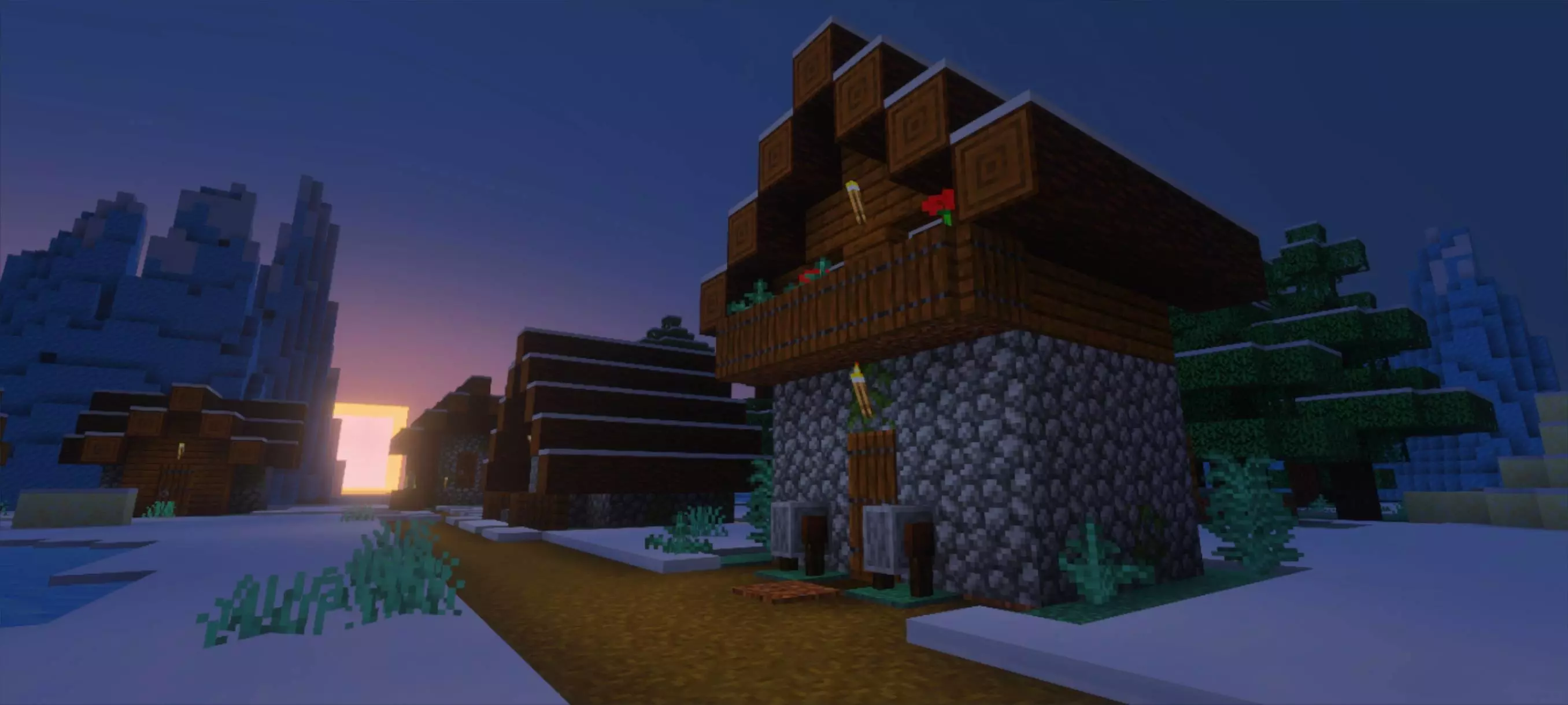
In real gameplay, a pack like Dynamic Visual Texture Pack shines in a few obvious spots. Daytime exploration feels brighter and more cheerful, especially in biomes where the default palette can feel muted. Your base lighting can look warmer and more inviting, which is great for interiors and villages. Water and skies often feel more “summer� when the warmth and saturation are boosted, which makes travel and building near coastlines feel nicer. And when you’re doing resource runs or long building sessions, the world can feel more consistent and “finished,� like your game has a built-in filter that makes everything look a little more cinematic without needing anything complicated.
Dynamic Visual Texture Pack is basically for players who love the vanilla vibe but want more color energy. The adjustable power level is the real win: you can tune it to your taste, flip it up for content or screenshots, and keep it comfortable for normal Minecraft Bedrock survival when you just want a warmer, more saturated look without going overboard.
How to install?
- Download resource pack;
- Run and open the .mcpack file in the game;
- Select a texture in the menu;
- Enjoy!
Comments (0)