Lumenix Shader
- 8-06-2026, 04:24
- 866
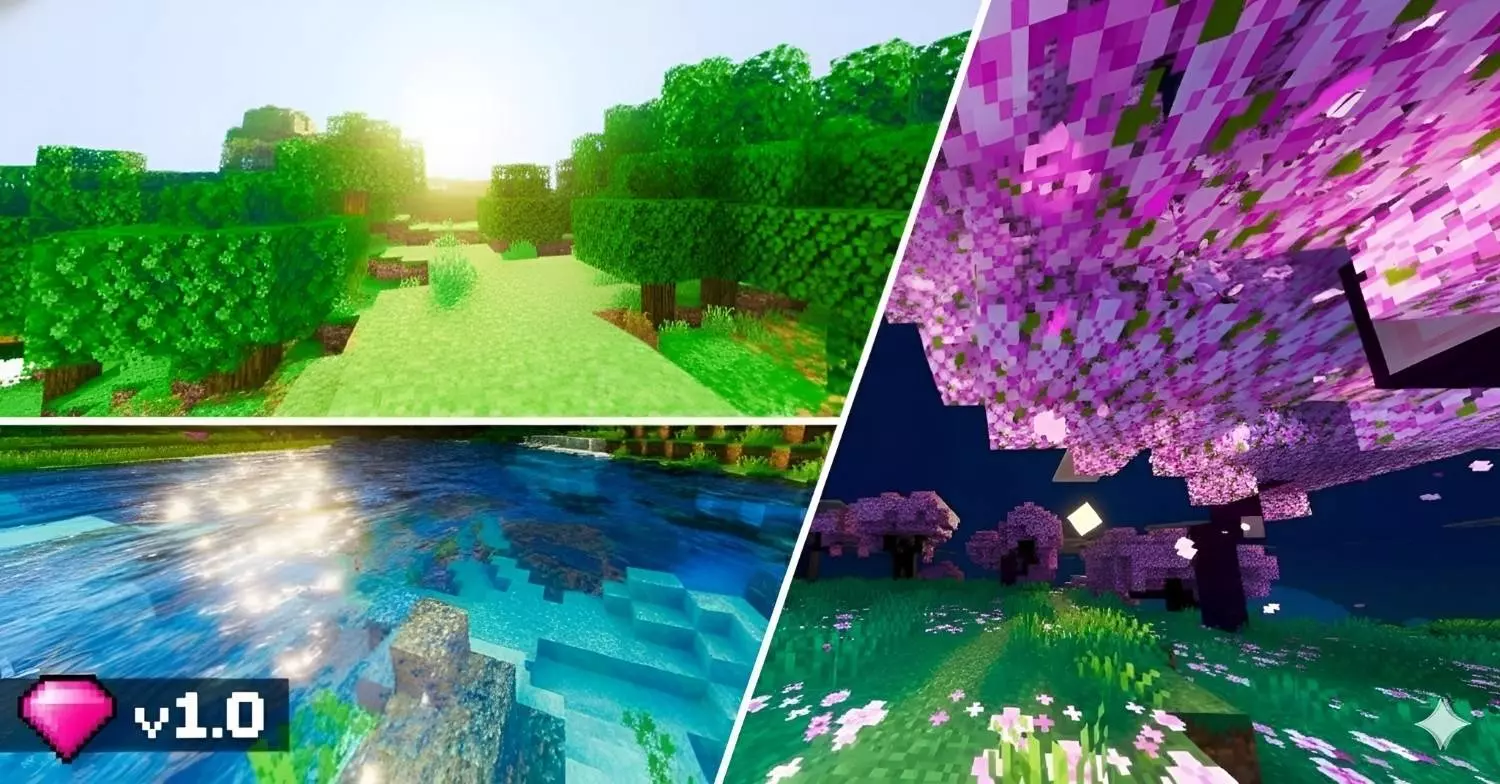
Lumenix Shader — a warm, saturated shader that boosts colors and lighting for a smoother, more vibrant Minecraft look.
Lumenix Shader is for players who want their world to pop without turning everything into a weird neon mess. The whole vibe is warm and saturated, so colors feel richer and the atmosphere feels softer and more “alive,� especially when you’re walking through forests, villages, or builds that use a lot of natural blocks. It’s the kind of look that makes a simple house feel cozier and makes detailed builds read better from a distance because the lighting and color balance feel more intentional.
What you’ll notice first is how it smooths out the visual tone. Lumenix Shader is going for that clean, vibrant feel where lighting looks nicer and the world feels less flat. Warm shading can make sunsets and torch-lit interiors feel extra comfy, while daytime looks more colorful instead of washed out. If you like building with wood tones, terracotta, or anything earthy, this style usually makes those palettes look more “finished� without you needing to rebuild everything.
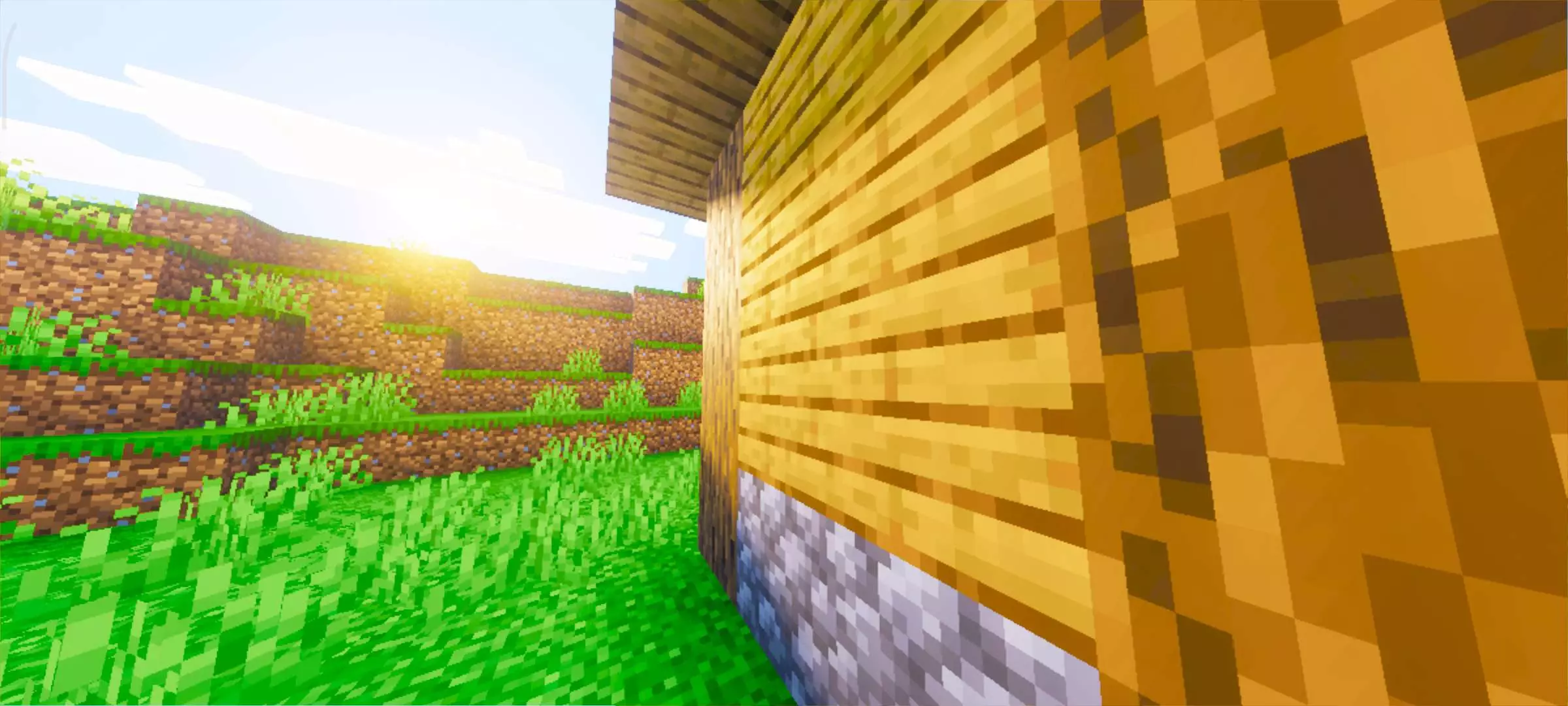
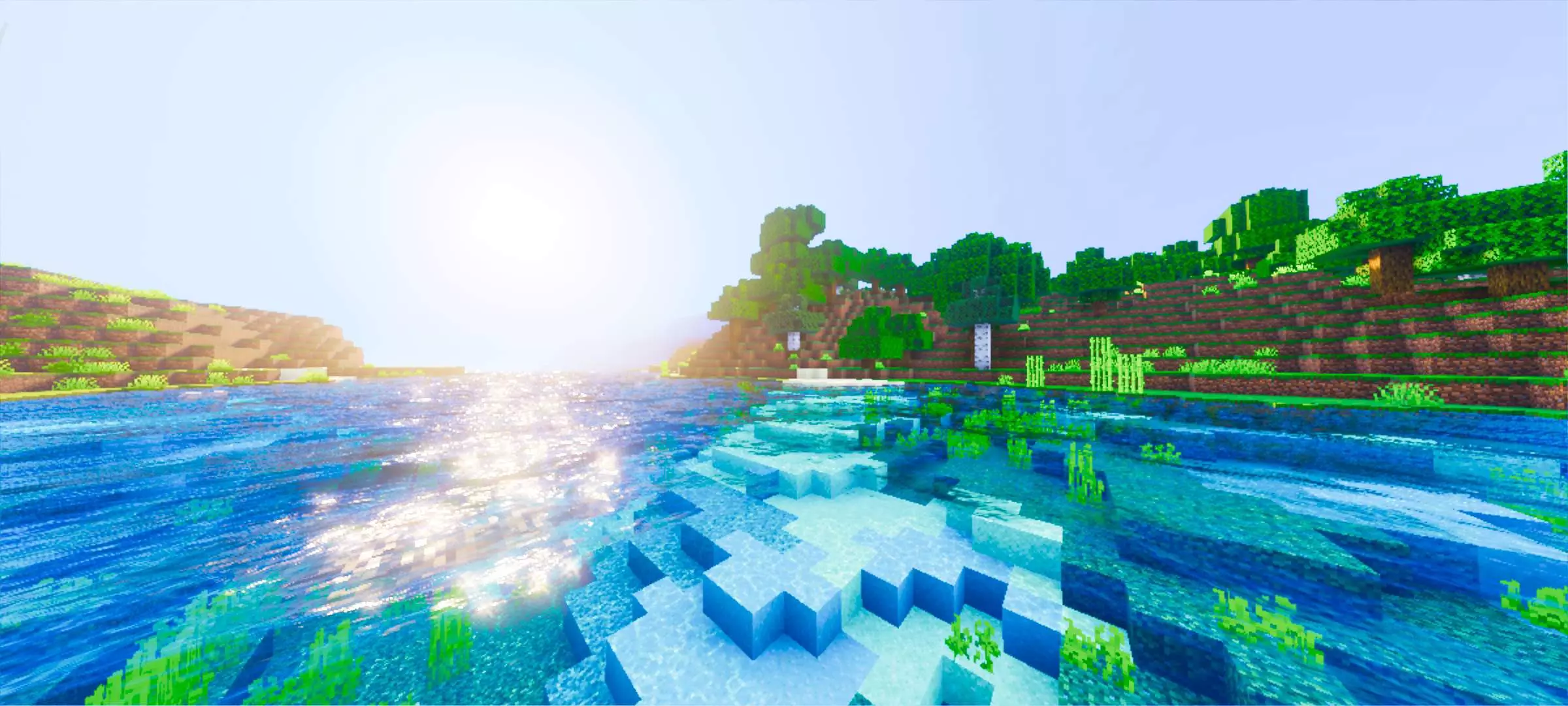
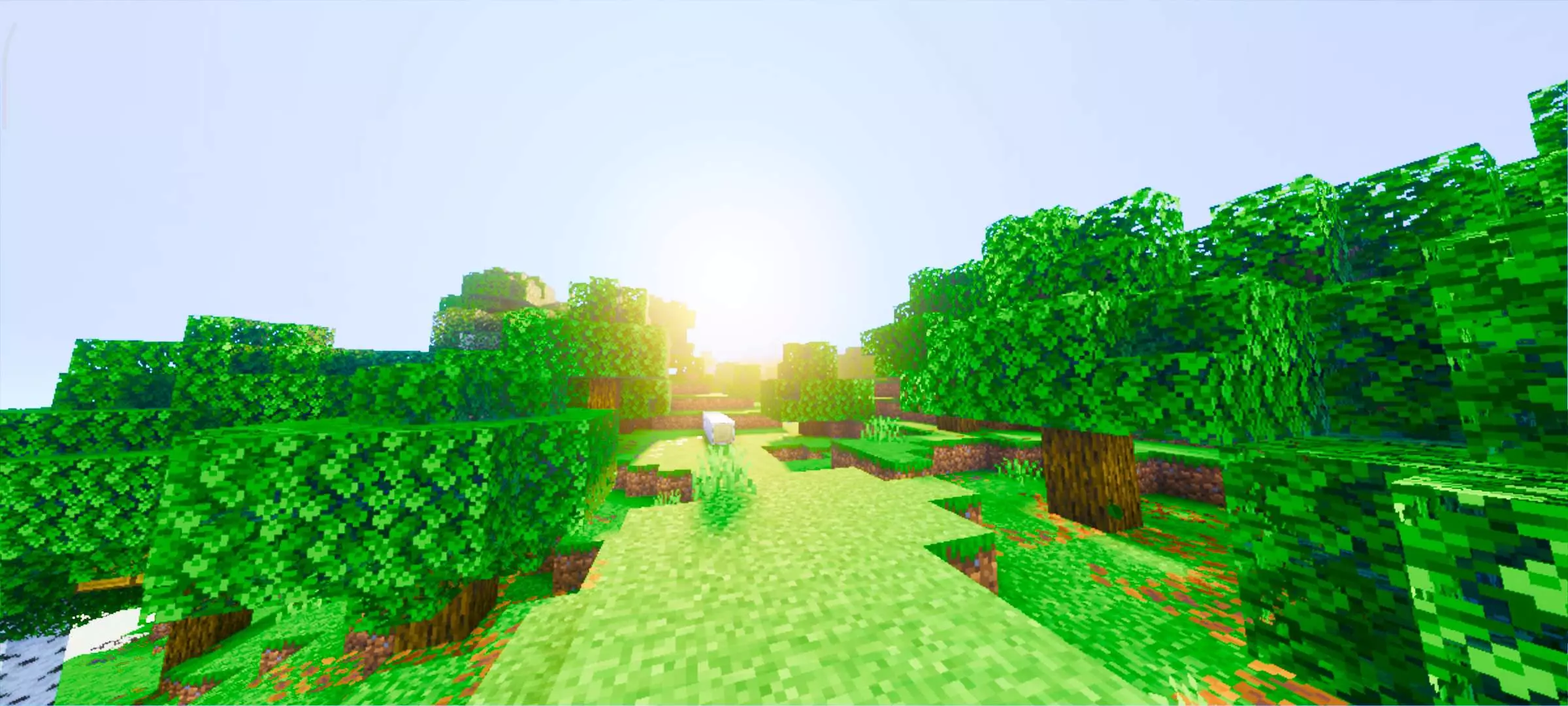
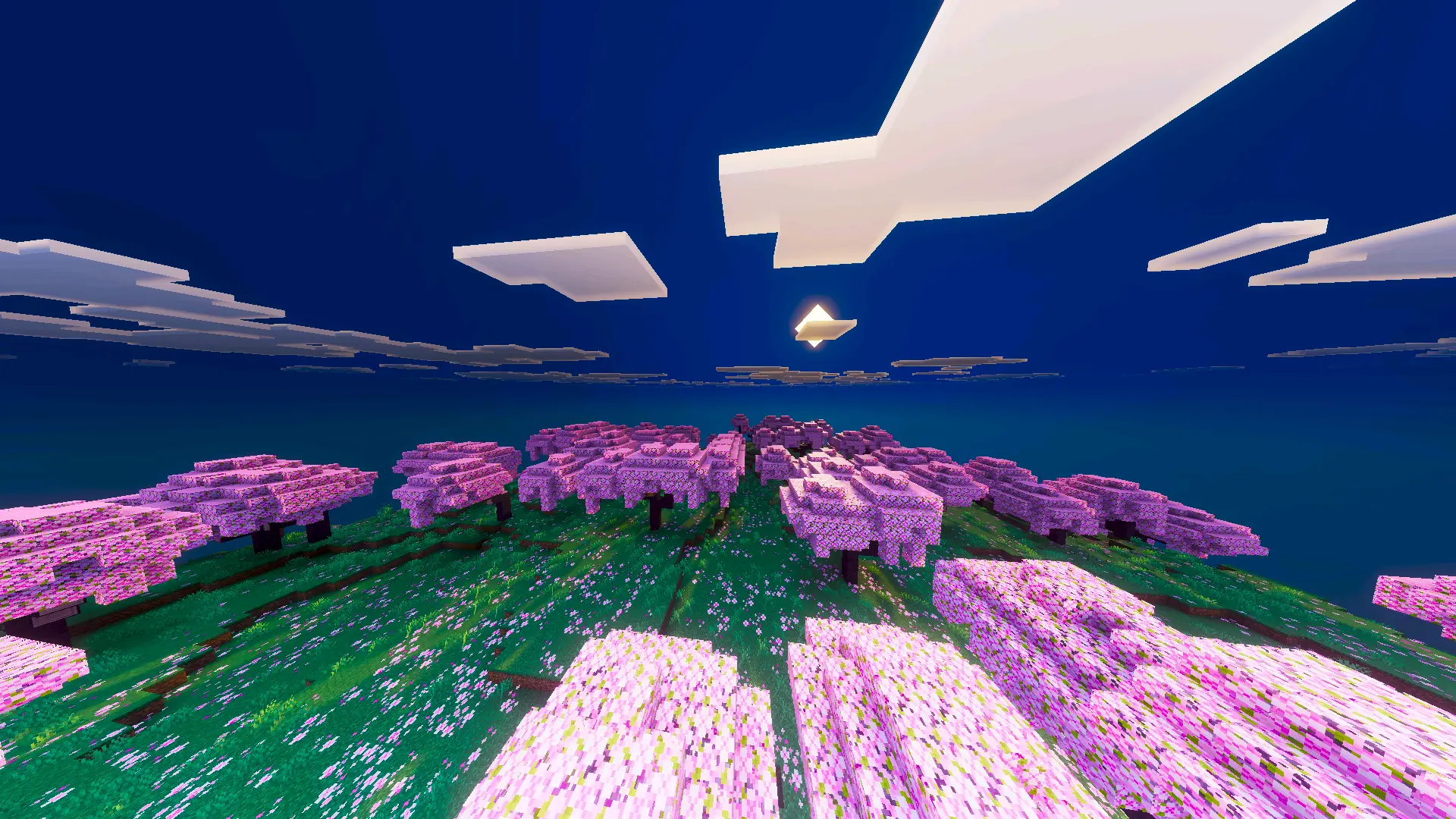
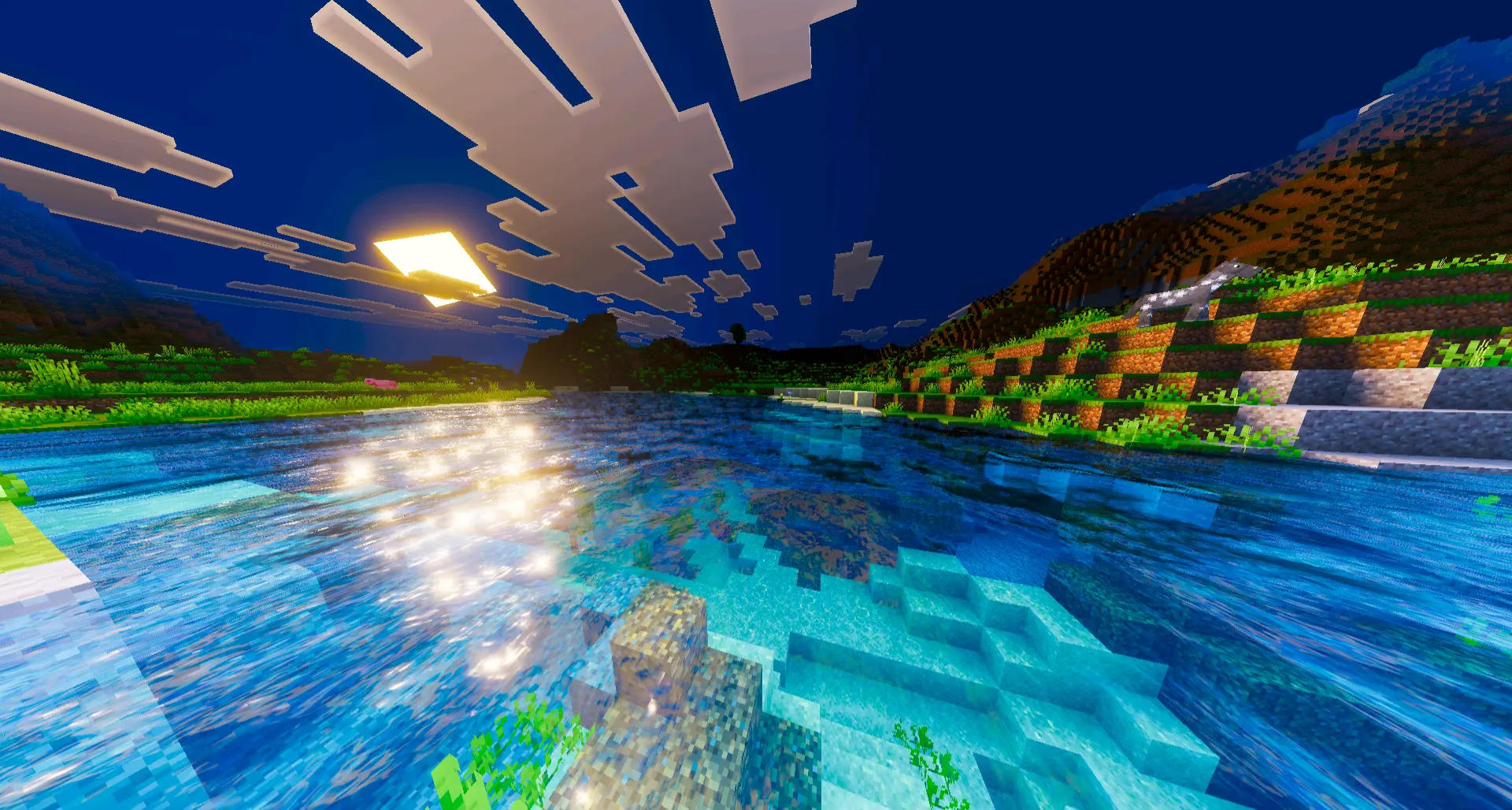
Lumenix Shader also works well for everyday survival because it’s not trying to overwhelm the screen with heavy effects. It’s more about making the world look better all the time—mining runs, farming, exploring, and base work—so you don’t have to “save it� for screenshots only. The richer atmosphere helps with immersion too: caves feel moodier, outdoor areas feel brighter and more inviting, and your builds end up looking like they belong in a world with actual lighting depth instead of just raw block colors.
If you’re the type who records clips or takes screenshots, Lumenix Shader is basically an easy upgrade. The warm saturation makes scenes look more appealing without you having to hunt for perfect angles. It’s a simple promise—better color, better lighting, better atmosphere—and Lumenix Shader is exactly that kind of shader: soft, vibrant, and built to make Minecraft feel nicer to look at every time you load in.
How to install?
- Download resource pack;
- Run and open the .mcpack file in the game;
- Select a texture in the menu;
- Enjoy!
Comments (0)