NEQX Lumina Shader
- 22-09-2026, 18:40
- 364
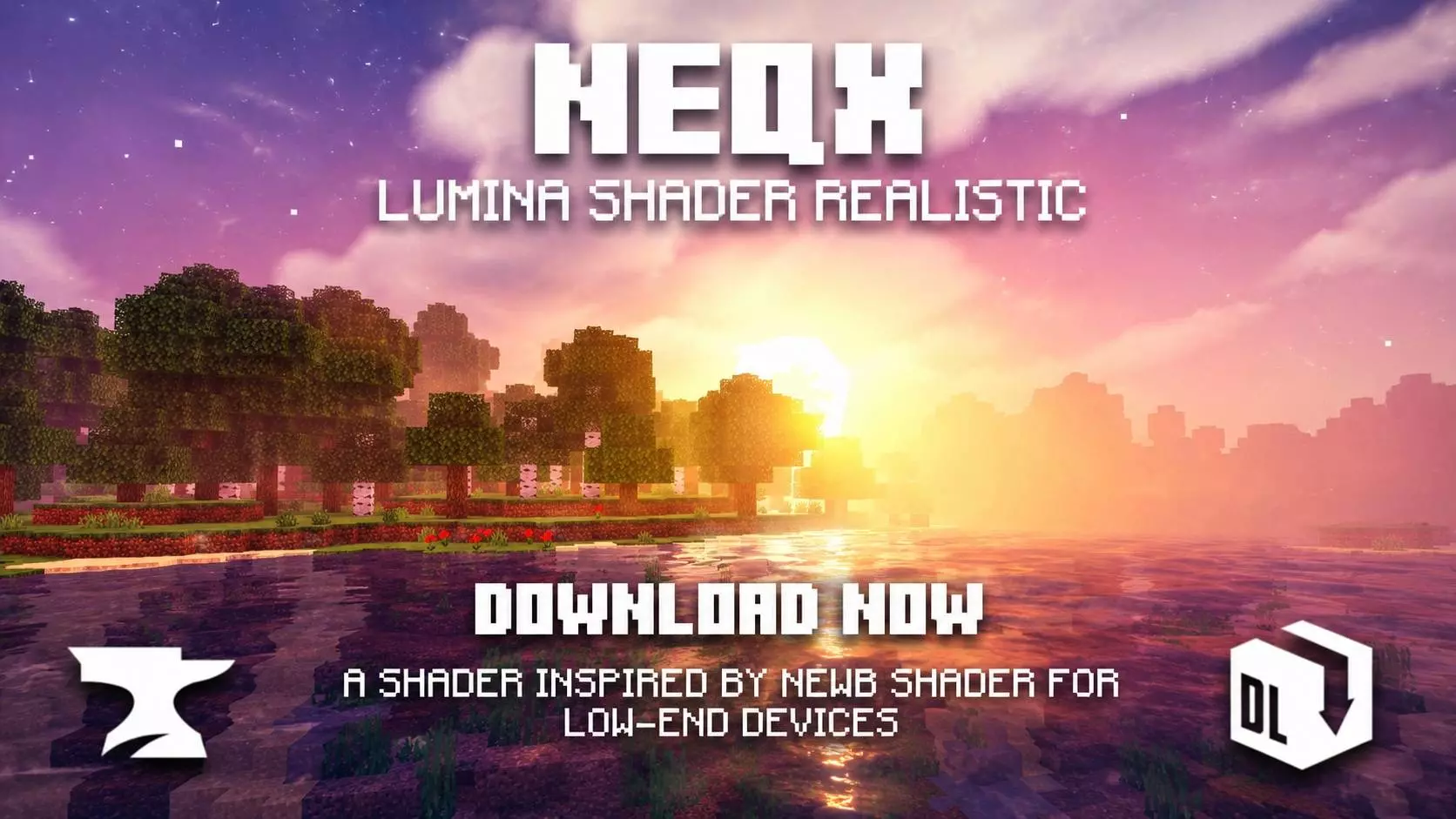
Finding a good shader for Bedrock that doesn't completely fry your device or make the terrain look like a weird plastic toy is honestly a massive headache. The NEQX Lumina Shader actually gets the "Vanilla+" vibe right. Instead of blinding you with crazy sun glare and overblown shadows, it focuses on fixing the actual atmosphere of the game. The best feature is how customizable the sky is right out of the gate. You can hop into the pack settings and flip between realistic clouds, classic blocky ones, or rounded ones depending on what fits your current world. Down on the ground, the overhauled fog gives distant biomes a genuine sense of depth. They also added this incredibly satisfying chunk-loading animation—instead of new mountains just aggressively popping onto your screen out of nowhere, the blocks smoothly slide into place as you walk.
The best news for anyone running a long-term survival realm is how this handles your progression. Since this is strictly a visual texture overhaul and doesn't inject any custom behavior scripts or cheat commands into your game, your Xbox Live achievements stay 100% active. You can throw this on your most heavily grinded save file to make your builds look better without worrying about permanently locking your Gamerscore. Getting it installed is super painless, too. It downloads as a simple .mcpack file. You literally just click it, the game opens, and it imports directly into your global resources. There is no need to download weird third-party file managers or dig around turning on unstable experimental toggles just to get the graphics working.
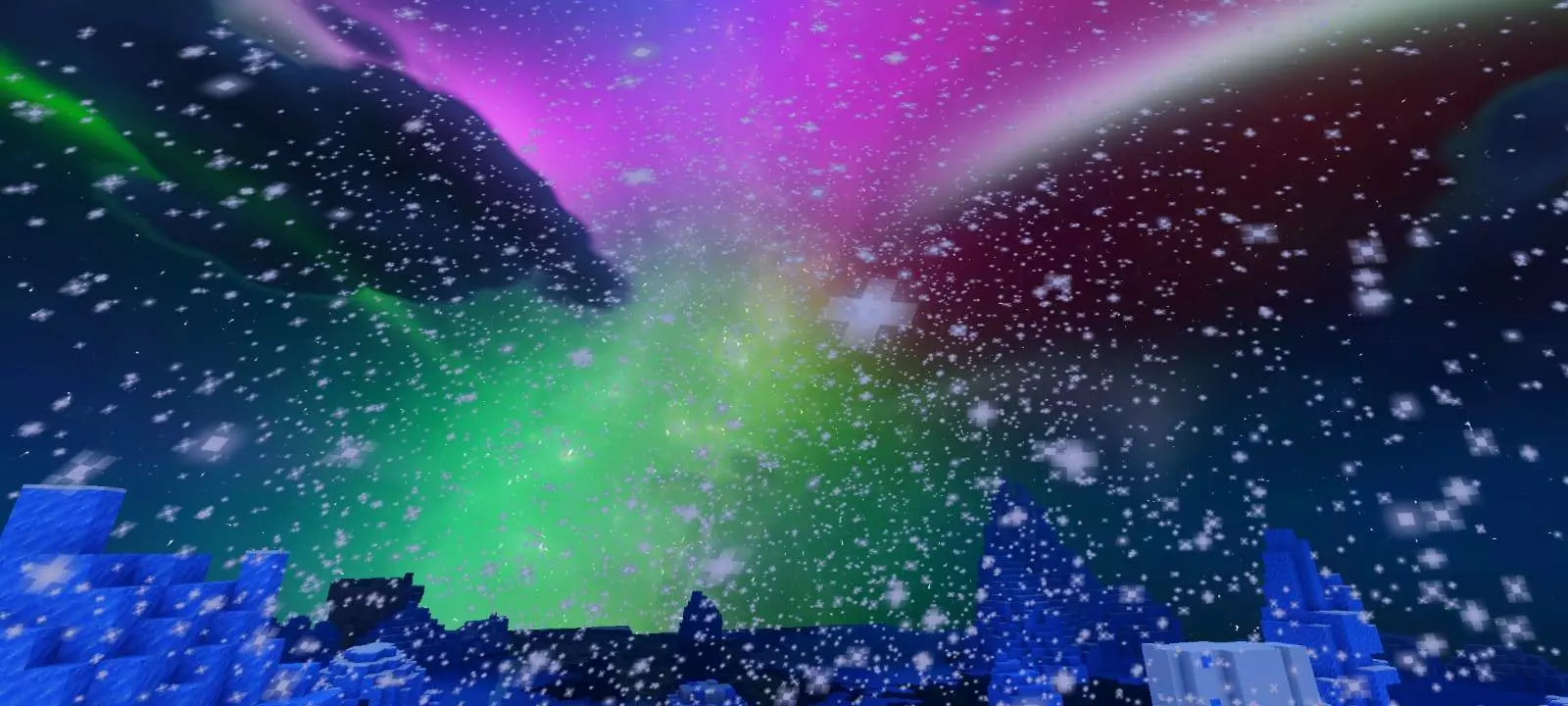
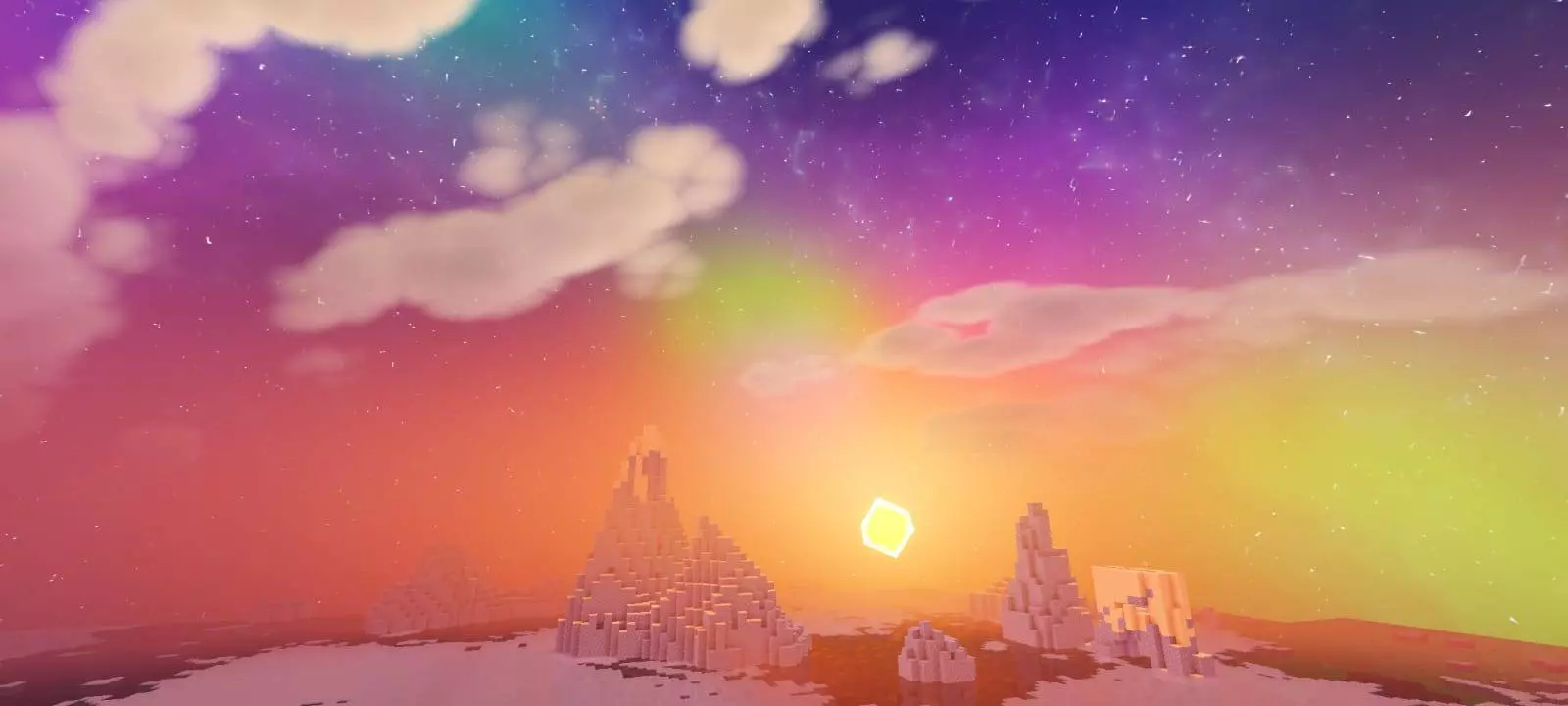


Usually, when you start adding moving water waves and dense environmental fog to Bedrock, you are asking for brutal frame drops, especially if you play on a phone or an older console. The creator clearly knew this was a problem, so they built a bunch of performance tweaks directly into the subpack menu. If you are building a base near a massive ocean and notice your FPS taking a hit from the dynamic wave animations, you can just slide the settings down to disable the water physics while keeping all the cool atmospheric lighting intact. It makes the entire experience completely scalable. Whether you are on a high-end PC pushing the realistic clouds to the absolute max, or just trying to get a decent, lag-free visual upgrade on a budget tablet, you can easily adjust the settings to keep your gameplay buttery smooth.
How to install?
- Download resource pack;
- Run and open the .mcpack file in the game;
- Select a texture in the menu;
- Enjoy!
Comments (0)