GURJAR X Retro Shader
- 22-09-2026, 07:15
- 226
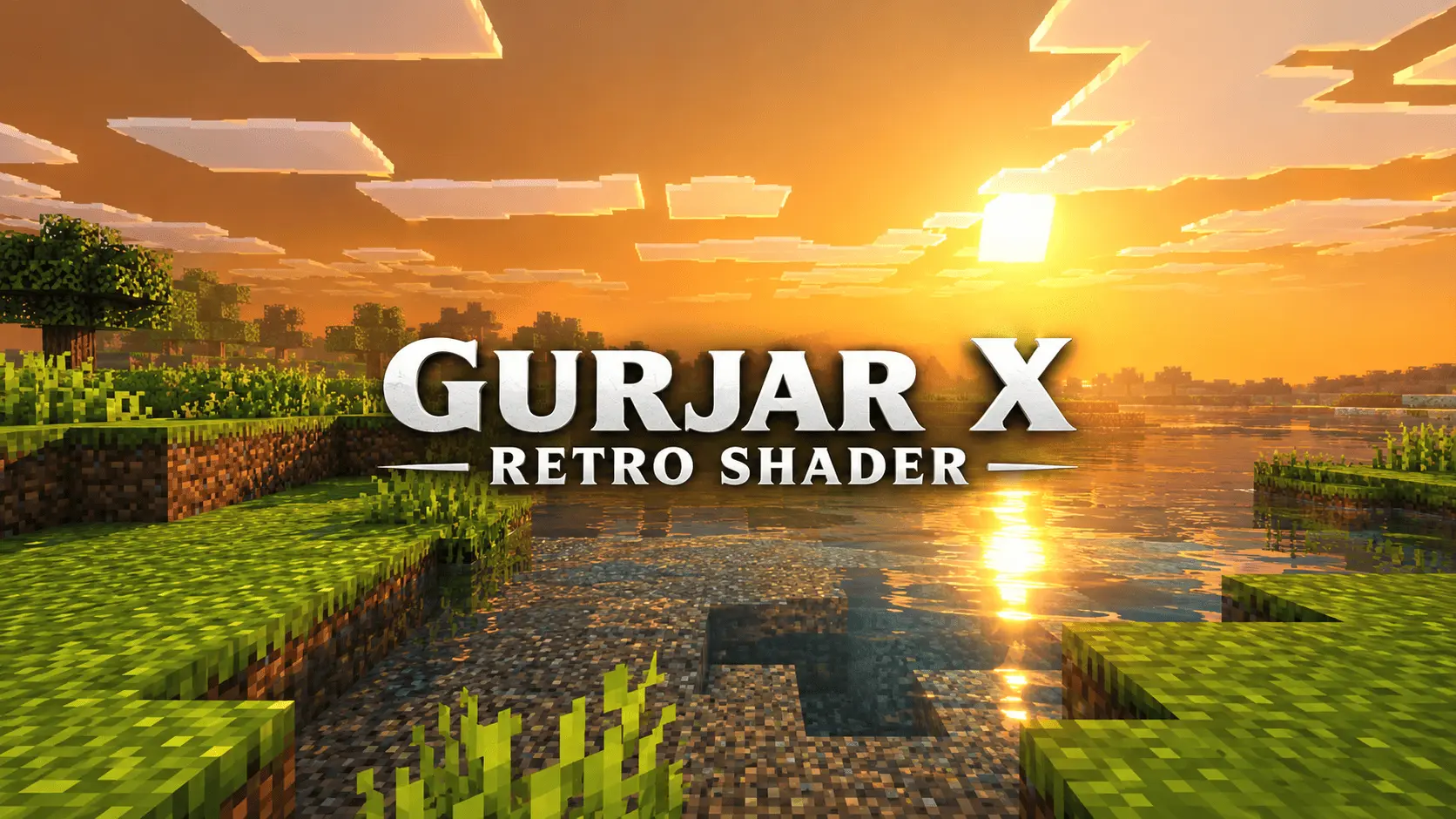
If you are feeling nostalgic for the warm, hazy look of older video games or classic film photography, this visual pack absolutely nails that vintage aesthetic. Even during midday, the lighting dips gently to maintain that sun-washed, warm-brown mood without making it difficult to see what you are actually doing.
The color grading does exactly what a retro filter should do. It pushes the midtones and highlights with a warm offset, giving the world a slightly faded "old footage" vibe. It is heavily saturated, but never harsh or neon-bright. Down on the ground, the shadows are soft-filtered to keep the environment looking gentle, and the water gets just enough animated wave movement and caustics to feel alive without clashing with the old-school aesthetic.
Because this pack only alters the client-side graphics and doesn't rely on cheat commands or custom behavior scripts, your Xbox Live achievements remain completely active. You can safely throw this nostalgic filter over your oldest survival world and keep earning your official Gamerscore without a second thought. The setup process is also completely frictionless. It downloads as a standard `.mcpack` file, which means it imports directly into your global resources with a single click. There are no confusing subpack menus to navigate or sliders to constantly adjust—you literally just enable the pack, and the retro look is active immediately.
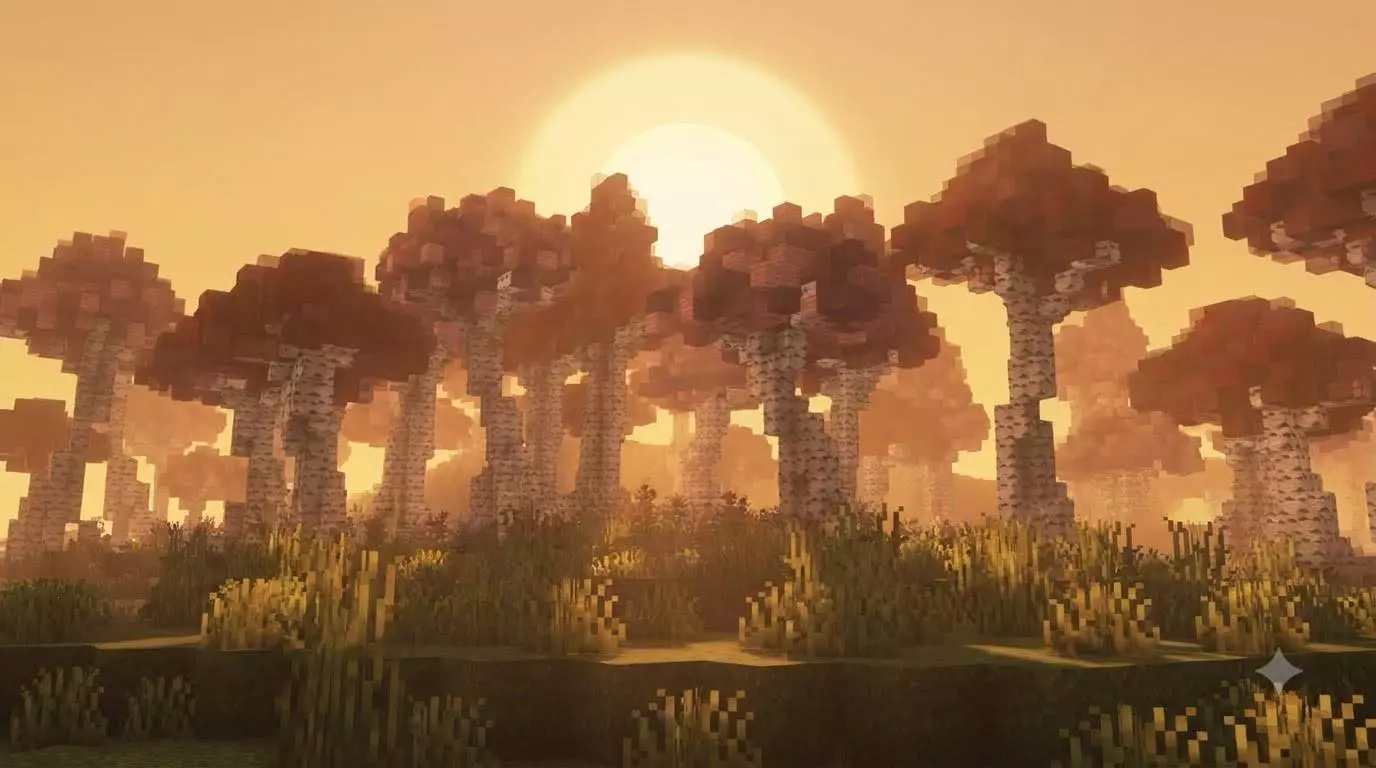
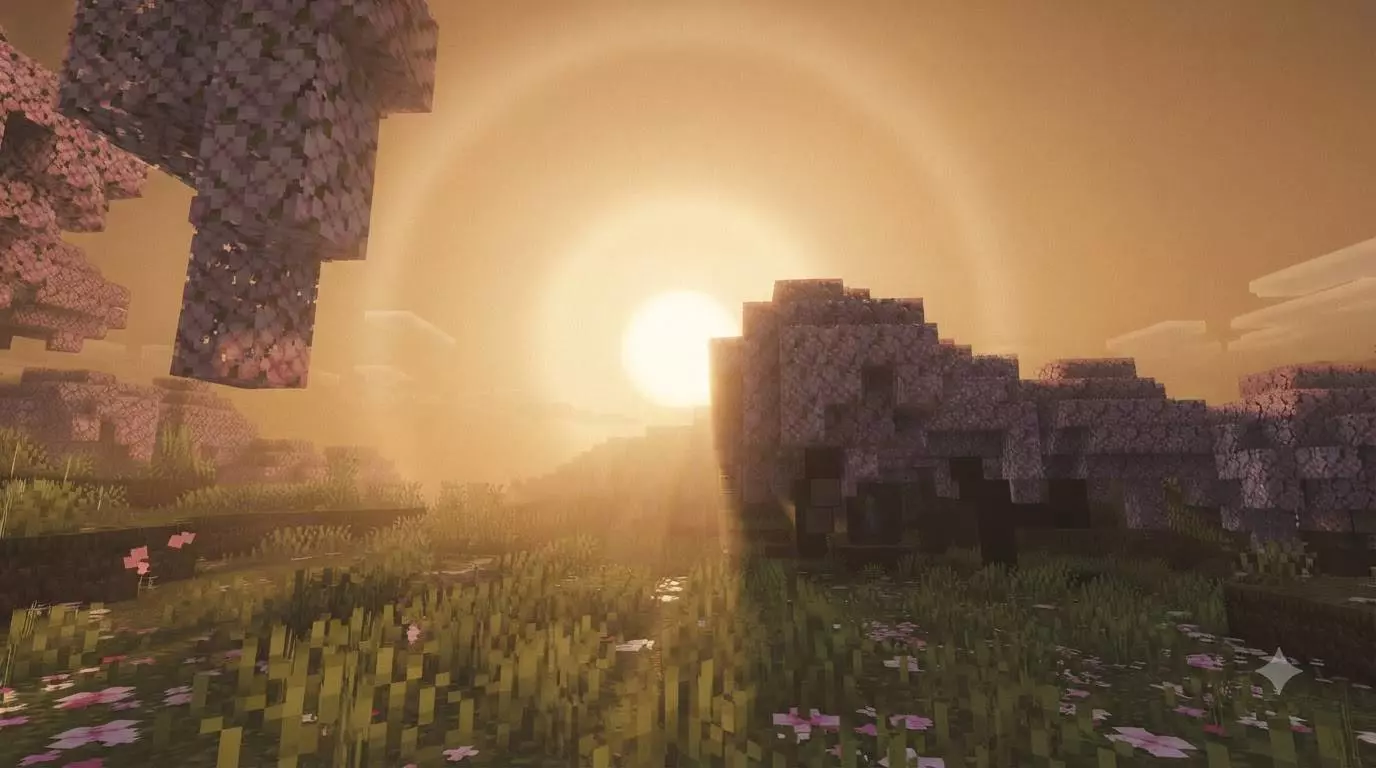
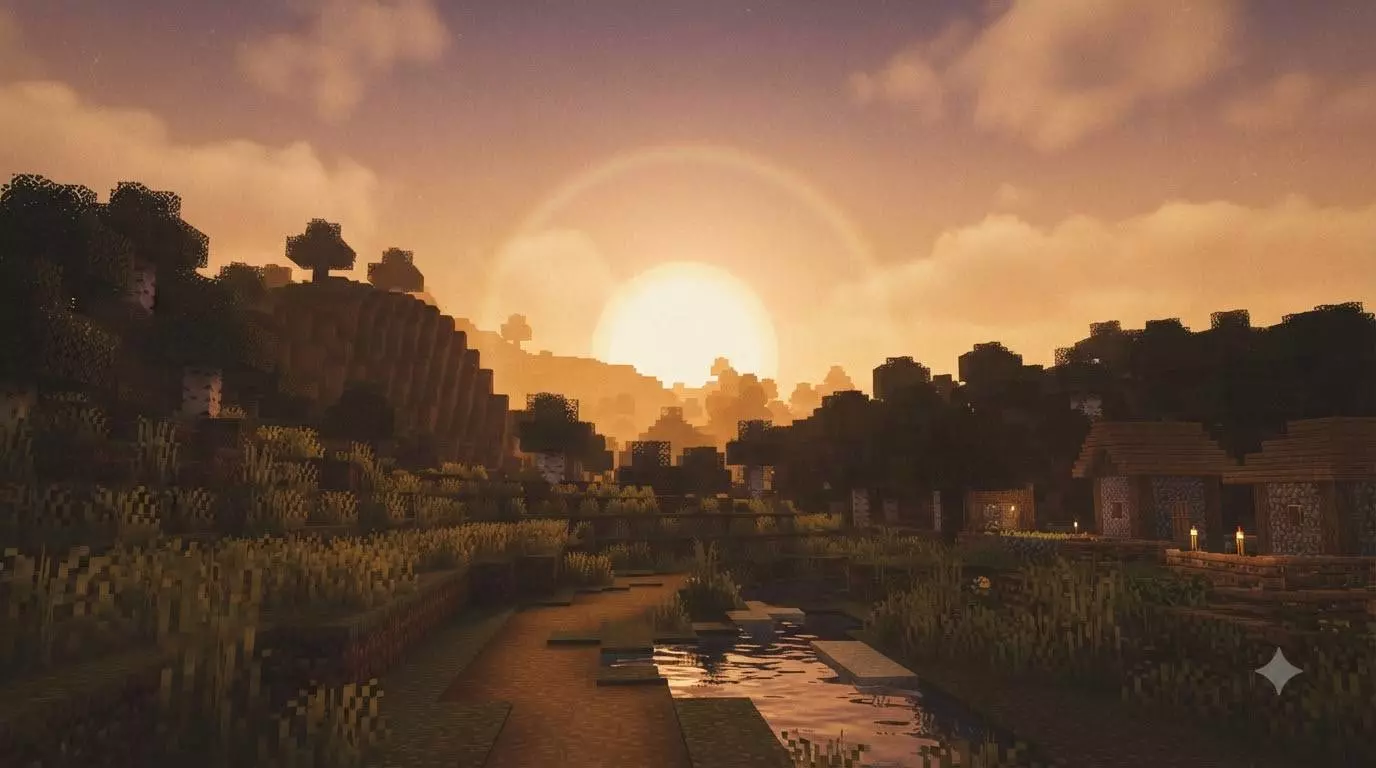
Usually, heavy atmospheric modifications absolutely wreck your device's framerate. However, because this pack was built directly onto Mojang's native Vibrant Visuals render pipeline, it is surprisingly lightweight. The engine doesn't have to struggle to calculate brutal, razor-sharp ray-traced shadows or heavy volumetric clouds. Instead, it relies on smart color grading and soft rendering techniques to achieve the vintage look. Whether you are running around your world on a budget smartphone, playing split-screen on a console, or building on a high-end PC, your gameplay is going to stay buttery smooth while looking like a playable memory.
How to install?
- Download resource pack;
- Run and open the .mcpack file in the game;
- Select a texture in the menu;
- Enjoy!
Comments (0)