Fish Eye Lens Shader
- 22-09-2026, 09:11
- 262
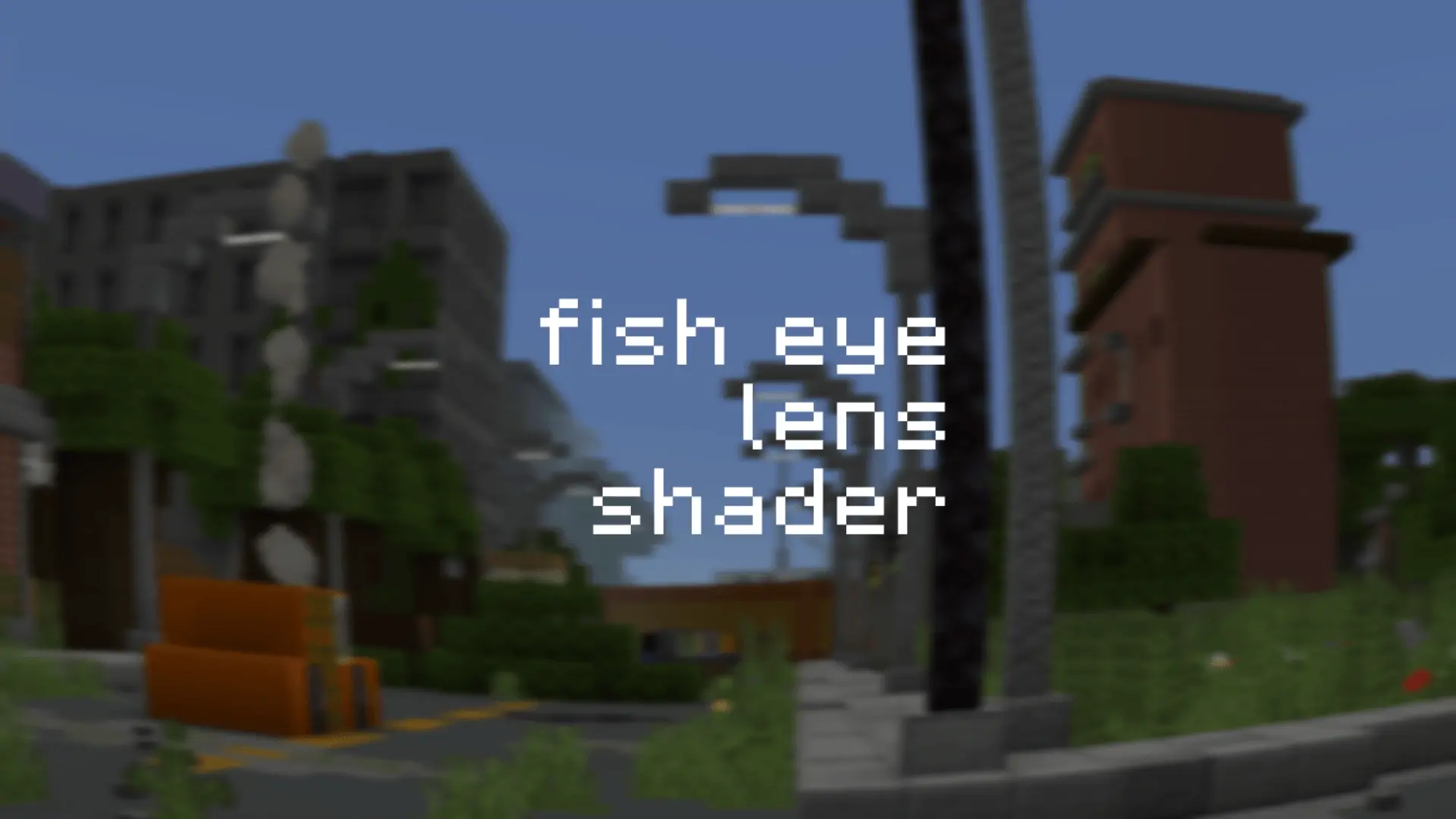
If you are trying to film a cinematic survival series, build a terrifying horror map, or just want your Bedrock gameplay to look like an old-school found-footage tape, standard Minecraft FOV settings just don't cut it. You can crank your slider up to Quake Pro, but it still just stretches the edges of the screen rather than actually bending the perspective. This specific RenderDragon shader finally fixes that by throwing a genuine fish-eye lens effect over your entire screen. It originally started as a built-in feature of a larger flashlight shader by creator chromehaert, but because players just wanted the camera distortion by itself, it was spun off into this lightweight standalone version. When you lock your in-game FOV somewhere between 80 and 100, the edges of your screen pull into a perfect analog camera curvature, making every dark cave and long corridor feel wildly claustrophobic and cinematic.
Because this is a RenderDragon (RD) shader that alters the actual graphics pipeline of the game rather than a standard resource pack, getting it to run takes a little extra setup. You cannot just click a .mcpack file and expect the vanilla Bedrock client to load it. Microsoft locked down custom shaders, so you are going to need the right third-party tools to bypass that restriction. Depending on your platform, you will have to inject it using a MaterialBinLoader, a patched version of the Minecraft APK, or a dedicated PC shader loader. It sounds intimidating, but once you have your loader set up, swapping the file in is incredibly quick.

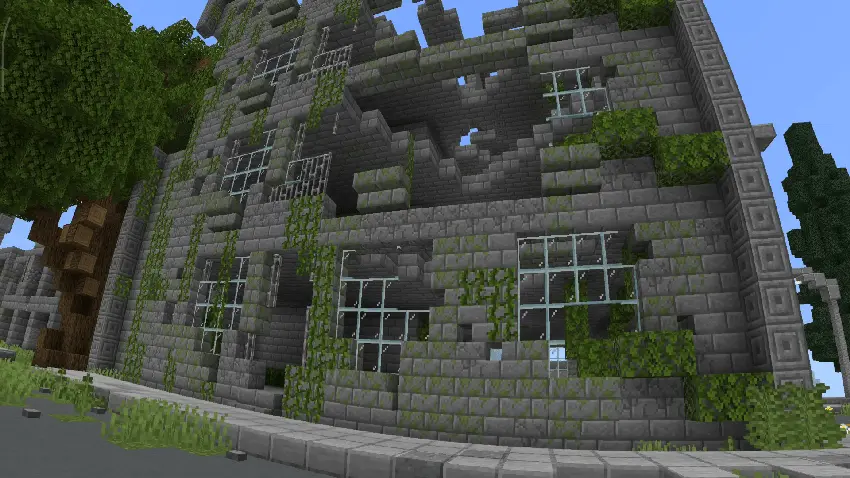

The absolute best trade-off for dealing with the tricky installation process is how it affects your world's progression. Since RD shaders operate entirely on the client side—meaning they only change how your specific device renders the graphics without modifying the actual save file or requiring you to toggle on server cheats—your Xbox Live achievements remain completely active. You get to run around your oldest survival worlds looking through a gritty, distorted bodycam lens while still unlocking your official Gamerscore. Furthermore, because this is just a vertex and fragment math adjustment wrapping the screen rather than a heavy volumetric lighting overhaul, the performance impact is virtually non-existent. As long as your device can handle vanilla Minecraft smoothly, it can easily handle the curvature effect without dropping your framerate.
How to install?
- Download resource pack;
- Run and open the .mcpack file in the game;
- Select a texture in the menu;
- Enjoy!
Comments (0)