Remembered Rooms Map
- 21-09-2026, 03:02
- 268
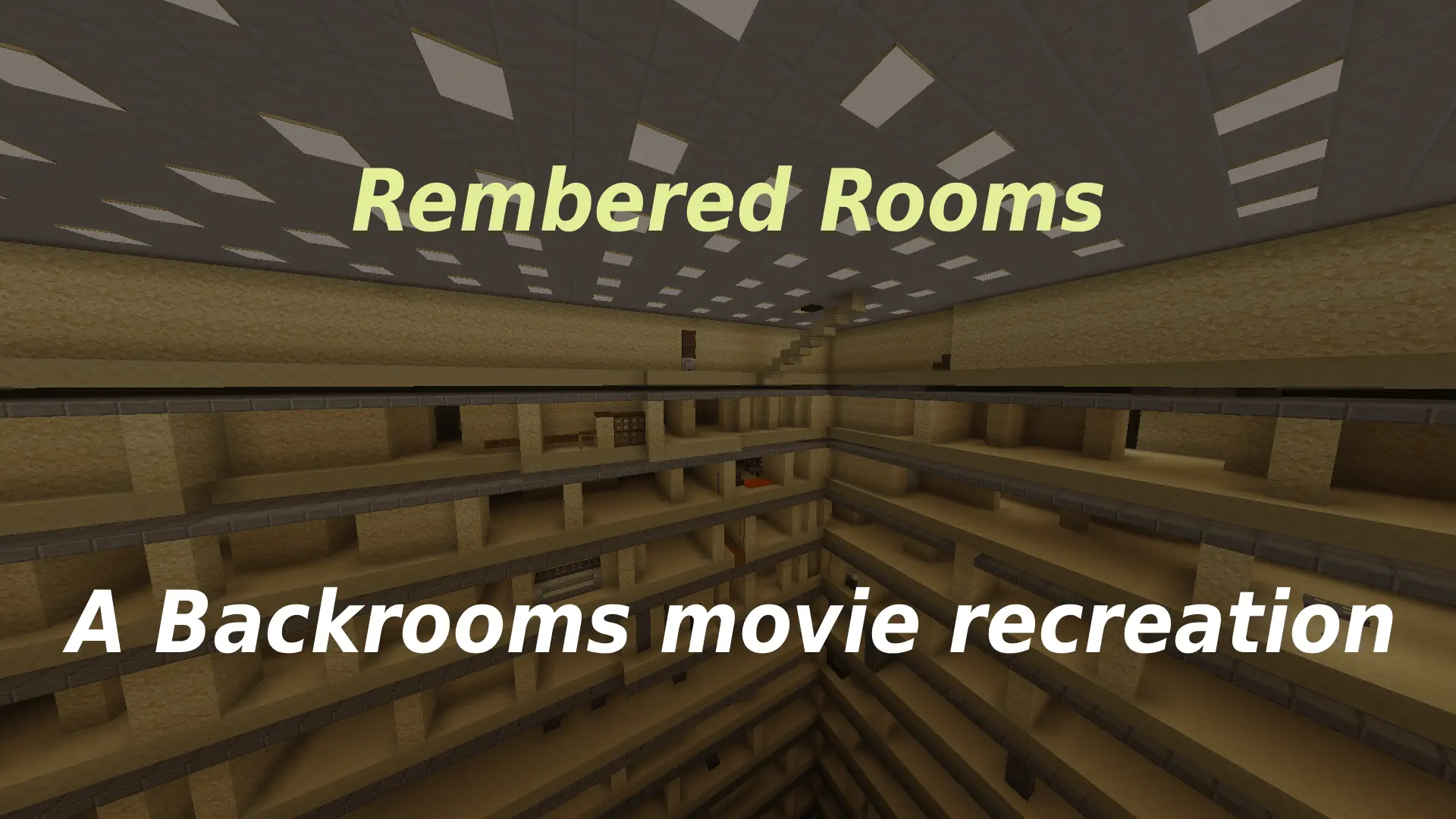
Some of the best maps start out as passion projects with friends, and that is exactly the story behind the Remembered Rooms Map. Originally hosted as a live multiplayer Realm, months of continuous building have finally been packaged into a massive, explorable world file. Leaning hard into the eerie, liminal aesthetic of the Backrooms, it offers a sprawling labyrinth of strange corridors and unsettling spaces to get completely lost in. The sheer scale of the maze reflects the sheer amount of time poured into the architecture. For players who want to follow the map's ongoing evolution, the creator actively documents new areas and future versions on their dedicated YouTube channel, MC_Backrooms.

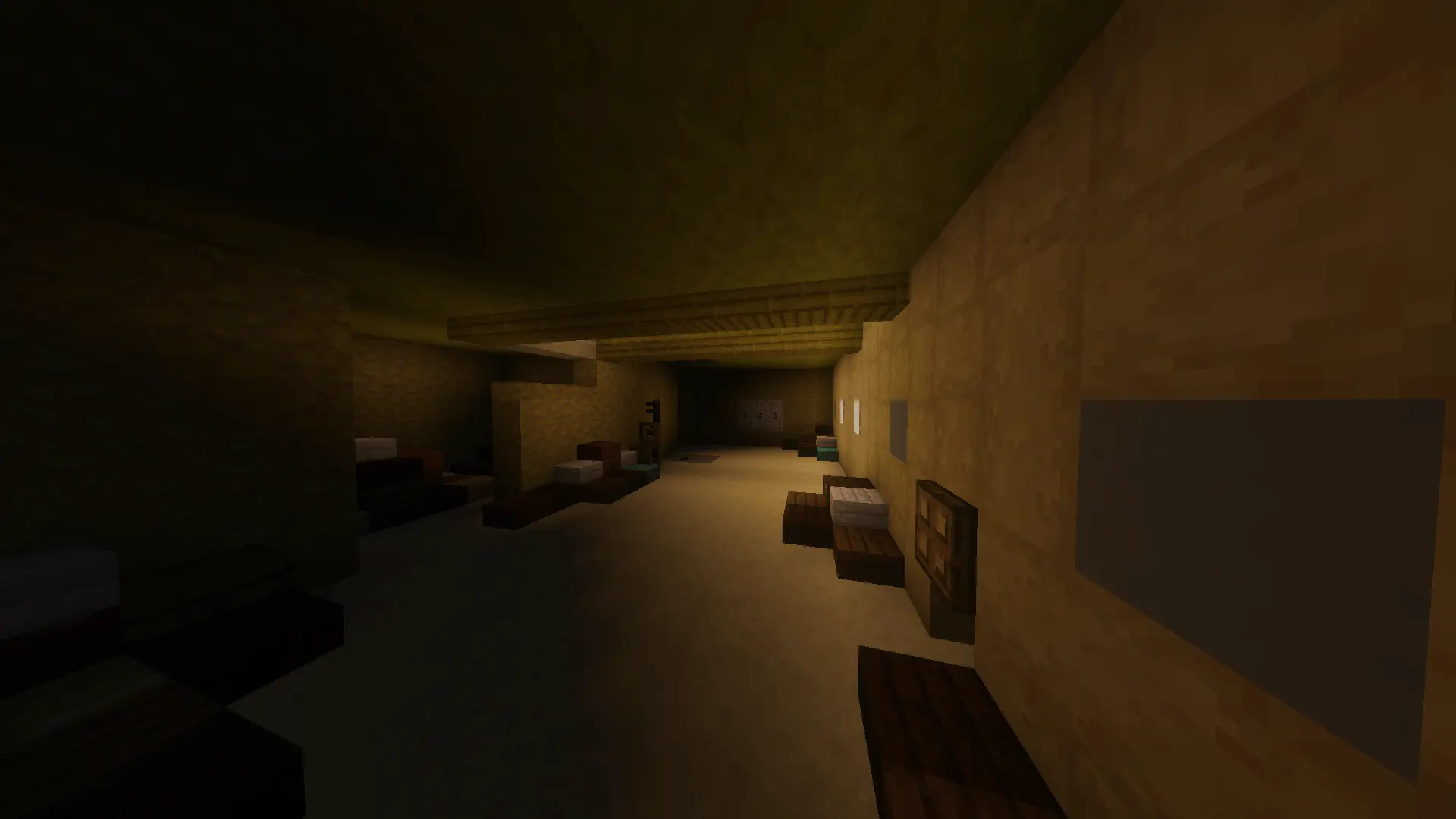
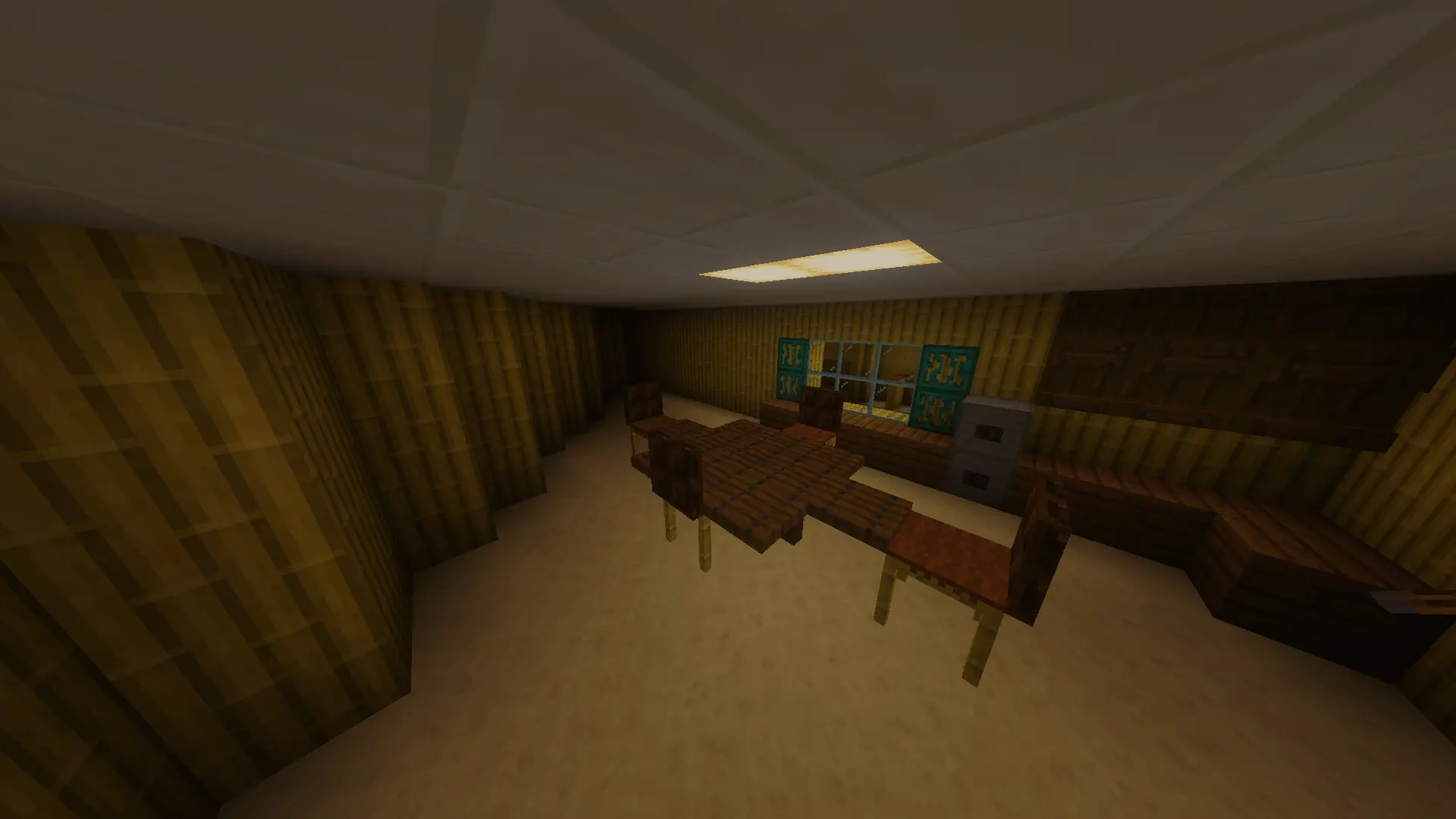
Taking a long-term server build and converting it into a polished map required heavy use of creative mode, which means this save file will permanently block Xbox Live achievements. You aren't meant to be punching trees and crafting standard survival gear here anyway, so missing out on official trophies is a non-issue. The setup is entirely plug-and-play. You just import the world and start wandering, completely avoiding the hassle of managing experimental gameplay toggles or unstable developer APIs.
Navigating giant, enclosed labyrinths often causes older devices to choke on complex lighting updates and rendering bugs. This project dodges those technical headaches by relying strictly on clever vanilla block combinations to create its unsettling atmosphere. There are no heavy background scripts running, nor are there laggy custom entities tracking your movement behind the walls. Whether you are exploring the endless hallways on a smartphone, a home console, or a PC, the framerate stays incredibly stable. It allows you to focus entirely on the creepy immersion of the map rather than fighting with unexpected input delay or screen stutter.
How to install?
Android: use ES Explorer to find mcworld in the download folder. Click on a file to import it inside.
Versions of Windows 10: Go to your downloads folder and find mcworld. Click on the document to add it to the client.
IOS: as soon as they clicked on the Download button below, the device will offer to open it.
Comments (0)