1500 Days Hardcore Survival World Map
- 2-10-2026, 12:14
- 144
Adventure Maps / Survival Maps
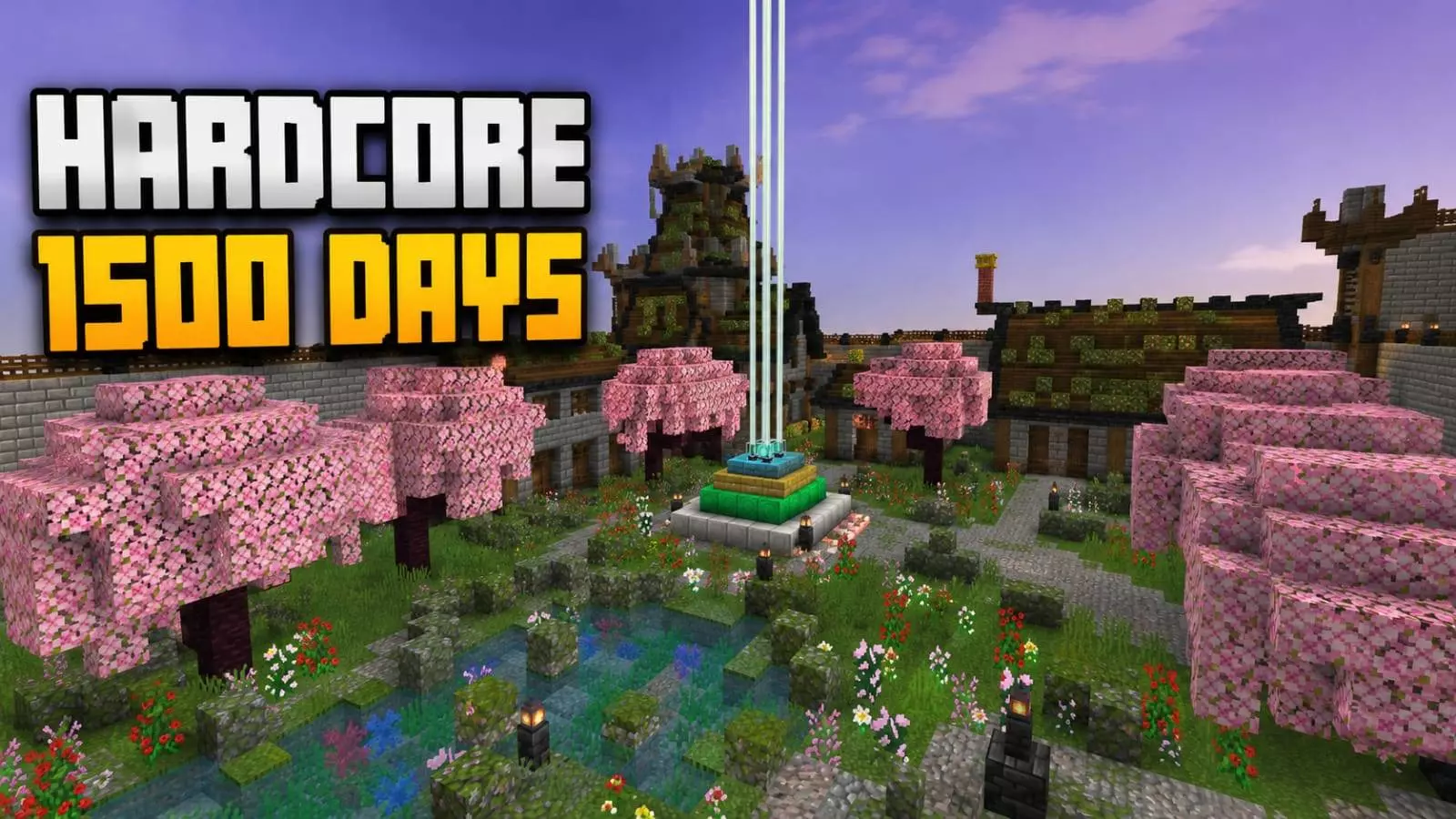
Stepping into a 1500-day survival save completely skips the awkward dirt-hut phase and drops you directly into an established, sprawling medieval stronghold. The sheer volume of manual labor is obvious immediately. Instead of random, mismatched builds, the settlement is highly organized, wrapping detailed timber-framed houses, centralized storage vaults, and massive stone defensive walls around custom cherry blossom gardens and decorative ponds. With working crop fields, organized animal pens, and automated resource farms already humming in the background, you inherit a fully functioning civilization. It works perfectly as a turnkey survival sandbox where you can start endgame projects without grinding, or as an interactive museum to harvest architectural ideas for your own builds.
Because this is an imported world save carrying 1500 days of pre-existing player data, the standard Bedrock template rules apply. The instant you spawn into the medieval settlement, your Xbox Live achievements are permanently disabled. Earning official Gamerscore is strictly off the table here. On the bright side, the world is built entirely with native vanilla blocks and standard redstone systems. You do not need to dig into your settings to enable Experimental Gameplay toggles or activate Beta APIs. You simply import the save file and play natively, completely immune to the script-breaking bugs that usually ruin heavily modded templates whenever the base game updates.
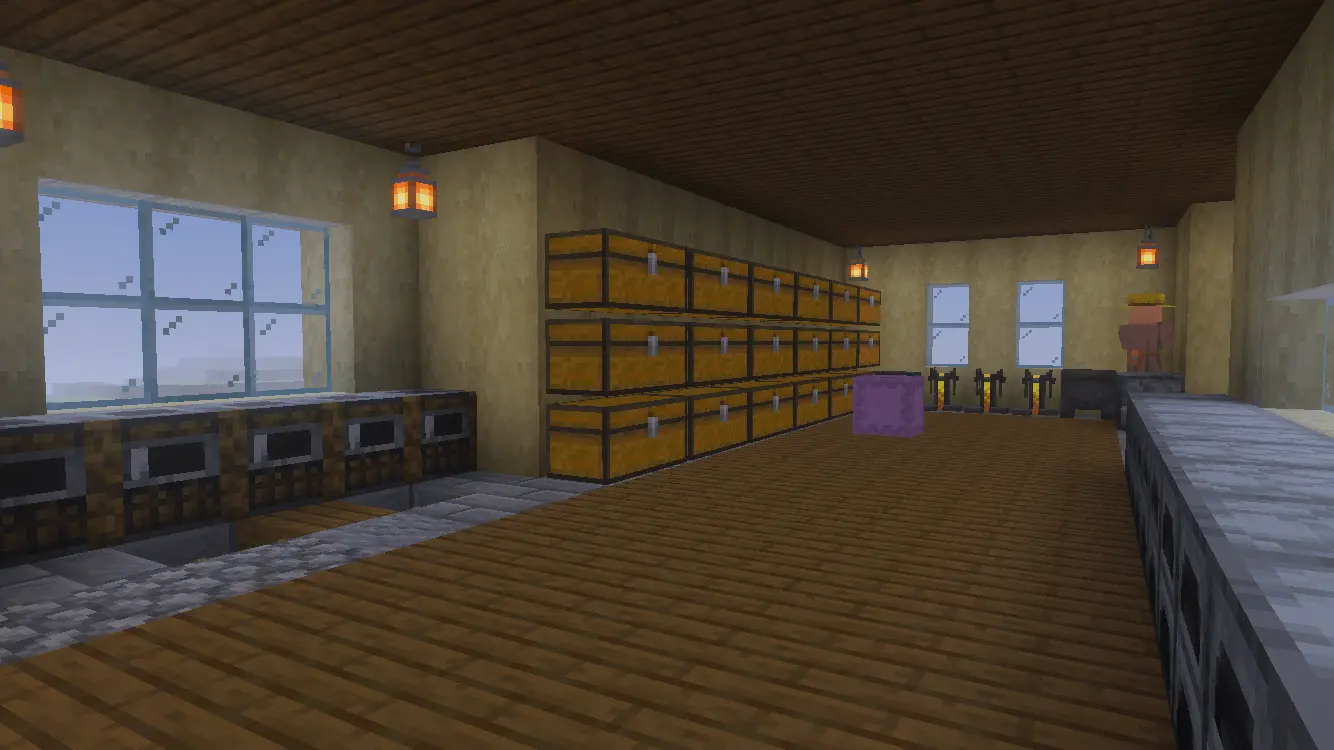
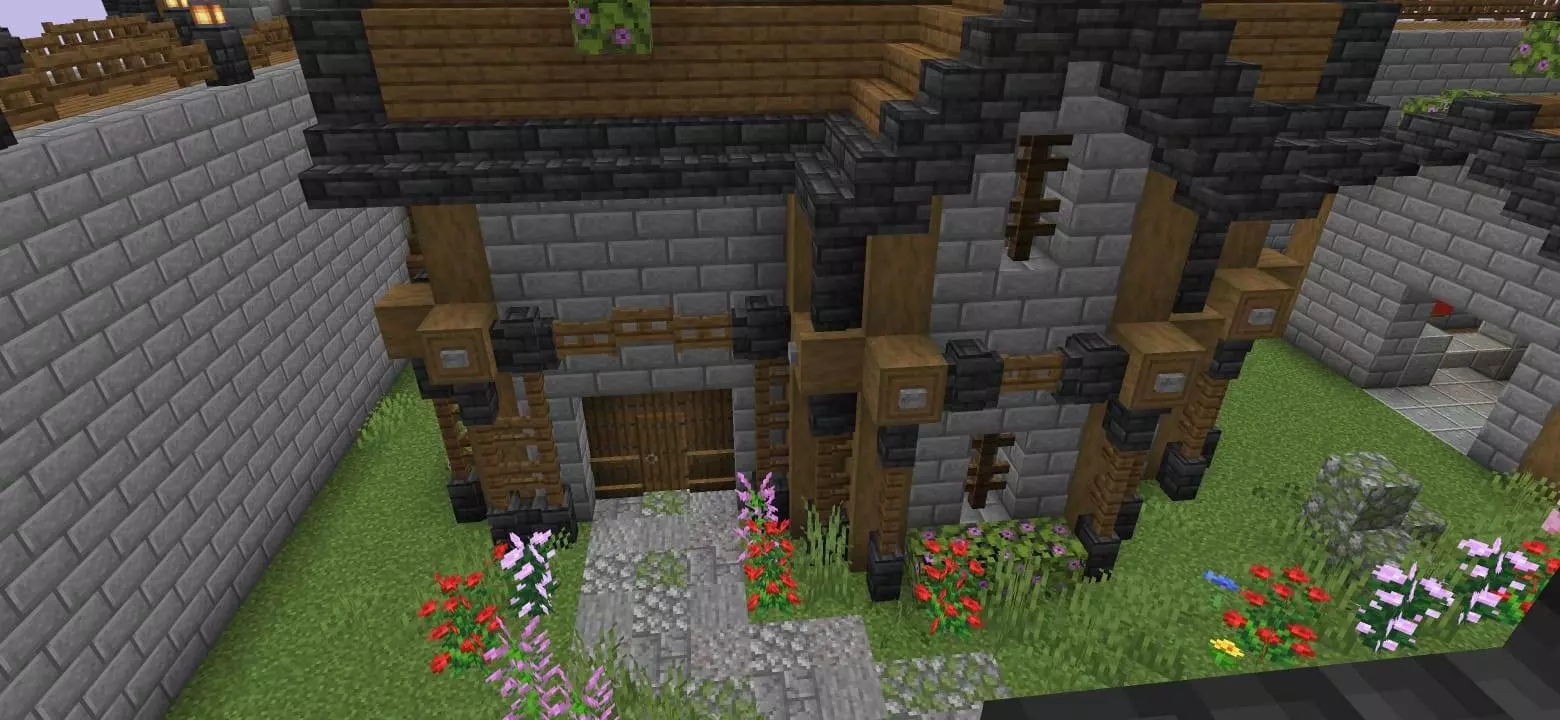
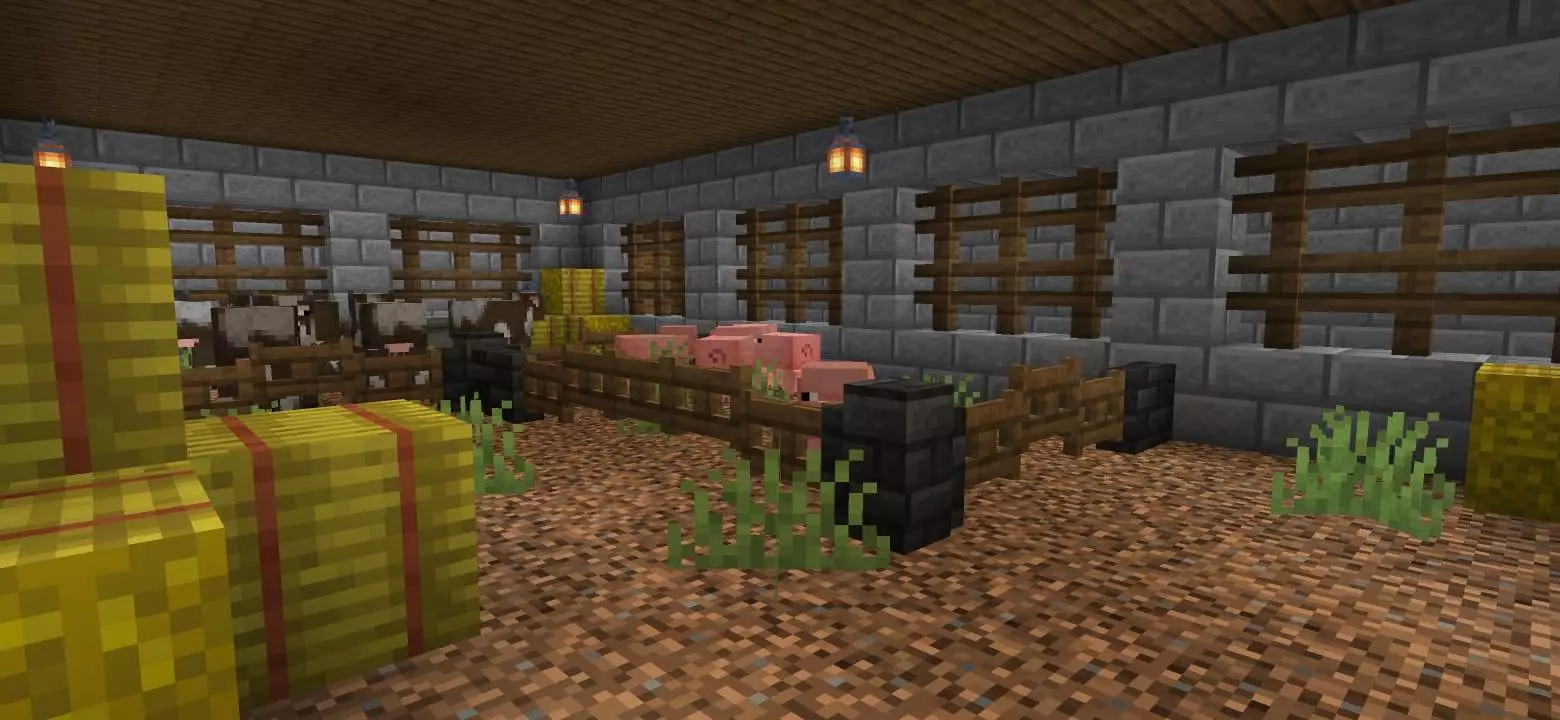
Hardware performance is heavily dictated by the sheer density of the settlement. Modern desktop PCs and current-gen consoles will power through the architecture effortlessly, maintaining smooth frame pacing while you sprint across the stone pathways. However, if you are loading this map on an older budget smartphone or low-end tablet, the clustered infrastructure will create a massive rendering bottleneck. Packing dense cherry blossom leaves, transparent water ponds, trapped entities in animal pens, and underlying hopper systems into one concentrated area generates heavy tick lag for mobile processors. To keep the medieval streets navigable on portable devices, immediately drop your render distance and lower your simulation chunks before walking through the main fortress gates.
How to install?
Android: use ES Explorer to find mcworld in the download folder. Click on a file to import it inside.
Versions of Windows 10: Go to your downloads folder and find mcworld. Click on the document to add it to the client.
IOS: as soon as they clicked on the Download button below, the device will offer to open it.
Comments (0)