Personal Scoreboard Addon
- 27-01-2026, 13:38
- 443
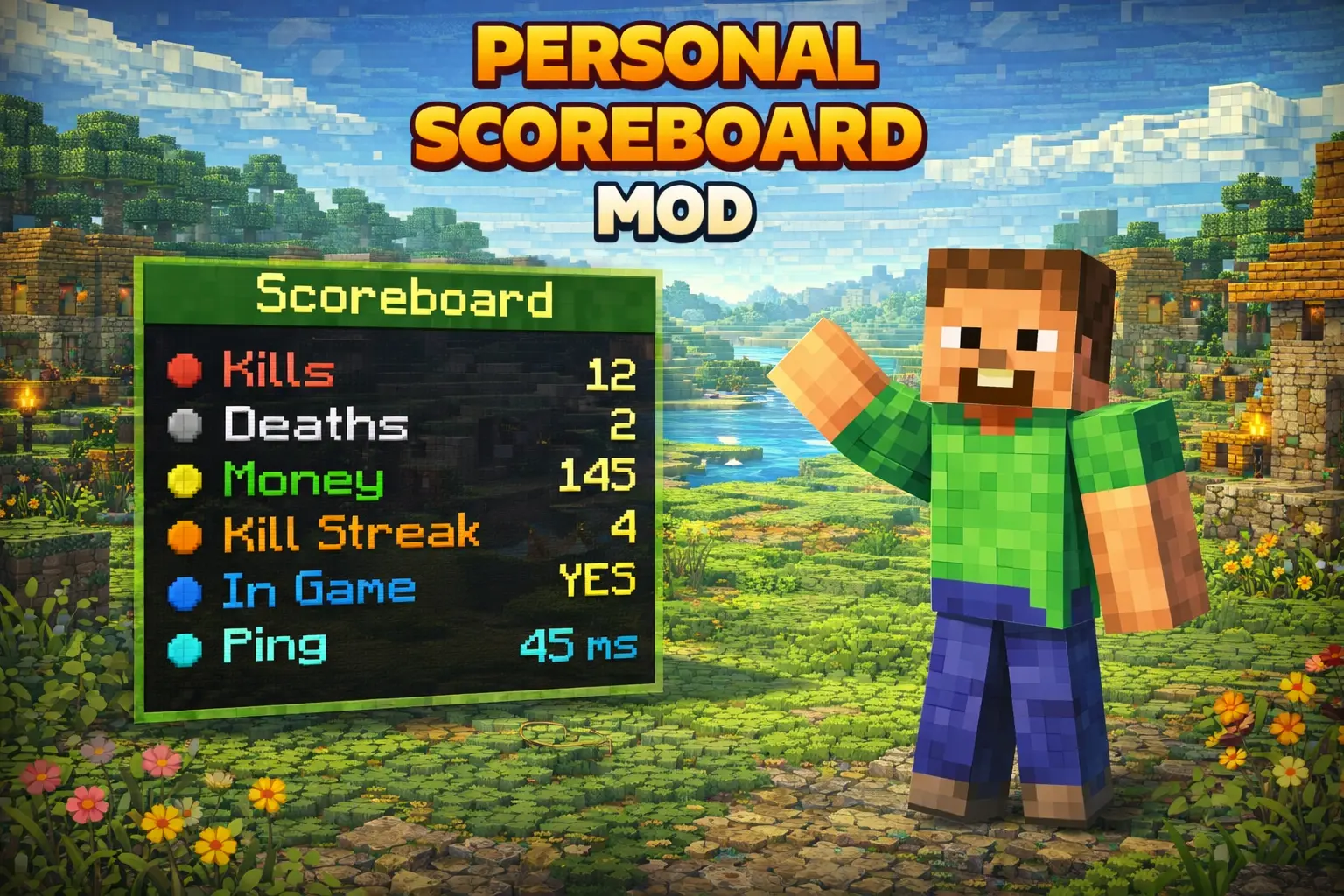
Personal Scoreboard Mod — a simple in-game editor that lets you build your own on-screen scoreboard lines without messing with files.
Personal Scoreboard Mod is for anyone who wants their world to feel more “server-style” even in a normal survival save. You can set up a personal sidebar with whatever lines you want—think base coords, goals for the session, a fake “rank,” a to-do list, an event timer vibe, or just flex text for your Realm crew. The best part is it’s done from inside the world using a menu item, so you’re not stuck editing stuff outside the game every time you want to change a line. It’s basically a quick way to make your HUD feel customized and alive.
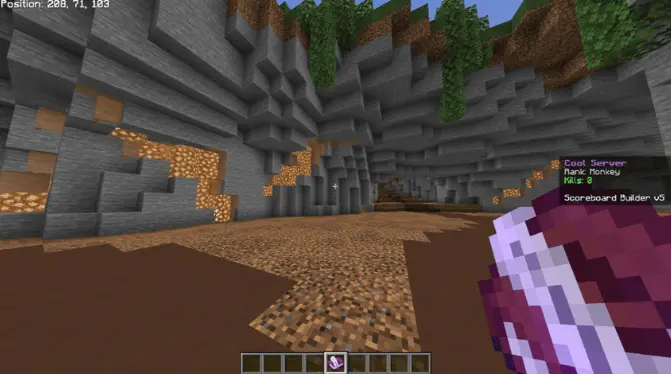
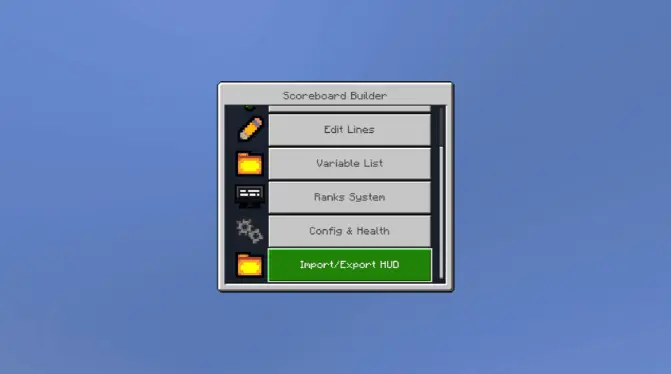
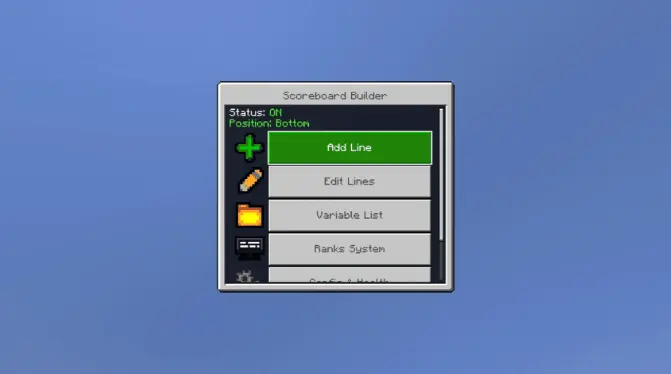
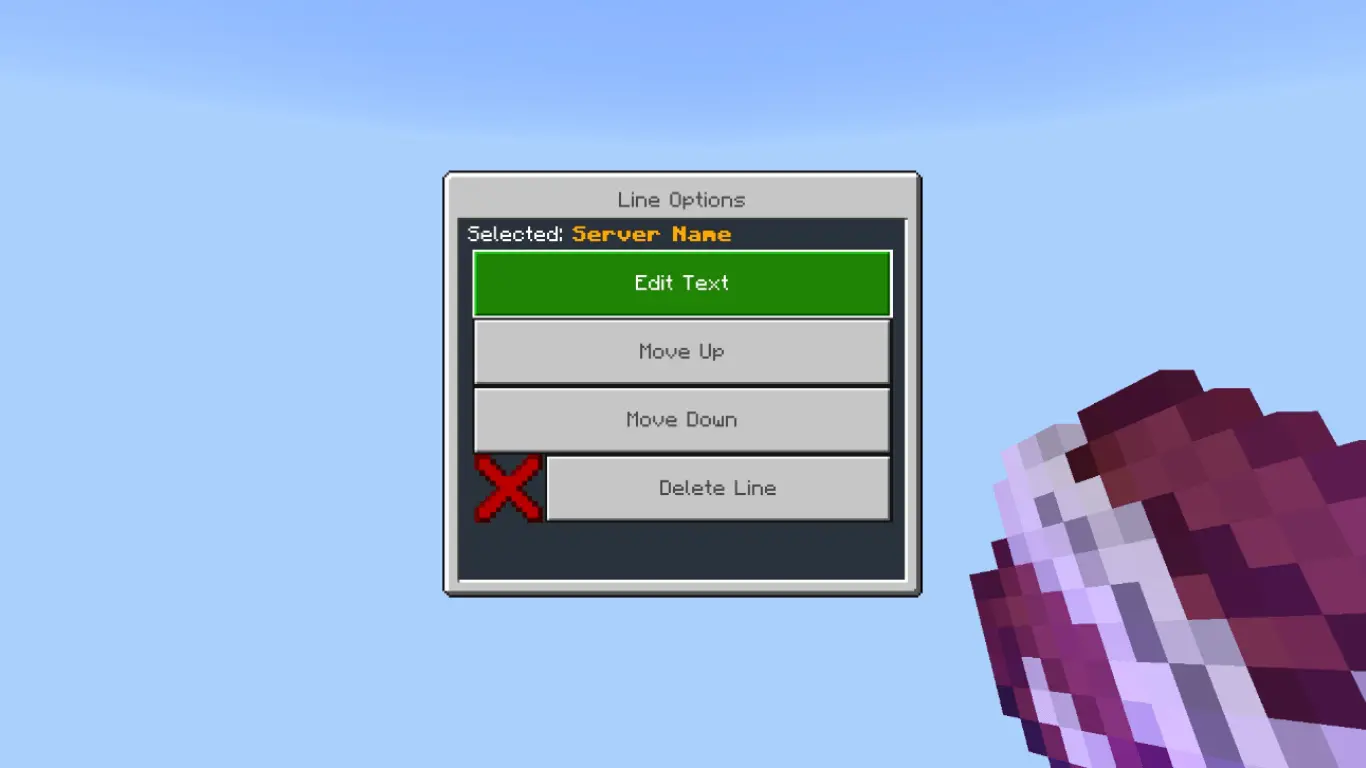
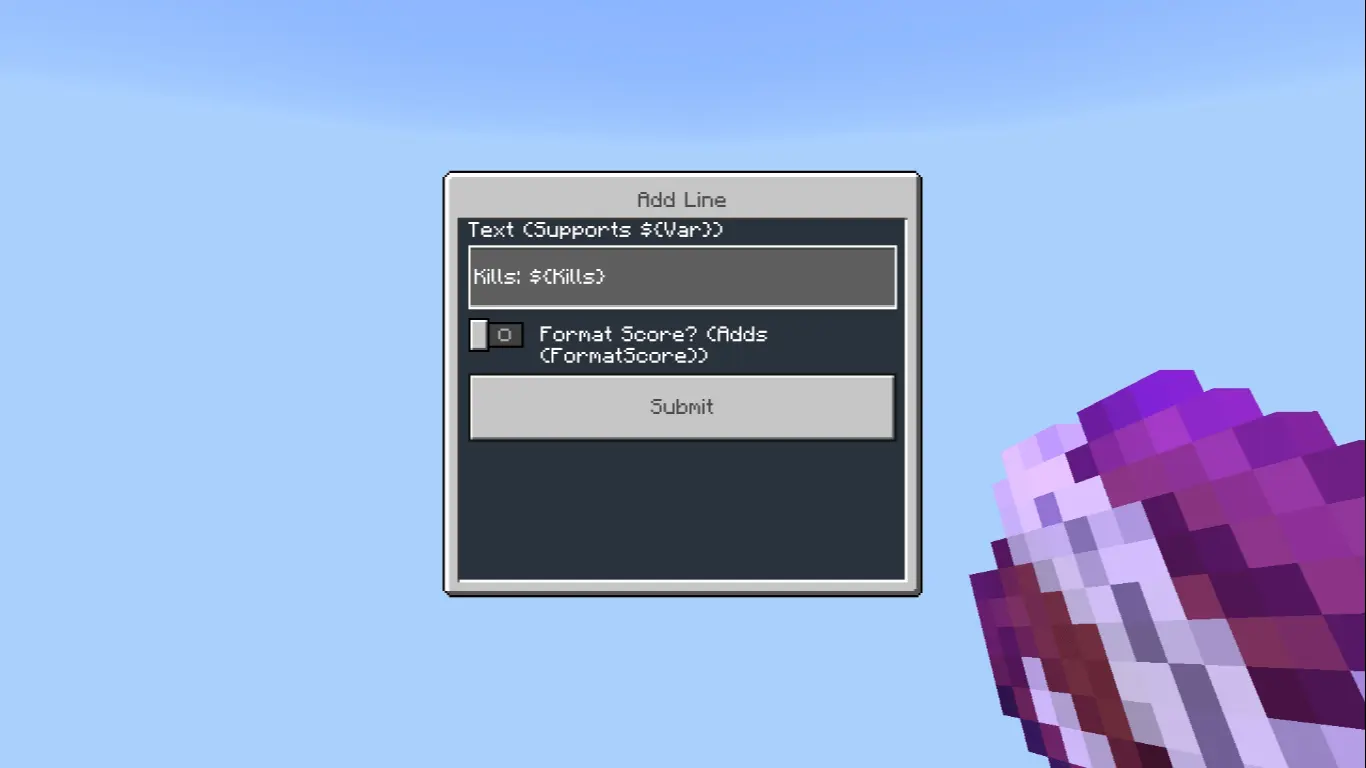
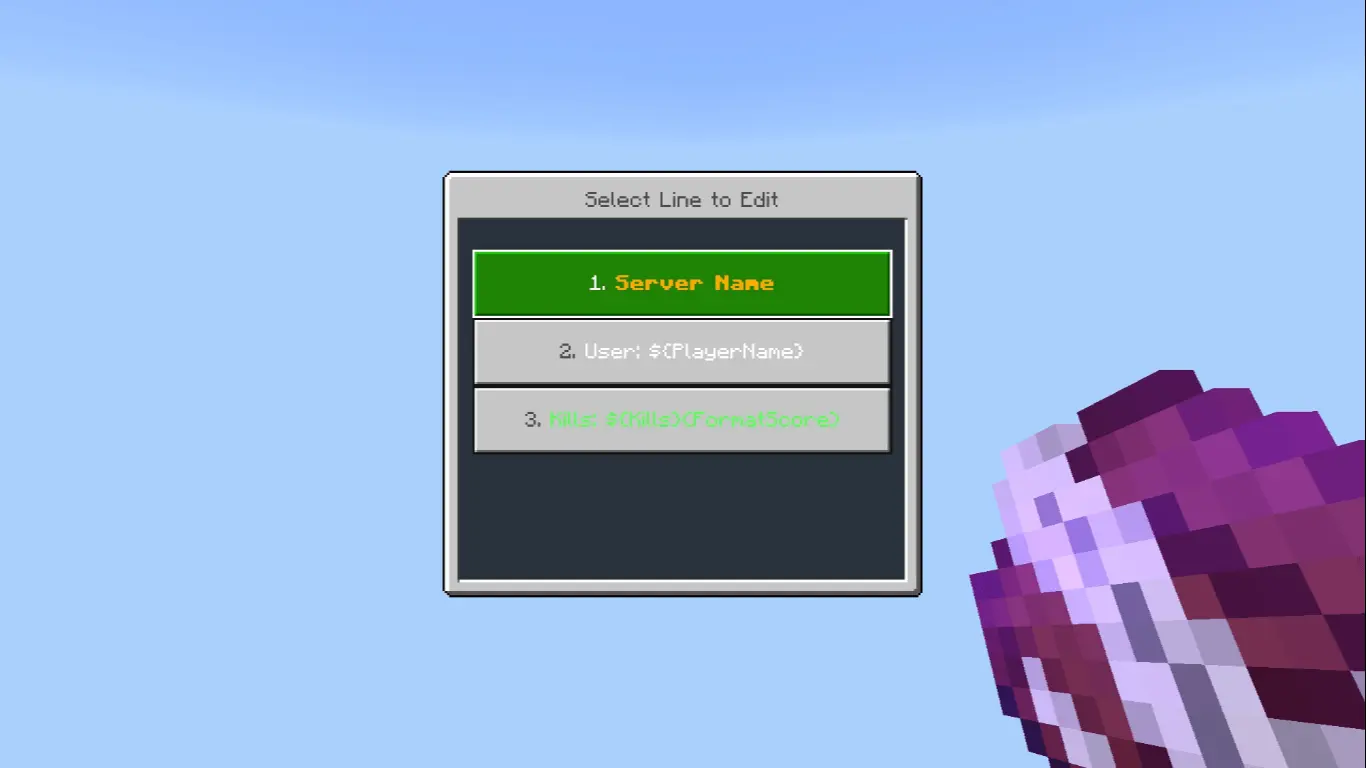
To use it, you first give yourself admin permissions with the tag command: /tag @s add admin. After that, you grab the config/editor item using: /give @s lildanlid:scoreboardmenu. Once you have it in your hand, right-click (or “use” on mobile) to open the editor UI. From there you just start adding lines, tweaking text, and building the scoreboard how you want. It’s super nice for multiplayer worlds too, because you can keep the info clean and personal instead of spamming chat or signs everywhere.
This mod shines when you’re doing challenge runs, SMP progress tracking, or any map where you want players to feel like they’re in a structured “mode.” Even if you keep it simple—like a title line plus a couple status lines—it instantly makes the world feel more organized and intentional.
Installation:
— Download McPack
— Install McAddon or McPack files, just open it for this;
— Select new textures in the settings;
— Done.
Comments (0)