Storage Network Addon
- 2-04-2026, 12:13
- 369
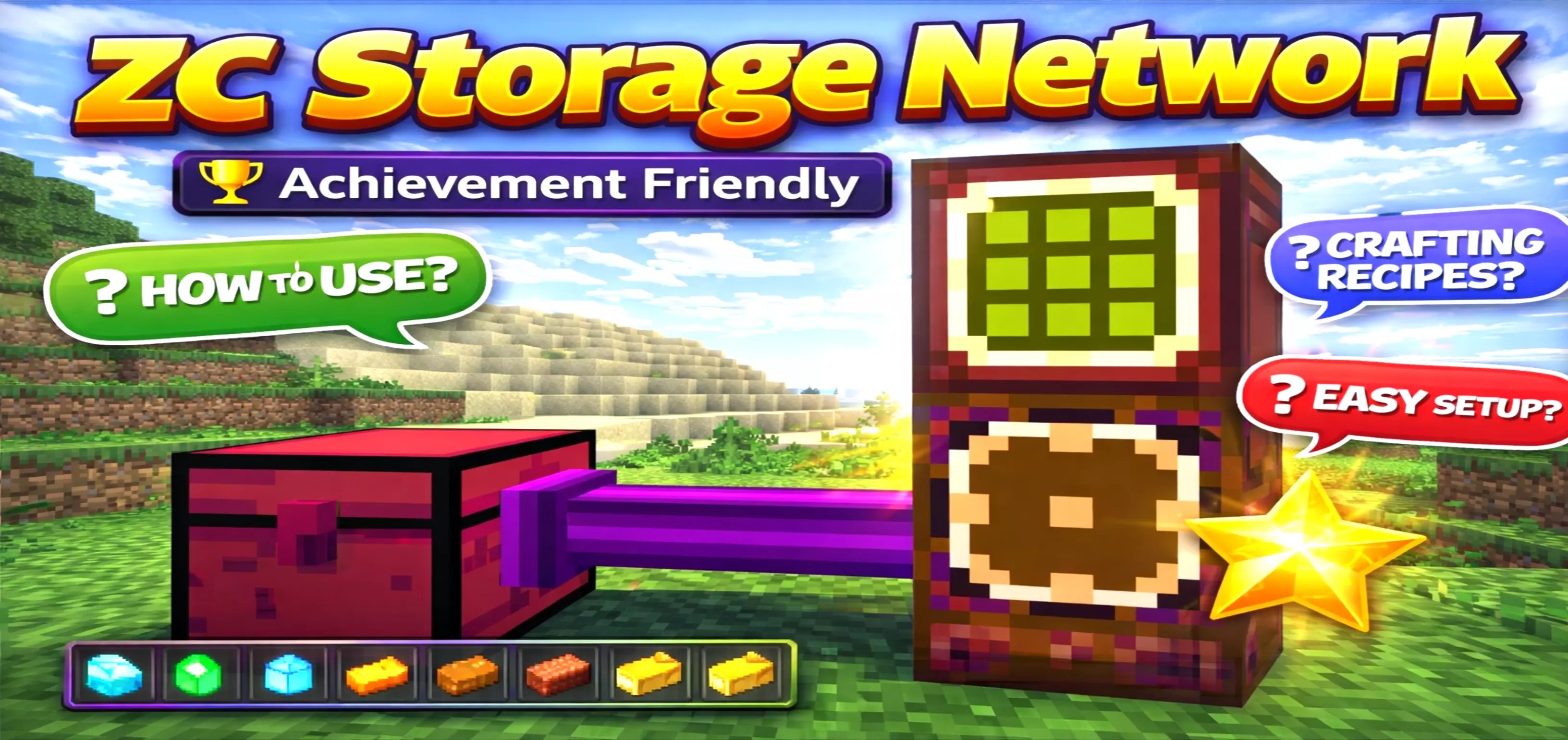
ZC Storage Network Mod — one Cargo Box, one terminal, and suddenly your whole storage stops being a messy pile of random chests.
ZC Storage Network Mod is the kind of survival helper that feels “vanilla enough” until you realize how much time it saves. The Cargo Box is the heart of everything, because it’s the one block that keeps your network alive and links every storage block together. Once that’s down, you’re not running laps between a dozen chests anymore just to find one stack of iron. You get a clean, central way to access your stuff, which is huge for long survival worlds, base builds that sprawl, or multiplayer spots where everyone keeps dumping loot in different corners.
The Storage Terminal is where the whole thing clicks. It gives you that “simple storage chest but smarter” feel, and it’s meant to be placed near the Cargo Box as a single main access point. ZC Storage Network Mod even calls out that multiple terminals may cause lag, so the best move is keeping it minimal and treating the terminal like your one control screen. The Storage Cable and Storage Cable Connect are what actually bridge your chests into the system, so you’re basically building a storage spine that reaches wherever you want. It’s a clean setup for organized bases: keep your “core room” around the Cargo Box, then run cables out to wherever your bulk storage sits.
The Simple Storage Chest is the “okay that’s wild” part, because it comes with 500 slots. That’s enough space to carry a whole survival series worth of random drops without turning your base into a warehouse. You can place multiple Simple Storage Chests and manage everything from one place, and the fact you can click the chest anytime to send it back safely is perfect for moving storage around as your base evolves. Then the Storage Remote turns it into an on-the-go system, letting you access your storage from unlimited distance, which is clutch when you’re mining deep, running a mob farm, or doing big build sessions far from home. If you want the smooth setup path, ZC Storage Network Mod basically expects this flow: place the Cargo Box first, put the Storage Terminal on it, use the Storage Cable Connect on the Cargo Box, attach your Simple Storage Chest, and then start using the Storage Remote so your items are always within reach.
Installation:
— Download McPack
— Install McAddon or McPack files, just open it for this;
— Select new textures in the settings;
— Done.
Comments (0)