Cinematic Runtime Addon
- 22-02-2026, 10:00
- 412
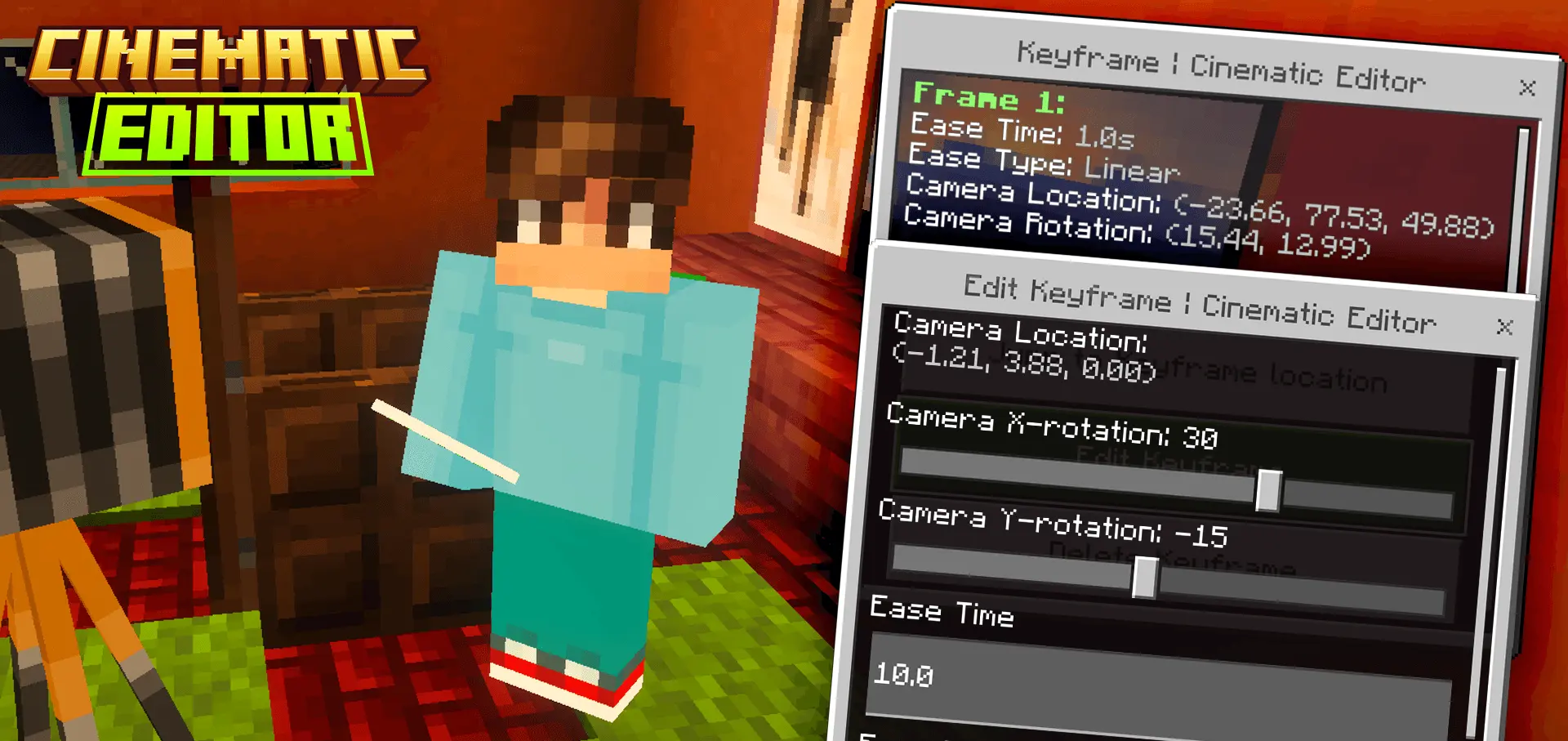
Cinematic Runtime Mod — a camera-control tool for Bedrock that lets you build cinematic scenes and switch perspectives on mobile and console.
Cinematic Runtime Mod (Jayly’s Cinematic Runtime) is made for players who want to direct their own shots instead of being stuck with the normal view. It controls your camera so you can change perspectives and design cinematic scenes inside Minecraft, and it’s built to work on mobile and console platforms, which is huge if you’re filming outside of PC setups. The whole idea is to turn your world into a set: you can frame builds, stage action, and make your clips feel intentional instead of looking like regular gameplay footage.
What’s cool about Cinematic Runtime Mod is how it handles scene creation without relying on the Minecraft Editor. The runtime add-on now supports creating and editing a scene without the Editor, but the tradeoff is you lose the fancy UI that the Minecraft Editor engine normally provides. In exchange, you get an in-game flow you can trigger directly. To start a scene, you run the command /function cinematic/editor. When you execute it and you haven’t created a scene yet, it will bring up a form that prompts you to create one. That simple “run the function, open the editor form” loop makes it feel like a real tool you can pull out whenever you want to capture something, whether it’s a build reveal, a roleplay moment, or a clean fly-through of a base you’re proud of.
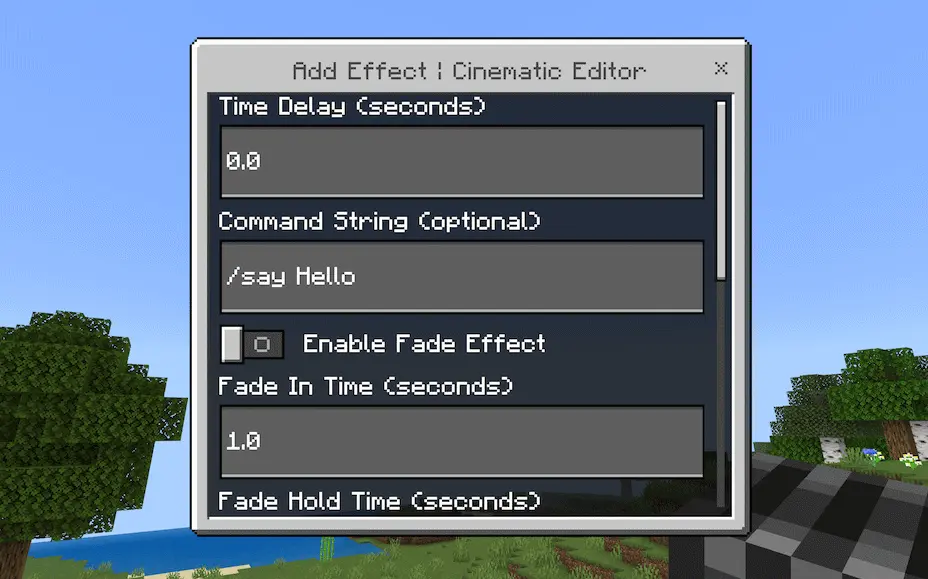
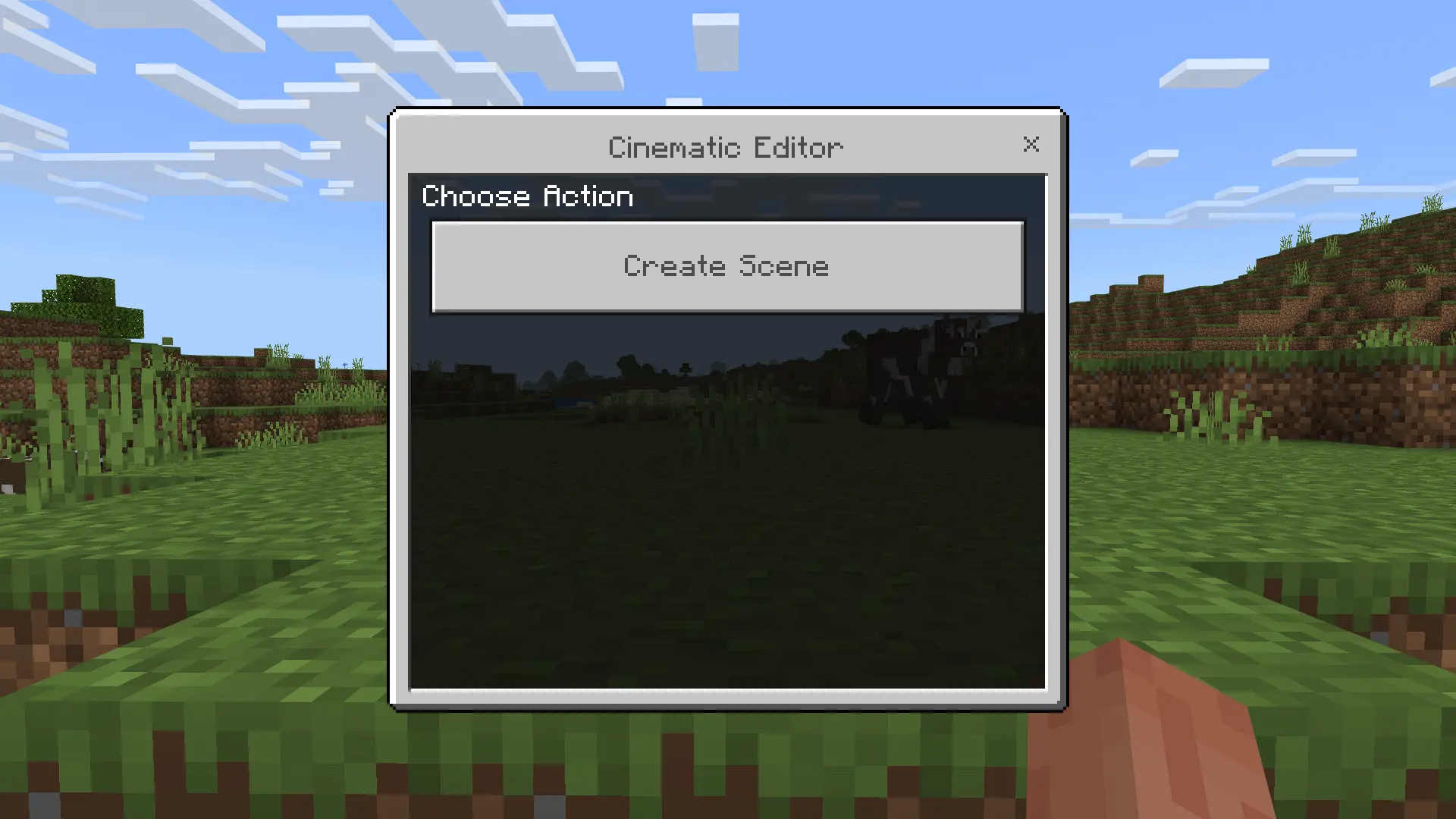
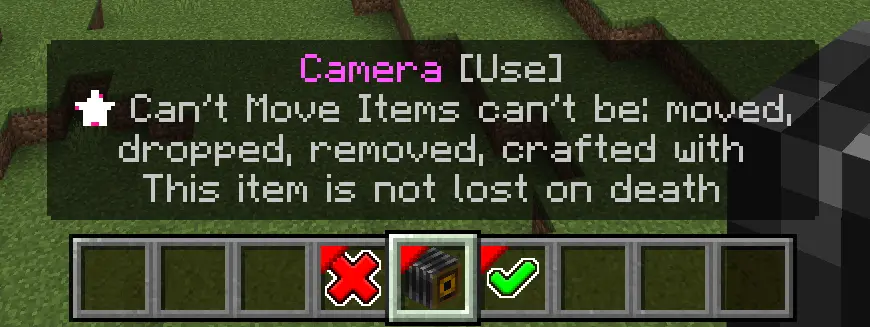
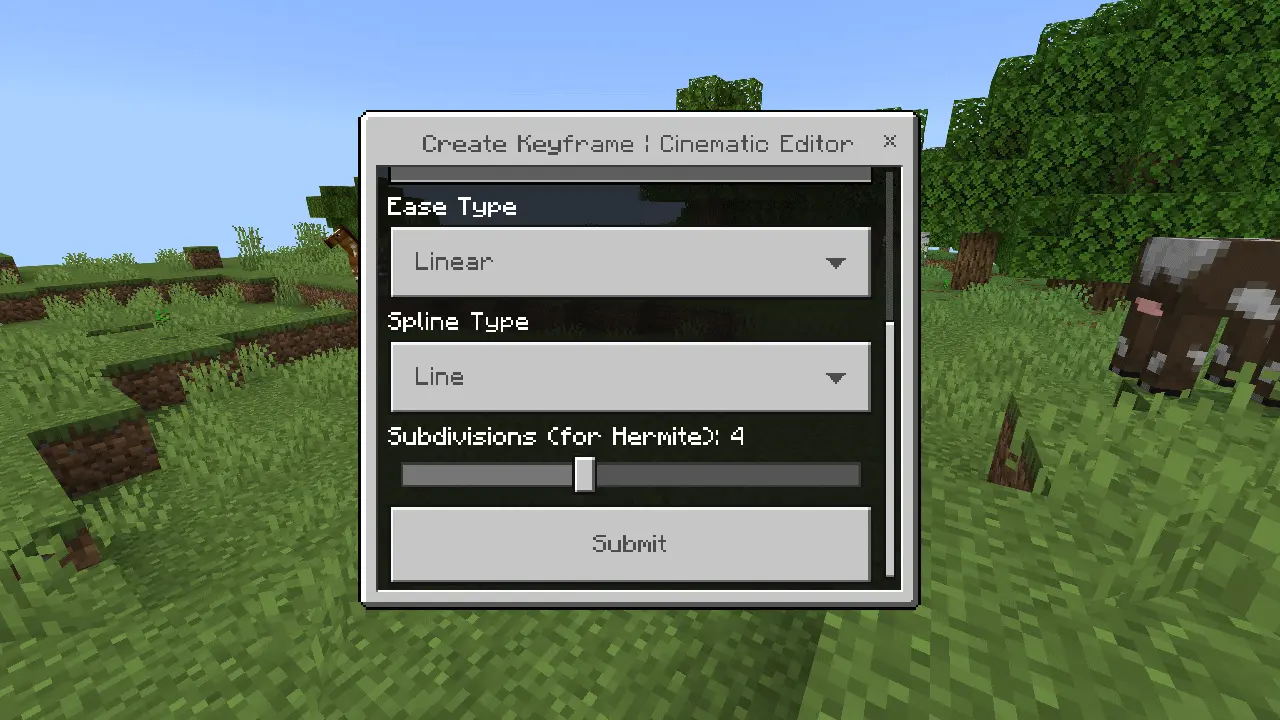
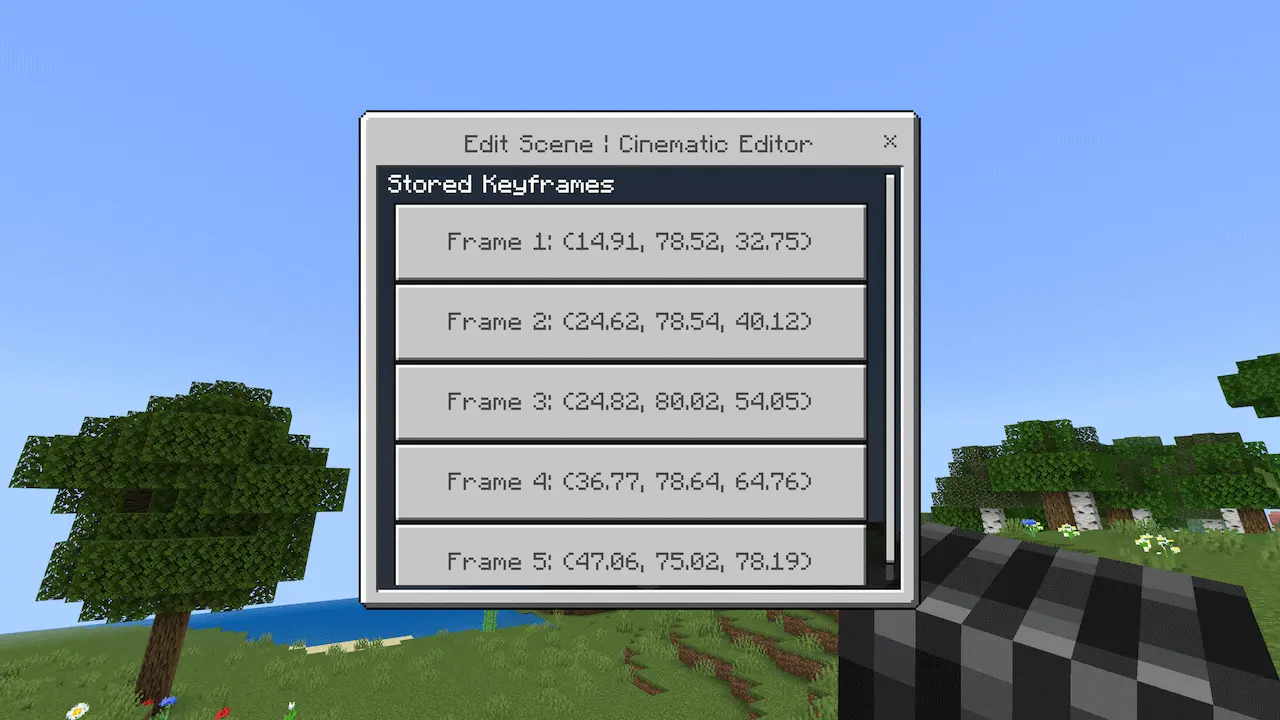
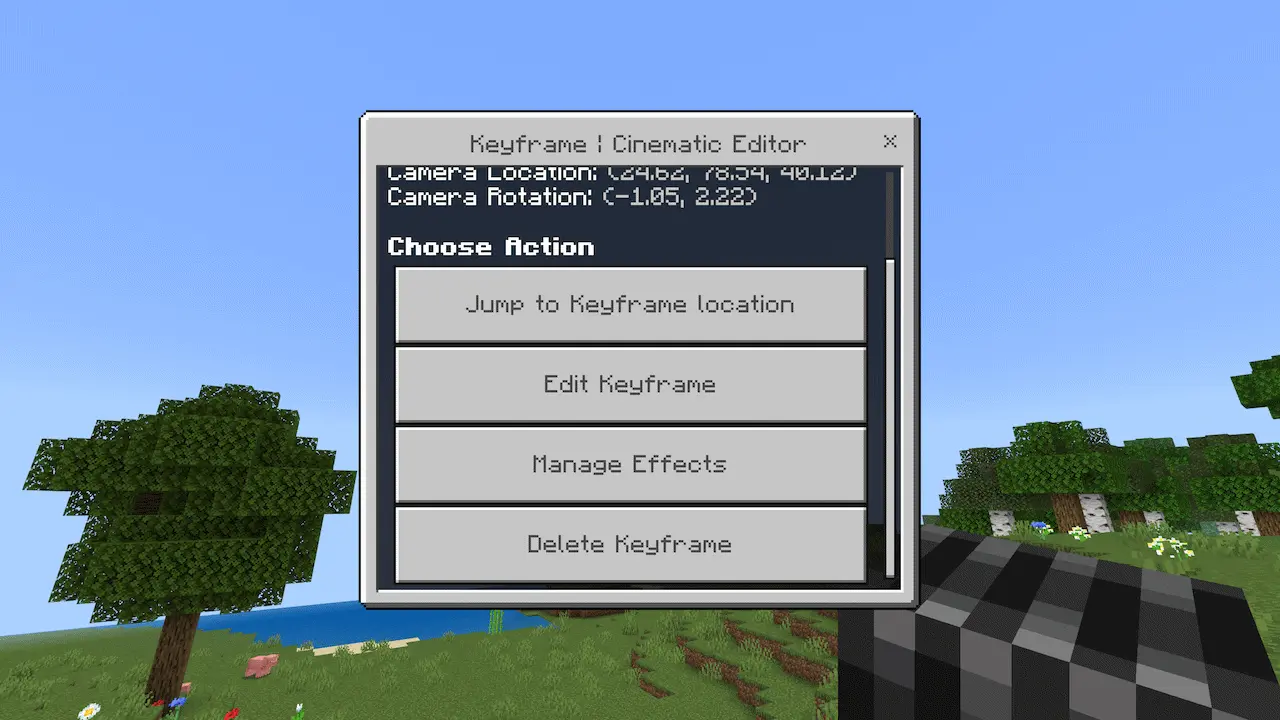
Once you press the create scene button, Cinematic Runtime Mod puts you into Scene Editor mode. This is where you should expect your session to shift into “filming mode,” because the add-on changes your setup while you’re editing. You’ll get three items placed into your hotbar, and your whole inventory will be cleared until you exit scene editor mode. That’s a big detail to remember if you’re coming in from survival gameplay, since it means you’re temporarily leaving your normal inventory behind while you work on the scene. The design choice makes sense for a camera tool, though, because it keeps the editor focused and prevents your regular items from cluttering the workflow.
Cinematic Runtime Mod fits best for creators who like building short scenes, intros, and perspective switches that look clean on replay. Since it’s a runtime camera controller, it’s also handy for testing how a location reads from different angles before you commit to a build style or a layout. If you’re on Bedrock and you want a practical way to create and edit scenes in-game on mobile or console, Cinematic Runtime Mod is the kind of tool you install once and keep around for every “this deserves a cinematic shot” moment.
Installation:
— Download McPack
— Install McAddon or McPack files, just open it for this;
— Select new textures in the settings;
— Done.
Comments (0)