Flashlight: Dynamic Beam Addon
- 1-08-2026, 08:30
- 324
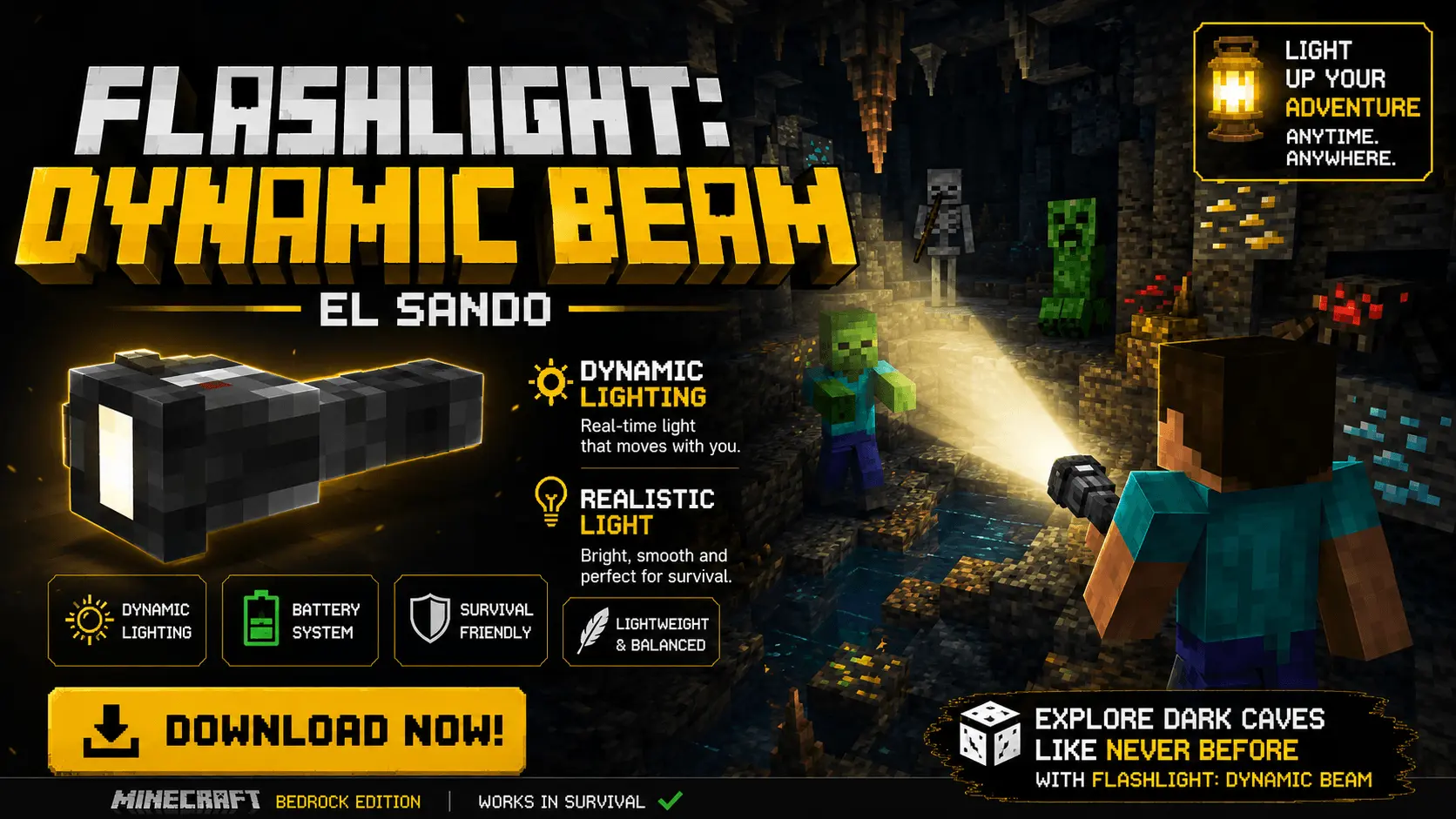
The Flashlight: Dynamic Beam .mcaddon finally introduces true portable illumination to Bedrock without requiring you to constantly place and break torches every few blocks. Because vanilla Bedrock lacks native dynamic lighting support like Java’s OptiFine, this pack utilizes custom scripting and the block registry to emit a mobile light source tied directly to your player's view vector when the item is held. Using an ON/OFF toggle backed by realistic click sound effects, you can instantly illuminate dark ravines, deepslate caves, or custom horror maps. The flashlight is fully survival-ready, requiring basic crafting components—an Iron Ingot, Glowstone Dust, and a Glass Pane—so you can easily integrate it into early-game exploration without touching creative menus.
Battery Mechanics and Action Bar HUD
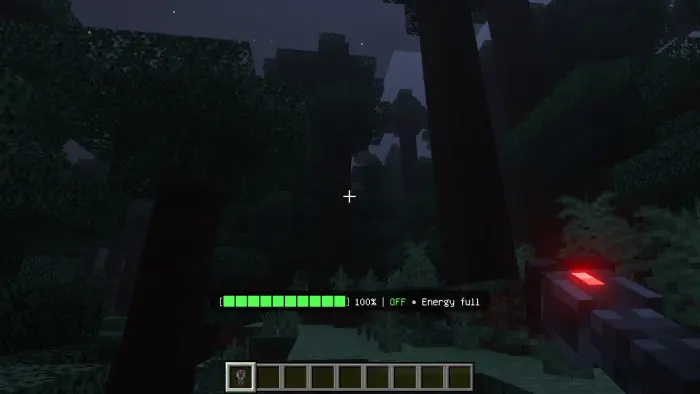
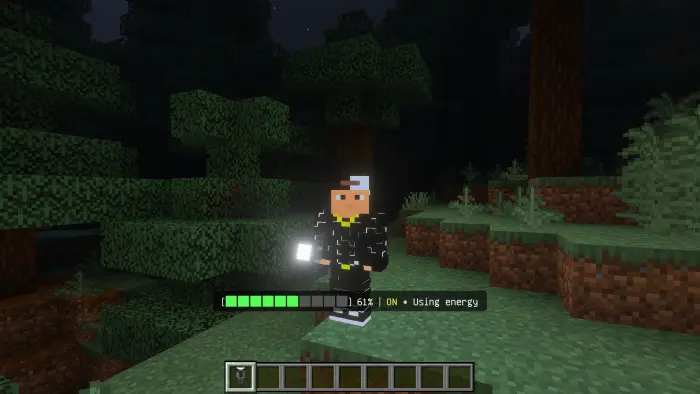
To prevent the item from feeling like an overpowered, infinite night-vision cheat, the behavior pack enforces a strict energy management loop. Power drains continuously while the beam is toggled on, but turning the flashlight off initiates an automatic recharge sequence. The pack streams your current battery percentage, charge rate, and active status directly to the action bar UI using real-time script tracking. If you ignore the HUD and let the battery hit 0%, the beam instantly cuts out and triggers a hard 30-second cooldown lock, leaving you completely blind in the dark until the internal timer resets.



Optimization and World Setup
Because this addon relies heavily on continuous action bar scripting, custom sound triggers, and rapid block-light recalculations to simulate dynamic lighting, you absolutely must toggle on the required Experimental Gameplay features in your world settings before loading the save file. The underlying script loop is tightly optimized for the Bedrock engine, managing the light updates efficiently to prevent the client from stalling. Even when running through crowded cave systems or hosting a multiplayer realm with multiple players toggling dynamic beams simultaneously, the pack maintains solid server TPS across mobile devices, consoles, and Windows PCs.
Installation:
— Download McPack
— Install McAddon or McPack files, just open it for this;
— Select new textures in the settings;
— Done.
Comments (0)