Bob The Toolbox Addon
- 2-08-2026, 12:30
- 476
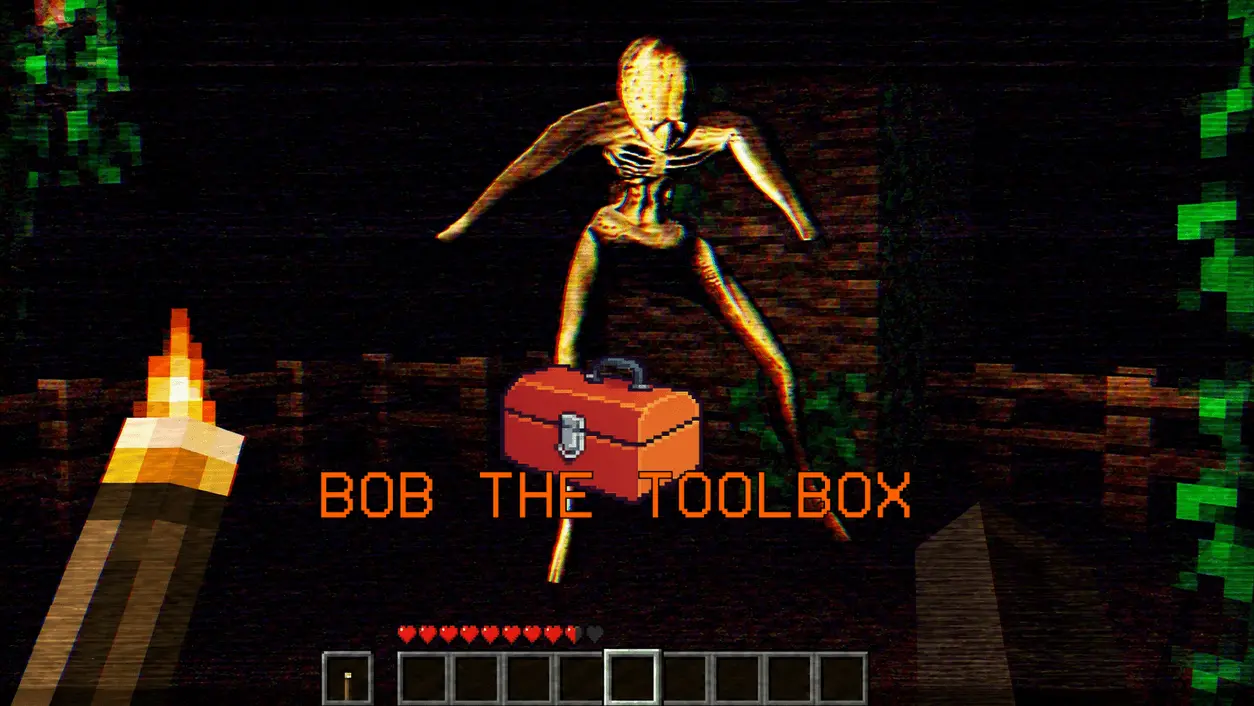
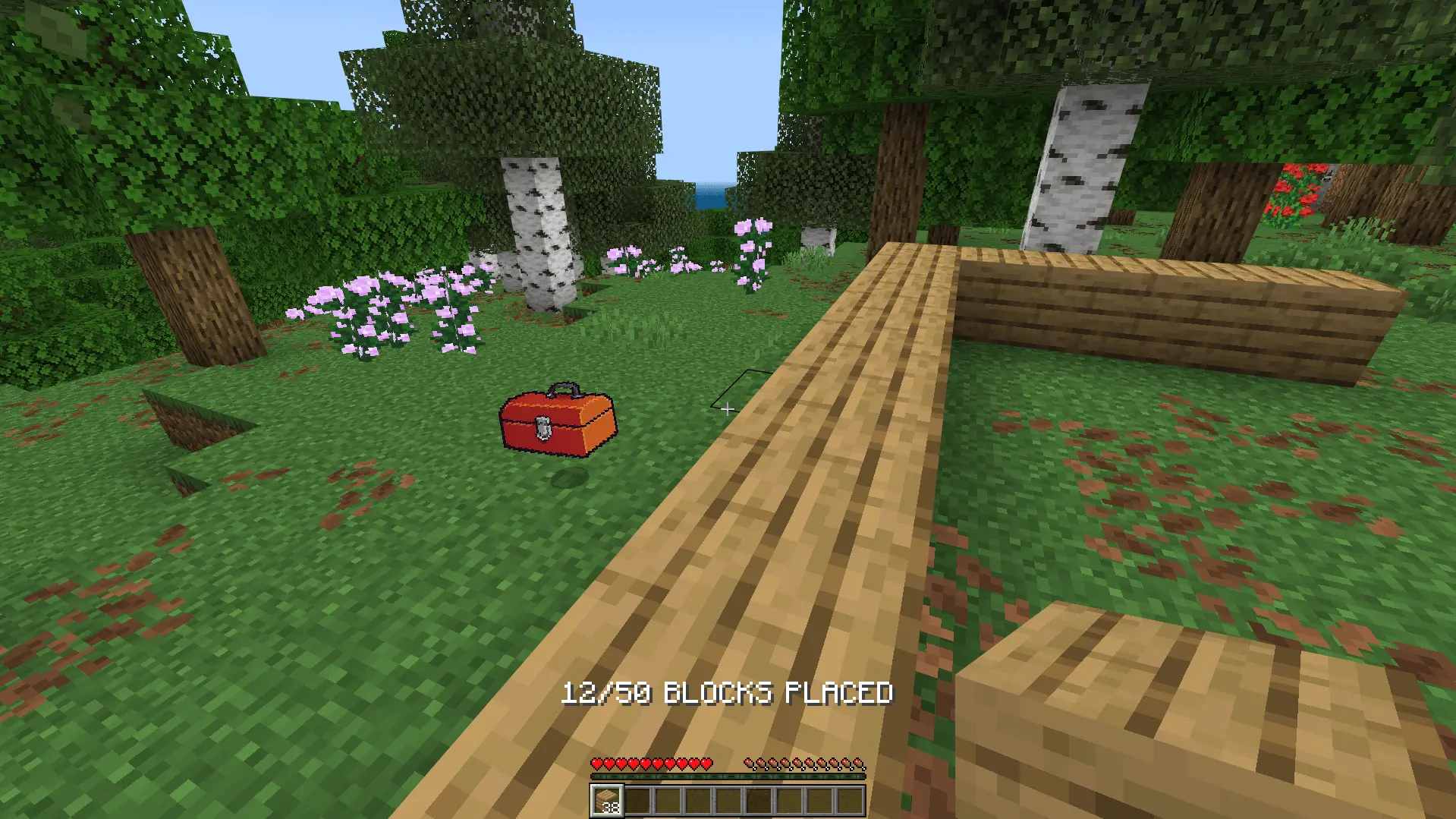
The Bob The Toolbox .mcaddon completely hijacks standard vanilla survival progression by injecting a heavily scripted, multi-stage horror campaign directly into your Bedrock world. Instead of simply dropping you into a sandbox to punch trees, the pack spawns a custom interactive entity—Bob—who actively tracks your block placements and resource gathering to drive a linear narrative. What starts as a guided construction tutorial quickly escalates into a survival horror scenario governed by strict background timers and highly aggressive custom stalker AI.
Scripted Progression and AI Pathfinding
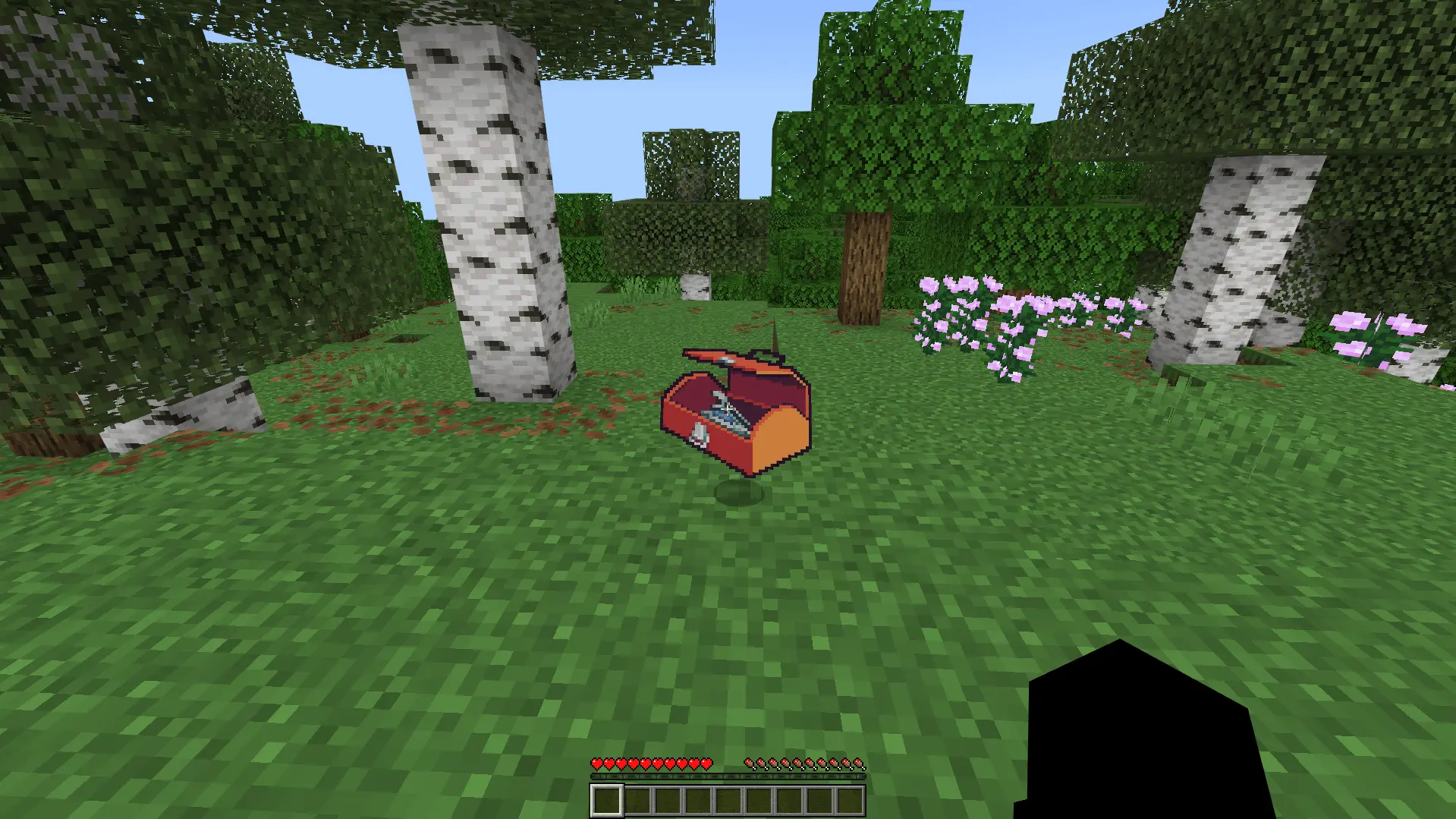
Bob operates as a dynamic hybrid entity that you can physically pick up, carry in your standard inventory, and place back into the world.
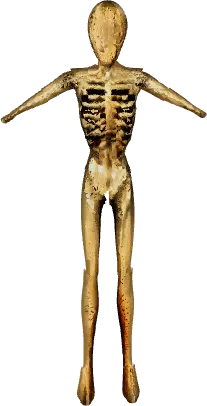
Unlike standard vanilla hostiles, The Visitor utilizes custom pathfinding algorithms that allow it to scale walls and physically break through defensive blocks. You cannot simply block yourself off with dirt or hide behind a door; the entity will dynamically destroy your shelter to reach your hitbox.


Optimization and World Setup
Because this pack relies heavily on continuous coordinate tracking, custom block-breaking entity behaviors, dynamic state changes for Bob (normal, talking, and crushed models), and integrated sound files, you absolutely must toggle on the required Experimental Gameplay features in your world settings to allow the scripts to execute properly. The underlying campaign logic is fully multiplayer compatible, meaning the background scripts are constantly polling multiple player locations and objective states simultaneously.
While the tracking scripts are relatively clean, triggering The Visitor's advanced block-breaking pathfinding during a frantic chase sequence will generate sudden, heavy block updates. To prevent severe client-side frame drops (FPS) and preserve your overall server TPS—especially when using the included custom commands to test or force campaign events on a populated realm—it is highly recommended to host this pack on a high-end Windows PC rather than relying on a mobile device or a base-model console.
Installation:
— Download McPack
— Install McAddon or McPack files, just open it for this;
— Select new textures in the settings;
— Done.
Comments (0)