RewardQuest Addon
- 13-09-2026, 09:52
- 121
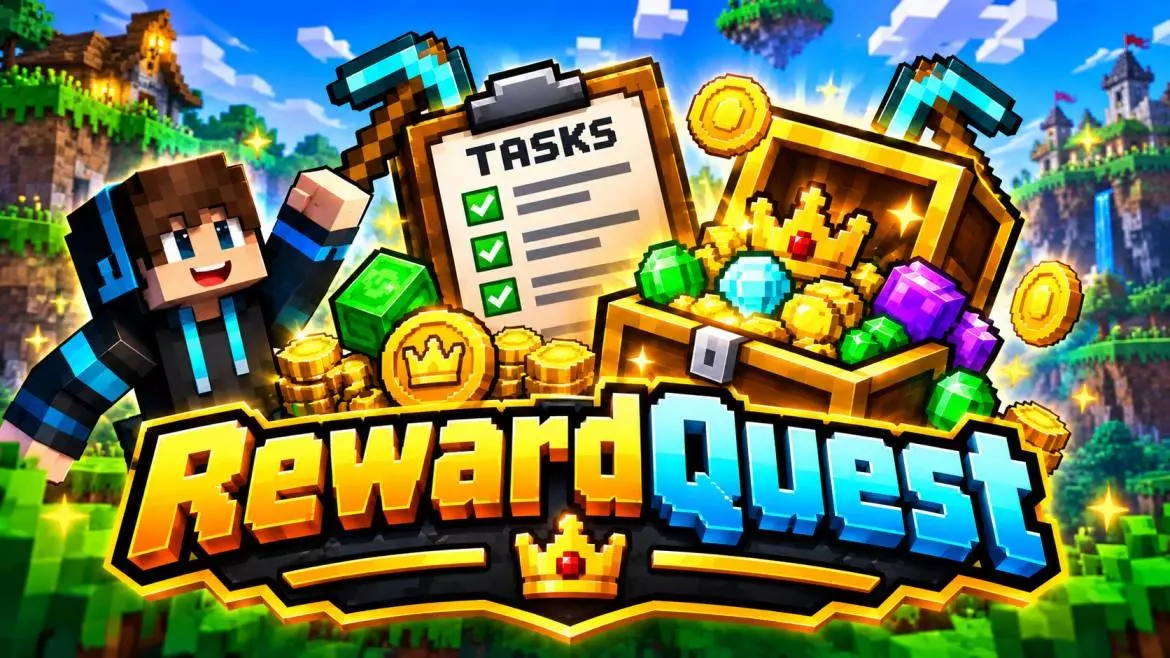
Everyone hits that inevitable mid-game slump eventually. You finish your main base, get your diamond gear sorted, and suddenly you are just aimlessly pacing around your village trying to figure out what to do next. The RewardQuest Addon tackles that exact burnout by injecting a much-needed layer of structure into the vanilla sandbox. Instead of forcing you to invent your own reasons to keep playing, this pack drops a dynamic, fully functional challenge system directly into your survival world. You aren't just hoarding blocks for the sake of it anymore. Now, you are actively chasing down specific, tracked objectives that pay out with real in-game loot, giving your daily sessions the addictive progression loop of a classic RPG.
Getting a complex task-tracking engine to run inside Bedrock requires a bit of mandatory prep work on the backend. Before you generate the map, you have to switch on the experimental gameplay toggles. Without those checked, the game simply cannot run the background scripts required to monitor your actions and actually distribute the rewards. Because you are essentially bypassing normal survival rules to earn items through this system, your standard Xbox Live achievements will be locked for the save file. Honestly though, if you are trying to revive a quiet multiplayer realm, trading a few vanilla trophies for a mechanic that actually keeps your friends motivated to log in is a massive win.


Normally, when a mod tries to constantly track player stats—watching every block broken or mob killed—it absolutely ruins the server's performance. The tick rate crashes, and everything feels sluggish. Amazingly, the developers optimized the tracking logic here to prevent exactly that. You can have a fully populated server with people aggressively grinding out completely different quests at the same time, and the world won't stutter. The progress updates stay incredibly responsive, the item payouts are instant, and the gameplay holds perfectly stable whether your friends are on high-end rigs or touchscreen tablets.
Installation:
— Download McPack
— Install McAddon or McPack files, just open it for this;
— Select new textures in the settings;
— Done.
Comments (0)