The Shadow in Nightmare Addon
- 6-10-2026, 12:59
- 226
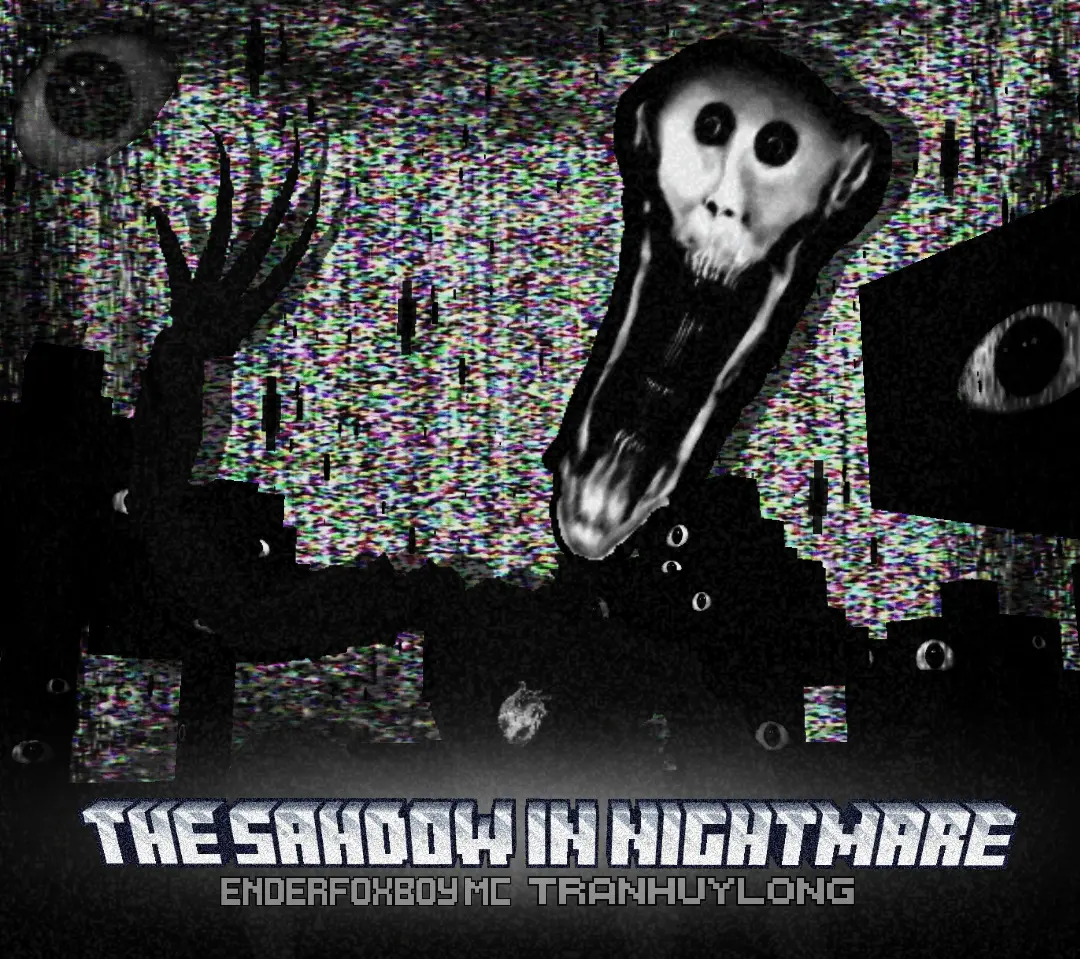
Instead of throwing an unkillable monster at you five minutes into a new world, this mod plays a much slower, psychological game by quietly corrupting your save over time. It starts small—blocks might flash weird textures for a split second, ambient sounds trigger at the wrong times, and the environment subtly shifts whenever you turn your back. The paranoia builds across several in-game days as the glitch events get more frequent and aggressive, gradually ruining the safety of your own base until the entity stops hiding and starts actively hunting you.
Setting it up requires the standard manual prep since it relies heavily on custom scripts. Because you are importing external behavior and resource packs, Bedrock immediately shuts off Xbox Live achievements, so don't expect any Gamerscore progress on this world. Before loading in, head into your world settings and enable Experimental Gameplay toggles, making sure Beta APIs are switched on. Skipping these toggles breaks the timer system behind the escalation—without them, the glitch phases will never trigger, and you will just be left with broken items or an entity that never actually spawns.
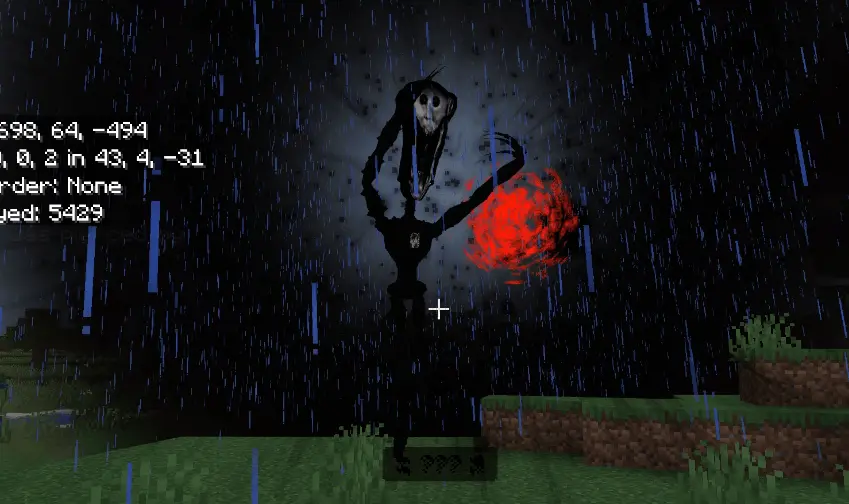
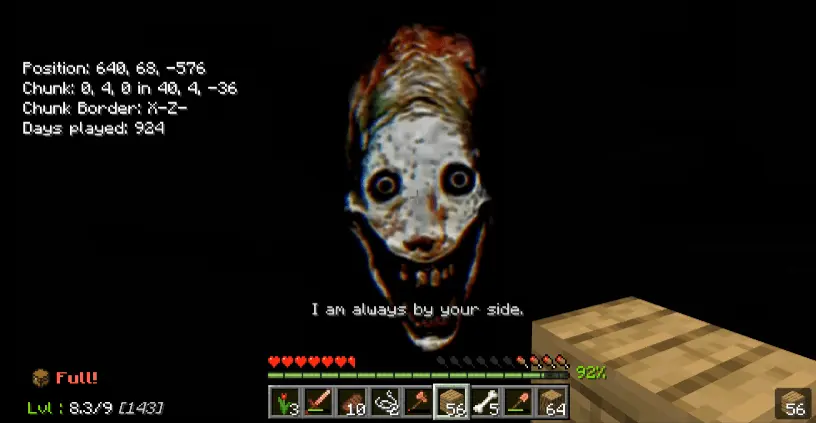
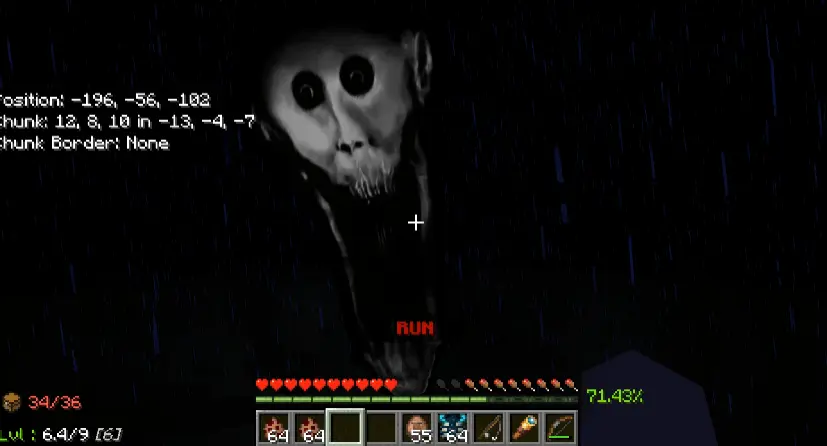
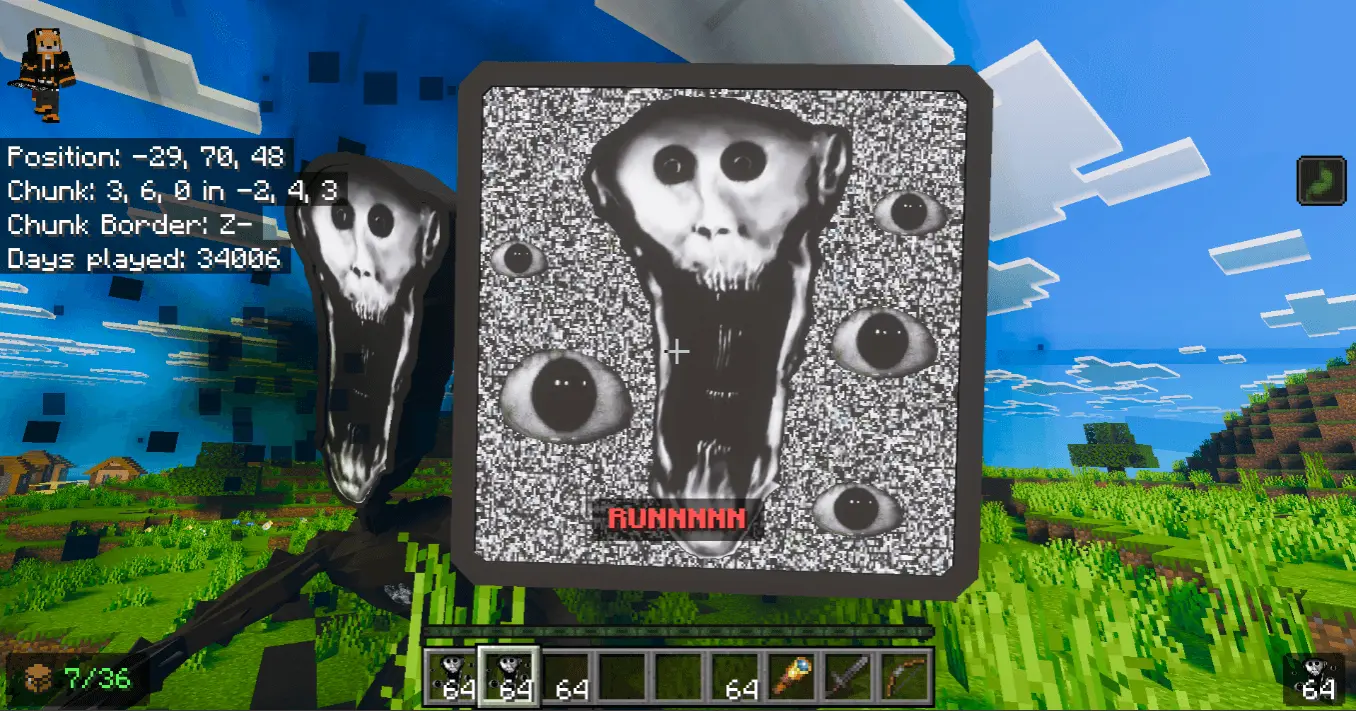
In terms of performance, the map stays relatively light early on, but demands spike hard once the corruption ramps up. Current-gen consoles and PC setups will power through the scripted events without issue. On older phones and budget tablets, however, the heavy glitch overlays and sudden visual distortions will choke your hardware. Having background scripts constantly checking chunks for event triggers, combined with intense particle bursts and screen effects during the hunt, can easily cause severe frame drops and thermal throttling on mobile GPUs. Keeping your render distance around 6 to 8 chunks will help prevent sudden freezes when the entity finally decides to ambush you.
Installation:
— Download McPack
— Install McAddon or McPack files, just open it for this;
— Select new textures in the settings;
— Done.
Comments (0)